Netflix gets blocked in three ways, and the fix differs. An office or school firewall halts the request before it leaves the building. A national block, the kind Russia and China apply, stops it at the border. A library difference shows a shorter catalog. A VPN covers all three in different ways. It gets past the first two blocks, and on the third it swaps one catalog for another.
In our October testing, NordVPN and ExpressVPN unblocked all three Netflix libraries we tried: American, Canadian, and Japanese, while Proton VPN opened all three as well on its paid plan.
How to Unblock Netflix in October 2026
- Subscribe to a VPN. We recommend NordVPN at 69% off.
- Install the app on your phone, laptop, or TV device before you arrive at the restricted network.
- Sign in and switch on the kill switch in settings.
- Connect to a server in a country where Netflix operates and shows the catalog you want.
- Open Netflix and sign in with your own account.
Using a VPN with Netflix breaks the platform’s terms of service, and a school or office network has its own rules on top of that.
Why Netflix Is Blocked Where You Are
Netflix reads the IP address behind every request, which sets both your access and your catalog. Between that and the networks people connect from, three situations produce the same frustration.
- The network blocks it. Schools, universities, and offices filter streaming domains at the router or on the device, usually to protect bandwidth. The request never arrives at Netflix, so the error comes from the network instead of the platform.
- The country blocks it. Netflix suspended its Russian service in March 2022 and has never operated in China, North Korea, Syria, or Crimea, which its own help pages confirm. Visitors there are blocked by Netflix itself.
- The catalog is smaller. Nothing is blocked here. Licensing splits titles by territory, so a show streaming in Tokyo may be absent in Toronto. Changing your Netflix region solves this one, and it’s the most common reason people search for it.
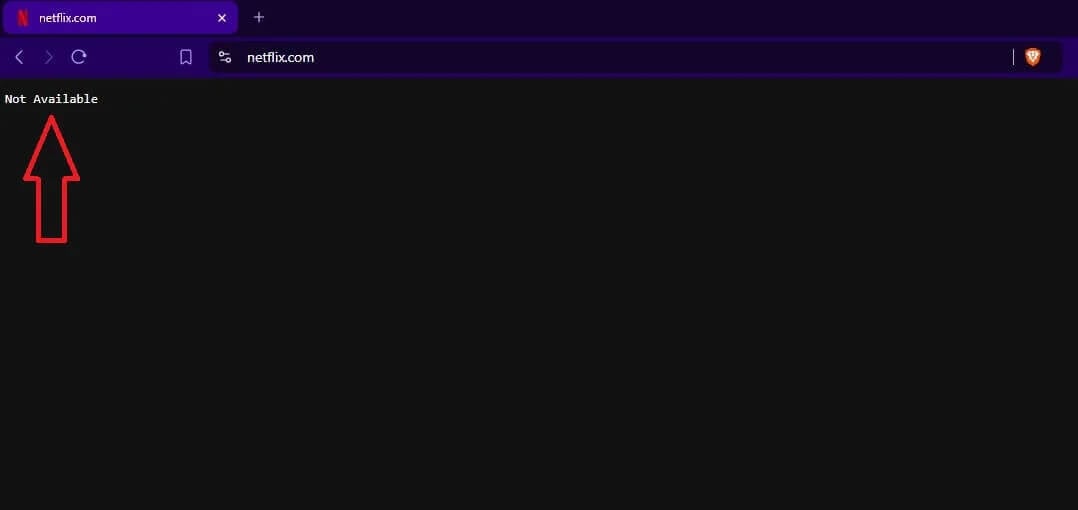
Netflix Unblocked at School: What Works on a School Computer
- On a school Chromebook or laptop, very little works. Administrators control which extensions are installed, block VPN apps and websites by category, and push a certificate that inspects traffic. A VPN app can’t be installed without admin rights, and the proxy sites that rank for unblocked searches are a poor trade: they serve ads, collect data, and several distribute malware. Netflix also blocks most of them.
- On your phone or laptop, a VPN works if the app is installed before you arrive. Networks that filter by category block VPN download pages too, so a device set up at home connects normally on campus. Our school VPN guide covers the setup in more detail.
- Mobile data avoids the question. A phone on its cellular connection never touches the school network, and most students streaming at school are doing it that way.
Gizmodo doesn’t encourage breaking an institution’s acceptable-use policy. Schools and employers set those rules for their networks, and breaking them can cost a student their device privileges or an employee rather more.
How to Unblock Netflix With a VPN
The mechanism is simple. A VPN encrypts your traffic and sends it through a server elsewhere, so the network sees an encrypted connection to that server instead of a request to Netflix, and Netflix sees the server’s IP address instead of yours. Start by subscribing and installing the app. NordVPN covers Windows, macOS, Linux, Android, iOS, Fire TV, and routers, and the Mac app behaves like the Windows one.
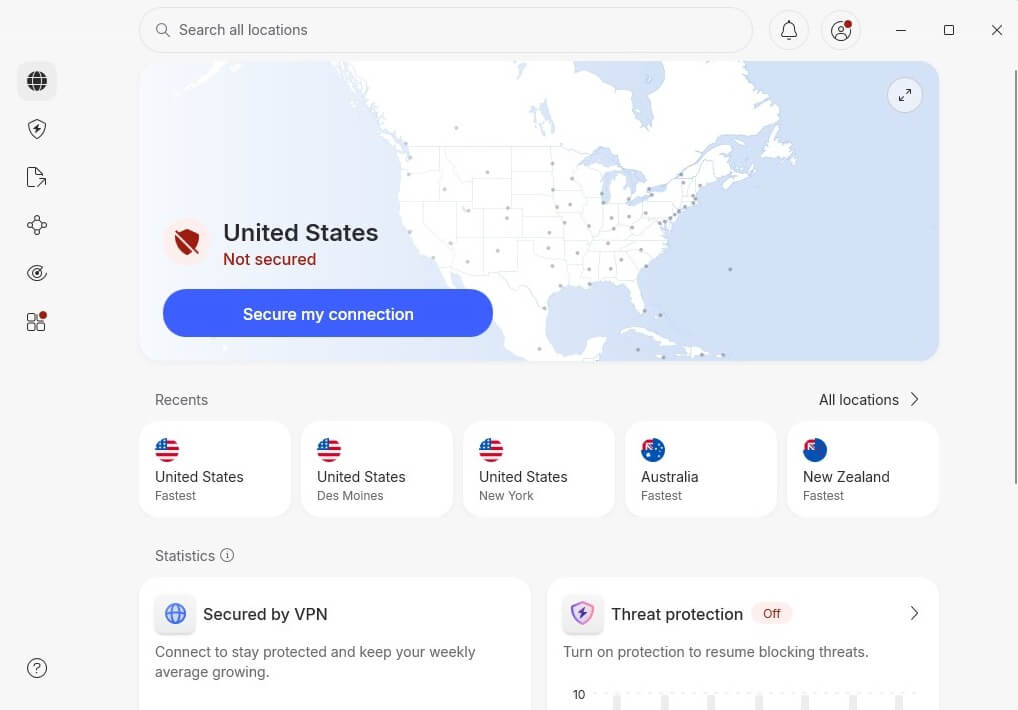
Pick the server by purpose. A nearby country keeps speeds and ping closest to normal, while a specific catalog requires that country’s server. On a filtered network, switch on obfuscation: NordVPN calls it NordWhisper, and it disguises VPN traffic as ordinary web traffic so a firewall that blocks VPNs by signature lets it through. Unblocked Netflix requires your own account, so sign in as usual afterwards.
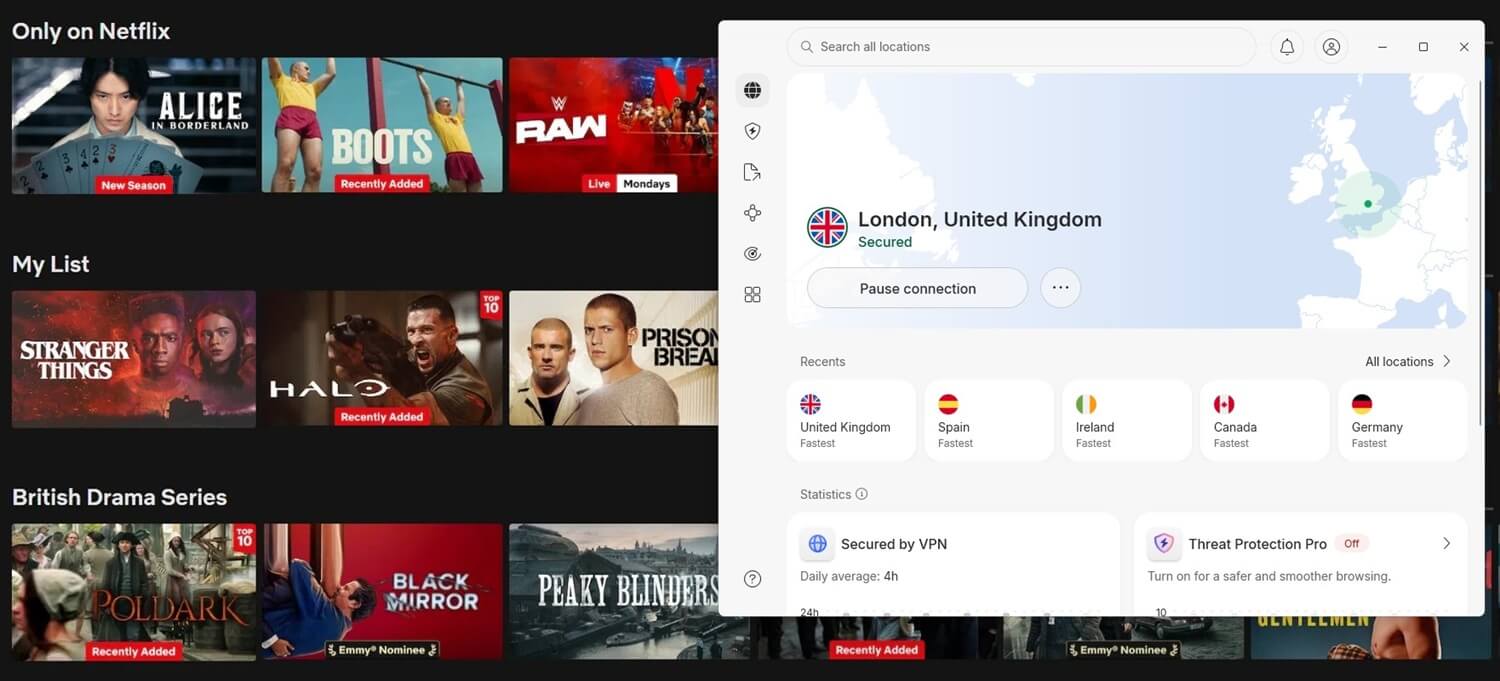
A VPN changes where the connection appears to come from. An account created in one country still bills and behaves as it always did. If a title still won’t play, the usual cause is a stored cookie or a DNS setting from the previous session. Clear the browser data, reconnect, and reload.
Is Unblocking Netflix Legal?
Using a VPN is legal in most countries, and Netflix has never taken action against a subscriber for it. Netflix’s terms of use say content may be viewed primarily within the country where the account was established, and only where Netflix licenses that content. Enforcement comes through blocking known VPN IP addresses, and accounts stay open. The licensing behind it explains why.
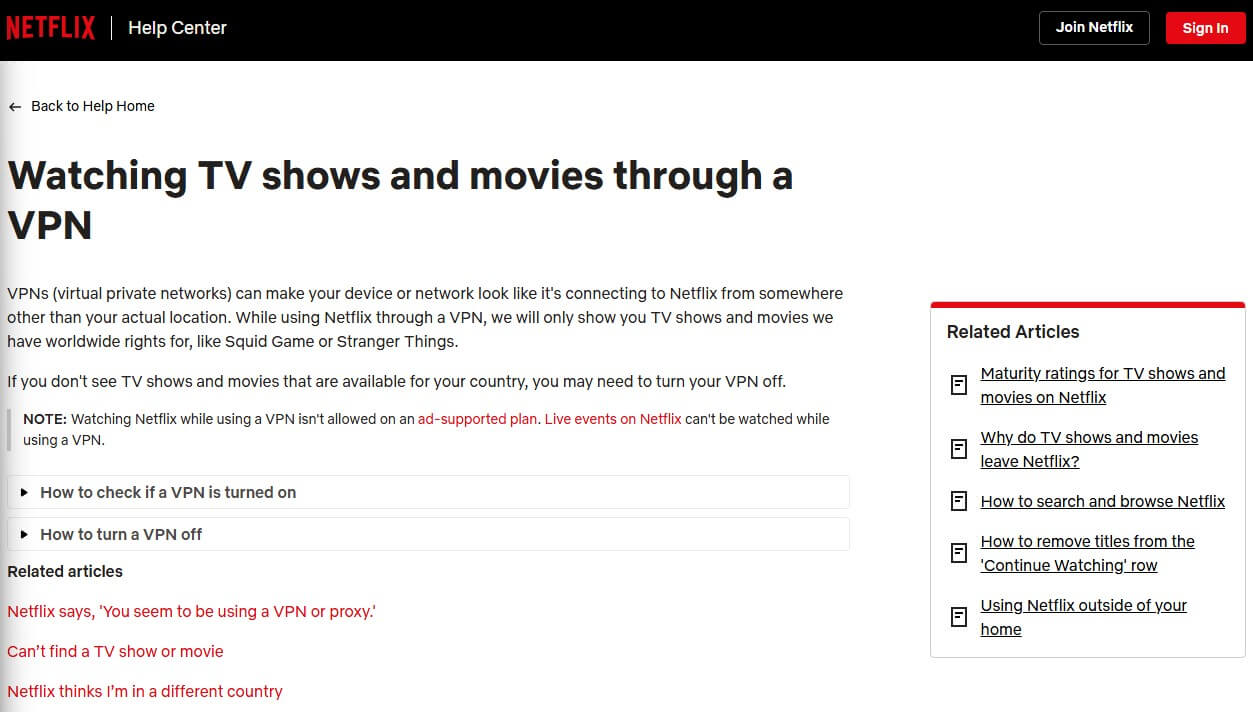
Titles Netflix produces itself stream in every country it serves, while everything else is licensed territory by territory and has to disappear at each border. Gizmodo doesn’t condone copyright violation, and a paying subscriber opening their own account from a hotel abroad is a long way from it. Countries that block Netflix at the national level are a separate matter, and local law governs what a resident may do about that.
Which VPNs Unblock Netflix
We tested ten VPNs against 14 streaming platforms in October, including Netflix in three countries, from a 190.36 Mbps connection. These three did best. Our fuller Netflix VPN ranking goes through the rest of the field.



 9200 servers
 128 covered countries
 30 days money-back guarantee
 10 simultaneous connections
9.4 /10

20396 servers
148 covered countries
30 days money-back guarantee
10 simultaneous connections
9.2 /10

3000 servers
105 covered countries
30 days money-back guarantee
10 simultaneous connections
9.1 /10
1. NordVPN: Best Overall for Netflix
Pros
- Every Netflix library unblocked
- NordWhisper defeats network filters
- Fastest US servers tested
- Fire TV app included
- Ad and malware filtering
Cons
- Weakest London ping
- Renewal costs more
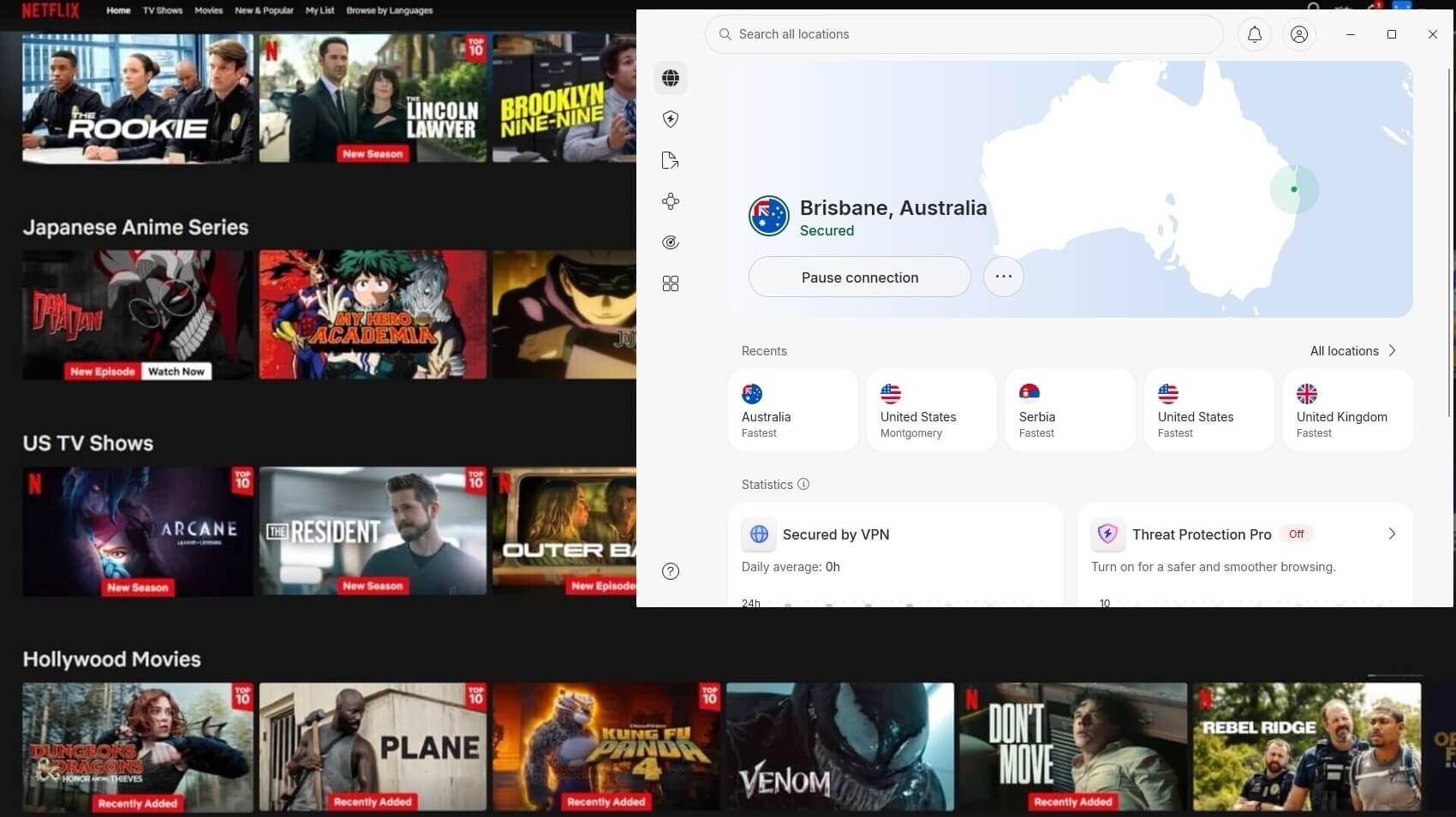
NordVPN unblocked every Netflix library in the round and all 14 platforms alongside them. Its American servers measured 181.50 Mbps against a 190.36 Mbps connection, enough headroom for 4K on several screens at once, and 9,500+ servers across 149 countries cover the catalogs people usually want. NordWhisper matters on a filtered network, since it presents VPN traffic as ordinary web traffic.
Threat Protection Pro screens out ad and tracker domains, and Deloitte verified the no-logs policy for a sixth time in February 2026. Apps cover smart TVs, Fire TV Stick and routers as well as phones and laptops. A 60 ms ping to London was its weakest result in our tests, but it’s still not that high even for gaming. The Basic plan costs $3.49 a month, refundable within 30 days.
2. Proton VPN: Best Netflix VPN for Privacy
Pros
- All 3 Netflix libraries
- Swiss jurisdiction
- Open-source clients
- Stealth protocol included
- 149 countries covered
Cons
- Hulu and Disney+ blocked
- Slower support replies
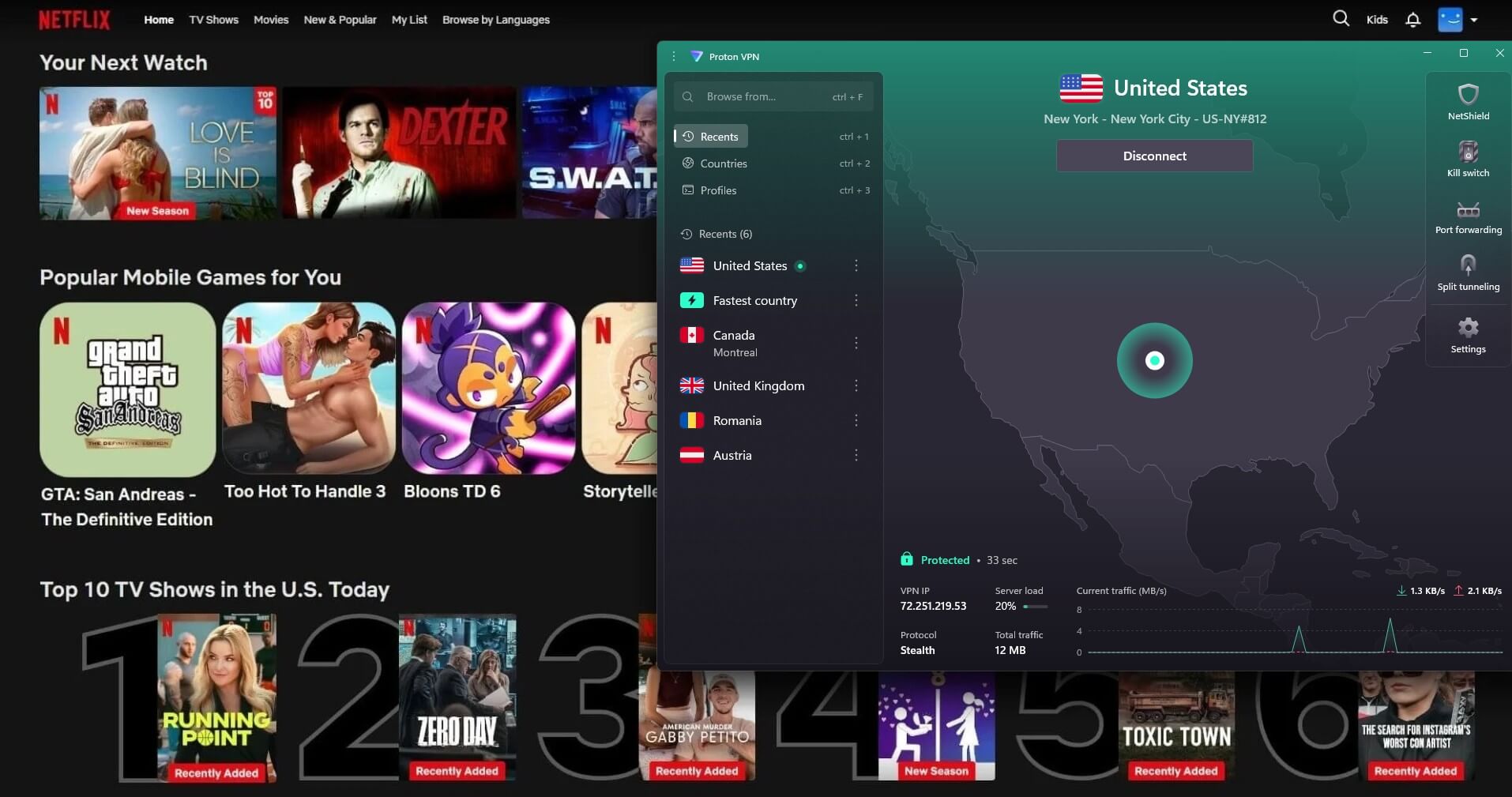
Proton VPN is the pick for a catalog switch that collects as little as possible about the person making it. Sign-up takes cash, the company answers to Swiss law, its clients are open to inspection, and Swiss authorities once requested user data the company could not produce. All three Netflix libraries opened on its paid plan, and its British servers measured 178.89 Mbps with a 49 ms ping, second only to ExpressVPN in our round. Its 149 countries cover the catalogs people search for.
Stealth covers networks that filter VPN traffic by signature. It trails on streaming beyond Netflix. It was blocked on 4 platforms, Hulu and Disney+ among them, for 10 of the 14 against 14 for the other two here. Proton VPN Plus comes in at a little under $3 a month on the 2-year plan, with a month to change your mind.
3. ExpressVPN: Quickest for 4K Streaming
Pros
- All 3 catalogs unblocked
- Best long-distance download
- Obfuscation needs no toggle
- MediaStreamer for consoles
- 214 streaming locations
Cons
- MultiHop missing
- Few settings to adjust
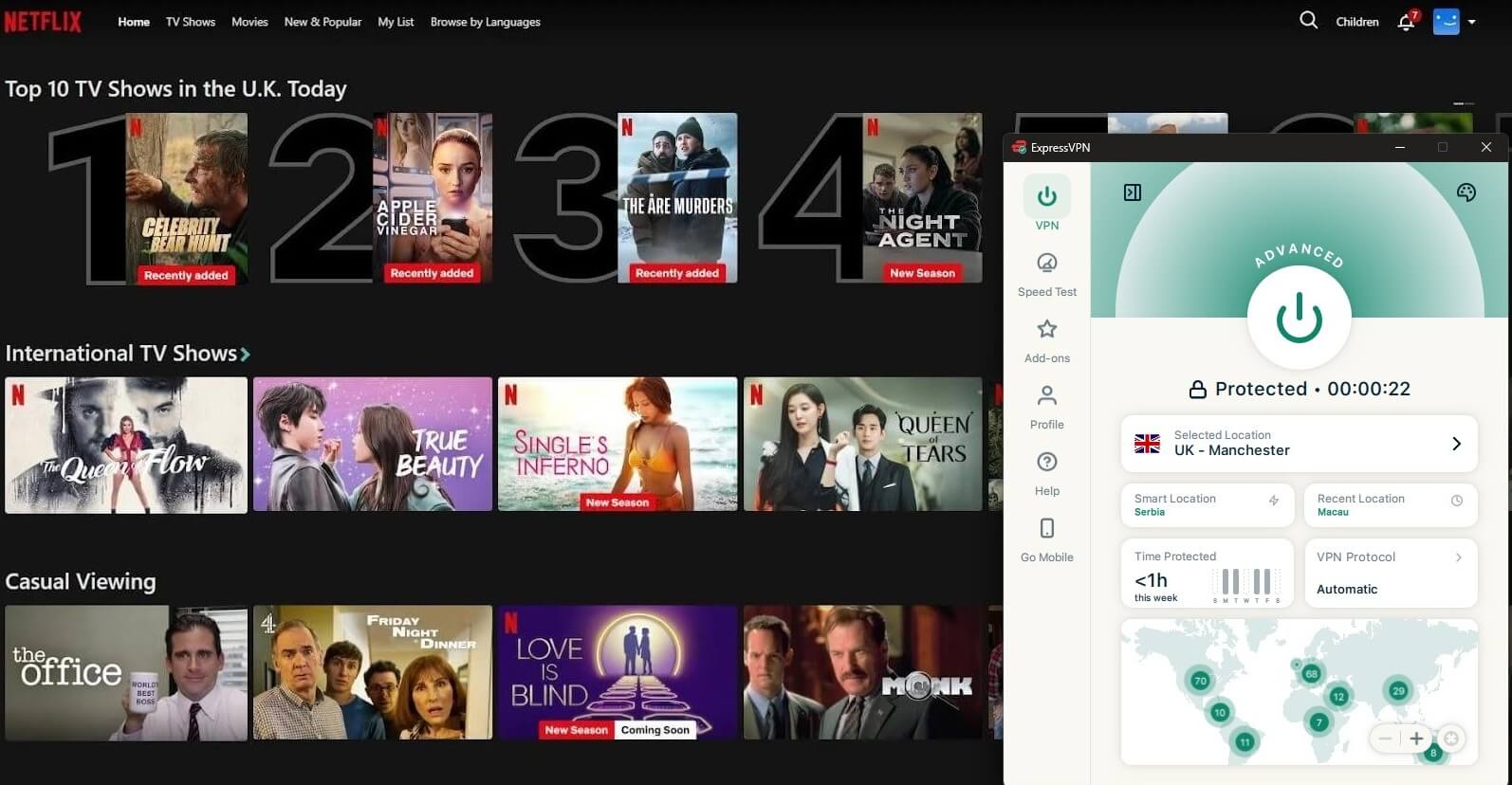
ExpressVPN matched NordVPN on Netflix and beat everything on responsiveness. Its 44 ms British ping led the round, paired with 185.74 Mbps, and Japan came in at 163.94 Mbps, the best long-distance result we recorded. Obfuscation applies to every connection, which suits a network that blocks VPNs by signature. MediaStreamer covers consoles and older smart TVs, and 214 locations cover the main catalogs.
Customization suffers for it. MultiHop is absent, the settings menu is short, and a Windows 11 app sometimes refuses to connect until it’s restarted or reinstalled. ExpressVPN comes to $2.99 monthly over 28 months.
Can a Free VPN Unblock Netflix?
Rarely, and the monthly data limit closes off the ones that work. Our testing found two exceptions. Windscribe’s free VPN unblocked all 3 Netflix libraries, and PrivadoVPN’s opened the American one. Video streaming requires a subscription at both Proton VPN and Hide.me. Data is the harder restriction for both exceptions, at 10 GB a month.
Netflix’s own figures put 4K playback at up to 7 GB an hour, so 10 GB covers roughly 90 minutes before the month is spent. Dropping to standard definition stretches it to about 10 hours, at a quality few would choose. Our free VPN ranking sets out each allowance in full.
Conclusion
Three different problems get called a Netflix block, and only two come from Netflix. A firewall stops the request on the way out, a national block stops it on arrival, and a short catalog is licensing at work. A VPN gets Netflix unblocked in any case. For the third, any server in the right country loads that country’s catalog. All three paid VPNs here unblocked every Netflix library we tested, and free plans exhaust their data before a film finishes.
Frequently Asked Questions
Can I get Netflix unblocked at school?
No, not on a school-owned device, which blocks app installation. On a personal phone or laptop, a VPN works, while the proxy sites promising unblocked Netflix are blocked by the platform.
How do I watch Netflix on a school computer?
Not on school equipment, which prevents installs and filters streaming by category. Mobile data on a personal phone is the practical alternative.
Can I unblock Netflix without a VPN?
Yes, against a network block. Switching to mobile data takes the phone off the school or office Wi-Fi, and Netflix loads normally. A country block or another catalog requires an IP address from abroad.
Is unblocking Netflix legal?
Yes, in most countries. The restriction is contractual, since Netflix terms limit viewing to the country of registration, and enforcement means blocked connections instead of closed accounts.
Can a free VPN unblock Netflix?
No, with two exceptions. Windscribe's free VPN unblocks some Netflix libraries, and PrivadoVPN works with Netflix US. Both cap at 10 GB of data
Does Netflix ban accounts for VPN use?
No. The platform blocks the connection and shows a proxy error instead, and no subscriber has been reported losing an account over it.
Which VPN unblocks the most Netflix libraries?
NordVPN, Proton VPN, and ExpressVPN unblock the most libraries, including the most popular ones, like the UK, the USA, Japan, and Canada.