Canceling NordVPN takes about 2 minutes. Getting your money back takes one extra step that plenty of people miss, because turning off auto-renewal and requesting a refund are 2 separate actions. NordVPN honors its 30-day money-back guarantee, and we’ve claimed it more than once to confirm.
There are conditions. The biggest one: the guarantee covers your first purchase, not your renewal. Here’s the cancellation process on every platform, the refund request that follows, and what to do if the refund button never appears.
NordVPN Refund Policy: What’s Actually Covered
The essentials, straight from NordVPN’s own terms:
- 30 days from your first purchase. The clock starts the moment you pay, not when you install the app; keep this in mind.
- Every plan length qualifies. Monthly, 1-year, and 2-year plans.
- Renewals are not covered. Once your subscription auto-renews, that payment falls outside the guarantee unless local law says otherwise
- One refund per account. A second request on the same initial payment gets declined
- Where you bought it decides who refunds you. Purchases from nordvpn.com are handled in-house. App Store and Google Play purchases go through Apple and Google
- Crypto payments need email. The dashboard refund flow doesn’t cover them, so contact customer support directly yourself
Short version: if you’re inside 30 days of your first payment and you bought from NordVPN.com, the refund is yours. Here’s how to claim it.
How to Cancel NordVPN Subscription on Every Platform
Canceling stops the next charge. It doesn’t return the money you already paid, which is why the refund request in the next section still matters.
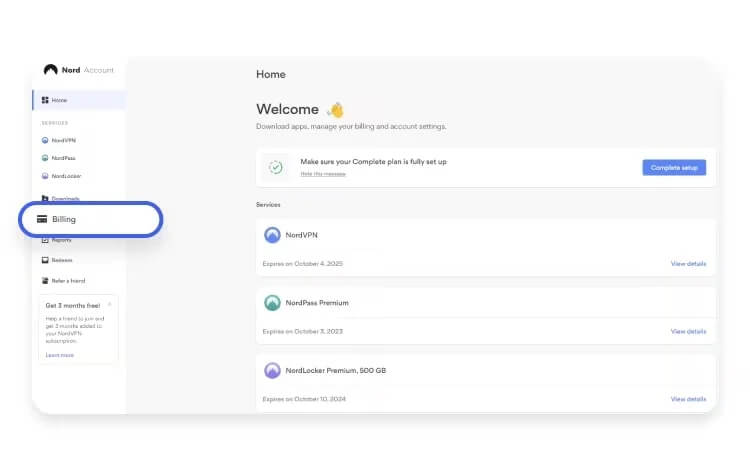
On Desktop or Web (Bought from NordVPN.com)
- Log in at nordvpn.com with your account credentials.
- Find the “Billing” section.
- Click “Subscriptions”, then “Disable Auto-Renewal”.
Your subscription stops renewing, and your account stays active until the billing cycle ends. The cancel option sometimes hides behind the 3 dots next to your plan.
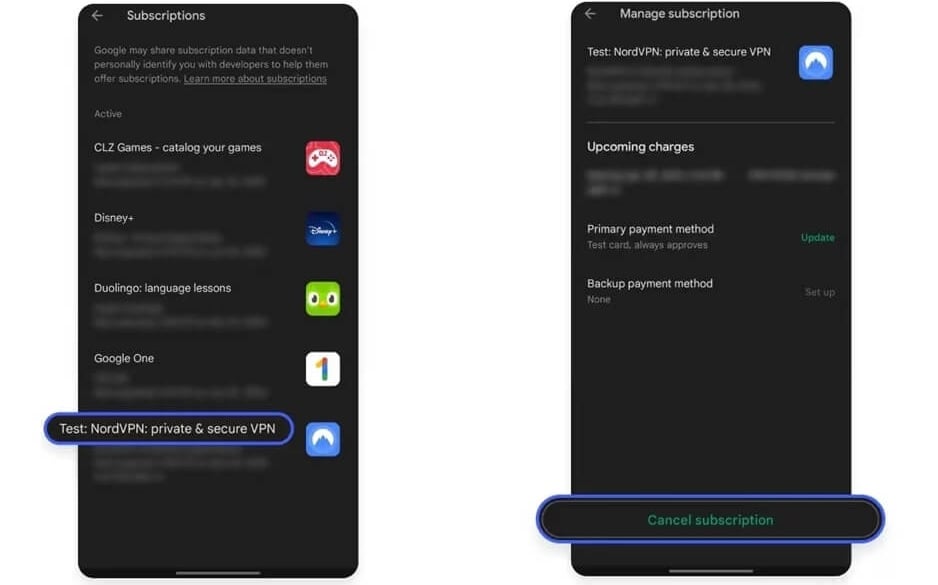
On Android (Bought via Google Play)
- Open the Google Play Store app.
- Tap your Profile icon in the top-right corner.
- Select Payments & Subscriptions, then Subscriptions.
- Find NordVPN, tap it, then tap “Cancel Subscription”.
Billing stops there. Google handles the money, and its own refund window is much shorter than 30 days, so move quickly and contact NordVPN support if Google declines.
On iOS (Bought via the App Store)
Apple manages these subscriptions end to end, so NordVPN can’t issue the refund itself.
- Open Settings on your iPhone or iPad
- Tap your Apple ID profile, then Subscriptions
- Tap NordVPN and select “Cancel Subscription”
For the money, submit a request through Apple’s refund request page. Approvals vary, and a recent purchase with a clear reason has the best odds. App Store purchases create this detour. A subscription bought on nordvpn.com stays under NordVPN’s 30-day policy, even when the VPN is only used on phones and tablets.
If You Paid Through PayPal
- Log in to your PayPal account
- Go to Settings > Payments > Manage Automatic Payments
- Select NordVPN, then click “Cancel”
PayPal only stops future charges. The refund itself still comes from NordVPN, so follow the steps discussed in this NordVPN Cancelation guide.
How to Cancel NordVPN and Get a Refund
Refunds are never automatic. You have to ask for them
Via Live Chat (Fastest)
- Open NordVPN’s website and click the chat bubble in the bottom-right corner
- Choose “Live Chat” and give the email address on your account
- Say you’d like a refund under the 30-day money-back guarantee
- Support sends a secure link to your Nord Account dashboard
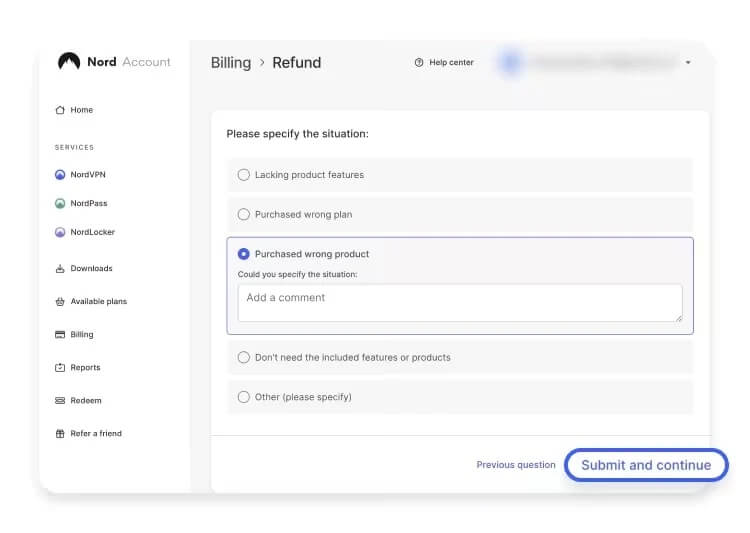
- Open it, verify the account, and select Refund beside the eligible payment
An agent may ask why you’re leaving. “The service didn’t meet my expectations” is enough, and the whole exchange usually runs under 10 minutes. If the Refund button isn’t there, the payment falls outside the policy: more than 30 days old, already refunded once, or a renewal instead of an initial purchase.
Via Email or Support Ticket
Slower, but it works across time zones, and it’s the only option for crypto purchases. Use the contact form at nordvpn.com/contact-us and include your account email, your plan, and a short reason. Expect a reply in 24 to 48 hours.
When the Money Arrives
- Credit and debit cards: 5 to 10 business days
- PayPal and Google Pay: often 48 to 72 hours
- How it shows up: as a credit, a reversal, or a separate refund line, depending on your bank
Nothing after 10 business days? Check your statement for a reversed charge, which doesn’t always appear under the NordVPN name, then follow up on chat.
How to Cancel NordVPN in the UK
The process is identical for UK subscribers. There’s no separate UK portal, no different support queue, and no extra paperwork. Cancel through your Nord Account, request the refund on live chat, and the money returns to the card or PayPal account you paid with, in pounds.
UK shoppers also have statutory cancellation rights on online purchases, though those run for 14 days. NordVPN’s guarantee gives you 30 days, so the guarantee is almost always the better option to use.
What Happens After You Cancel
- Access continues to the end of your billing cycle. Canceling on day 2 or day 29 makes no difference. If the refund clears first, though, your account goes inactive at that point
- Your account stays open. Canceling a subscription doesn’t delete it, so you keep access to invoices and settings
- You can come back anytime. NordVPN doesn’t blacklist former customers, and resubscribing on the same email usually preserves your saved preferences
- Minimal data is kept. Your email, billing history, and support tickets remain. Your VPN activity was never recorded in the first place, so there’s nothing there to delete
- Full deletion is a separate request. Ask support for permanent data removal if you want the account itself gone
Best Alternatives to NordVPN
NordVPN earns its ranking, but it isn’t the only option. These 3 held up well in our testing, and each one answers a different reason for leaving. For a longer list, see our full rundown of NordVPN alternatives in 2026.
1. Proton VPN: Best for Privacy
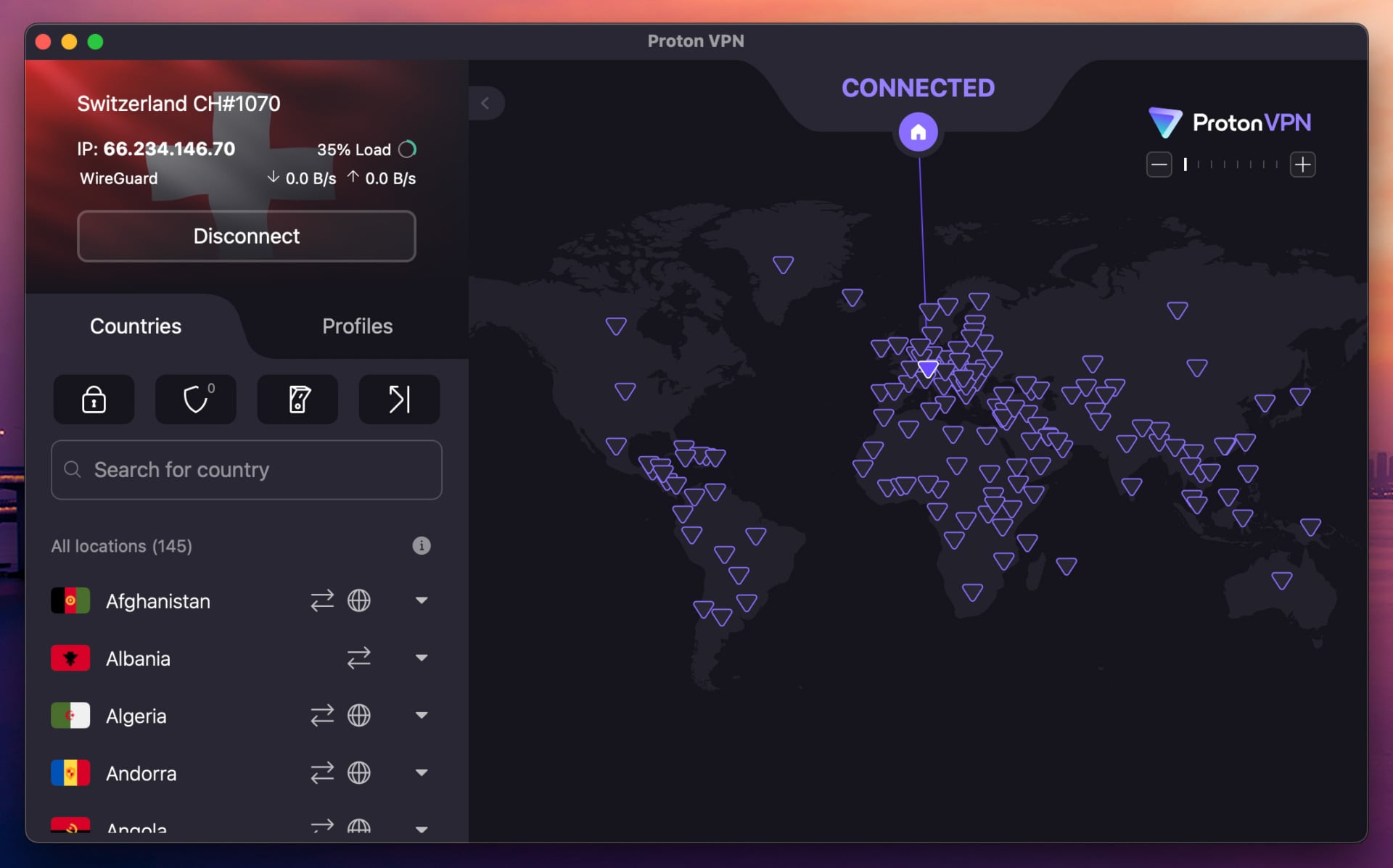
Proton VPN is the pick if privacy drove your decision. The Swiss VPN publishes its app source code, submits to independent no-logs audits, and has 20,000+ servers in 148 countries. Secure Core adds a second hardened hop, NetShield blocks ads and trackers at no extra cost, and there’s a usable free tier if you want to test before paying. Plans start at $2.99/mo on the 2-year term, $71.76 for the full period.
Pros
- Swiss jurisdiction, clean track record
- Open-source, independently audited apps
- 20,000+ servers in 148 countries
- Free plan with unlimited data
Cons
- No post-quantum encryption
- No Smart DNS
2. ExpressVPN: Best for Streaming and Simplicity
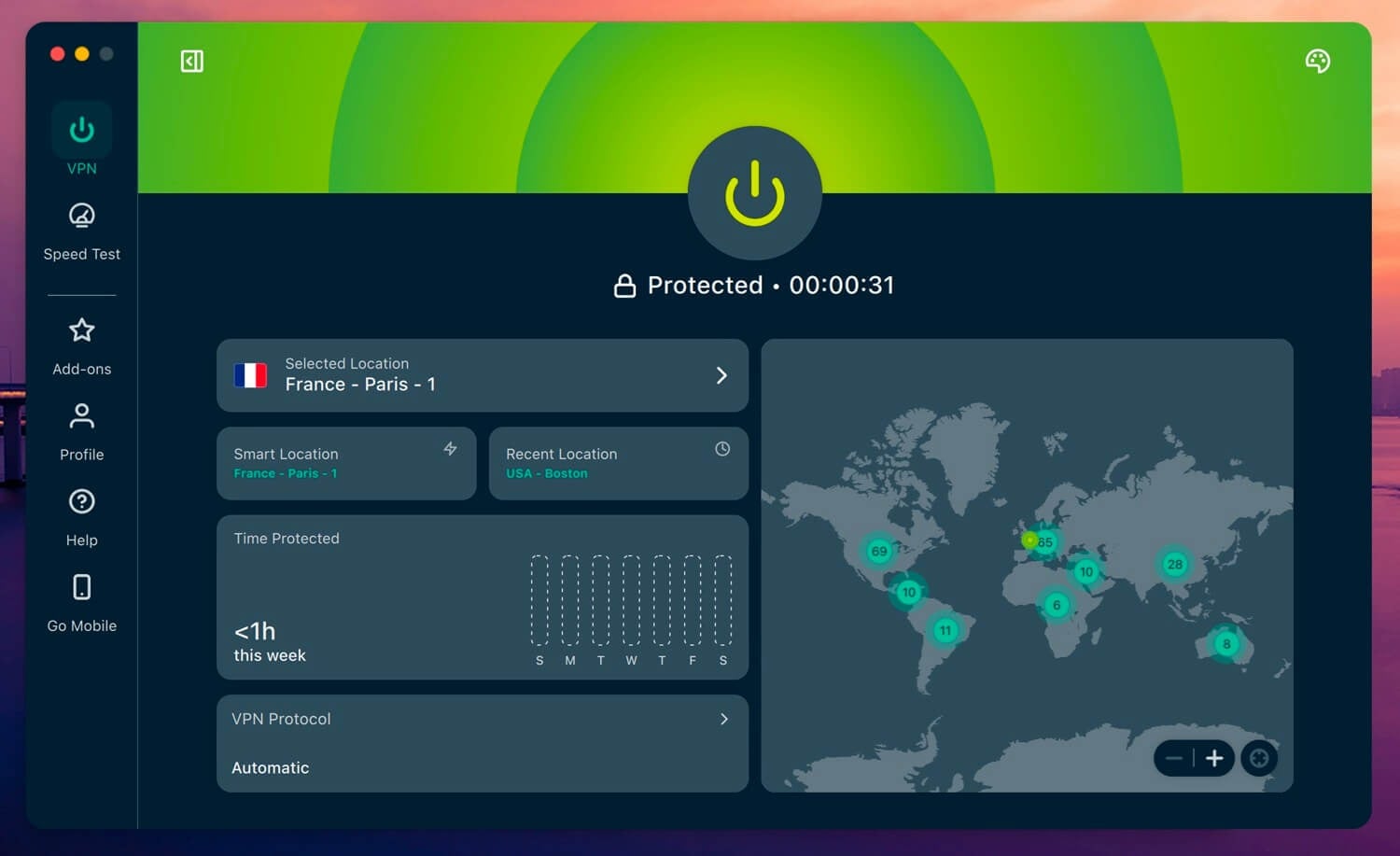
ExpressVPN suits anyone who found NordVPN’s app too busy. Its clients are identical across platforms and take seconds to learn, whether you’re on a Fire TV Stick or a phone. Lightway and WireGuard are available, post-quantum encryption is included, and it ranks near the top of our speed testing. The network is RAM-only, and multiple audits back the no-logs policy. The Basic tier costs $2.99/mo across a 28-month term totaling $83.72, though it renews at $99.95 a year.
Pros
- Very simple VPN app
- Opens every major streaming platform
- Post-quantum encryption included
- RAM-only TrustedServer network
Cons
- Renews at $99.95 yearly
- Costs more than the others
3. Private Internet Access: Cheapest Option
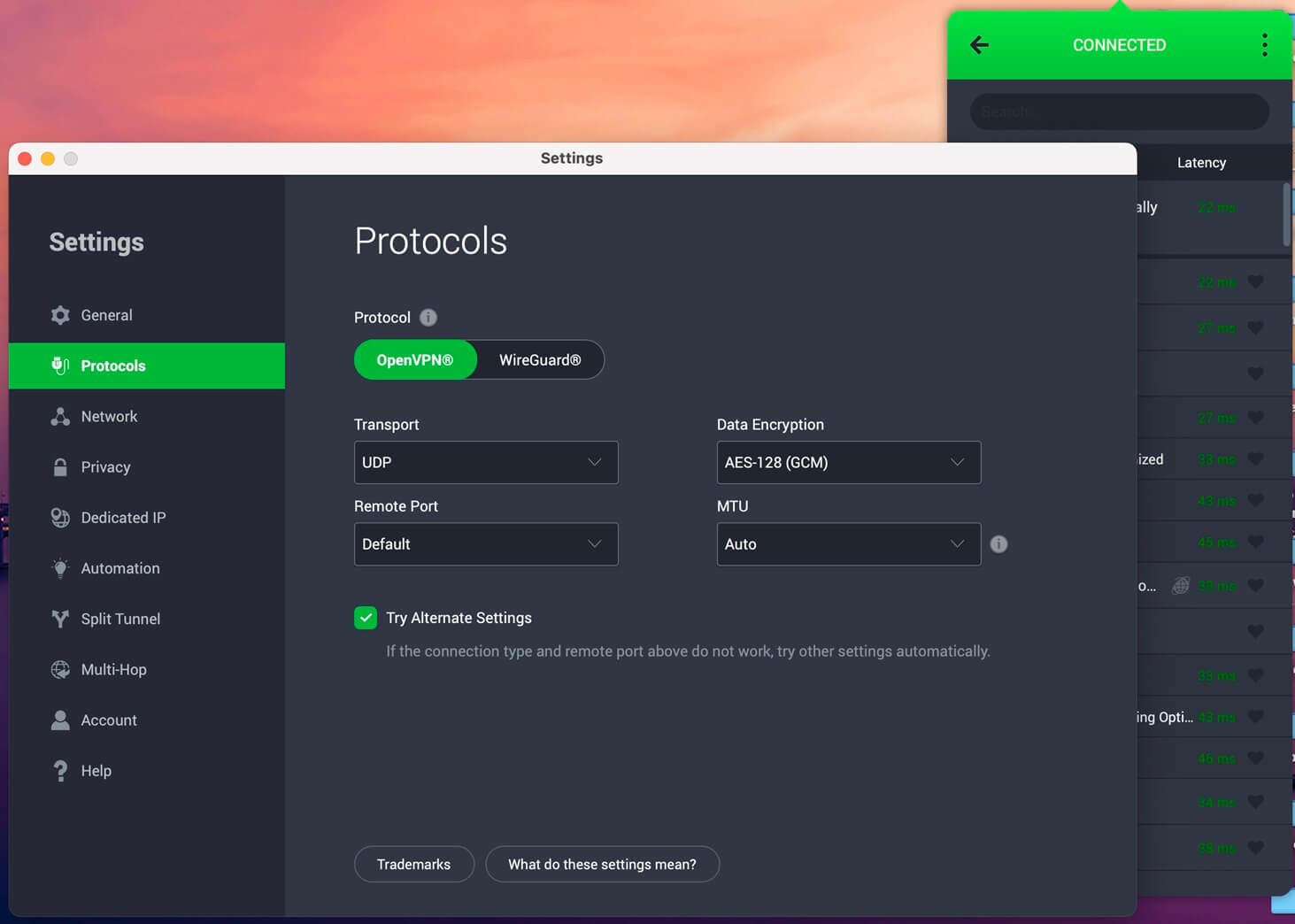
PIA rewards anyone who likes to tinker, with control over protocols, encryption strength, and port configuration. Split tunneling, multi-hop, and SOCKS5 proxy access are included; its apps are open source, and the MACE blocker filters ads and trackers. It also allows unlimited connections, which no other major VPN matches at this price. Pricing starts at $2.19/mo, or $56.94 for the 2-year term and the same figure each year after. Our full PIA review and the PIA and NordVPN head-to-head cover it.
Pros
- Best low-cost VPN
- Unlimited simultaneous connections
- Open-source apps
- No-logs claim tested in court
Cons
- Outdated interface
- Seldom slowdowns
Buy at Private Internet Access
Canceling NordVPN: Final Considerations
Two things decide whether this goes smoothly. First, cancel and request the refund as separate steps, since turning off auto-renewal alone leaves your money where it is. Second, watch the 30-day window against your first payment date, because the guarantee doesn’t extend to renewals. Bought through Apple or Google? Those refunds belong to the store, not to NordVPN.
Paid in crypto? Email support instead of using live chat. NordVPN remains a strong service, and leaving it says nothing more than that it wasn’t the right fit for you. Proton VPN answers a privacy objection, ExpressVPN answers a usability one, and PIA answers a price one. All 3 come with their 30-day guarantee, so testing a replacement costs you nothing but setup time.
NordVPN Cancellation and Refund: FAQ
🚫 Can you cancel NordVPN anytime?
Yes. Auto-renewal can be switched off at any point in the subscription, and access continues until the paid period ends. Canceling after the 30-day window closes stops future billing without returning the current payment.
⏸️ Can you refund NordVPN after 30 days?
No, not under the money-back guarantee. The refund option disappears from the Nord Account dashboard once 30 days have passed from the initial payment. Contacting support is still worthwhile if there were service failures or a billing error, since those are handled separately.
🔄 Does the 30-day guarantee cover renewals?
No. It applies to the first purchase of a subscription only. A payment taken when a plan auto-renews falls outside the policy unless local consumer law requires otherwise, the most common reason a refund request gets declined.
📅 How long does a NordVPN refund take?
Card refunds take 5 to 10 business days. PayPal and Google Pay usually complete within 48 to 72 hours. The charge sometimes appears as a reversal on the original transaction instead of a separate credit.
🚩 Does canceling NordVPN delete the account?
No. Canceling ends the subscription and leaves the account. Permanent deletion requires a separate request to customer support.
📊 What happens to VPN activity data after cancellation?
Nothing, because none was stored. NordVPN's audited no-logs policy means browsing history, IP addresses, and DNS queries are never recorded.