NordVPN wins most head-to-head tests we run, and this page doesn’t dispute that. What it can’t do is suit everyone. The 10-device cap, the mid-tier price, and the absence of a free plan all push some readers toward something else. Five providers do those specific jobs better in 2026.
The best NordVPN alternatives don’t win across the board, so each entry below names the one thing it beats NordVPN at and what you trade for it. Pick the NordVPN substitute that fixes your complaint. If you want the baseline first, start with our full NordVPN review. Now, the recap.
Best NordVPN Alternatives Ranked: October 2026 Update
- Proton VPN: Best NordVPN Substitute for Privacy
- ExpressVPN: Best NordVPN Alternative for Simplicity
- Private Internet Access: Cheapest NordVPN Alternative
- Surfshark: Best Multi-Device Alternative
- CyberGhost: Best NordVPN Alternative for Streaming
Compare the Best NordVPN Alternatives
Here are the best NordVPN alternatives reviewed, but before we move on, the table below should provide a good overview.
| Servers | Devices | 2-Year Price | Refund | Beats NordVPN At | |
| NordVPN | 9,500+ in 149 countries | 10 | $3.49/mo | 30 days | N/A |
| Proton VPN | 20,000+ in 148 countries | 10 | $2.99/mo | 30 days | Privacy record, free tier |
| ExpressVPN | 3,000+ in 113 countries | 10-14 | $3.49/mo | 30 days | Simpler apps |
| PIA VPN | Servers in 91 countries | Unlimited | $2.19/mo | 30 days | Device count, price |
| Surfshark | 4,500+ in 100 countries | Unlimited | $2.49/mo | 30 days | Extras per dollar |
| CyberGhost | 12,000+ in 100 countries | 7 | $2.19/mo | 45 days | Refund window |
1. Proton VPN: Best NordVPN Alternative for Privacy
Pros
- Open-source apps
- Cheaper than NordVPN
- 148 VPN countries
- Secure Core servers
- NetShield ad blocker
- Free and paid tiers
Cons
- Slower than NordVPN
- Complex app interface
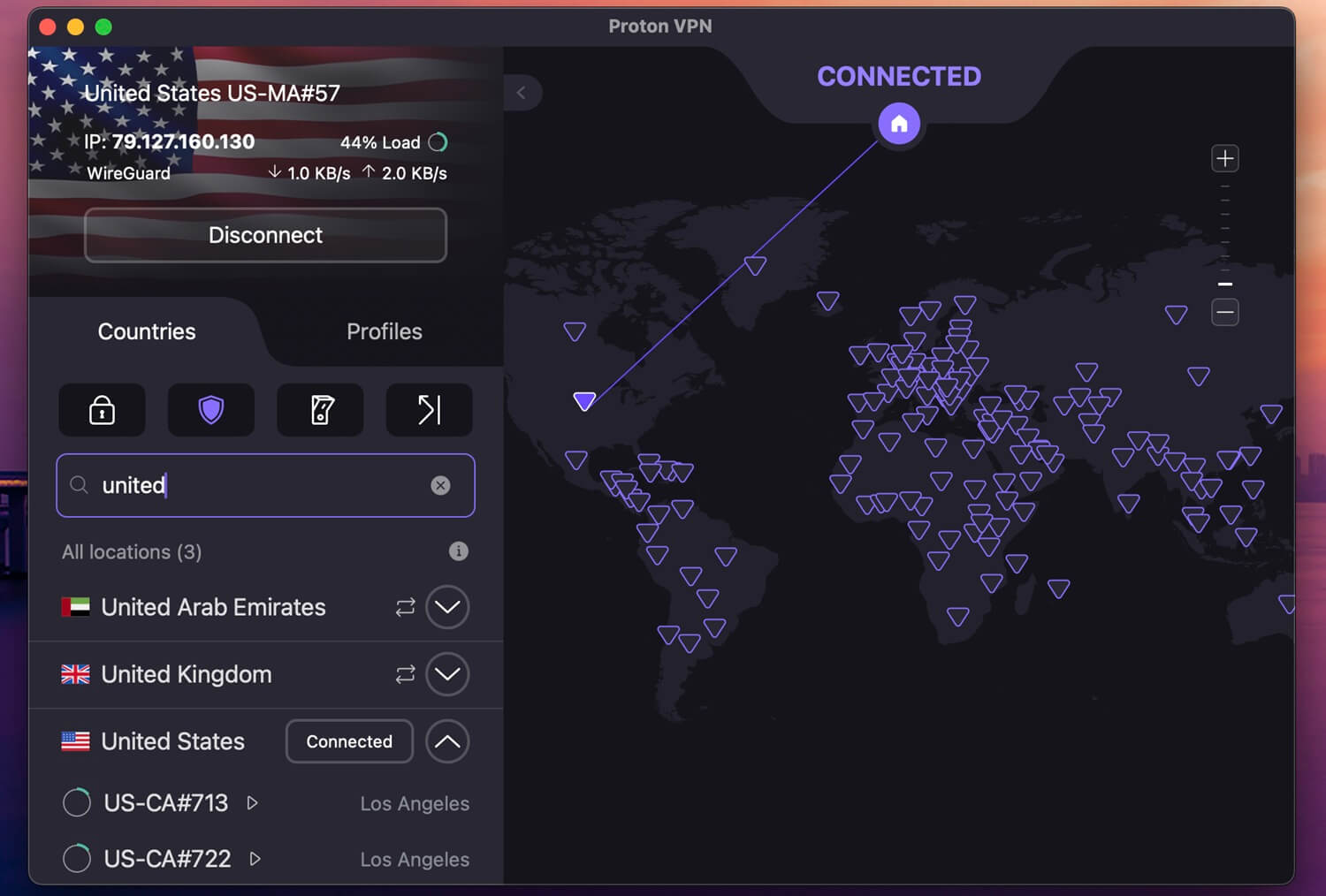
Proton VPN takes the top spot for outdoing NordVPN on more fronts than anything else here. It operates from Geneva, outside the 5, 9, and 14 Eyes alliances, and it’s the only major VPN with a fully open-source codebase across every app. Audits come from Mozilla and Securitum. The network reaches 20,000+ servers in 148 countries, a coverage that matches NordVPN.
Secure Core routes your traffic through a second Proton-owned server before it exits, NetShield strips ads and malware, and Stealth handles restrictive networks. Tor over VPN is built in. Our Proton VPN testing cleared several Netflix libraries, and P2P has dedicated servers. Apple TV and Firestick apps are covered too, which NordVPN matches, but many rivals don’t.
Plus costs $2.99/mo on the 2-year term with 10 connections. Its free plan is the only one we still recommend: no data cap, though you’re limited to one device, 10 countries, throttled speeds, and no P2P.
2. ExpressVPN: Solid Option for Beginners

Pros
- User-friendly apps
- Servers in 210+ locations
- As fast as NordVPN
- Good for unblocking
- Up to 14 devices per plan
Cons
- Thinner features set
- High renewal price
ExpressVPN is the closest like-for-like swap. The British Virgin Islands provider fields 3,000+ servers across 113 countries and 214 locations after a July 2026 expansion, all on 10 Gbps hardware. Its Lightway protocol, rebuilt in Rust, ships with post-quantum protection enabled, and the Turbo variant is among the fastest we’ve measured. Streaming is where it earns the spot. Netflix, Hulu, Prime Video, and Max all opened without fuss in testing.
Its privacy setup pairs AES-256 with TrustedServer RAM-only infrastructure and a no-logs policy that has cleared repeated third-party audits. The tier split means Basic now starts at $3.49/mo, matching NordVPN, while Express Pro covers 14 devices. The trade-off is depth. You lose Meshnet, Double VPN, and NordVPN’s wider specialty server menu.
3. Private Internet Access: Cheapest NordVPN Substitute
Pros
- Unlimited devices
- Affordable ($2.19/mo)
- MultiHop connections
- Shadowsocks obfuscation
- No logs proven in court
Cons
- Inconsistent speed
- Confusing UI
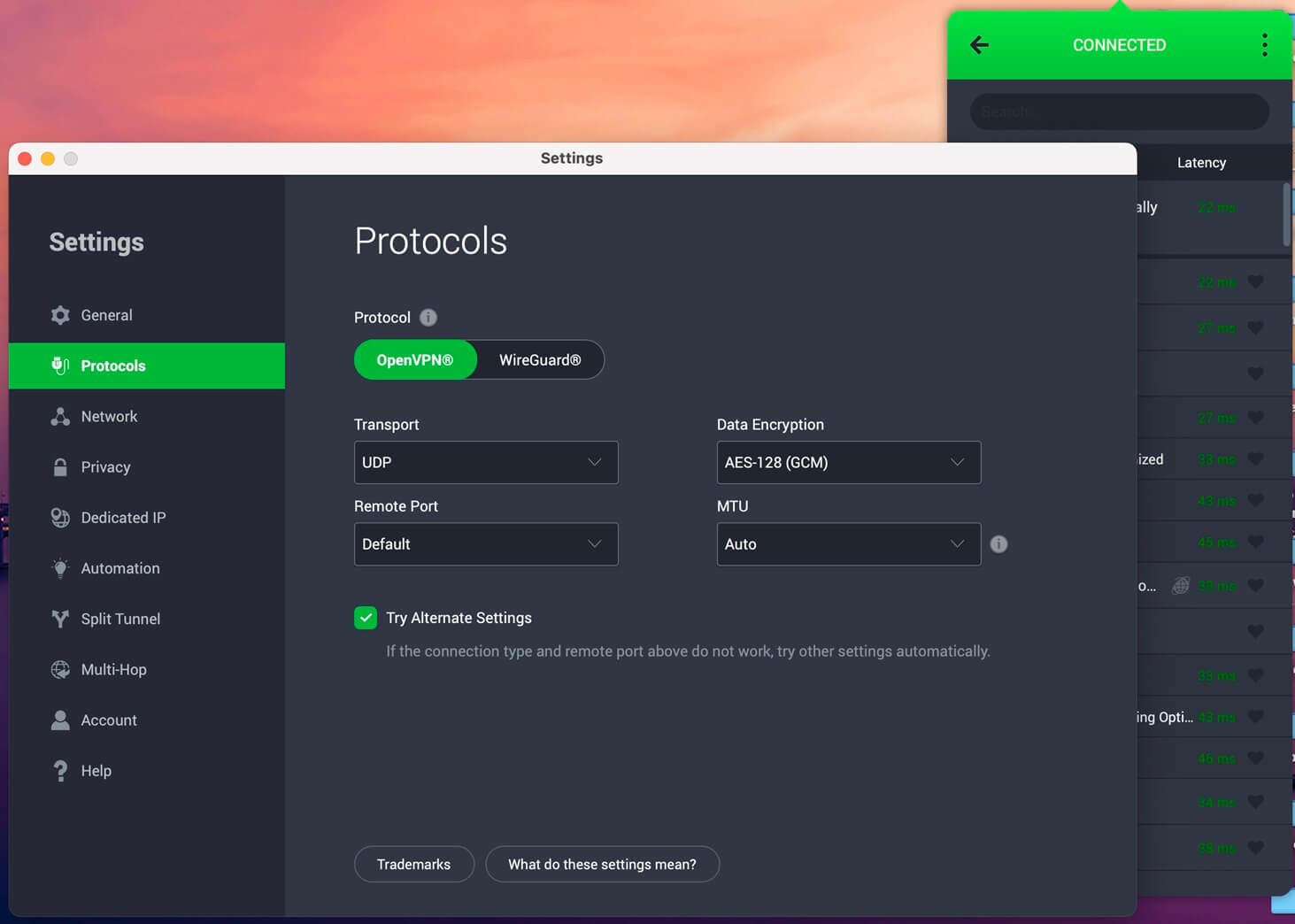
PIA is the budget answer to NordVPN alternatives 2026. It allows unlimited simultaneous connections, so one subscription covers an entire household with no counting. At $2.19/mo, it also undercuts NordVPN by more than a dollar. The fleet passes 26,000+ servers in 91 countries, with coverage in all 50 US states. PIA owns and controls that hardware directly, though.
It doesn’t rent servers from third-party data centers, which is unusual at this price. Encryption is AES-256 alongside DNS leak protection, a kill switch, and open-source apps you can inspect yourself. Our PIA review confirmed the no-logs policy, which has been tested in court and held up, and Deloitte has audited it since. Linux users get a full graphical app, not a terminal.
The catch is jurisdiction. PIA is US-based, inside Five Eyes, and its streaming results are less consistent than Proton VPN’s and NordVPN’s.
4. Surfshark: Best for Unlimited Connections
Pros
- Unlimited devices
- Best VPN for Netflix
- Full-on antivirus tool
- Many advanced features
Cons
- Slower than NordVPN
- Smaller server network
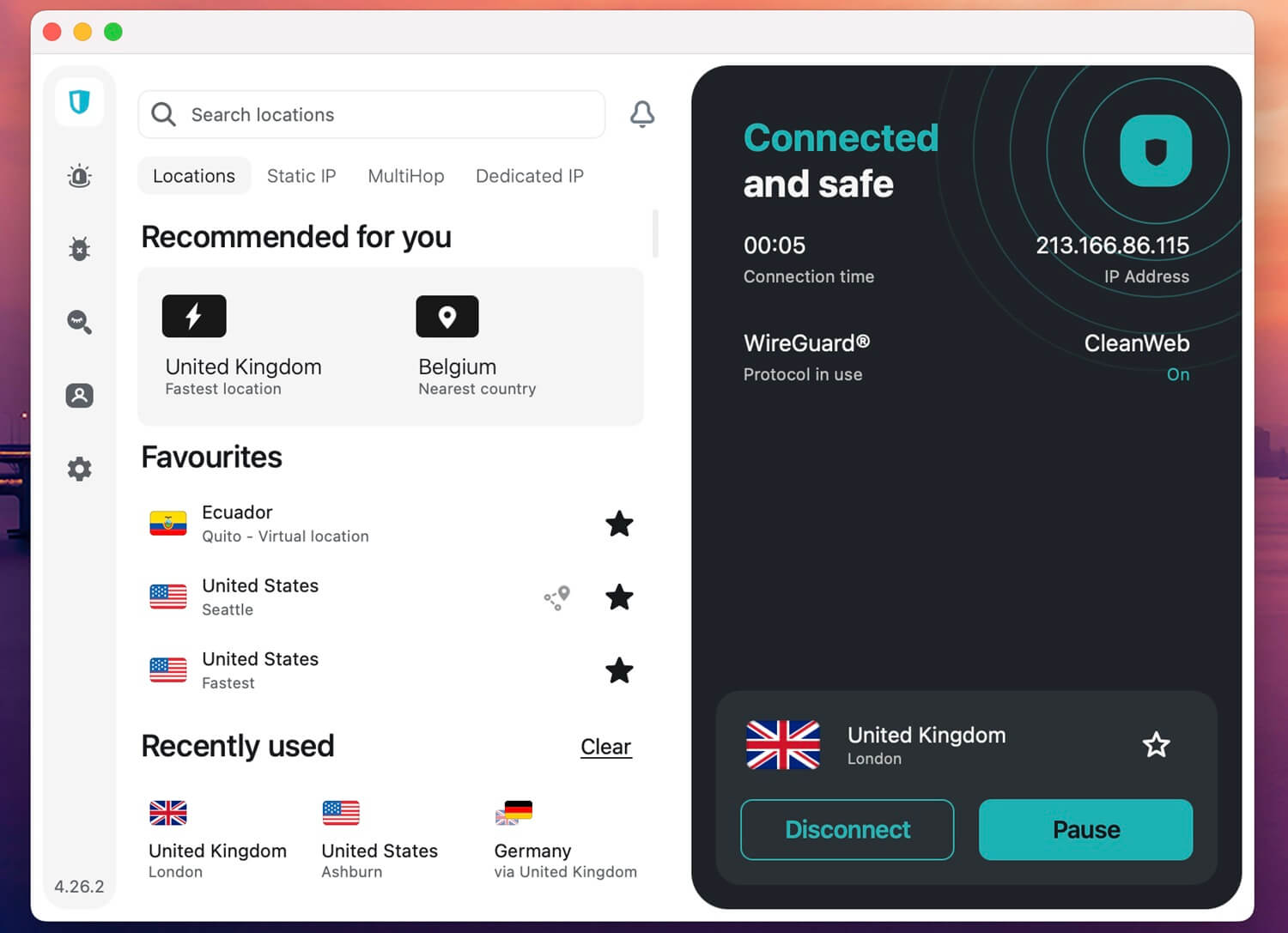
Surfshark bundles more per dollar than NordVPN. Unlimited devices, a free static IP with no surcharge, and Alternative ID for generating throwaway identities sit inside a $2.49/mo plan, a feature list normally reserved for the priciest VPNs. The Dutch NordVPN alternative fields 4,500 servers in 100 countries. Smaller than NordVPN’s spread, though our Surfshark review found distance barely dented throughput, with 4K streams and gaming holding well.
Its newest addition is Dausos, a protocol built around AEGIS-256X2 encryption and audited by Cure53. Each user gets a separate tunnel rather than a shared one, and it delivers up to 30% more throughput than standard protocols in Surfshark’s own figures. Netflix US, Hulu, Prime Video, and BBC iPlayer all worked in our checks, and the servers are RAM-only.
Jurisdiction is the weak point. The Netherlands sits inside 9 Eyes, though the no-logs policy is Deloitte-audited, just like NordVPN’s.
5. CyberGhost: Best NordVPN Alternative for Streaming
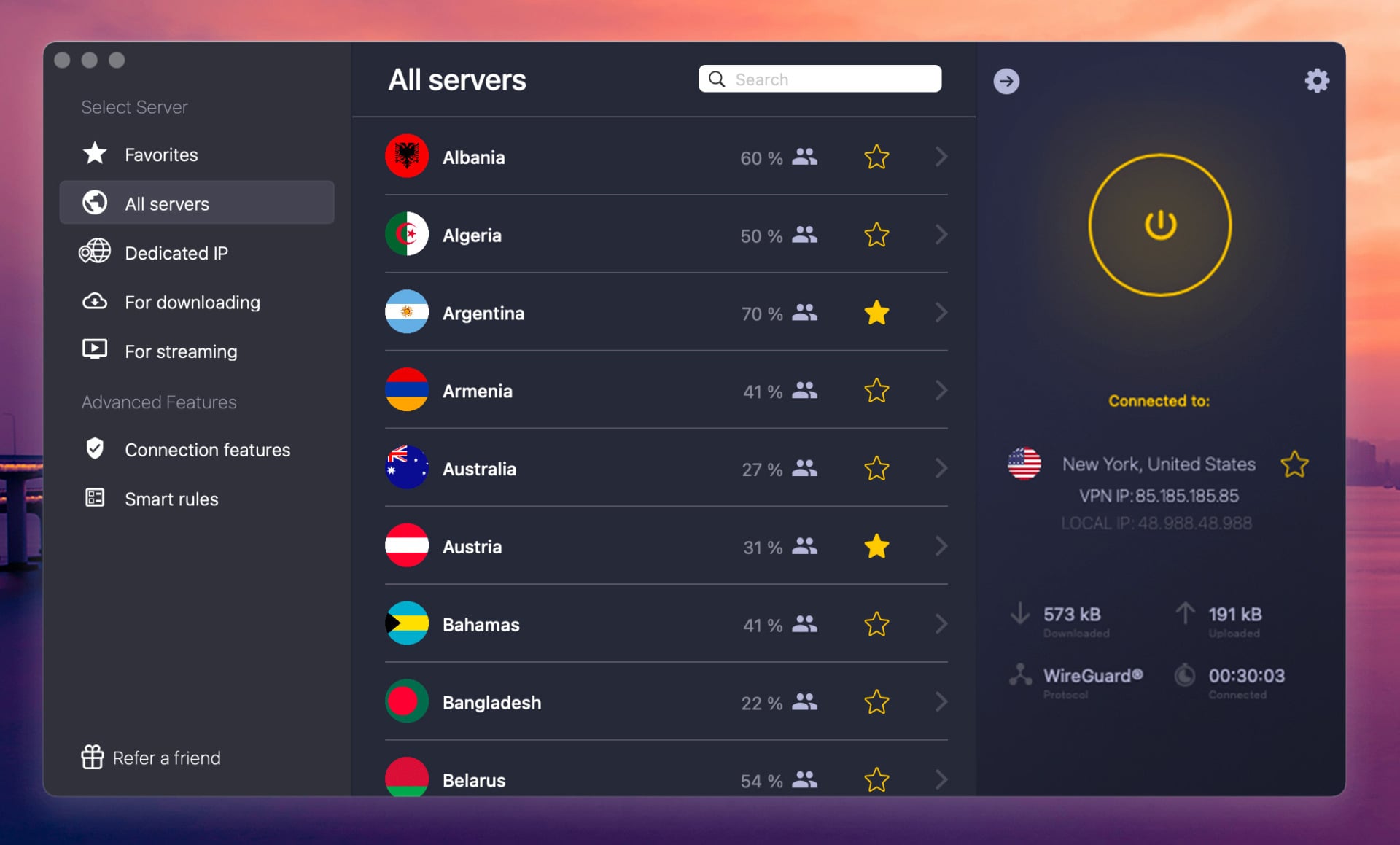
Pros
- Streaming servers
- 45-day guarantee
- WireGuard for speed
- SmartDNS for streaming
Cons
- Only 7 devices
- No obfuscation
- Lacks Double VPN
CyberGhost usually loses to NordVPN on features, but it wins on two counts: a 45-day money-back guarantee, the longest in the industry, and $2.19/mo pricing on the 2-year term. It offers 12,000+ servers across 100 countries and 126 locations, including servers for specific streaming platforms and torrenting.
Those let you catch the Super Bowl on free channels or download without hunting for a working server. Security covers AES-256, a kill switch, RAM servers, Forward Secrecy, and ad blocking. Its audit record deserves more credit than it gets, with quarterly Deloitte audits running since 2011, a cadence no competitor matches. A dedicated IP costs $2.50/mo on the 2-year plan.
Two limits matter. You get 7 devices, and there’s no obfuscation, so it won’t work in China where NordVPN and Proton VPN typically do.
What to Look For in NordVPN Alternatives
NordVPN loses ground in a handful of specific places. Match your reason for switching to the provider that fixes it:
- You need more than 10 devices. NordVPN caps at 10. PIA and Surfshark both removed the limit entirely, so one account covers every phone, TV, and console in the house. Compare the two here.
- You want to pay less. At $3.49/mo, NordVPN sits mid-table. PIA and CyberGhost both land at $2.19/mo, and Proton VPN at $2.99/mo.
- You want to try before paying. NordVPN has no free tier. Proton VPN’s free plan carries no data cap, which makes it the only free option we’d put on a work machine.
- You want a longer safety net. Every provider here refunds within 30 days. CyberGhost stretches that to 45 on long-term plans.
- You want open-source apps. Proton VPN and PIA publish their client code. NordVPN has open-sourced parts, including its Linux GUI, but not the full stack.
- You want simpler software. NordVPN’s Windows app packs a lot onto one screen. ExpressVPN and Surfshark are gentler starting points for beginners.
One old complaint no longer applies. NordVPN shipped a GUI Linux app in May 2025 and open-sourced its code that October, so the terminal-only era is over.
Free Alternatives to NordVPN: Why They Fail
Five free plans are worth naming, but each is capped in some of the most critical aspects. Take a look for yourself:
| Free Plan | What You Get | Where It Stops |
| Proton VPN Free | No data cap, 10 countries | 1 device, throttled speeds, no P2P |
| PrivadoVPN Free | 10 GB/month, 13 locations | Data cap, Swiss but limited |
| Windscribe Free | 10 GB/month with email, 10 locations | Data cap, Canadian jurisdiction |
| Hide.me Free | No data cap, 8 locations | 1 device, capped speeds |
| TunnelBear Free | 2 GB/month | Cap runs out in an evening |
None of them replaces NordVPN, but nothing to do with software quality:
- Data caps end the conversation. 10 GB covers roughly three hours of HD streaming. A month of ordinary browsing burns through it well before that.
- Device limits. Most free tiers permit one connection. NordVPN covers 10, and PIA and Surfshark cover as many as you own.
- No P2P. Torrenting is disabled on every free plan here, so the whole use case is off the table.
- Location coverage. Eight to 13 locations against NordVPN’s 149 countries. If the server you need isn’t there, the VPN can’t help you.
- Streaming rarely works. Netflix and BBC iPlayer block free server ranges quickly, and providers don’t spend money rotating IPs for non-paying users.
- Congestion. Free users share a small server pool, so speeds sag at peak hours regardless of your own connection.
Those five are the ones we’d trust. Free providers still need revenue, and when it doesn’t come from subscriptions, it comes from logging and selling browsing data, injecting ads, or bundling software you didn’t ask for. Each of those inverts the point of using a VPN. Our best free VPN roundup explains which ones clear the bar. If budget is the actual constraint, paid still wins.
PIA and CyberGhost both sit at $2.19/mo, and every provider on this page refunds within 30 days if it disappoints.
Summary of the Best NordVPN Alternatives
None of these five beat NordVPN across the board, and we’d still point most readers back to it. The value here is specificity: if you know which single thing pushed you away, one of these fixes it. Our pick of the group is Proton VPN. It reaches 148 countries while costing less at $2.99/mo; its apps are open-source and audited, and Swiss jurisdiction sits outside the data-sharing alliances.
Its free plan also lets you check the VPN before paying. ExpressVPN is the nearer match to NordVPN, and 73% off the 2-year plan puts it at $3.49/mo, the same rate NordVPN charges. Choose PIA or Surfshark if device count is the issue, or CyberGhost if you want the longest window to change your mind. In any case, the 30-day guarantee means a bad fit costs you only time.