More than 350 million people use Opera each month, and a growing number have tapped into its free built-in VPN for casual privacy. It’s quick, simple, and integrated directly into the browser, making it one of the easiest VPNs to try, especially for new users. But easy doesn’t always mean effective. Whether you’re trying to dodge data trackers or protect your traffic across all devices, you’ll likely hit its limitations pretty quickly. And when that happens, it’s time to upgrade to something with real horsepower.
We’ve tested dozens of VPNs across multiple devices, platforms, and regions to find the best Opera VPN alternatives. We’ve focused on the ones that actually provide full-device protection, streaming power, and rock-solid privacy, without the gimmicks.
How We Picked the Best Opera VPN Alternatives
Finding an Opera VPN replacement isn’t just about checking boxes. We looked for VPNs that go beyond the browser, offering better performance and actual full-device privacy guarantees. The bar’s higher here, and we made sure each pick cleared it with room to spare.
What We Looked For
- Full-device encryption: A good VPN shouldn’t just protect your browser, it needs to encrypt everything from app traffic to system services. Opera can’t do that. Every VPN on our list runs true system-wide protection, including smart TV and router support.
- Speed and performance: We benchmarked each VPN using Speedtest.net, looking for consistency across multiple regions. ExpressVPN stood out with its Lightway Turbo protocol, delivering instant connections and minimal speed loss, even on high-latency networks.
- Streaming support: If you’re switching from Opera, odds are you’ve hit a wall with Netflix, Hulu, or BBC iPlayer. That’s why we made sure every VPN on this list can reliably unblock major streaming platforms. NordVPN, for example, handled everything we threw at it, including trickier regional services like Channel 4 (as we highlight in our article on how to watch Channel 4 in the USA) and ITVX. It also happens to be the best Netflix VPN out there.
- Privacy features and audits: We only included VPNs with proven no-logs policies and clear security architectures. Private Internet Access earned its spot with open-source apps and a history of court-tested privacy, while NordVPN and ExpressVPN have both undergone multiple independent audits.
- Pricing and value: Every pick had to be worth the money. Free or paid, we checked long-term plans, trial periods, and refund policies, so that you’re not stuck with a dud.
How We Tested
We ran hands-on tests across Windows, macOS, Android, iOS, and smart TVs. Each VPN was evaluated for:
- DNS and WebRTC leak protection (via ipleak.net)
- Kill switch behavior under forced drops
- Streaming support on Netflix, Prime Video, BBC iPlayer, Hulu, and ESPN+
- Compatibility with routers, browser extensions, and multiple device logins
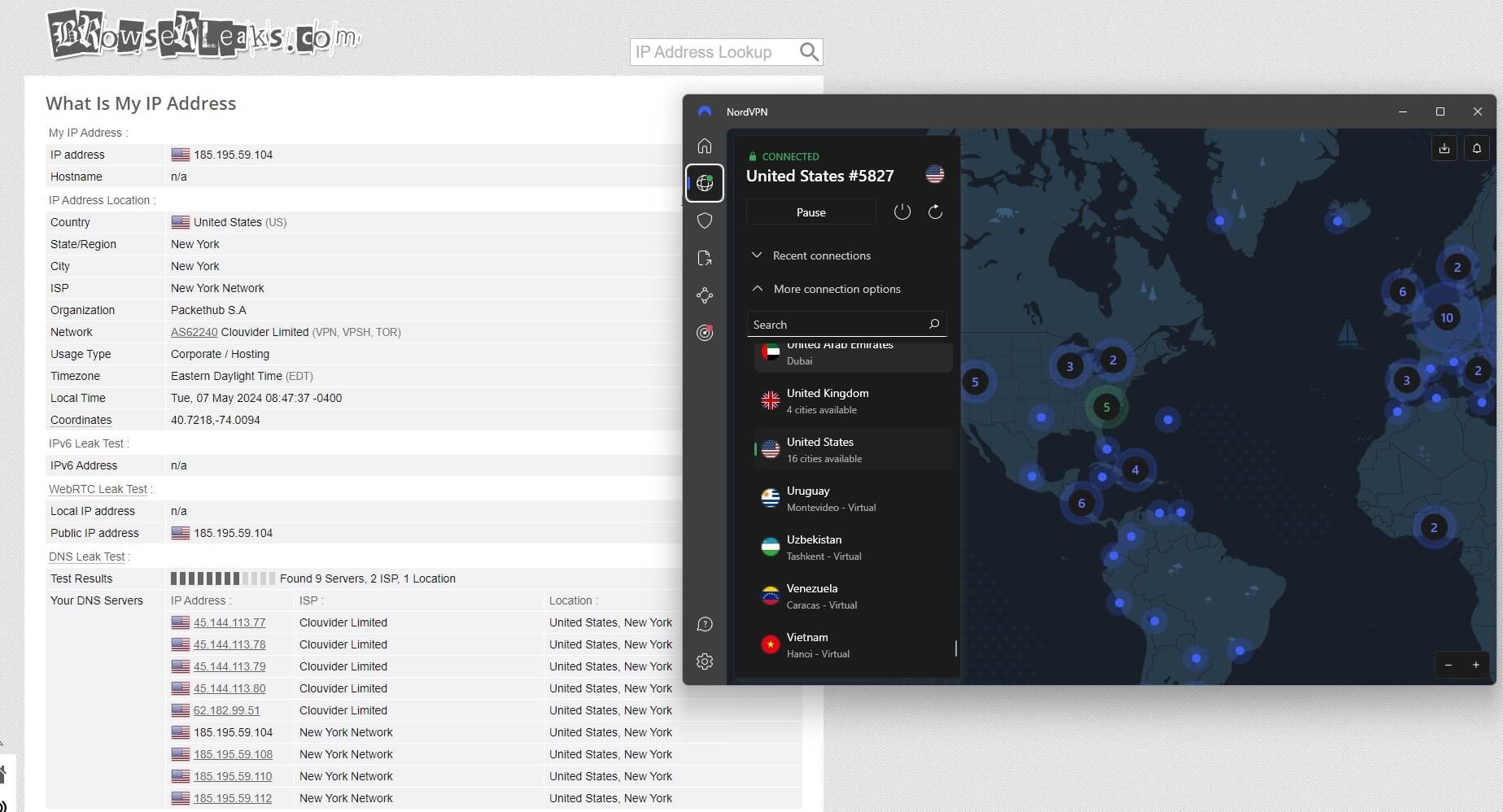
We also kept an eye on usability, because even the best tech means nothing if it’s a pain to use.
Best Opera VPN Alternatives in 2026: Tested & Ranked
Opera VPN might be enough to hide your location from a nosy website, but it’s not built for heavy lifting. If you’re done babysitting broken streams, patchy encryption, or basic browser-only protection, it’s time to move up to a real VPN.
We tested dozens across devices, platforms, and streaming services, and narrowed it down to five that actually deliver. These are full-power VPNs that protect your entire device, unlock geo-restricted content, and still run smoothly in the background.



 9200 servers
 128 covered countries
 30 days money-back guarantee
 10 simultaneous connections
9.4 /10

20396 servers
148 covered countries
30 days money-back guarantee
10 simultaneous connections
9.2 /10

3000 servers
105 covered countries
30 days money-back guarantee
10 simultaneous connections
9.1 /10
1. NordVPN — Best Overall Opera VPN Alternative
If Opera VPN was your digital umbrella, NordVPN is a full-on armored bunker. It’s built for serious privacy, serious speed, and serious flexibility, and it’s the best way to graduate from a browser-only VPN to something that protects your entire digital life.
Full-System Protection, Not Just Your Browser
Opera’s VPN only covers the traffic inside the Opera browser, meaning your other apps (and even Chrome or Firefox) stay exposed. NordVPN, on the other hand, encrypts everything at the system level. It works across all your devices (phones, tablets, desktops, routers) and even supports split tunneling if you want to route only specific apps through the VPN.
Faster Speeds With NordLynx
Opera’s performance is…fine if you’re checking email. But try streaming or gaming, and you’ll feel the lag. NordVPN’s NordLynx protocol (built on WireGuard) gave us speeds over 90% of the base in tests, even when hopping between countries. There’s virtually no buffering, and it auto-connects instantly when you switch Wi‑Fi or wake your laptop from sleep.
Streaming That Actually Works
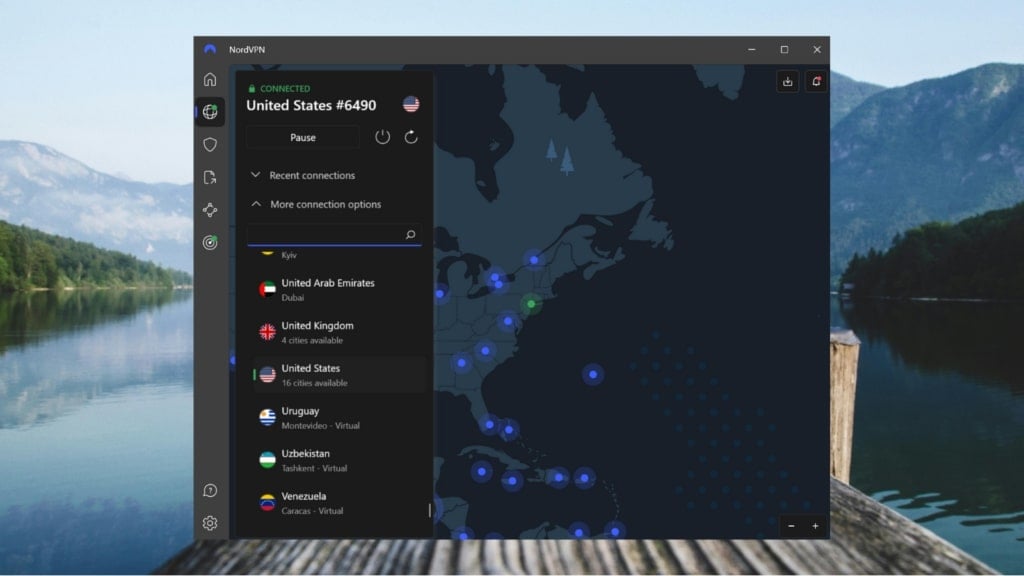
Opera VPN struggles with unblocking anything beyond basic YouTube. NordVPN? It sailed through Netflix, Hulu, BBC iPlayer, and even regional platforms like Hotstar and ITVX. Whether you’re in the US, Europe, or traveling through Asia, NordVPN delivers stable, region-specific access without constant reboots or proxy errors. On that note, we’d like to mention that after running quite a few tests, we came to the conclusion that it’s the best VPN to use in Europe.
Real Privacy: Obfuscation, Audits, and Threat Protection
NordVPN’s no-logs policy has been independently audited multiple times, and its infrastructure includes RAM-only servers (nothing gets saved to disk) and obfuscated servers that hide VPN usage completely. Opera doesn’t even offer a kill switch, while NordVPN’s kill switch worked flawlessly in every forced drop test we ran.
Bonus: its Threat Protection feature blocks trackers, ads, and even malicious files before they reach your browser, with no extensions needed.
Pricing and Plans
NordVPN’s long-term plans start at just over $3 per month and include a 30-day money-back guarantee. That’s a tiny investment for an upgrade that outclasses Opera VPN in literally every category.
Pros
- Top speeds
- Works on all devices, not just the browser
- Unblocks every major streaming platform
- Independently audited privacy practices
- Threat Protection keeps you safer online
- 7-day free trial for Android users
Cons
- No forever-free tier
2. ExpressVPN — Best for Effortless Streaming
If NordVPN is the powerhouse, ExpressVPN is the smooth operator. It’s fast, private, and refreshingly easy to use. And unlike Opera VPN, which only covers what happens inside a single browser, ExpressVPN protects your entire device with minimal setup or fuss.
Streaming Without Speed Bumps
Opera VPN often fails to unblock major streaming services, and even when it does, speeds can be sluggish. ExpressVPN, on the other hand, delivered fast, buffer-free streams on Netflix, Hulu+, Prime Video, and ESPN+. You can also count on it to access Sky Sports programs from the US or elsewhere.
It uses the Lightway Turbo protocol, which connects faster than OpenVPN and maintains high speeds even on unstable Wi-Fi or mobile data. In our tests, movies loaded instantly, and live sports stayed in HD throughout.
True Privacy and Data Control
Opera VPN’s privacy policies are vague, and it hasn’t undergone any third-party audits. ExpressVPN has. Its TrustedServer tech runs all servers on volatile RAM, which wipes all data on every reboot. Add to that a strict no-logs policy verified by independent auditors, and you’re getting privacy you can actually prove. It also includes a kill switch and DNS leak protection, two essentials that Opera simply doesn’t offer.
One App, Every Device
You don’t have to live in Opera’s browser to use ExpressVPN. It works across Windows, Mac, iOS, Android, Linux, routers, smart TVs, and even gaming consoles. We installed it on a laptop, a phone, a Fire TV Stick, and a router, and everything ran without a hitch. ExpressVPN supports up to 8 simultaneous connections, which makes it ideal for couples or small households.
Easy to Use, Even for VPN First-Timers
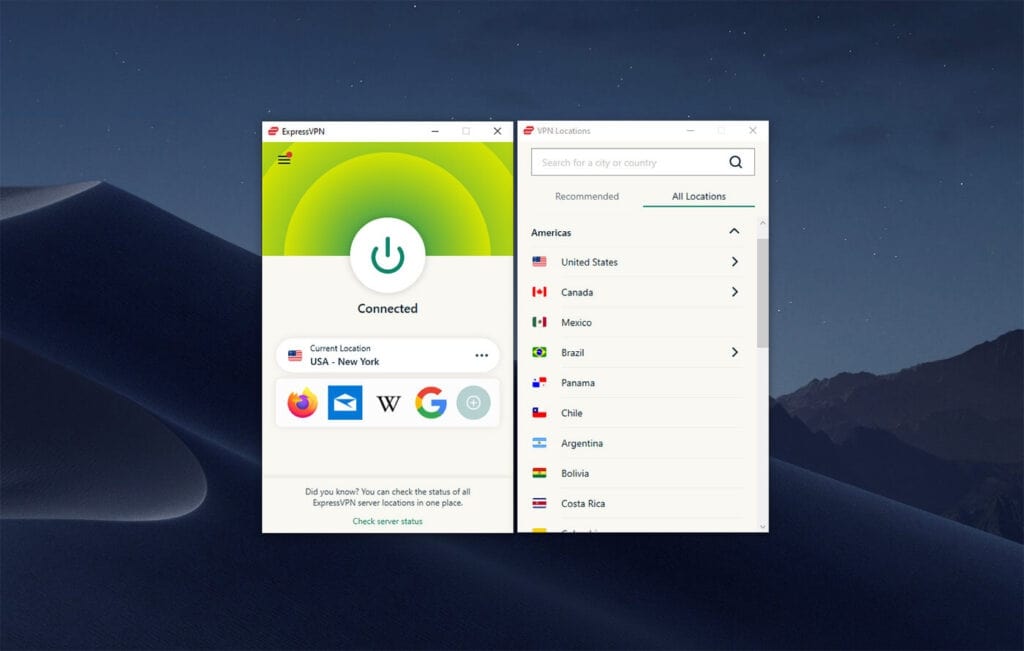
The interface is dead simple. Pick a location, hit connect, and that’s it. There’s no need to dig through menus or tweak settings unless you want to. Compared to Opera VPN’s limited toggle buried in browser settings, ExpressVPN feels like a real tool built for real-world use.
Pricing and Plans
Plans start at just around $5 per month and include a 30-day money-back guarantee. While ExpressVPN is more expensive than some options, you’re paying for quality. If you want something that works every time, on every device, without making you think twice, it nails it.
Pros
- Fast connections
- Unblocks all major streaming services
- RAM-only servers with verified no-logs
- Super simple apps across every device
- Works great on smart TVs and routers
Cons
- Higher monthly cost than NordVPN
- No forever-free version or trial
3. Private Internet Access — Budget Alternative to Opera VPN
Private Internet Access (PIA) is the VPN for users who want to fine-tune everything. If Opera VPN felt like a toy version of privacy, PIA is the toolkit you graduate to when you want more control, better speeds, and system-wide protection that actually holds up under pressure.
Full Control Without the Complexity
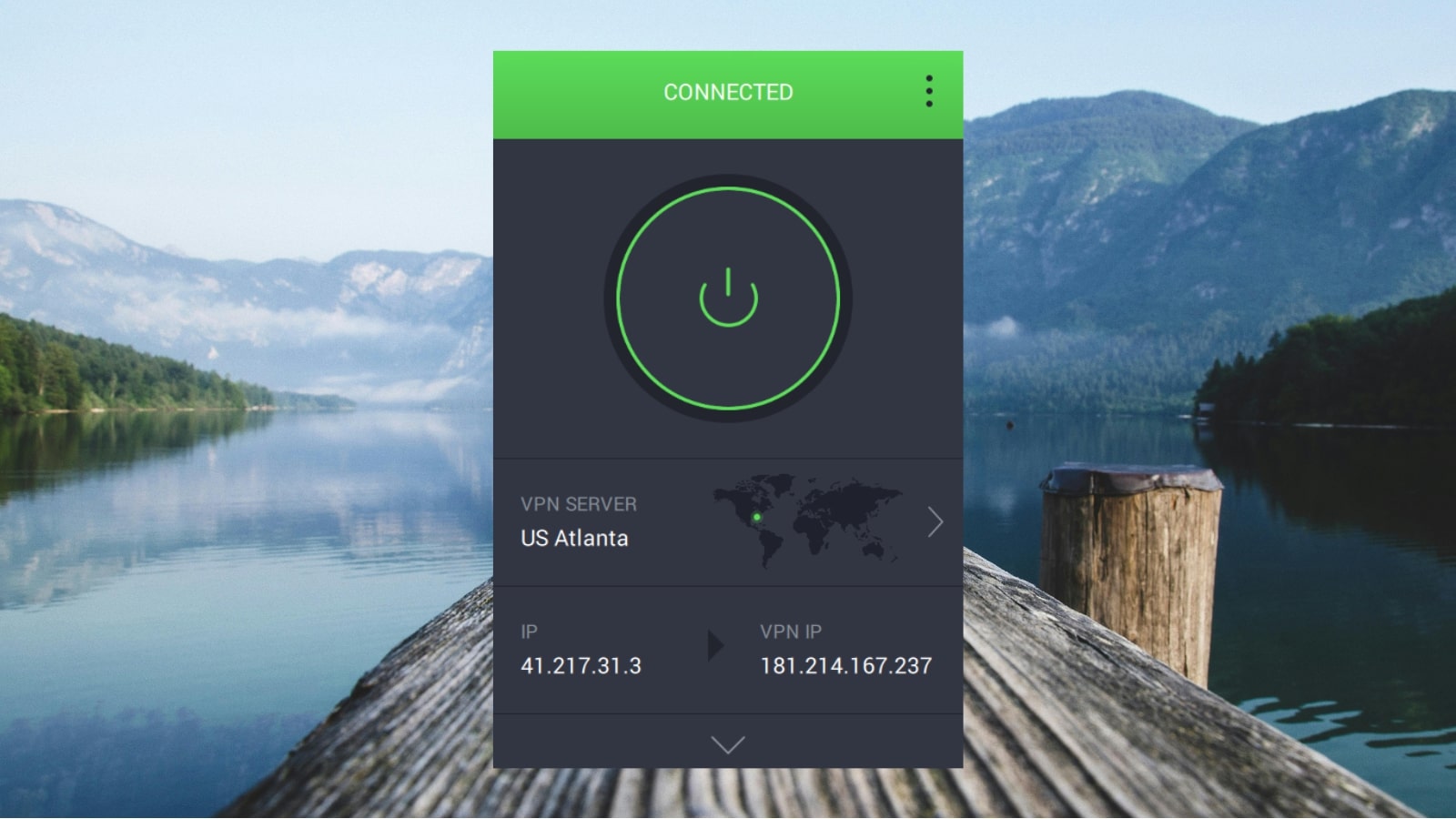
Unlike Opera VPN, which offers no configuration at all, PIA lets you choose your protocol, toggle encryption levels, and even pick specific ports for your connection. You can run it in ultra-secure mode or slim it down for faster speeds, all from an interface that’s surprisingly easy to get used to. You can also set custom DNS and enable multi-hop routing through Shadowsocks or SOCKS5 for more privacy layers.
Physical Servers Across the US
PIA has one of the largest server networks of any VPN, including physical servers in all 50 states. That means faster connections, lower latency, and fewer crowded endpoints. Opera VPN gives you vague “Americas” or “Europe” options with no clarity on where your traffic is actually routed. Private Internet Access gives you city-level precision, so if you need to access content tied to a specific US region, you’re covered.
Surprisingly Fast With WireGuard
We tested PIA with the WireGuard protocol, and speeds consistently stayed above 250 Mbps on a 300 Mbps line. That’s more than enough for HD streaming, torrenting, video calls, and remote work. While it’s not quite as instant as ExpressVPN or NordVPN, it holds its own with solid performance and no random slowdowns, which is something Opera VPN often struggles with under load.
Proven Privacy You Can Audit
Opera VPN doesn’t publish transparency reports, doesn’t clarify its data handling, and hasn’t gone through any third-party audits. Private Internet Access has been tested in court and stuck to its no-logs policy. All of its apps are 100% open-source, and anyone can inspect the code for backdoors or shady behavior. It also includes MACE, a built-in ad tracker, and malware blocker that works on the network level without any browser plugins.
Unlimited Devices, Low Price
With Private Internet Access, you can connect unlimited devices at once. Laptops, tablets, phones, game consoles, you can go wild. Pricing starts at just over $2 per month on long-term plans, and like the others on this list, it’s backed by a 30-day money-back guarantee. That makes it one of the best-value VPNs around, especially for households or power users.
Try Private Internet Access Now
Pros
- Massive US server network with real locations
- Open-source apps and a no-logs policy
- MACE blocks ads without extensions
- Unlimited simultaneous device connections
Cons
- Interface has a learning curve for new users
- Slower to connect than Lightway or NordLynx
Final Words
Opera VPN might be a decent place to dip your toes into privacy, but once you need real protection, it just doesn’t cut it. It only secures browser traffic, lacks essential features like a kill switch, and can’t reliably access streaming platforms or offer serious speed.
The good news is that upgrading doesn’t mean overcomplicating. NordVPN gives you best-in-class privacy, lightning-fast speeds, and airtight protection across all your devices.
ExpressVPN is the go-to for those who want effortless streaming and rock-solid reliability. Private Internet Access offers full control, unbeatable value, and proven privacy with unlimited connections.
Each of these VPNs delivers what Opera VPN can’t, which is true security, real flexibility, and full-device coverage. If you’re ready to leave browser-only protection behind, any one of them will take your privacy setup to the next level.