Instagram stops working if the network you’re connected to filters it, or the country you’re in restricts it. A VPN handles it. Connect to a server somewhere Instagram operates, reopen the app, and the feed loads again. Below are the steps, the 3 VPNs I’d use for this, and what to try if the first attempt fails. I also differentiate a network block from an account restriction, because the fixes have nothing in common.
How to Unblock Instagram in 4 Steps
- Sign up for a VPN that offers obfuscation. NordVPN’s 30-day refund covers a test if the network turns out to be stubborn.
- Install the app and sign in. On a managed school or work laptop that blocks installs, use the browser extension instead.
- Connect to a server in a country where Instagram is available. Pick the closest one for the best speeds and the steadiest connection.
- Force-close Instagram and reopen it. The app holds on to its last network state, so pulling to refresh won’t be enough.
Why Instagram Gets Blocked
These two reasons are the most common:
School and Office Networks
School and workplace filters work at the DNS level. When a device asks for instagram.com, the network’s own DNS resolver answers with nothing, or with a page explaining that the site is off limits. Instagram usually appears on the default blocklist included with these filtering products, grouped with other social apps.
Tighter setups block Instagram’s IP ranges, or inspect the server name in each connection request and drop anything addressed to Meta’s domains. A VPN gets past both, because the filter only ever sees one encrypted connection to the VPN server and can’t tell what’s inside it. For more on how these campus networks decide what to filter, we’ve covered the setup.
Country-Level Restrictions
National blocks work the same way, applied at every ISP in the country at once. China has blocked Instagram since 2014 and enforces it through the Great Firewall, which detects and drops most standard VPN traffic. Iran and Russia have blocked the app since 2022. Turkey, India, and several others have used shorter blocks during elections and periods of unrest, sometimes lasting only days.
Two need their own approach: getting Instagram working inside China takes obfuscation that ordinary servers don’t offer, and Turkey’s on-and-off restrictions follow their own pattern. Iran’s ISP-level filtering is stricter again.
Best VPNs for Unblocking Instagram
Only 4 things matter for this job: obfuscation that hides VPN traffic from a filter, servers in enough countries to find a working one, apps on whatever device is blocked, and enough speed left over for video.
1. NordVPN: Strongest Option on Filtered Networks
Pros
- NordWhisper beats network filters
- Obfuscated servers for national blocks
- 9,500+ servers in 149 countries
- 10 devices per plan
- Audited no-logs policy
- Browser extensions for locked-down laptops
Cons
- Higher renewal costs
- No free tier
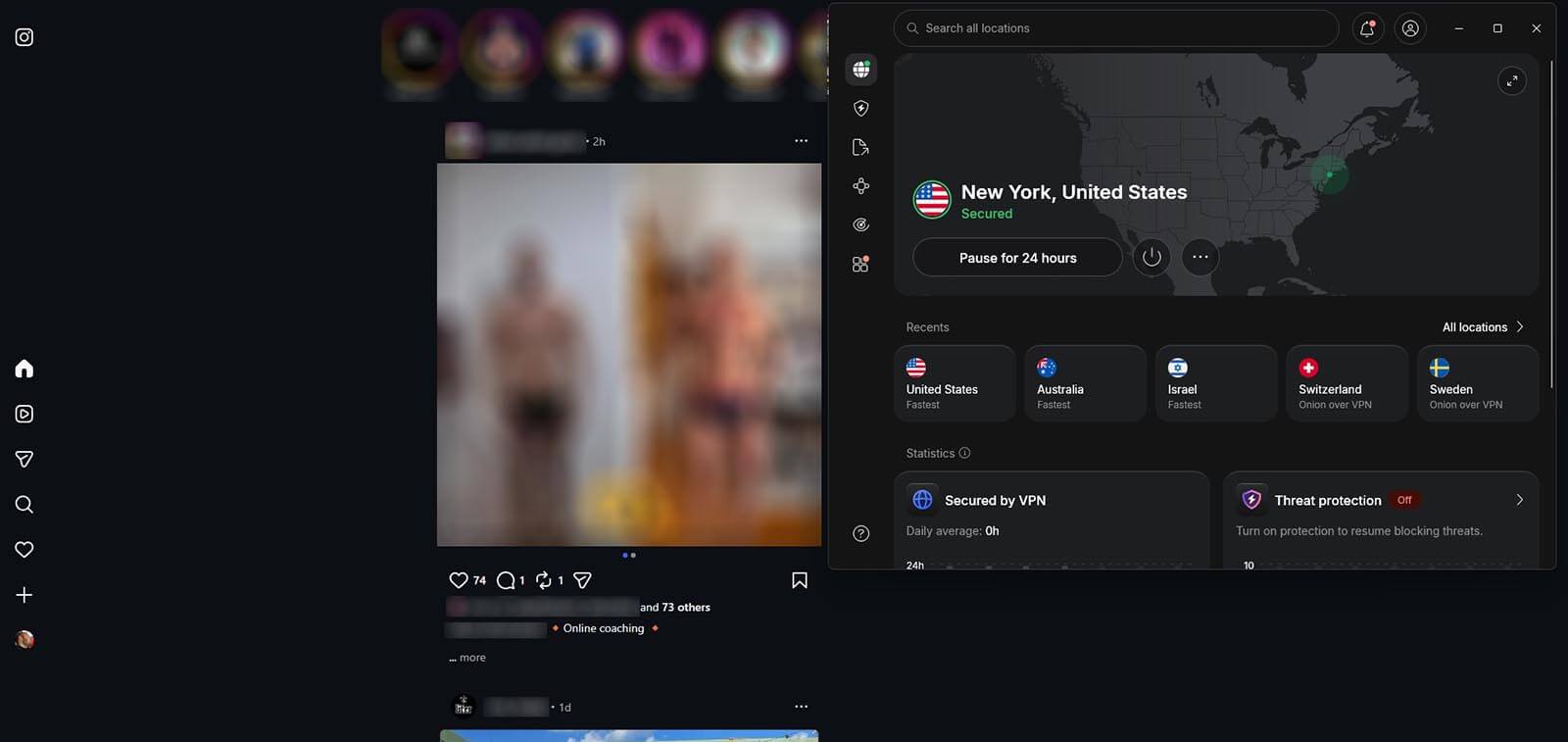
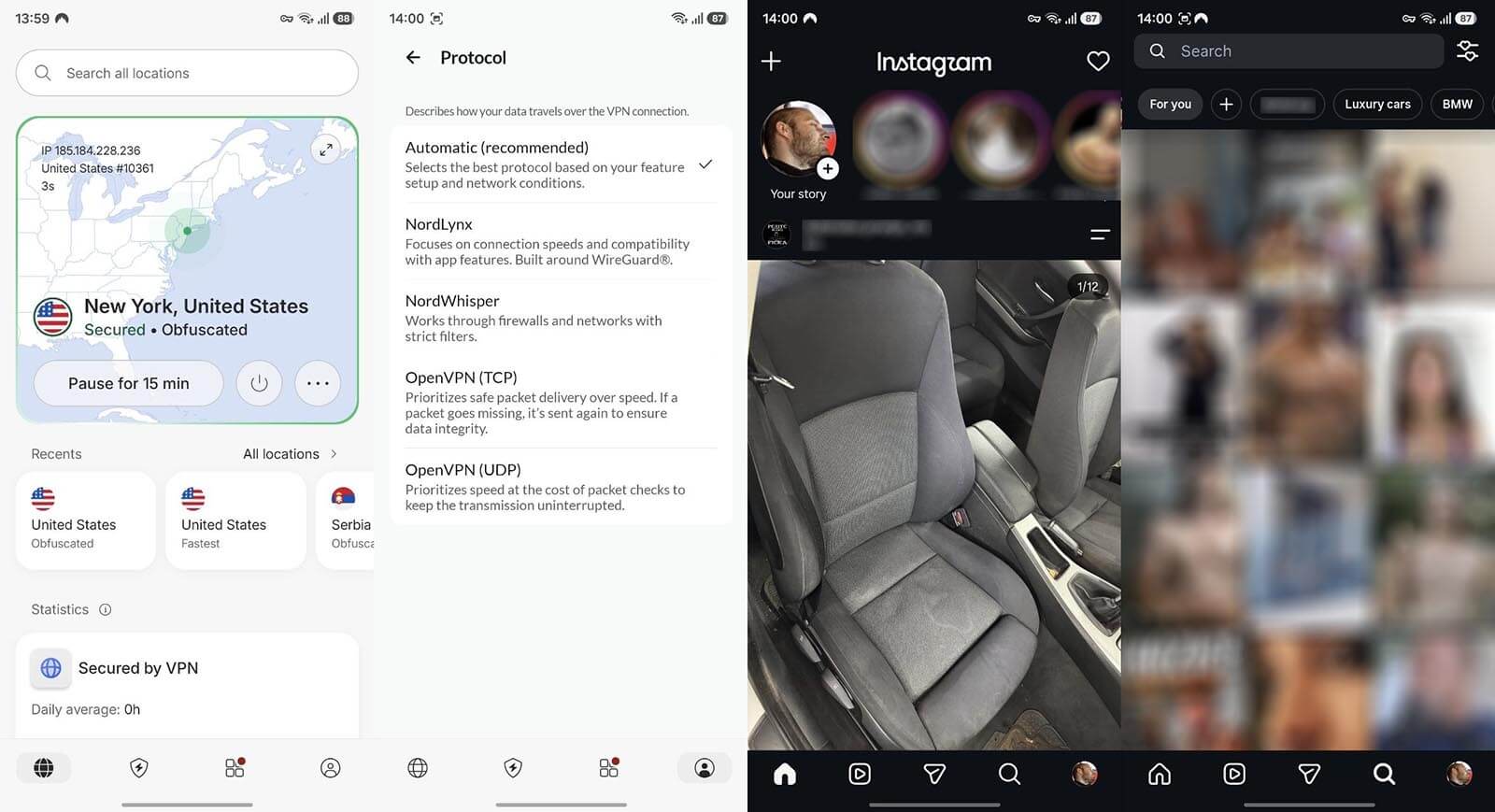
NordWhisper is the reason to pick it. It’s a protocol that wraps VPN traffic so it looks like ordinary web traffic, built specifically for networks that detect and block VPNs, which describes almost every school and corporate filter. It appears in the protocol list in the app’s settings, so switching to it takes 2 taps. Obfuscated servers cover the national blocks separately.
The network spans 9,500 servers in 149 countries, and one subscription covers 10 devices, enough for a phone, a laptop, and a tablet. Pricing starts at $3.49/mo on the 2-year plan, with a 30-day guarantee. Our full breakdown of what NordWhisper changes goes deeper into the protocol.
2. Proton VPN: Obfuscation Across the Whole Network
Pros
- Stealth protocol
- 20,000+ servers in 148 countries
- Swiss jurisdiction
- Audited privacy and apps
- Free plan worth testing
Cons
- Free tier assigns your server
- Best price needs a 2-year plan
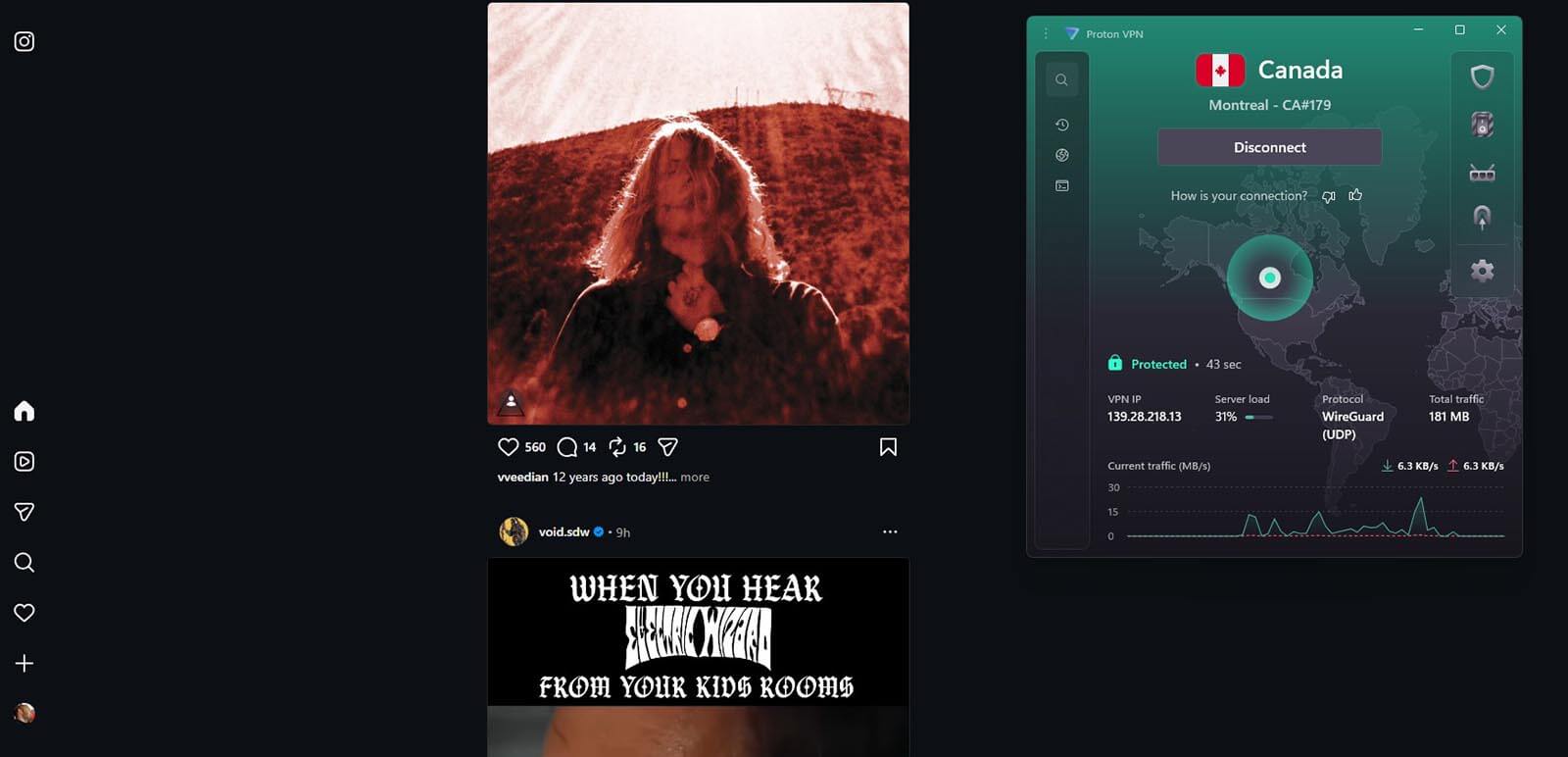
Proton VPN’s Stealth protocol does the same job, disguising the connection as regular HTTPS so a filter watching for VPN signatures has nothing to match. It’s available on every platform and takes one dropdown in the settings. Swiss jurisdiction and an independently audited no-logs policy sit behind it.
Plus opens 20,000+ servers in 148 countries, which gives you more cities to work through when a network has blacklisted the obvious ones, and covers 10 devices at $2.99/mo on the 2-year plan with a 30-day money-back guarantee. Our closer look at Proton VPN’s Stealth implementation covers how it handles tighter networks.
3. ExpressVPN: Widest Choice of Cities and Automatic Obfuscation
Pros
- Automatic obfuscation
- 214 locations across 113 countries
- Lightway and WireGuard protocols
- Post-quantum encryption
- Extension with geo-spoofing
Cons
- Renews at $99.95 a year
- Lacks MultiHop
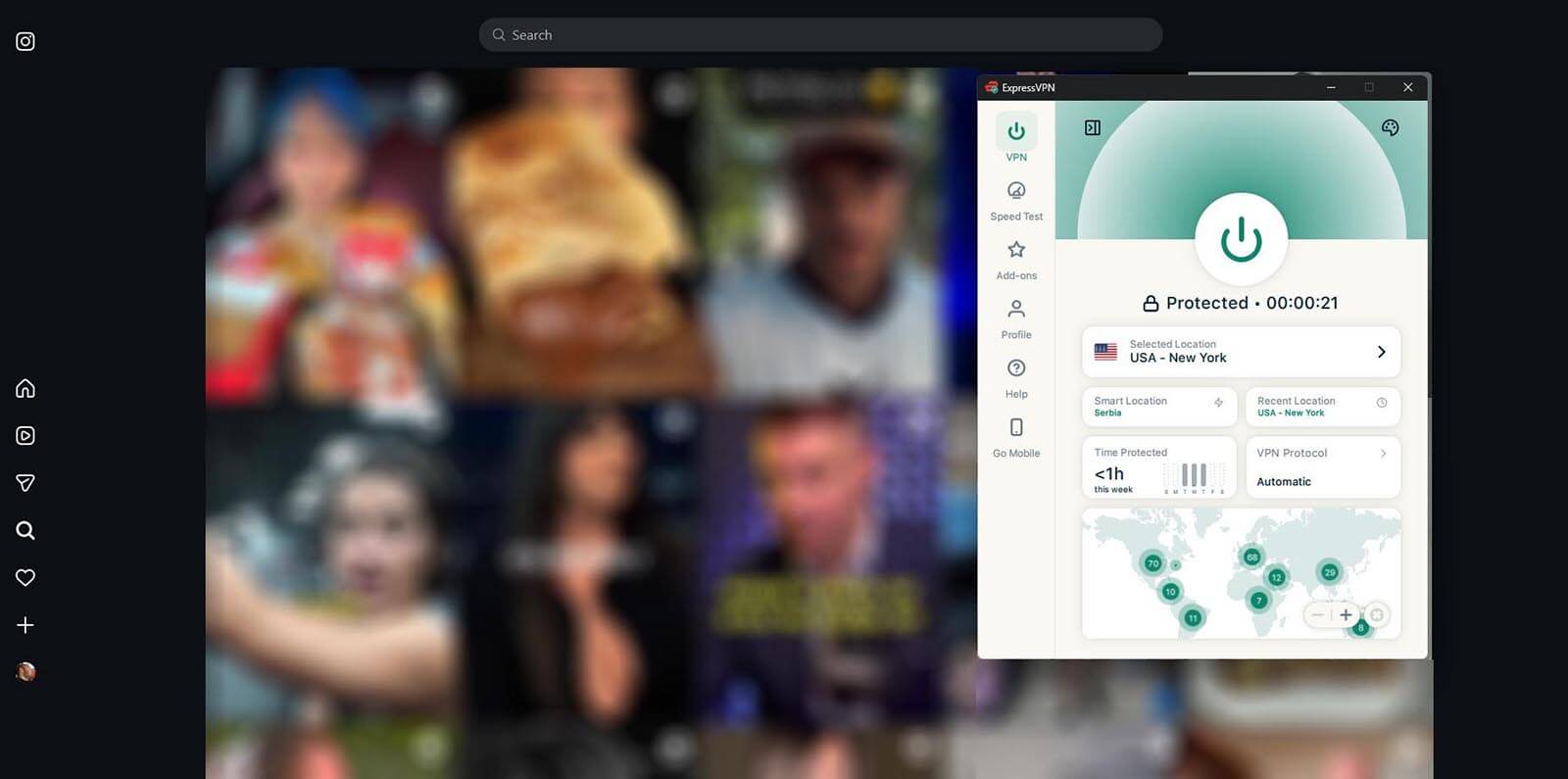
ExpressVPN obfuscates every connection automatically. There’s no protocol to pick and no toggle to hunt for. That protection applies to all 214 locations in 113 countries, so there’s a less-used city to try when a filter has blacklisted server addresses. Lightway and WireGuard are both offered.
Post-quantum encryption is included, and the browser extension installs on managed laptops where the desktop app won’t. Plans start at $2.99 per month on the 28-month term, covering 10 devices on the Basic tier, with a 30-day money-back guarantee for new customers.
Unblocking Instagram on Each Device
- iPhone and iPad: Install from the App Store, sign in, connect, then swipe Instagram away from the app switcher before reopening it.
- Android: Same process, but clear the app cache from Settings if the feed still shows a connection error after reconnecting.
- Windows and Mac: The desktop app covers the whole system, so the browser and any other Meta apps come back at the same time.
- Chromebook: School-issued Chromebooks usually block extension installs and Android apps. If both are locked, the phone is the easier target.
- Browser only: A VPN extension covers browser traffic only, fine for instagram.com but leaves the phone app blocked.
Instagram Still Not Working With the VPN On?
Either the network detects the VPN and drops it, or the VPN connects normally, and Instagram misbehaves. The fixes below start with the quickest and get progressively more involved:
- Switch the protocol to NordWhisper or Stealth in settings. This fixes most school and office cases. ExpressVPN obfuscates without a setting, so skip ahead.
- Try a different city. Filters often blacklist the popular server addresses and miss the rest, and Instagram’s security checks are likelier to flag a heavily shared IP.
- Force the connection over TCP port 443, which normal HTTPS traffic uses and the one a network can’t block without breaking.
- Turn off the VPN’s ad and tracker blocker. Threat Protection, NetShield, and their equivalents filter the same ad domains Instagram loads from, which can leave the feed blank while the connection is perfectly healthy.
- Turn off auto-connect, quit the app fully, then reconnect manually. A half-open tunnel from a previous network may cause failures.
- Clear the Instagram app’s cache, or open the site in a private window on desktop. Cached location data persists through a connection change.
- Fall back to mobile data. It skips the filtered network altogether, which settles whether the network was the problem.
Our guide to connections that fail on restrictive networks goes through the less common causes, but the 7 above should be all you need.
Blocked Network, or Restricted Account?
A VPN fixes network blocks. It doesn’t affect account problems. If Instagram loads on mobile data but fails on Wi-Fi, the network is filtering it. If it fails everywhere, including on a friend’s connection in another city, the account is the problem. Instagram will say so: a temporary action block after too many follows or likes, a disabled account, or a suspension pending an appeal.
None of those change when the IP address changes, and cycling through servers to get around one tends to trigger a security check. The third possibility is being blocked by another user. That hides one person’s profile and posts, and the rest of the app works normally.
Is Unblocking Instagram Legal?
VPNs are legal in the US, the UK, Canada, Australia, and across the EU, and using one to reach a site your network filters isn’t a criminal matter in any of them. A few countries restrict VPN use directly, including China, Russia, Iran, and Turkmenistan, where the rules target the VPN itself rather than what it’s used for. We track which countries limit VPN use by law separately.
School and workplace networks are a different question. Getting past a filter there breaks an acceptable-use policy, not a law. That policy covers the school laptop, the work phone, and any other device the institution owns.
Do Free VPNs and Proxies Work?
Free browser proxies handle instagram.com in a browser tab. Video stalls, the mobile app stays blocked, and the popular ones appear on filter blocklists within weeks of getting attention. Obfuscation is rare on free tiers, so the connection gets detected and dropped on most networks. Monthly data caps of a few gigabytes disappear fast on an app built around video.
Many free apps also fund themselves by selling traffic data. Our roundup of the free plans that are safe to install sorts the usable ones from the rest. Proton VPN’s free plan is the exception, and it will get Instagram loading. Stealth is included, there’s no data cap, and the no-logs policy matches the paid one.
The limits turn up fast: the app assigns the server instead of letting you pick, coverage stops at 10 countries, 1 device connects at a time, streaming platforms stay blocked, and the free servers slow down under load. Every VPN above refunds within 30 days, so a paid plan is reversible for a full month if the block turns out to be something a VPN can’t fix.
Getting Instagram Back: Summary
For a school or office filter, almost any decent VPN connected to a nearby server will do the job, and switching to an obfuscated protocol covers the rest. National blocks ask more of the software, which is where NordWhisper and Stealth earn their place. Either way, the fix is the same 4 steps.
Frequently Asked Questions
🏛️ Is it legal to unblock Instagram with a VPN?
Yes, in most countries. Accessing a filtered site through a VPN isn't a criminal act anywhere in North America, Europe, or Australia. On a school or office network, the restriction is an internal policy.
🛜 Why does Instagram work on mobile data but not on Wi-Fi?
The Wi-Fi network is filtering it, not Instagram. Schools, offices, hotels, and airports all control which sites their users can reach. Mobile data goes through the carrier instead, which applies no such filter.
🆓 Can a free VPN unblock Instagram?
Yes, though few are equipped for it. Most free plans lack obfuscation, so a filtering network spots the VPN and drops the connection. Proton VPN's free tier has it, but it limits server selection and blocks streaming.
🔎 Does Instagram detect and block VPNs?
No. Instagram has no country restrictions, so it never screens for VPN traffic the way streaming platforms do. Every block comes from outside Meta: a network administrator or an ISP acting on a government order.
🔰 Which VPN protocol works best on a filtered network?
An obfuscated one. NordWhisper and Stealth disguise the tunnel as ordinary web traffic, leaving a filtering appliance no signature to match.