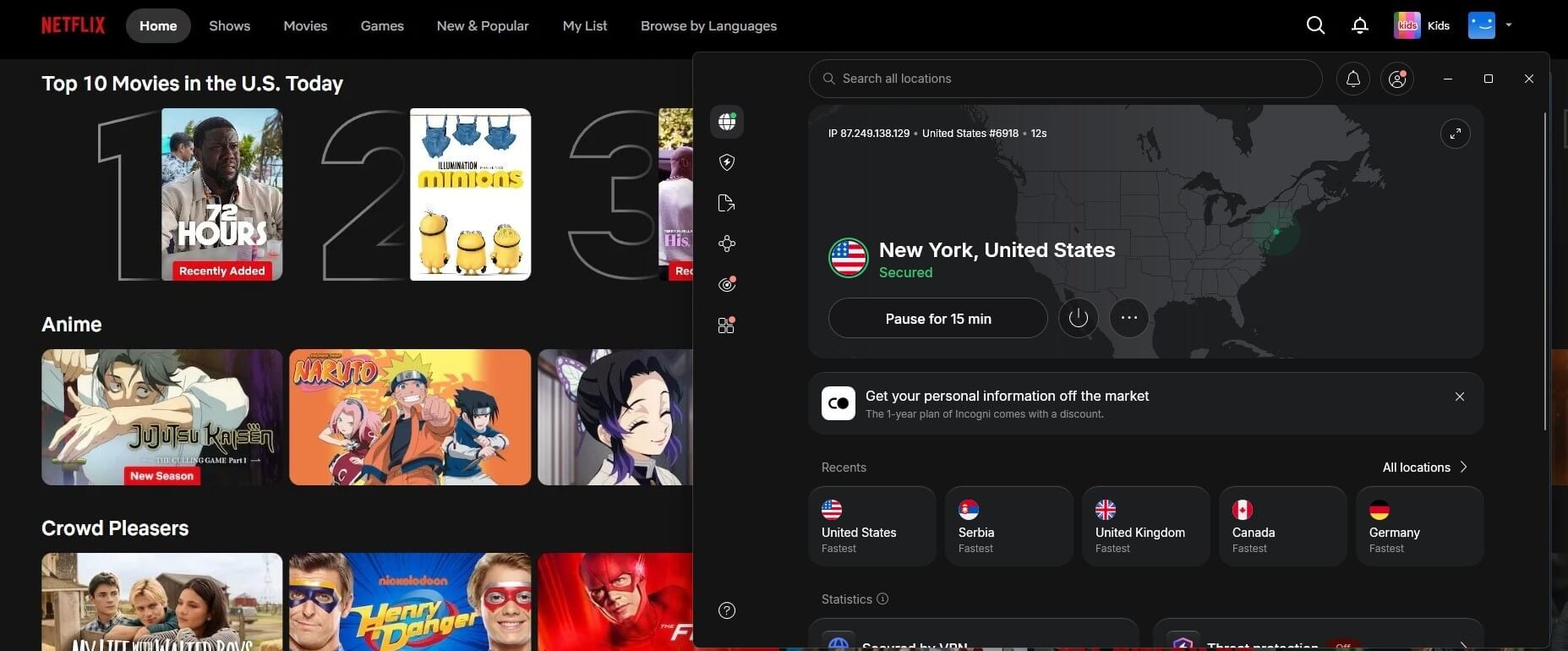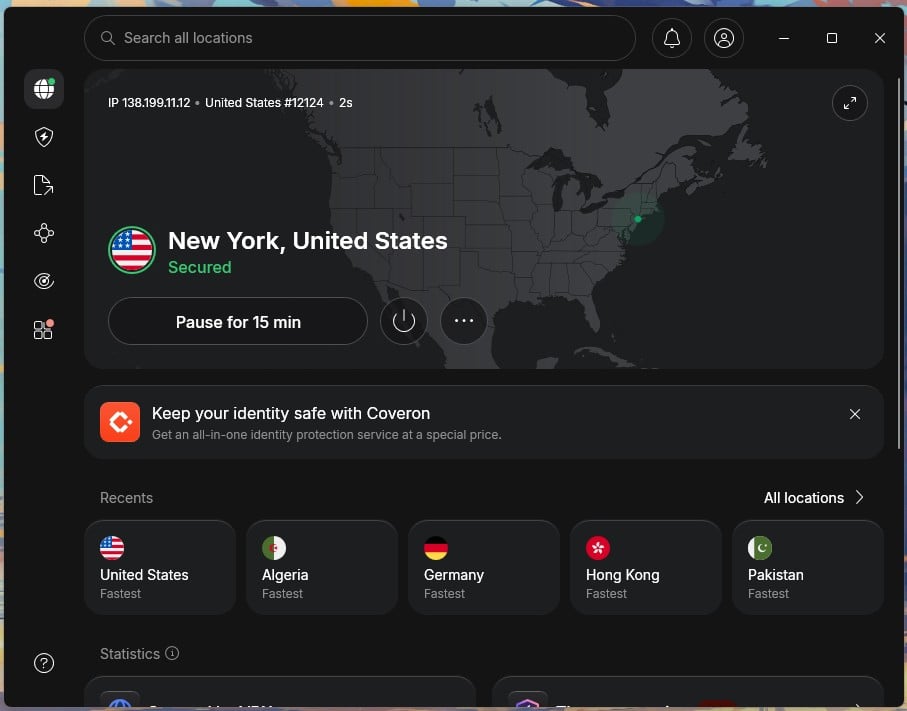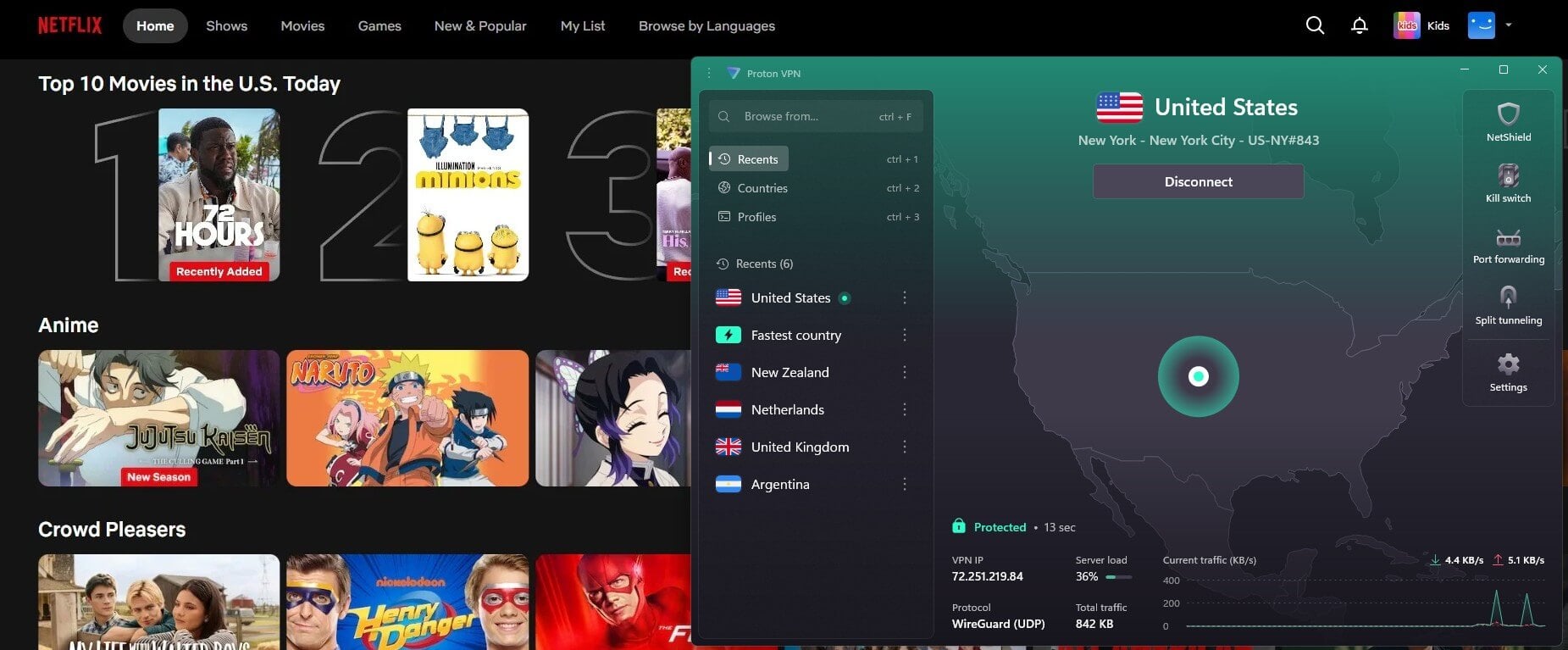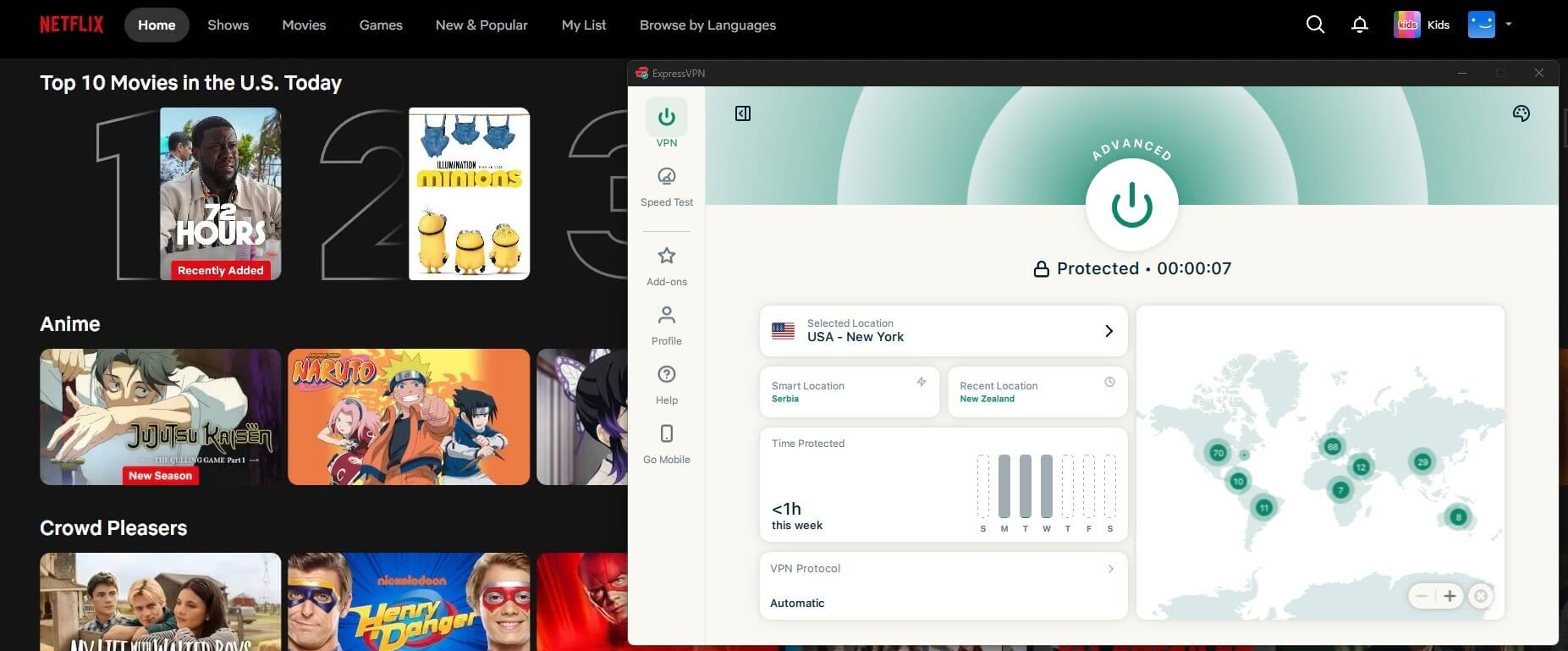
Have you ever searched for a show on Netflix only to discover it’s unavailable in Australia? You’re not alone. The US Netflix library offers a significantly larger selection, but licensing agreements result in a different content lineup for Australian viewers.
The good news? You can access American Netflix in Australia with the right tool: a VPN. It makes the service think you’re in the United States, instantly unlocking additional shows and movies.
In this guide, we’ll explain why content libraries differ, show you how to watch American Netflix in Australia step-by-step, and recommend the best VPNs for a smooth, buffer-free experience. Let’s dive in!
Why Can’t You Watch American Netflix in Australia?
Netflix’s content library isn’t the same worldwide. If you’re in Australia, you’re missing out on thousands of titles available in the US. But why does this happen?
It all comes down to licensing agreements. Movie studios and TV networks sell streaming rights separately in different countries. This means the service can’t legally offer the same content everywhere. Instead, it restricts access based on your location, which is detected using your IP address.
For example:
- The Office (US) is on the US version but not available in Australia.
- Parks and Recreation is a US exclusive.
- Supernatural might disappear from Netflix AU but stay on the US variant.
Since the streaming service automatically places you in the Australian library, you’ll need a workaround to access US Netflix — and that’s where a VPN comes in.
How to Watch American Netflix in Australia
Using a VPN is the simplest and most reliable way to access the American Netflix library from Australia. It changes your virtual location by routing your connection through a US server, tricking the service into showing you the American catalog.
For this guide, we’ll use NordVPN, as it’s the best Netflix VPN of 2026. It offers fast speeds, reliable US servers, and SmartPlay technology to bypass Netflix’s restrictions easily.
Step 1: Choose and Subscribe to a VPN
Not all VPNs can bypass the service’s VPN detection. Pick a premium VPN like NordVPN that has a strong track record with streaming platforms.
Access American Netflix with NordVPN
- Visit NordVPN’s website and sign up for a plan.
- Download the app for your device—works on phones, laptops, smart TVs, and more.
- Install and login with your credentials.
Step 2: Connect to a US Server
Once the VPN is set up, launch the app and select a server located in the United States. This changes your IP address to a US-based one, allowing you to access the streaming platform as if you were in the US.
Step 3: Open Netflix and Start Streaming
With the VPN running, head to Netflix as usual. You should now see the American library with more content available. Try searching for a US-exclusive title, like The Office (US), to confirm the switch.
Now that you’re set up, let’s look at the best VPNs for watching US Netflix in Australia.
Best VPN to Watch American Netflix from Australia
Not all VPNs work when it comes to streaming. The platform actively blocks VPN connections, and many services struggle to bypass these restrictions. A good VPN needs fast speeds, reliable US servers, and the ability to stay undetected.
After testing multiple options, these are the top three VPNs that consistently unblock US Netflix in Australia:
8922 servers
127 covered countries
30 days money-back guarantee
10 simultaneous connections
9.4 /10
3000 servers
105 covered countries
30 days money-back guarantee
10 simultaneous connections
9.1 /10
27000 servers
91 covered countries
30 days money-back guarantee
Unlimited connections
9 /10
1. NordVPN

Pros
- 1,970+ US servers for easy access
- SmartPlay feature for reliable, unblocking
- NordLynx protocol for super-fast speeds
- Works on all devices, including smart TVs
- Affordable long-term pricing
- 30-day money-back guarantee
Cons
- Free trial is limited to Android users
If you’re looking for a fast, reliable, and hassle-free way to stream American Netflix, NordVPN is the top choice in 2026. With its SmartPlay technology and thousands of high-speed US servers, you can access the full US catalog in just a few clicks without buffering, slowdowns, or interruptions.
Seamless Streaming with SmartPlay
Netflix doesn’t make it easy for VPNs, but NordVPN’s SmartPlay feature ensures that you can bypass geo-blocks effortlessly. There’s no need to tweak complicated settings, just connect to a US server, launch the service, and enjoy the full American catalog.
4K Streaming Without Buffering
Slow speeds ruin a good binge session. That’s why NordVPN’s NordLynx protocol is a game-changer, it delivers ultra-fast speeds while keeping your connection secure. In our tests, there were no buffering issues, even when streaming in 4K Ultra HD.
Thousands of US Servers for Reliable Access
With 1,970+ servers in the US, NordVPN provides you with a fast and stable connection to the service provider. Whether you’re in Sydney, Melbourne, or Perth, there’s always an optimized server for smooth, uninterrupted streaming.
In this regard, we would like to mention that NordVPN is considered one of the best VPNs for Australia.
Works on Every Device
NordVPN’s app is beginner-friendly, and it works on smart TVs, laptops, phones, gaming consoles, and streaming devices like Fire Stick. Quick Connect picks the best server for you, so you can skip the guesswork and start watching immediately.
Affordable and Risk-Free
NordVPN’s long-term plans start at just over $3 per month, making it one of the best-value VPNs for unblocking US Netflix. Plus, with its 30-day money-back guarantee, you can test it risk-free and see how well it works for you.
If you want to unlock the full potential of US Netflix in Australia, NordVPN is the clear winner. Its speed, reliability, and ease of use make it the best tool for the job. Note that you can also rely on it to access foreign Prime Video libraries and enjoy exclusive content.
2. ExpressVPN

Pros
- Reliable unblocking for Netflix US
- High-speed Lightway protocol
- MediaStreamer feature for smart TVs
- Easy-to-use apps for all major devices
- Dedicated 10 Gbps US servers
Cons
- Lacks advanced customization
- More expensive than NordVPN
ExpressVPN is a premium choice for streaming American Netflix in Australia, thanks to its reliable unblocking and consistently fast speeds. With a vast network of US-based servers and the MediaStreamer feature, it offers a seamless streaming experience across all devices.
Instant Access to US Netflix
ExpressVPN has servers in multiple US locations, ensuring a reliable connection to bypass geo-restrictions. It’s no wonder many consider it a top VPN in the United States. During testing, it unblocked US Netflix on every server we tried, granting access to the complete American library without hassle.
High-Speed Streaming with No Buffering
Speed is crucial for streaming, and ExpressVPN delivers some of the best results. Its Lightway protocol is designed for speed and security, making it perfect for watching movies and TV shows in HD and 4K. Even when connected to distant servers, the performance remained stable, with minimal drops in speed.
MediaStreamer for Non-VPN Devices
One of ExpressVPN’s standout features is MediaStreamer, a smart DNS tool that allows access to US Netflix on devices that don’t typically support VPN apps, like Apple TV and certain smart TVs. It’s a great solution if you want to watch American content library on a big screen without setting up a VPN on your router.
Easy to Use and Compatible with All Devices
ExpressVPN has apps for Windows, macOS, iOS, Android, and even streaming devices like Fire Stick and Chromecast. Setup is quick and straightforward, making it easy for beginners to start streaming US library in minutes.
Pricing and Risk-Free Trial
ExpressVPN is a premium VPN, and its pricing reflects that. Plans start at around $5 per month with a long-term subscription. Mobile users also get a 7-day free trial, making it easy to see if it works for unblocking US Netflix before committing.
3. Private Internet Access

Pros
- Servers in all 50 US states
- Budget-friendly long-term plans
- WireGuard improves speed
- Customizable security options
Cons
- Some servers can be slow for 4K
- Lacks the consistency of NordVPN
For those looking for an affordable VPN that still gets the job done, Private Internet Access (PIA) is a solid choice. It has a massive network of US servers, allowing easy access to Netflix’s American library from Australia.
US Servers in Every State for Reliable Access
PIA stands out because it offers servers in all 50 US states. This means you can always find a working server that unblocks streaming platforms, no matter where you’re connecting from. It’s especially useful if a particular server gets blocked, as you have plenty of backup options.
Decent Streaming Speeds with WireGuard
While not as fast as NordVPN or ExpressVPN, PIA’s WireGuard protocol for smooth streaming for most users. Speeds remain stable enough to watch movies in HD, though occasional buffering may occur on more distant servers.
Customizable Security and Privacy Settings
Private Internet Access is known for its advanced privacy settings, giving users control over encryption levels, connection protocols, and ad-blocking tools. While not essential for streaming, it’s a great option for those who want a balance of security and entertainment.
Affordable Long-Term Plans
PIA is one of the most budget-friendly VPNs, with plans starting at just over $2 per month for long-term subscriptions. Despite the lower price, it still delivers strong streaming performance.
Like other top VPNs, PIA includes a 30-day money-back guarantee, giving you the chance to try it out without risk. It’s a great option for those looking to unblock US Netflix without spending too much.
Common Netflix VPN Errors and How to Fix Them
Even with a premium VPN, you might occasionally run into issues when trying to access US Netflix from Australia. Fortunately, most of these problems have simple fixes. Here’s how to troubleshoot the most common VPN errors.
Proxy Error (“You seem to be using an unblocker or proxy”)
This is the most common error when Netflix detects that you’re using a VPN. It usually happens if the VPN server you’re connected to has been blacklisted.
- Switch to a different US server. Top VPNs like NordVPN and ExpressVPN offer multiple servers in different US locations, so simply changing your server can bypass the block.
- Clear your browser cookies and cache. Stored location data might interfere with your VPN.
- Disable IPv6 on your device. Some leaks can reveal your actual location even when using a VPN.
Service is Loading Slowly or Buffering Too Much
VPN encryption can sometimes cause slower speeds, which leads to buffering while streaming.
- Choose a VPN server closest to your location. If you’re in Australia, a West Coast US server (like Los Angeles) might perform better than an East Coast one.
- Use a faster VPN protocol. NordVPN’s NordLynx and ExpressVPN’s Lightway protocols are optimized for speed and work great for streaming.
- Restart your router and device. This clears potential network congestion.
Showing the Wrong Library
If you’ve connected to a US VPN server but still see the Australian Netflix catalog, the service might be detecting your actual location.
- Reconnect to the VPN. Sometimes, simply disconnecting and reconnecting solves the issue.
- Use an incognito/private browsing window. This prevents cached location data from interfering.
- Turn off GPS/location services on your device. Some apps may reveal your real location even when connected to a VPN.
App Not Working with a VPN
Certain streaming apps, especially on smart TVs and mobile devices, are harder to bypass due to built-in location tracking.
- Use a VPN router or Smart DNS feature. ExpressVPN’s MediaStreamer or NordVPN’s SmartPlay are great alternatives for devices that don’t support VPN apps.
- Try watching it via a web browser instead of the app. Some VPN blocks are specific to mobile apps but don’t affect browser-based access.
With the right VPN and a few troubleshooting steps, you can watch US Netflix in Australia without issues. If you keep running into problems, NordVPN’s 24/7 live chat support can help you find a working solution in minutes.
Final Verdict
If you want seamless access to US Netflix in Australia, a high-quality VPN is the way to go. NordVPN is our top recommendation, offering lightning-fast speeds, SmartPlay streaming technology, and a vast US server network to bypass the geo-restrictions with ease.
ExpressVPN is another excellent choice, especially for users who want blazing-fast speeds and the MediaStreamer feature for devices that don’t support VPN apps.
Private Internet Access offers an affordable alternative with servers in all 50 US states, making it great for users looking for budget-friendly access to American Netflix.
FAQ
Still have questions? Here are answers to some of the most common concerns.
Can I watch US Netflix on a smart TV in Australia?
Yes! The best way to do this is by installing a VPN on your router or using a Smart DNS feature like ExpressVPN’s MediaStreamer or NordVPN’s SmartPlay. This allows you to unblock US content library on devices that don’t support VPN apps.
That being said, if you have a TV that uses Android TV, all you need to do is choose the best VPN for Android TV. You can use the VPN app in the same way as on a computer, smartphone, or tablet.
Will using a VPN slow down my streaming speed?
VPNs encrypt your traffic, which can cause a slight drop in speed, but premium VPNs like NordVPN and ExpressVPN minimize this impact. Using NordLynx or Lightway protocols brings a fast and stable connection, even for 4K streaming.
Can I use a free VPN to watch US Netflix in Australia?
Most free VPNs won’t work because they lack optimized servers and are quickly blocked. Proton VPN’s free version is one of the few secure options, but its server selection is limited and may not consistently unblock Netflix. A premium VPN like NordVPN is the best option for reliable access.