
Israeli broadcasters check where your connection comes from and block anything outside the country. Leave Israel, and N12, Kan 11, and the rest stop loading. To stream Israeli TV from another country, you need an Israeli IP address, which means a VPN with servers inside Israel. Most VPNs don’t have any, and some that do can’t get past the broadcasters’ checks. These 3 handled both in our testing.
How to Watch Israel TV Live With a VPN?
- Subscribe to a VPN with Israeli servers. We suggest NordVPN, currently up to 75% off, with unlimited bandwidth for live streaming.
- Download and install the app on your device.
- Launch it and log in.
- Pick Israel from the server list to get an Israeli IP address.
- Open N12, Kan 11, Now 14, Hala TV, or any other channel and start watching.
Watch Israeli TV Live Outside Israel: Full Tutorial
The whole process takes about 5 minutes. Changing your IP address also encrypts the connection, which matters on hotel and airport Wi-Fi.
1️⃣ Subscribe to a VPN Service
You need Israeli servers, reliable unblocking, and enough speed for a live feed. NordVPN covers all 3 and ranks first in our guide to VPNs for Israel.
2️⃣ Download and Install the VPN Application
Head to the provider’s download page. The leading providers support Windows, macOS, Linux, iOS, Android, and Android TV. On mobile, grab the Android app or the iPhone version from the app store instead.
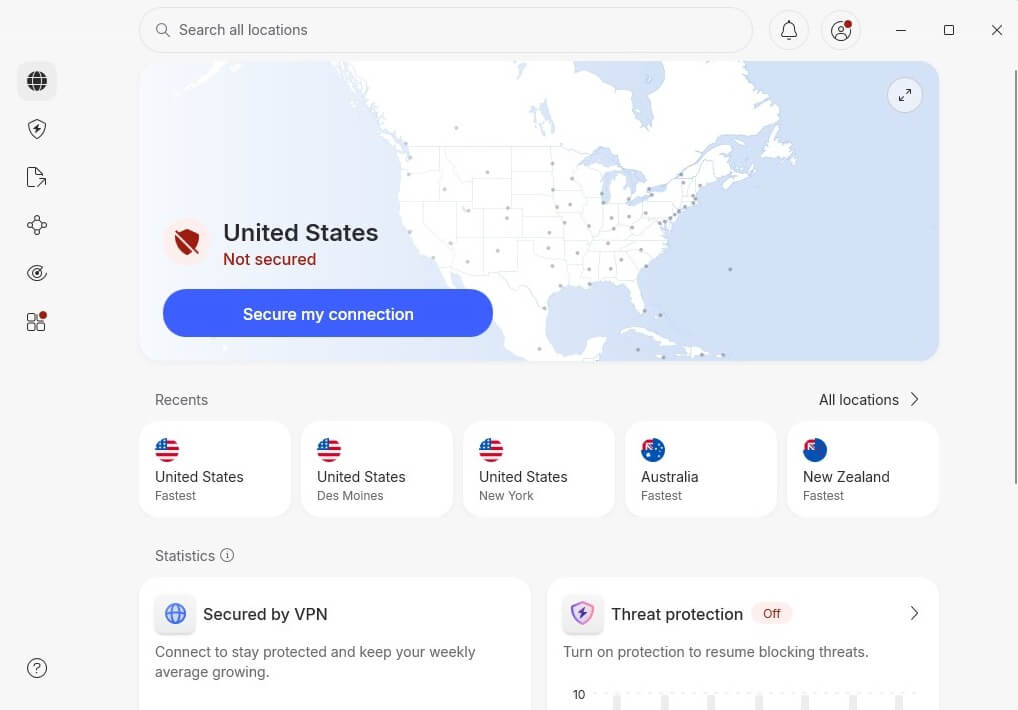
3️⃣ Connect to a VPN Server in Israel
Find Israel in the server list and click it. The connection completes in a few seconds.
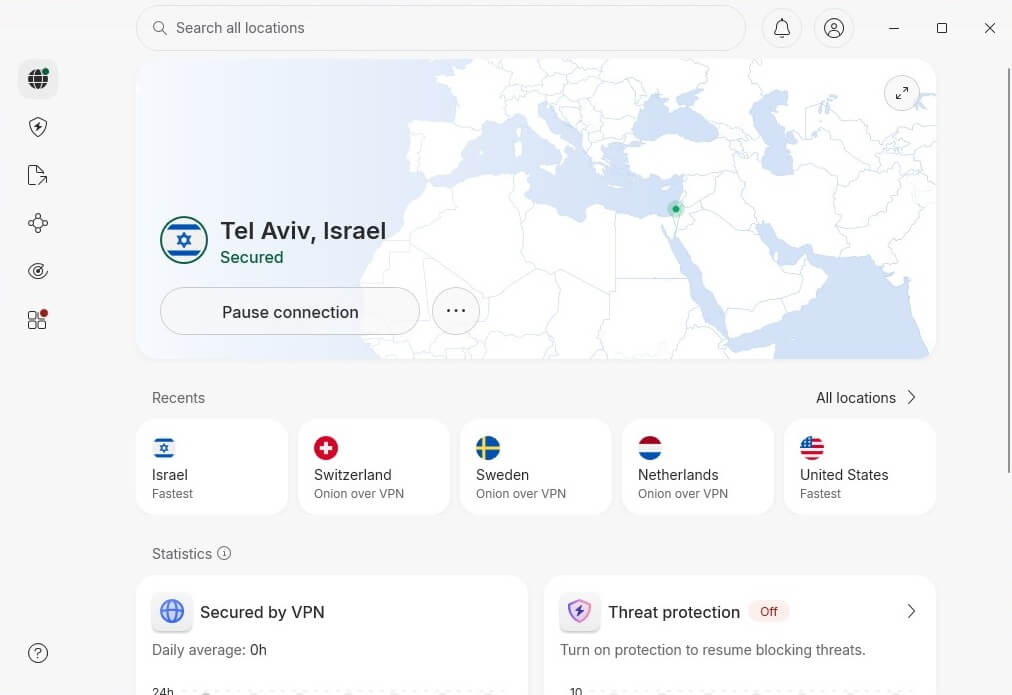
4️⃣ Watch Israeli TV Live Abroad
Channel websites and apps now read an Israeli IP address and treat you as a local viewer. Live news and scheduled programming open normally.
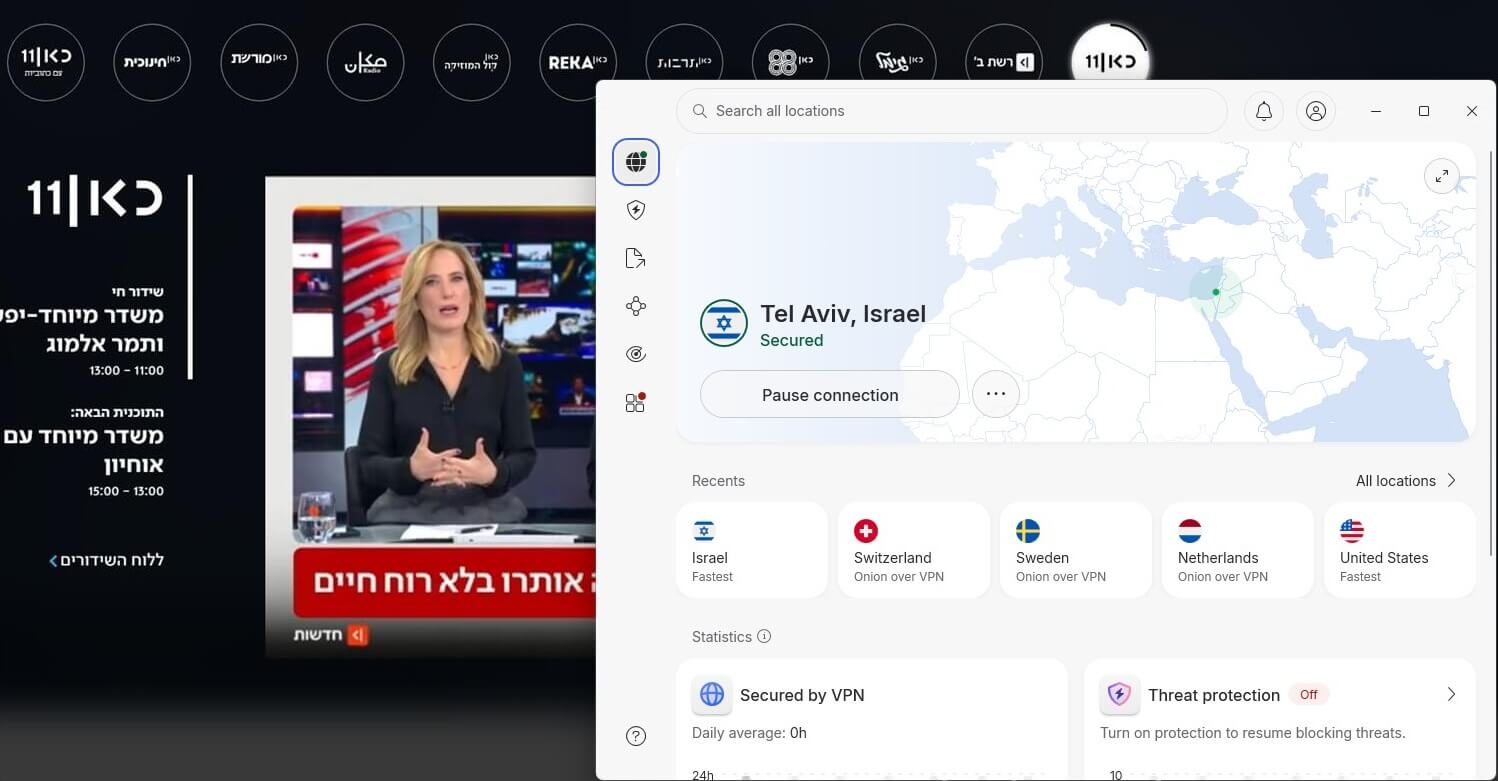
If a channel still refuses to load, the provider is the problem. Some VPNs offer Israeli servers and still get detected. That’s where the choice below matters.
Best VPN to Watch Israel TV Live Abroad
Israeli servers are the entry requirement. Speed, unblocking, and device support decide the rest.
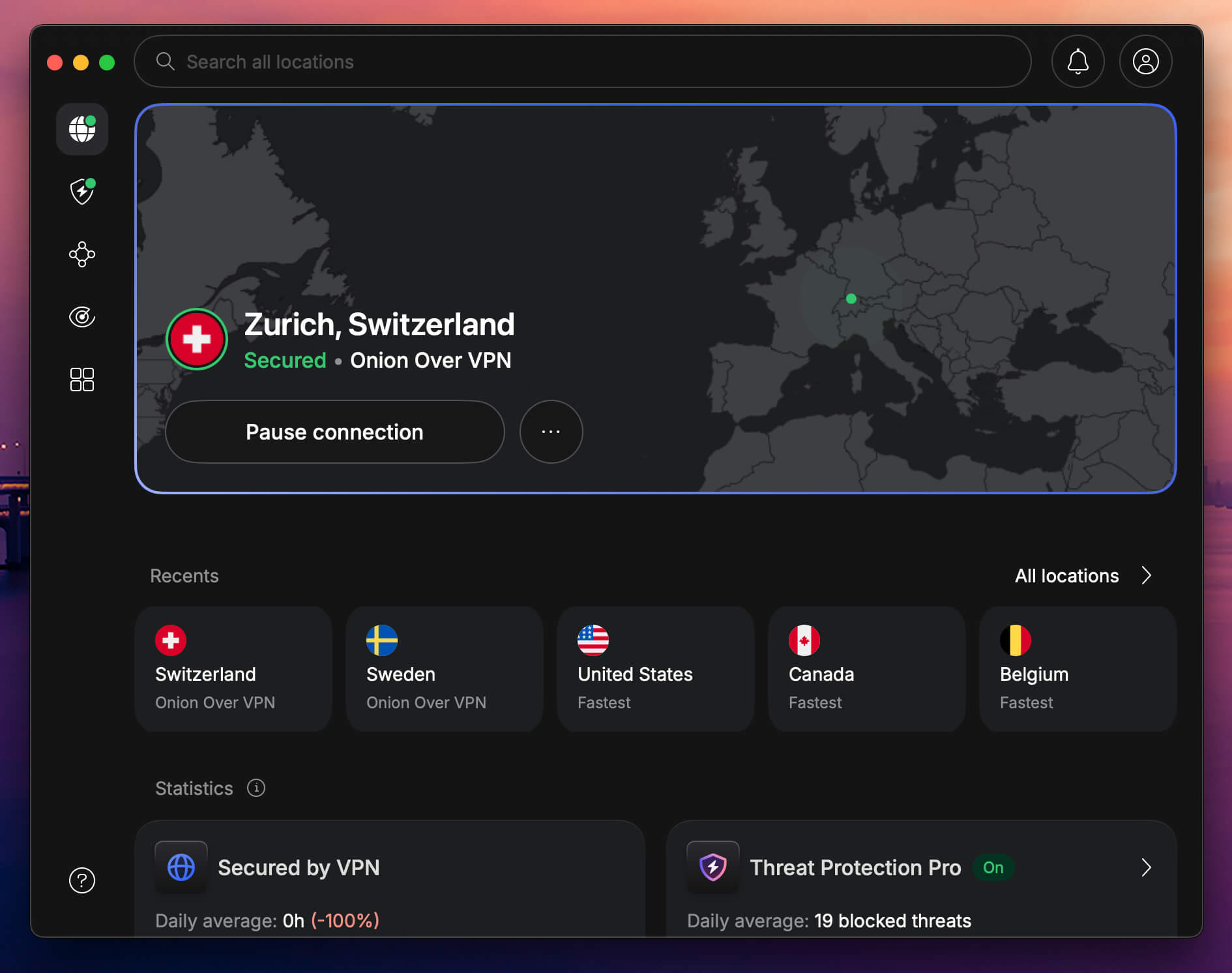
1. NordVPN: Best VPN for Streaming Israeli TV Live
Pros
- Israeli servers in Tel Aviv
- Fastest speeds in our tests
- Opened every channel we tried
- Native Android TV and tvOS apps
Con
- Interface takes some learning
NordVPN operates 9,500+ servers across 149 countries, with Israeli servers in Tel Aviv. Keshet 12 and Kan 11 both opened without trouble in our testing, and Netflix Israel worked alongside them for on-demand viewing. Speeds held up well enough for live feeds, thanks to 10 Gbps ports and the NordLynx protocol.
Post-quantum encryption is available on NordLynx connections and costs nothing in speed. The device story is the strongest here. Native apps handle Android TV and tvOS, and manual configuration extends coverage to Roku and similar streaming boxes. One subscription covers 10 devices.
Plans start at $3.49/mo on the 2-year term, $94.23 for 27 months, with 30 days to claim a refund. There’s also a 3-day trial via Google Play.
2. Proton VPN: Best for Privacy While Streaming
Pros
- Swiss-based, open-source apps
- 40 Israeli servers in Tel Aviv
- NetShield strips ads and trackers
- Free plan for testing
Cons
- No Smart DNS for TVs
- Slower on distant servers
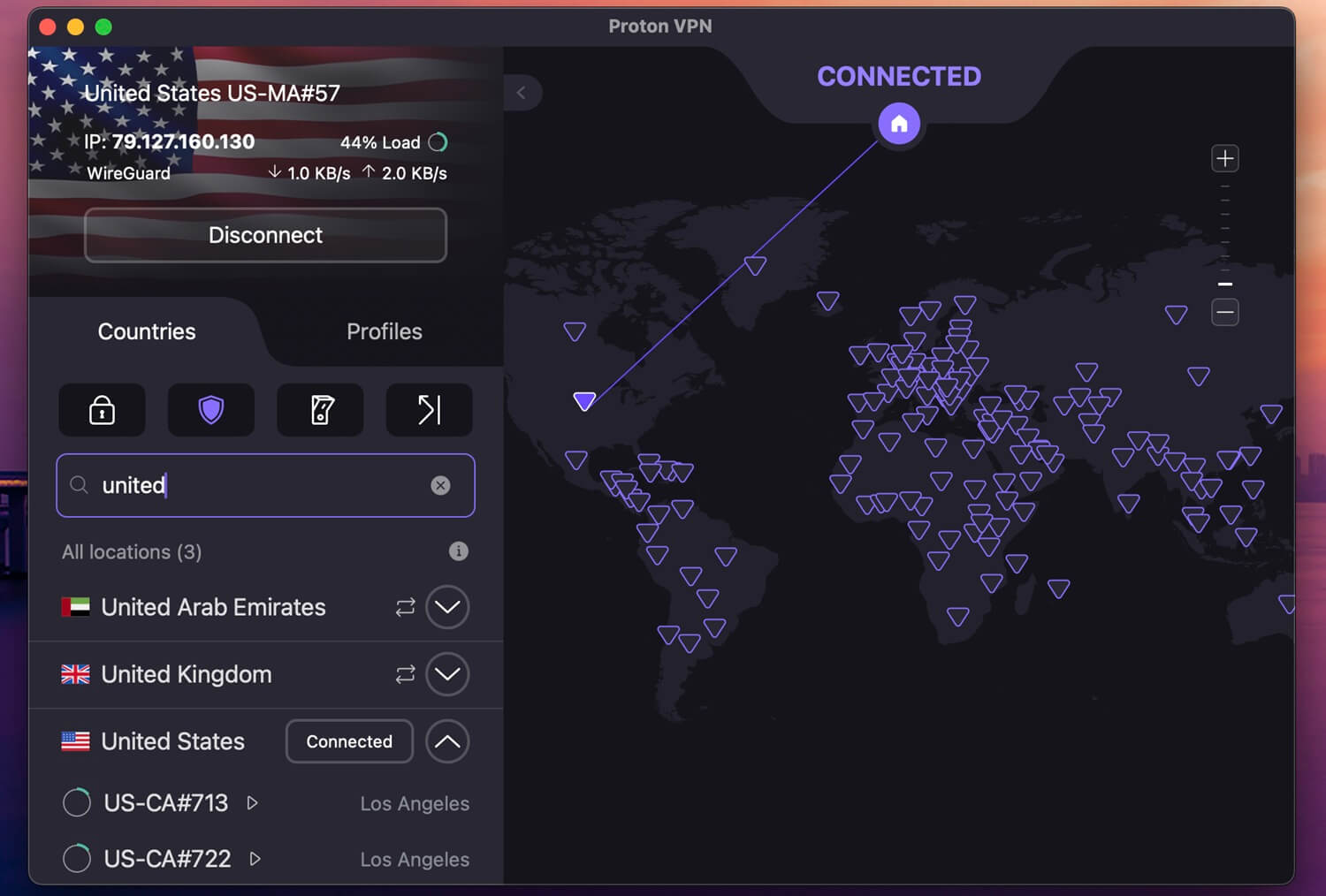
Proton VPN brings the strongest privacy credentials of the three. Swiss jurisdiction imposes no data retention on VPN operators, the apps are open source and audited, and Secure Core adds a second hardened hop for anyone who wants it. Its network reaches 20,000+ servers in 148 countries, and 40 are in Tel Aviv. It unblocked every streaming platform we pointed it at.
NetShield strips ads and trackers during playback at no extra cost. The catch for a TV audience: no Smart DNS, so consoles and older smart TVs need a router setup. Coverage runs to 10 devices, and pricing starts at $2.99/mo on the 2-year plan, a charge of $71.76. A free tier exists if you want to try the apps.
3. ExpressVPN: Easiest Apps for Live TV
Pros
- MediaStreamer works on any TV
- Lightway connects in seconds
- Near-identical apps everywhere
- Quantum-resistant key exchange
Con
- Sharp jump at renewal
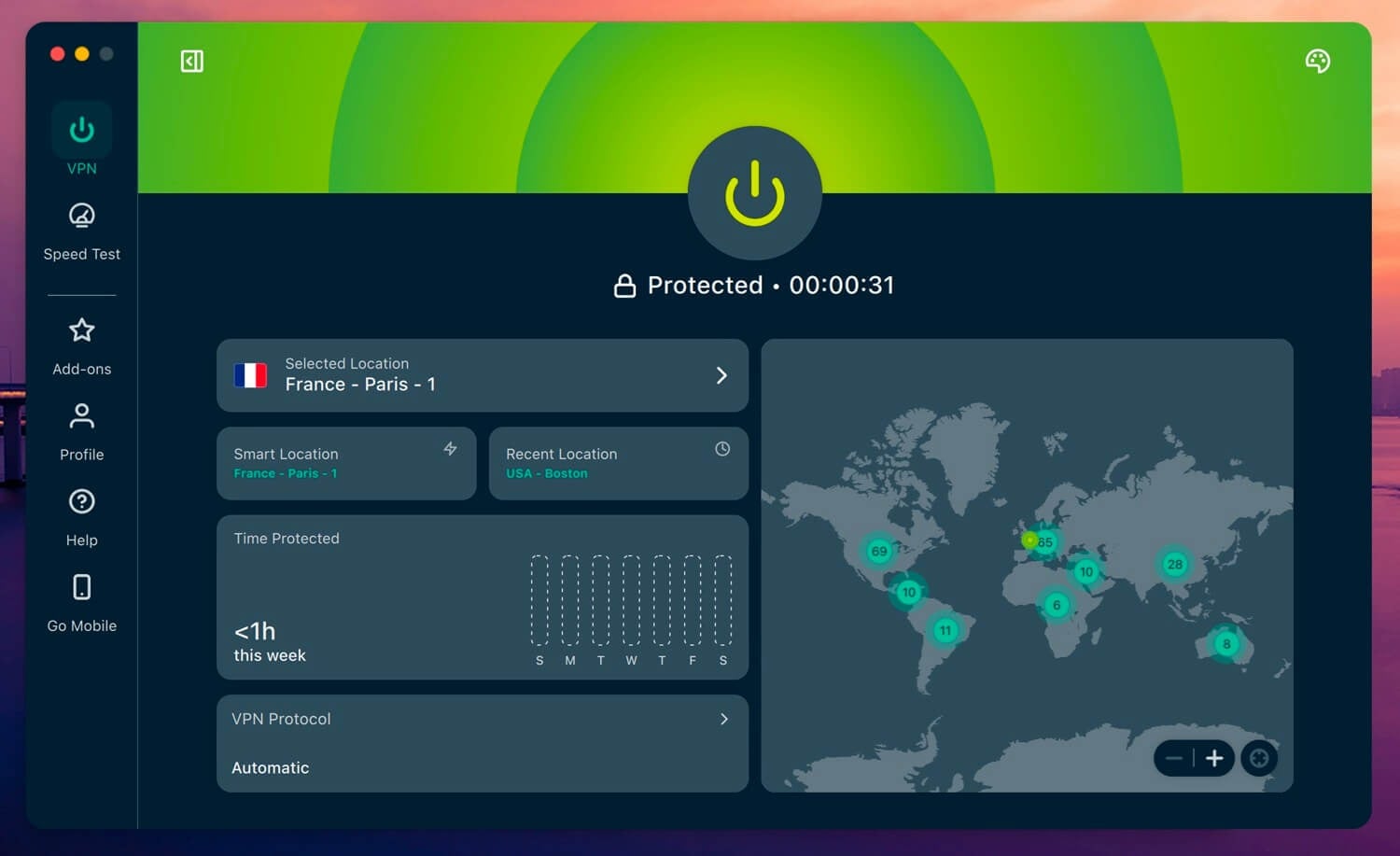
ExpressVPN, one of the strongest NordVPN alternatives, spans 214 locations across 113 countries, Israel among them. It opened every Israeli channel we tested and handled international catalogs just as reliably. Lightway and WireGuard are both available, and it placed near the top of our speed testing, which keeps buffering down on 4K feeds. Post-quantum encryption is included.
MediaStreamer is the reason it earns a spot. The Smart DNS tool works on devices with no VPN support, including most smart TVs, so you get Israeli channels on the main screen in a hotel room. The Basic tier covers 10 devices and costs $2.99/mo across a 28-month term totaling $83.72, though renewal climbs to $99.95/year.
Israeli TV Channels You Can Stream Abroad
An Israeli IP address opens the main free-to-air Israeli TV channels:
- Kan 11, the public broadcaster, with news and original drama
- Keshet 12 and N12, the commercial channel and its news arm
- Now 14, news and current affairs
- Hala TV, Arabic-language programming
Netflix Israel and other subscription platforms switch to their Israeli catalogs on the same connection, so a single server covers both live TV and on-demand.
How to Watch Israeli TV in the USA in 2026
American viewers make up the largest audience for this, and the process doesn’t change. Install the VPN, connect to Israel, open the channel. Two details matter more from the US than from Europe. Distance adds latency, so pick a provider with fast Israeli servers when the feed is live news.
A US home connection sometimes keeps serving cached content after you connect, which a browser refresh or an app restart clears. Israel TV streaming from the US works on phones, laptops, and smart TVs alike, though TVs need a native app, a router setup, or a Smart DNS tool like ExpressVPN’s MediaStreamer.
Can You Watch Israeli TV Abroad With a Free VPN?
No. Israel is a niche location, and free services concentrate their small server pools on the US, the UK, and a handful of European countries. Most don’t offer Israel at all. Even when one does, the experience falls apart. Congested servers mean slow speeds, data caps cut live streams short, and unblocking usually fails against broadcasters that actively screen for VPN traffic.
Paid providers also let you get around ISP throttling, which free tiers won’t. The privacy side is worse. Plenty of free VPNs log browsing data and sell it, and some inject ads into your sessions. There are a few decent free options, though none of them solve this particular problem.
Watching Israeli TV Live: Conclusion
Israeli broadcasters restrict their streams by country, so watching from abroad comes down to holding an Israeli IP address. Any provider without servers in Israel is out before you start. NordVPN performed best across our testing, combining Tel Aviv servers, the fastest speed, and native apps for Android TV and tvOS.
Proton VPN is the pick if privacy weighs heaviest, with Swiss jurisdiction and open-source apps. ExpressVPN earns its place on MediaStreamer, which puts Israeli channels on smart TVs that can’t take a VPN app. All have a 30-day money-back guarantee, so testing one against your channel of choice costs nothing.
Frequently Asked Questions
✡️ How to Watch Israeli TV in USA?
Watching Israeli TV in the USA is only possible with a VPN. Israeli TV channels are blocked in the US, but if you swap your US IP address with an Israeli one, you can unblock them. The best option would be NordVPN, with hundreds of fast servers in Israel, all optimized for easy unblocking and Full HD streaming.
📺 Can I watch Channel 12 (Keshet 12) live abroad?
Yes, you can, but only if you use a VPN. Keshet 12 (Channel 12 in English) broadcasts only to people in Israel. To trick it, you must pretend you're there by changing your IP address with a VPN. The same goes for Keshet 11 and other channels.
⛔ Do Israeli TV channels block VPNs?
No, for the most part, but some may block them, and will not work with low-quality VPNs, typically free VPNs that can't unblock popular streaming sites (except for a few free VPNs that unblock Netflix, but with limited data).