You sit down, ready to stream that show everyone’s been talking about. You open Star+, hit play, and—nothing. Just an error message telling you, “This content is not available in your region.” Frustrating, right? You’re paying for the service or at least expecting to watch it, but just because you’re in the US, you’re blocked.
The reason? Star+ isn’t available in the US. But the good news is, there’s an easy way to change that. A VPN lets you switch your virtual location, making it look like you’re streaming from a country where Star+ works—no restrictions, no blocked content, just instant access.
In this guide, we’ll break down why Star+ is blocked and how a VPN lets you stream it from the US or elsewhere in the world. Say goodbye to region blocks and enjoy uninterrupted entertainment!
Disclaimer: As of June 26, 2024, Star+ has been discontinued, and all its content has been fully merged into Disney+. Unfortunately, Disney+ is available with the Star+ content in most regions except the United States. Hence, we will be focusing on how to watch geographically unavailable Star+ content in the US.
Why Can’t You Watch Star+ in the USA?
If you try searching for Star+ content on Disney+ in the US, you’ll notice that all shows and movies are missing. That’s because, unlike other regions where Disney+ includes Star+ content, the US has content available on Hulu.

Hence, much of what was available on Star+ is now exclusive to Hulu and isn’t accessible in the Disney+ US.
This means that even with a Disney+, you won’t get the exact same catalog as viewers in other countries. If you still want access to the full Star+ library as it exists internationally, the only way to do so is through a VPN. Let’s find out how.
How a VPN Lets You Watch Star+ in the USA
Streaming services don’t always offer the same content in every country. Platforms like Disney+, Netflix, and Prime Video use geo-restrictions to control what’s available based on your location. That’s why some shows and movies are exclusive to certain regions.
A VPN (Virtual Private Network) solves this issue by rerouting your connection through another country, making it look like you’re streaming from there. This bypasses geo-blocks and also reduces ISP throttling, offering smoother streaming without unnecessary slowdowns.
As Disney+ doesn’t include Star+ content and the content is available on Hulu, it could be a letdown for those with a Hotstar subscription. A VPN is the perfect solution for this issue as it lets you hide your IP address, making it look like you’re browsing from a country where Disney+ includes the Star+ content.
Best VPNs for Watching Star+ in the USA in [Year]
Not every VPN can unblock streaming services, and Disney+ has some of the toughest geo-restrictions. Choosing the wrong one could mean slow speeds, poor video quality, or even being locked out of your account.
To save you the trouble, we tested multiple VPNs to find the ones that consistently bypass Disney+ restrictions and unlock Star+ content without interruptions. The right VPN should not only work reliably but also offer fast servers, stable connections, and the ability to avoid detection.



 9200 servers
 128 covered countries
 30 days money-back guarantee
 10 simultaneous connections
9.4 /10

20396 servers
148 covered countries
30 days money-back guarantee
10 simultaneous connections
9.2 /10

3000 servers
105 covered countries
30 days money-back guarantee
10 simultaneous connections
9.1 /10
1. NordVPN
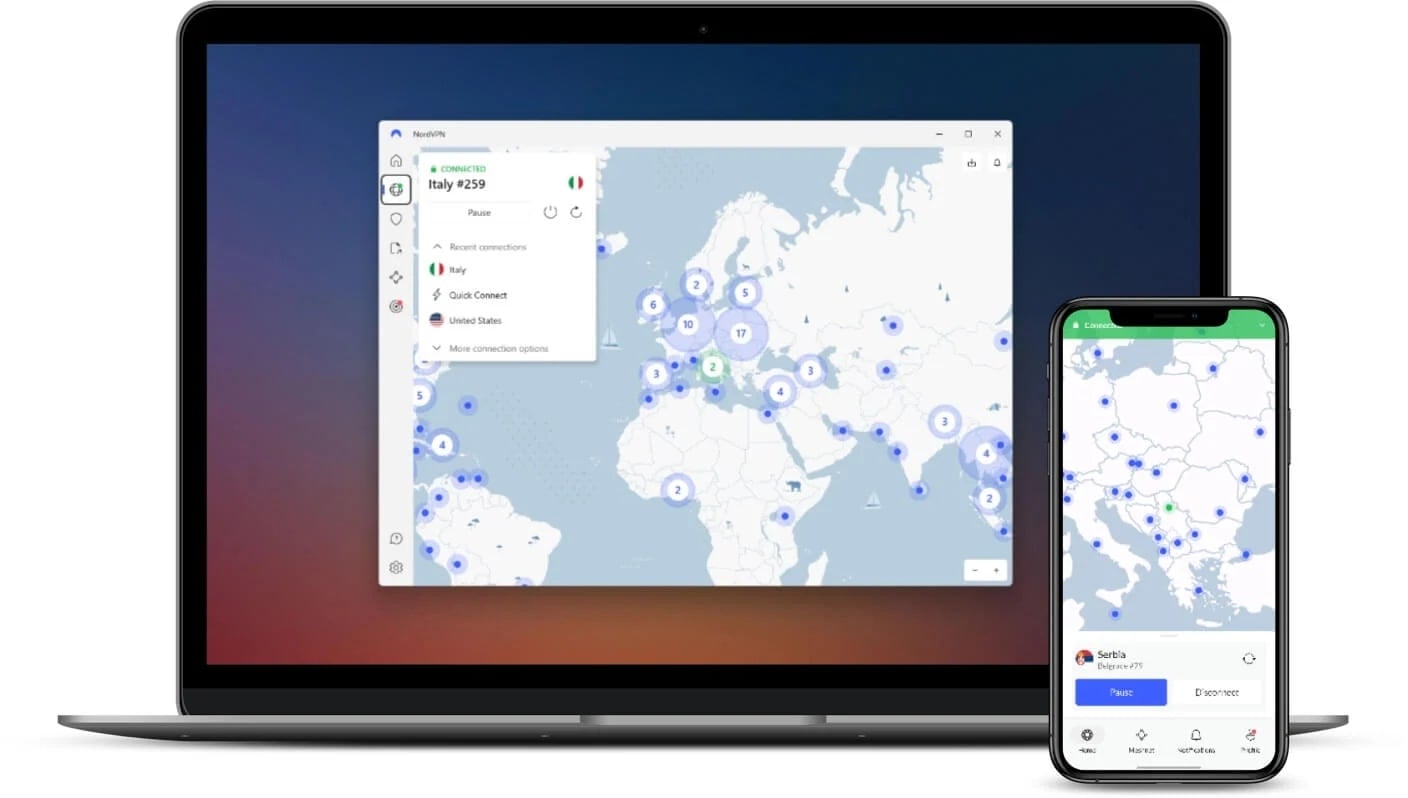
When it comes to unblocking Star+ content on Disney+ from the U.S., NordVPN is one of the most reliable VPNs. It has a vast network of 7,000+ servers across 118 countries, including locations where the Star+ is fully available.
It’s well known for its NordLynx protocol, built on WireGuard, which makes low-latency connections that prevent buffering, lag, and quality drops. Also it keeps you secure and private with its AES-256 encryption, an industry standard.
To see how well it worked, we connected to a server in Canada and searched for Pancho Villa, a title unavailable on Disney+ U.S. The result? Within seconds, we were able to access and stream it in full resolution with no buffering or playback interruptions. It’s no surprise to us, as we consider it the best VPN for streaming.
During this entire process, speed tests confirmed only a 5-7% drop from our 80 Mbps base speed, which is impressive. One of the biggest challenges with streaming services is VPN detection and ISP throttling, but NordVPN’s dedicated obfuscated servers made sure that our connection remained fast and undetectable.
NordWhisper, on the other hand, made a difference on restricted networks, keeping the connection stable even in places where VPNs are often restricted. Plus, its SmartPlay, which works on DNS rerouting, further enhances streaming while connecting to a VPN.
NordVPN offers 10 simultaneous device connections and is compatible with all major platforms, including streaming media devices, Smart TVs, etc. Setting it up on a router allows you to unlock Star+ content on Disney+ across all your home devices without needing to configure each one separately.
NordVPN offers affordable long-term plans starting at just over $3 per month. Plus, with its 30-day money-back guarantee, you can test its features risk-free to see how well it unblocks geo-restricted content on Disney+. You can also benefit from the 7-day free trial if you’re on iOS or Android.
Pros
- 7,000+ servers across 118 countries
- NordLynx and NordWhisper aids streaming
- Obfuscated servers bypass VPN blocks
- SmartPlay enhances streaming performance
- AES-256 encryption keeps data private
- Wide compatibility and router support
- 24/7 live chat support & 7-day free trial.
Cons
- Beginners can find it technical
2. ExpressVPN

ExpressVPN is one of the most privacy-focused and user-friendly VPNs, making it an excellent choice for streaming Star+ content on Disney+ from the US. With over 3000 servers in 105 countries backed by TrustedServer technology, it provides a fast and stable connection, resulting in a secure and private streaming experience.
Its Smart Location automatically selects the fastest and most stable server based on latency and distance. This made sure that we were always connected to an optimized server for streaming.
We connected to a Portugal server and searched for Ver Nada, a title unavailable on Disney+ US. The access was instant, with no buffering, forced quality drops, or playback errors. The stream remained stable and in full resolution throughout the session.
During the test, ExpressVPN’s Lightway protocol offered a low-latency connection, helping maintain smooth and consistent speeds. Speed tests confirmed only a 7-10% drop from our 80 Mbps base speed. Unlike many VPNs that struggle with ISP interference, ExpressVPN bypassed throttling and VPN detection mechanisms to keep the stream running without interruptions.
ExpressVPN supports 8 simultaneous device connections and is compatible with all major platforms, including Smart TVs, streaming devices, and more. It also supports router installations, allowing you to unlock Star+ content without configuring each one separately. You would appreciate its MediaStreamer, which lets you stream even on devices that don’t support VPN.
With expensive long-term plans starting at just over $5 per month and a 30-day money-back guarantee, ExpressVPN provides a risk-free way to bypass geo-restrictions and access Disney+ Star content from anywhere. Like NordVPN, you also get a 7-day free trial on iOS and Android.
Pros
- 3,000+ servers in 105 countries
- Lightway delivers ultra-fast streaming
- TrustedServer ensures no data storage
- MediaStreamer works on non-VPN devices
- Wide compatibility & router support
- 24/7 customer support & 7-day free trial
Cons
- Ideal for beginners – low on features
- Expensive plans
3. Private Internet Access
If you’re looking for a customizable and cheap VPN to unblock Star+ content on Disney+ from the US, Private Internet Access (PIA) is a solid choice. With its 91+ global locations, PIA offers unrestricted access to geo-restricted content while maintaining strong online privacy.
Unlike most VPNs, PIA offers 100% open-source apps, meaning anyone can verify its security standards—making it one of the most transparent VPNs in the industry.
PIA operates on NextGen servers, offering high-speed streaming without buffering. We tested its capabilities by connecting to a UK server and streaming O Rei Da TV, which isn’t available on Disney+ US. The stream loaded and instantly played in full resolution, but occasional buffering was evident. Although it’s not the focus here, note that Private Internet Access is also an excellent VPN for watching fuboTV.
However, there’s a catch—our 80 Mbps base speed experienced a 10-12% drop, but enabling PIA’s streaming-optimized servers reduced it to just 8-10%, making a noticeable difference in performance by reducing buffering. The best is that you could customize the encryption for better speeds.
PIA was capable of bypassing streaming service restrictions that often detect VPNs, block access, and reduce speeds. Security-wise, PIA uses WireGuard and OpenVPN protocols, along with AES-256 encryption.
PIA supports unlimited device connections per subscription, making it an excellent choice for households looking to unblock Disney+ on multiple devices. You can install it directly on Smart TVs and streaming devices or even configure it on a router to enable VPN protection across all devices.
With long-term plans starting at just $2 per month, PIA is one of the most budget-friendly VPNs available. Its 30-day money-back guarantee allows you to test it risk-free, but unlike NordVPN or ExpressVPN, it doesn’t have a real free trial.
See price at Private Internet Access
Pros
- 91+ server locations for global access
- Open-source transparency
- Unlimited devices under one subscription
- Affordable plans
- 24/7 live chat support
Cons
- The interface feels outdated
- No-free trial
- Offers only core features
How to Set Up a VPN to Watch Star+ on Disney+ (Step-by-Step Guide)
Setting up and using a VPN to access Star+ content on Disney+ is incredibly simple—you don’t need any technical expertise. With just a few clicks, you can change your virtual location, bypass regional restrictions, and unlock the full Star+ content on Disney+. Here’s how to do it:
1. Choose a VPN That Works for Streaming
Not all VPNs can unblock Star+ content, as streaming platforms have strong VPN detection measures in place. To avoid connection issues, choose a reliable VPN that offers fast speeds, a wide server network, and stealth features.
NordVPN is the best choice, as it has dedicated streaming servers that can easily bypass geo-restrictions on Disney+.
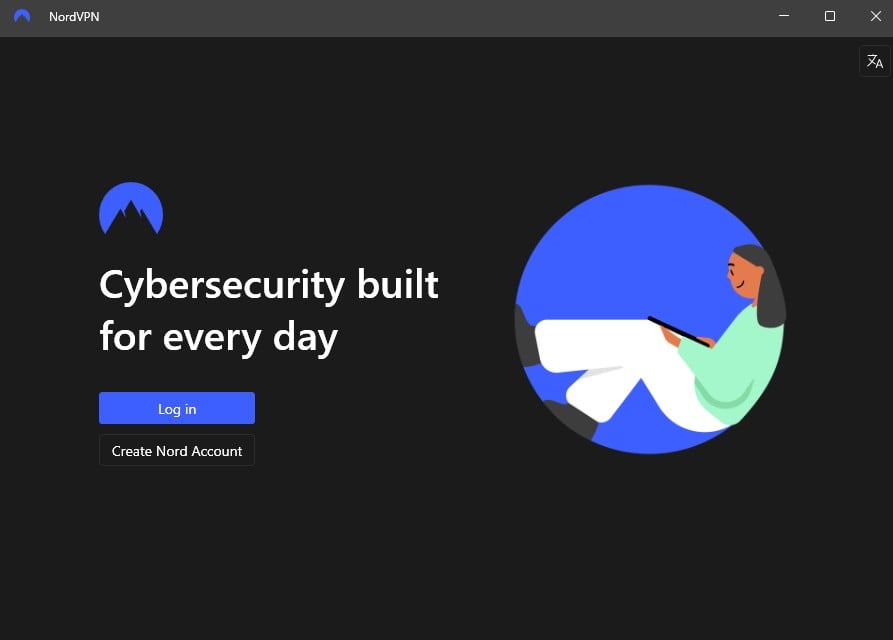
2. Download and Install the VPN App
Once you’ve chosen a VPN, sign up and install the app on your preferred device. All three recommended VPNs support major platforms, including Smart TVs and streaming media devices. If you want VPN coverage for every device in your home, you can also set it up on your router.
3. Connect to a Server Where Star+ Content is Available
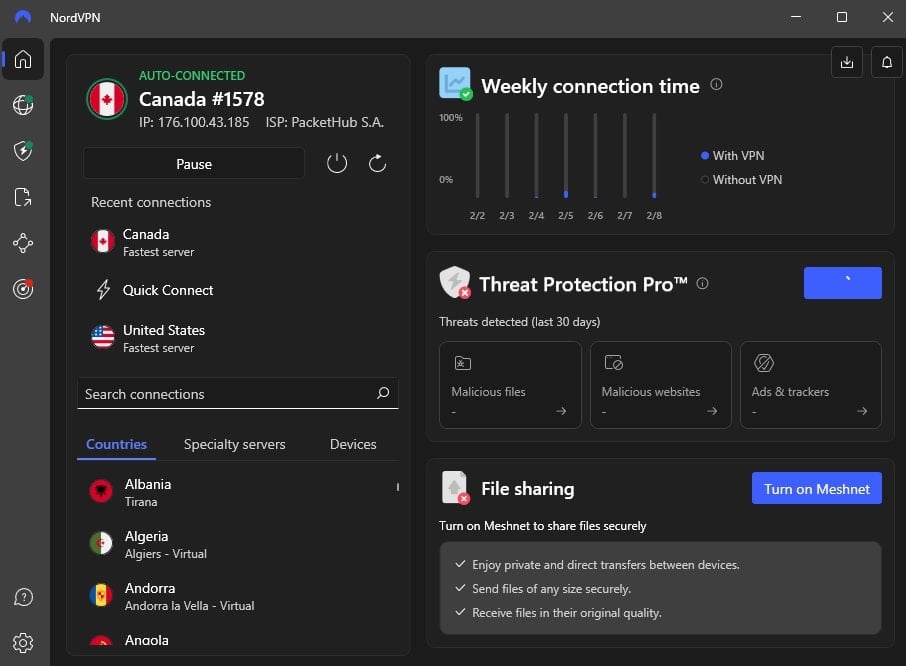
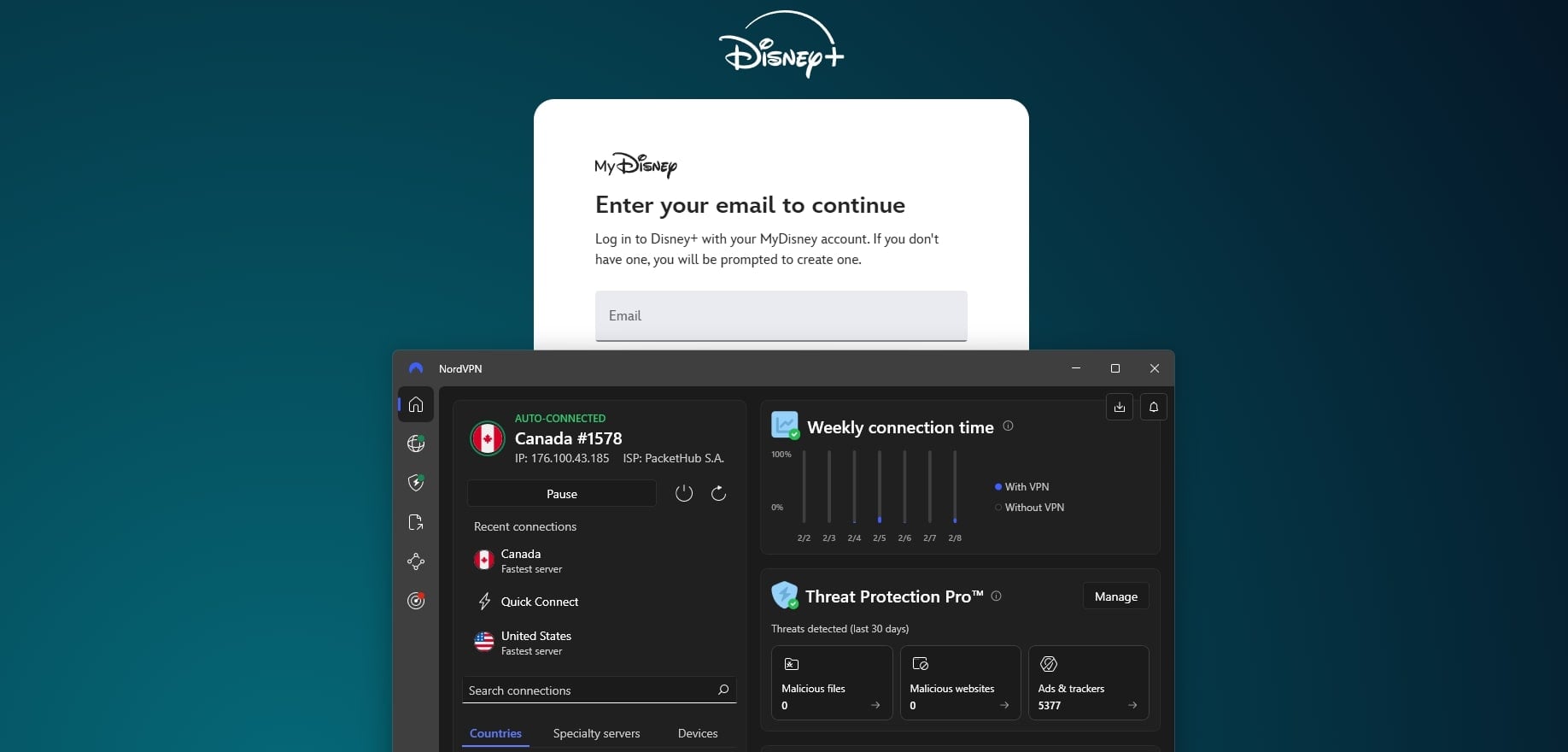
Open the VPN app and log in. Then, select a server in a country where Disney+ includes the Star+ content, such as Canada, Portugal, the UK, etc.
Once connected, your IP address changes, making it appear as if you’re browsing from that region.
4️. Log in to Disney+ and Start Streaming
Head to Disney+ on your browser or app and sign in. With the VPN active, you should now have access to Star+ content that isn’t available in the US. Search for a title exclusive to Star+ to confirm that it’s working.
Can’t Access Star+ Content with a VPN? A Troubleshooting Guide
Even with a VPN, you might run into some issues when trying to watch Star+ content on Disney+. Streaming platforms have strict geo-blocks, and occasional errors can occur. If you’re facing problems, here’s how to fix them:
- Disney+ Still Detects Your VPN: If you see an error message saying you’re using a VPN, it must be your browser’s cookies and cache. If that doesn’t help, open your browser in Incognito mode or restart the device.
- Keeps Buffering: High-quality streaming requires a fast connection. If your stream is lagging, try switching to a nearby server. Also, make sure to connect to the VPN’s fastest protocol and prefer dedicated/optimized streaming servers over regular ones.
- Content Unavailable: While Star+ content is merged into Disney+, availability still varies by country. Some titles may be restricted even in Star+ regions. If a specific show or movie is missing, check where it’s available and connect to a server in that region.
- Improper Router Configuration: If you’re using a VPN on a router, but Star+ content still isn’t accessible, check if your VPN settings are correctly applied. Also, make sure no mistakes were made during the setup.
- Using Free VPNs: If you’re relying on a free VPN or proxy, it’s likely failing due to weak encryption and a lack of obfuscation. Free VPNs don’t offer the same ability to bypass restrictions, making them unreliable for unblocking Star+ content.
Alternatives to Watching Star+ Content
Since Star+ has been fully merged into Disney+, you can still access most of its content through various platforms. Star+ primarily featured movies and TV shows from Disney’s extensive library, covering multiple studios and networks. If you’re looking for specific titles, here’s where you can find them:
Many Star Originals and shows from 20th Television, 20th Television Animation, Searchlight Television, and ABC Signature are now available on Disney+ (outside the US) or Hulu (in the US). Additionally, popular networks like FX Networks, Freeform, and National Geographic continue to offer their content through their respective streaming services.
For movies, productions from 20th Century Studios, 20th Century Animation, Searchlight Pictures, Hollywood Pictures, and Touchstone Pictures are often available on Disney+, Hulu, or other streaming services, depending on licensing agreements. Depending on regional rights, some third-party content also has Star+ content.
Final Verdict
Geo-blocking can be frustrating, especially when you’re locked out of content that should be available. But as we’ve seen, a VPN is the simplest and most effective way to bypass these barriers.
Instead of being limited by your location, you can take control of your streaming experience, unlock the full Star+ content on Disney+, and enjoy your favorite shows and movies without restrictions. With the right VPN, you won’t have to worry about missing out again.
Among all the options, NordVPN stands out for its fast speeds, strong privacy, and advanced streaming capabilities. It consistently unblocks Star+ content on Disney+, avoids detection, and ensures smooth, high-quality streaming, regardless of the device you’re using. If you’re serious about accessing Star+ from the U.S., this is the VPN you can rely on.
FAQs on Watching Star+ in the USA
Can I watch Star+ content in the U.S. with a Disney+ subscription?
No, Star+ content is not available on Disney+ US. Instead, much of its library is available on Hulu. However, using a VPN allows you to access Disney+ libraries from other countries where Star+ content is included.
Can I use a free VPN to unblock Star+?
Free VPNs rarely work for streaming. They are often slow, blocked by Disney+, and lack encryption, making them unreliable for bypassing geo-restrictions. A paid VPN with dedicated streaming servers is a better option.
Do I need to change any settings after connecting to a VPN?
Usually, no. Once connected to a VPN server where Star+ content is available, just clear your browser or the app cache, and you should be able to stream without issues.
Which countries have Star+ content on Disney+?
Countries in Latin America and many more have Star+ content integrated into Disney+. However, keep in mind that the libraries may vary by region. If you’re using a VPN, connecting to any of these locations will give you access to the expanded library.