
Choosing a business VPN looks simple until the quotes arrive per user, plus a monthly fee for a dedicated server. For a five-person team, a year can cost under $500 or over $1,100. Most of that difference comes from the dedicated server, which assigns the whole team one IP address that company systems can trust.
NordLayer covers small and growing teams, with SSO on its cheapest business VPN plan and an office network connector on the Core plan. Proton VPN for Business accepts teams as small as two, Surfshark’s One plan for teams adds antivirus, and ExpressVPN, which sells its own router, works well for a one-person office. For most teams, I’d choose NordLayer.
Top Business VPNs for 2026
- NordLayer: Best Overall Business VPN, with SSO and Always On VPN on the Lite plan.
- Proton VPN for Business: Best for Small Teams, with plans that start at two users.
- Surfshark: Best for Security Extras, adding antivirus on its One plan for teams.
- ExpressVPN: Best for Freelancers, with simple apps and its own Aircove router.
- Private Internet Access: Best for Budget Teams, covering unlimited devices on one account.
Business VPNs Compared
| VPN | Price | Minimum users | Admin panel | SSO | Dedicated IP |
|---|---|---|---|---|---|
| NordLayer | From about $8 per user/month, paid yearly | 5 | Yes | Every plan | Dedicated server, about $40 a month |
| Proton VPN for Business | From about $7 per user/month, paid yearly | 2 | Yes | Professional plan | Professional plan, with a dedicated server |
| Surfshark | From about $6 per user/month, paid yearly | 5 | Yes | No | No |
| ExpressVPN | Under $3 a month per account, 10 devices | No minimum | No | No | Add-on, or part of the Pro plan |
| Private Internet Access | About $2 a month per account, unlimited devices | No minimum | No | No | Paid add-on |
Business VPNs We Recommend
1. NordLayer: Best Overall Business VPN
Pros
- SSO on every plan
- Always On VPN for company devices
- Device posture checks
- Cloud firewall on the Core plan
- Shared gateways in many countries
Cons
- Dedicated server costs extra on Core and Premium
- Seat minimum too high for the smallest teams
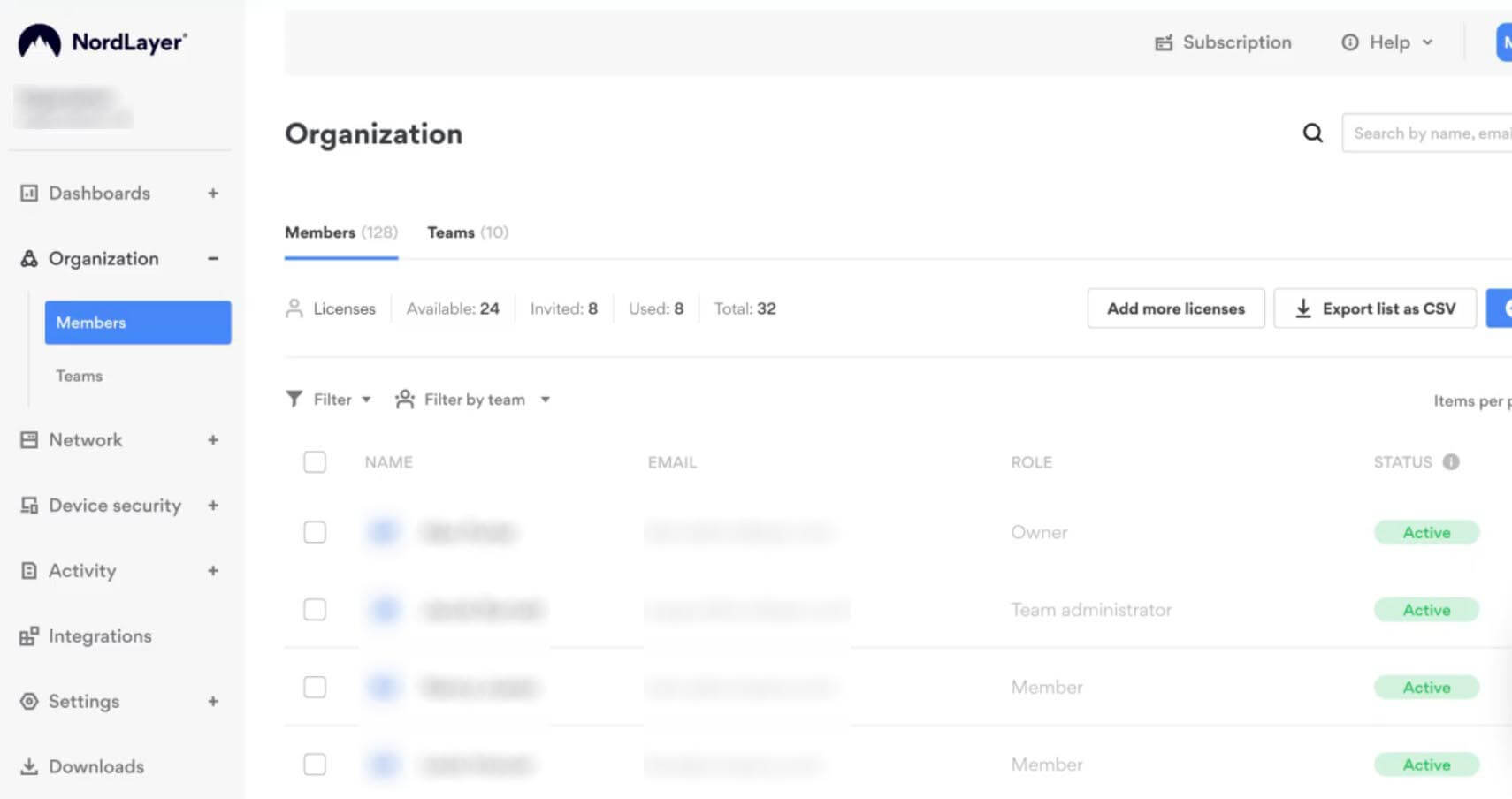
NordLayer comes from the company behind NordVPN, but it’s a separate product built around a web control panel. An admin adds users, groups them into teams, and chooses which gateways each team can connect through. A sales team in London and developers in Berlin can then use different locations under one account.
The Core plan adds a site-to-site connector, which links an office network to the VPN, and DNS filtering for malicious domains. Core and Premium also require a server with a dedicated IP address, about $40 a month on top of the seats.
The Lite plan costs about $8 per user a month when paid yearly, with a five-user minimum, and Enterprise pricing starts near $6 per user from 200 users. NordLayer has no free trial like NordVPN’s on Android, but a 14-day money-back guarantee covers every plan.
2. Proton VPN for Business: Best for Small Teams
Pros
- Two-factor enforcement for the whole team
- Admin activity logs
- Private gateways on the Professional plan
- Proton Pass bundle for team passwords
- Swiss jurisdiction
Cons
- No SSO on the Essentials plan
- Professional plan adds a dedicated server fee
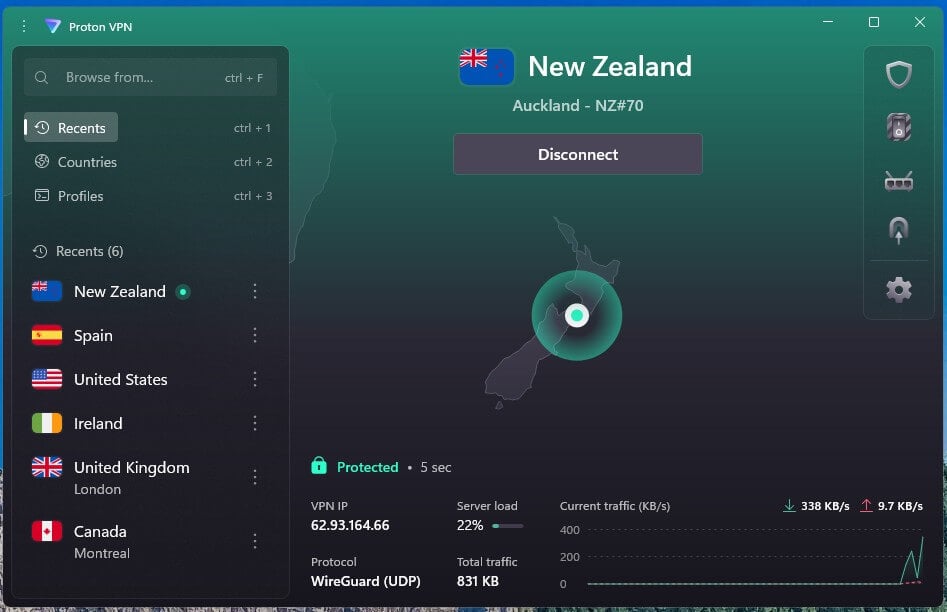
Proton VPN for Business sells plans from two users, and the Essentials plan is priced at about $7 a month for each user with annual billing. Business accounts come with a 14-day free trial and a 30-day money-back guarantee. The Professional plan, about $10 per user, adds SSO through Okta, Google Workspace, or Microsoft Entra ID, plus dedicated IP addresses in over 20 countries.
It comes with a dedicated server, which brings a two-person team to about $720 a year. Staff connect through the regular Proton VPN apps, and in our tests the Advanced kill switch kept a Windows PC offline through a restart. Our Proton VPN vs ExpressVPN comparison looks at those apps in more depth.
3. Surfshark: Best for Security Extras
Pros
- Antivirus on the One plan
- Post-quantum encryption
- Alert data breach monitoring
- Alternative ID for masked sign-ups
- CleanWeb ad and malware blocker
Cons
- No dedicated IP for teams
- Occasionally slow to connect
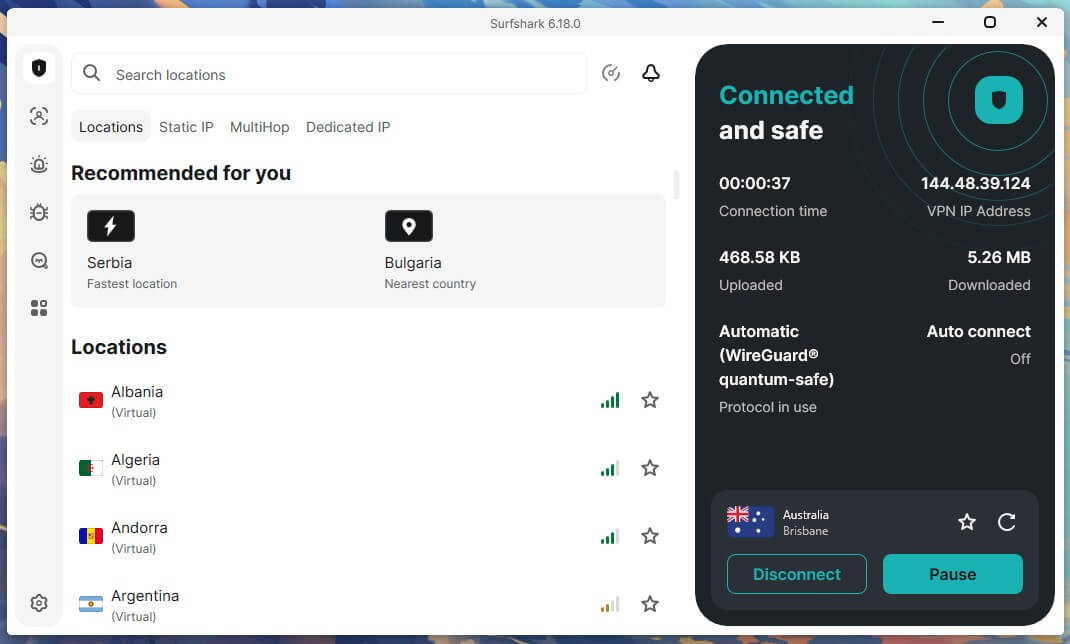
Surfshark sells its business VPN as Surfshark Teams. An admin assigns accounts and controls access from one dashboard. Pricing starts at about $6 a month per user on the Starter plan, with a one-year contract and five users as the minimum purchase. Surfshark lost 9.6% of its download speed on average over servers in the UK, US, and Japan, and only 1.8% on the UK server.
We tested on WireGuard, and Surfshark is one of our top WireGuard VPNs. With the kill switch in its default Soft mode, traffic leaked while the PC restarted. However, Strict mode kept the PC offline until the VPN reconnected, so enable Strict on work laptops.
4. ExpressVPN: Best for Freelancers
Pros
- Own-brand Aircove routers
- Dedicated IP on the Pro plan
- Password manager on the Advanced plan
- Travel eSIM data on higher plans
- More devices on higher plans
Cons
- No team management tools
- Higher price on monthly billing
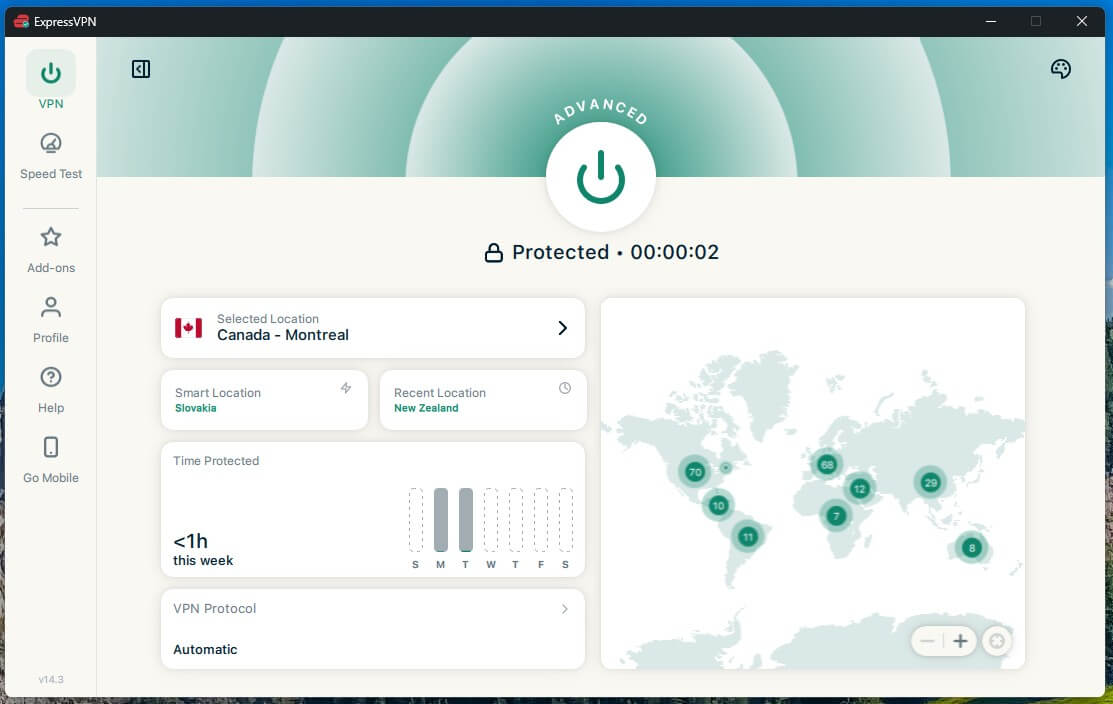
ExpressVPN has no business plan, so a team shares one subscription with no admin panel or per-user billing. That’s often fine for a freelancer or a two-person office. A small office can also put its whole network behind ExpressVPN with an Aircove router, which covers printers and smart TVs that don’t support VPN apps. ExpressVPN lost 7.8% of its speed on average in our tests.
Even its Japanese server, a long way from our test PC in Europe, kept about 86% of our connection’s speed. The apps have few settings to configure, so a non-technical owner can set it up without help. The Basic plan averages under $3 a month over its first 28 months, and renewal comes to roughly $100 yearly.
5. Private Internet Access: Best for Budget Teams
Pros
- Dedicated IP add-on
- MACE ad and tracker blocker
- Open-source apps
- Servers in every US state
- Port forwarding on non-US servers
Cons
- No admin panel or SSO
- Default kill switch leaked after a restart
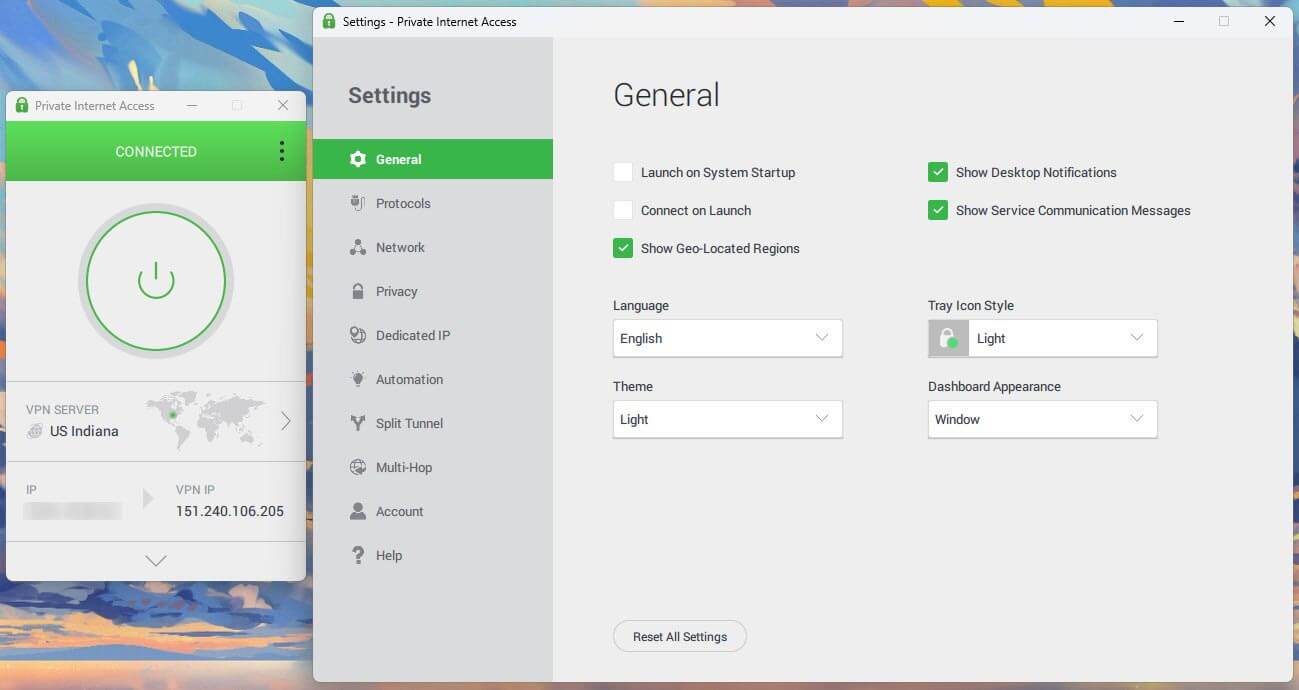
- Cluttered Windows app
Private Internet Access has no business plan either, but one account covers unlimited devices. A small team can share one PIA account without counting laptops and phones, a setup our multi-device VPN guide covers in more detail. A PIA subscription costs about $2.20 a month on its 26-month plan, then around $57 a year. Without an admin panel, the account owner controls every device.
In our speed tests, PIA’s download speed dropped 12.7% on average. Its kill switch passed our cable-pull and forced-close tests but leaked after a PC restart on default settings, which I didn’t expect from a VPN that emphasizes privacy. The Windows app also defaults to OpenVPN, so WireGuard has to be selected by hand. Our PIA review covers the rest.
What a Business VPN Costs
A per-user price leaves out the seat minimum and the dedicated server that some plans require. These rounded yearly totals assume annual billing:
| Plan | 5 users | 10 users | 25 users |
|---|---|---|---|
| NordLayer Lite | About $480 | About $960 | About $2,400 |
| NordLayer Core, with dedicated server | About $1,140 | About $1,800 | About $3,780 |
| Proton VPN Essentials | About $420 | About $840 | About $2,100 |
| Proton VPN Professional, with dedicated server | About $1,080 | About $1,680 | About $3,480 |
| Surfshark Teams Starter | About $350 | About $710 | About $1,770 |
ExpressVPN and PIA charge per account. One ExpressVPN Pro account covering 14 devices costs about $210 for its initial 28-month term, and a PIA account covers unlimited devices for about $57 over 26 months. Monthly billing costs more on every plan.
Business VPN vs Consumer VPN
A business VPN, also called a corporate VPN, connects employees to company systems over an encrypted connection, with an admin controlling who can sign in. The main differences from a consumer VPN:
- Accounts: one login per employee, added and removed in an admin panel, often through SSO. A consumer VPN uses one shared account.
- IP addresses: a dedicated server or IP address reserved for the company, so its systems can block every other IP address. A consumer VPN assigns IP addresses that many subscribers use at once.
- Network access: remote access to company servers, and site-to-site links between offices. Consumer VPNs are built for privacy and streaming.
- Billing: a price per user per month, with a seat minimum, instead of one subscription.
A consumer VPN is enough for a freelancer who mainly wants encryption on public Wi-Fi and has no company servers to protect. Our explainer on what a VPN is starts from the basics, and the trade-offs of using one are laid out in our VPN pros and cons guide.
Zero-Trust and Free Alternatives
Zero-trust network access connects users to specific apps instead of the whole company network. Some of these services have free plans for small teams:
- Cloudflare Zero Trust: free for up to 50 users, with paid seats at around $7 a month.
- Twingate: free for up to five users, and the Teams plan costs about $5 per user monthly when paid yearly.
- Tailscale: the free Personal plan is for non-commercial use, so businesses start on the Standard plan at $8 per user monthly, after a 14-day trial.
- Check Point SASE: the service formerly called Perimeter 81, aimed at larger companies and priced by quote.
These services are designed around cloud apps and in-house servers, and setup involves more work than installing a VPN app. Free consumer VPNs, even free VPNs with unlimited data, lack team accounts and admin controls.
How to Set Up a Business VPN
- Create your organization in the VPN’s admin panel and buy a seat for every employee.
- Add users by email, or connect SSO with an identity service such as Okta or Google Workspace, so staff sign in with their work accounts.
- Set up a dedicated server or gateway if company systems should accept only your team’s IP address. Then allowlist that IP address in your cloud apps, office firewall, or dedicated hosting server.
- Install the VPN app on every work device and enable Always On VPN or the kill switch, so a laptop can’t go online without the VPN. Our guide on how to use a VPN covers the app basics.
- Assign access rules by team and review the activity logs regularly.
Company tools then see the dedicated IP address instead of employees’ home IP addresses, much as a consumer VPN can change your IP address.
Conclusion
A business VPN makes sense when employees connect to company systems from home or while traveling. With a shared consumer account, there’s no way to add or remove staff or see who connected. NordLayer offers the most for a growing team: SSO from the Lite plan, then connections for office networks once the team moves to Core. Proton VPN for Business costs less for two or three people.
And ts Swiss base and team-wide two-factor enforcement make it the stronger VPN for privacy. Before comparing per-user prices, find out whether your cloud apps or office network must trust a single IP address. If they do, budget for NordLayer’s Core plan or Proton VPN’s Professional plan, which come with a dedicated server. A freelancer working alone can skip per-seat billing and use a consumer VPN instead.
Business VPN FAQ
What is a corporate VPN?
A corporate VPN is an encrypted connection that lets employees access company systems remotely. An admin controls who can sign in, and company tools can recognize staff by the VPN's dedicated IP address.
How much does a VPN cost for a company?
A business VPN costs about $6 to $14 per user monthly with yearly billing. A dedicated server adds around $40 a month, so a five-person team pays roughly $350 to $1,150 a year.
Which VPN is best for small businesses?
The best VPN for most small businesses is NordLayer, which offers SSO from its cheapest plan. Proton VPN for Business has a lower per-user price and starts at two seats.
Is there a free VPN for business?
Yes, for small teams. Cloudflare Zero Trust has a free plan covering up to 50 users, and Twingate's free plan covers five. These zero-trust services connect staff to specific company apps.
What is the difference between a business VPN and a personal VPN?
A business VPN is controlled by a company admin, who creates a login for each employee and can revoke it. A personal VPN belongs to one subscriber and connects through shared IP addresses.
Can a small business use a regular VPN?
Yes, for one-person businesses and very small offices. A consumer VPN encrypts work traffic, but it has no admin panel, so a departing employee keeps access until the password changes.
What is a B2B VPN?
A B2B VPN is a VPN sold to businesses, with per-user billing and central management. The term also describes site-to-site connections linking the networks of two partner companies.