A trusted VPN unblocks CapCut worldwide. Wondering how to download CapCut in India? Connect to a server abroad, and the video editor works unrestricted. Not every VPN can pull it off, though. After testing 30+ providers, we picked NordVPN as the best CapCut VPN in 2026 for its speeds, server coverage, and unlimited data. Below are our top picks in detail, so keep reading.
Best VPN for CapCut 2026: Top 5 CapCut Pro VPN Picks Updated
- NordVPN – Best VPN for CapCut overall
- Proton VPN – Privacy-first CapCut VPN
- ExpressVPN – Best VPN for CapCut in India and abroad
- Private Internet Access – Cheap and secure CapCut VPN
- Surfshark – Best for using CapCut anywhere on multiple devices
Why Do You Need a VPN for CapCut?
Oddly, a video editing app would get banned, but CapCut’s problem is that ByteDance, which also owns TikTok, has been under scrutiny over data privacy and national security. Governments allege that the Chinese state could access user data collected by ByteDance apps, citing fears of surveillance and espionage. That controversy spilled over to CapCut, which is why India blocked it.
A VPN gets around the restriction: connect to a server abroad and download CapCut in India or anywhere else it’s limited. The same trick unblocks TikTok in India. There’s a privacy angle too. A VPN encrypts your traffic and hides your IP, making it harder for ByteDance or anyone else to tie your online activity to you.
Best VPN for CapCut 2026: Detailed List and Comparison
Here’s why these 5 made the cut, with their features, pros, cons, and prices.
| NordVPN | Proton VPN | ExpressVPN | PIA VPN | Surfshark | |
| Unblocks CapCut in India | Yes | Yes | Yes | Yes | Yes |
| Obfuscation | Obfuscated servers | Stealth protocol | On by default | Shadowsocks | Camouflage Mode |
| Servers | 9,500+ in 149 countries | 20,000+ in 148 countries | 3,000+ in 113 countries | 30,000+ in 90 countries | 4,500+ in 100 countries |
| Fastest Protocol | NordLynx | WireGuard + VPN Accelerator | Lightway Turbo | WireGuard | WireGuard and Dausos |
| Ad/Tracker Blocking | Threat Protection | NetShield | Yes, built-in | MACE | CleanWeb |
| Simultaneous Devices | 10 | 10 | 10-14 | Unlimited | Unlimited |
| Free Option | Android trial | Free tier | Android/iOS trial | Android/iOS trial | Android/iOS trial |
| Best Price | $3.49/mo | $2.99/mo | $2.49/mo | $2.19/mo | $2.49/mo |
1. NordVPN: Top-Rated VPN for CapCut in 2026
Pros
- Wide server fleet
- Unblocks CapCut in India
- Tracking protection
- Audited no-log policy
- Fast and reliable speed
Con
- Not beginner-friendly
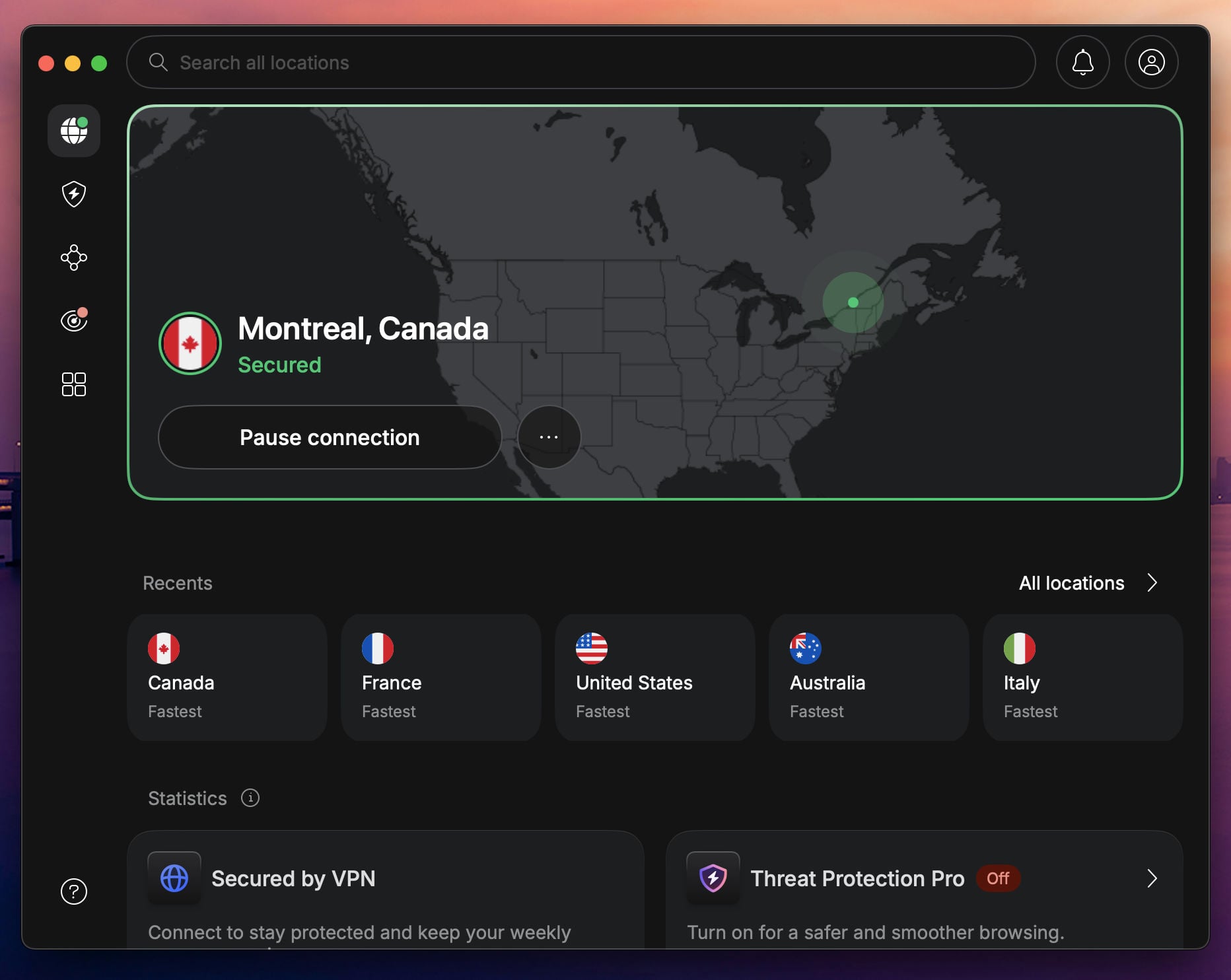
NordVPN is the best VPN for CapCut Pro, and it works even in India thanks to obfuscated servers, which disguise VPN traffic to slip past network filtering. The provider runs 9,500+ servers in 149 countries, so finding a fast location near you takes seconds. Speed holds up too. NordLynx, in-house WireGuard-based protocol, kept our connections quick for editing and downloading assets without hiccups.
The no-logs policy has been independently audited multiple times, most recently by Deloitte in February 2026. Apps cover every CapCut-ready device, and built-in Threat Protection blocks trackers, malware, and ads, so ByteDance can say goodbye to your data. NordVPN starts at $3.49 per month with 3 free months. There’s also a free NordVPN trial on Android, and a 30-day guarantee covers all plans.
2. Proton VPN: Best for Privacy and Security
Pros
- Strong privacy features
- Audited no-logs policy
- VPN Accelerator
- Free CapCut VPN tier
- Cheap 2-year plan
Cons
- Complex UI
- Higher renewal price
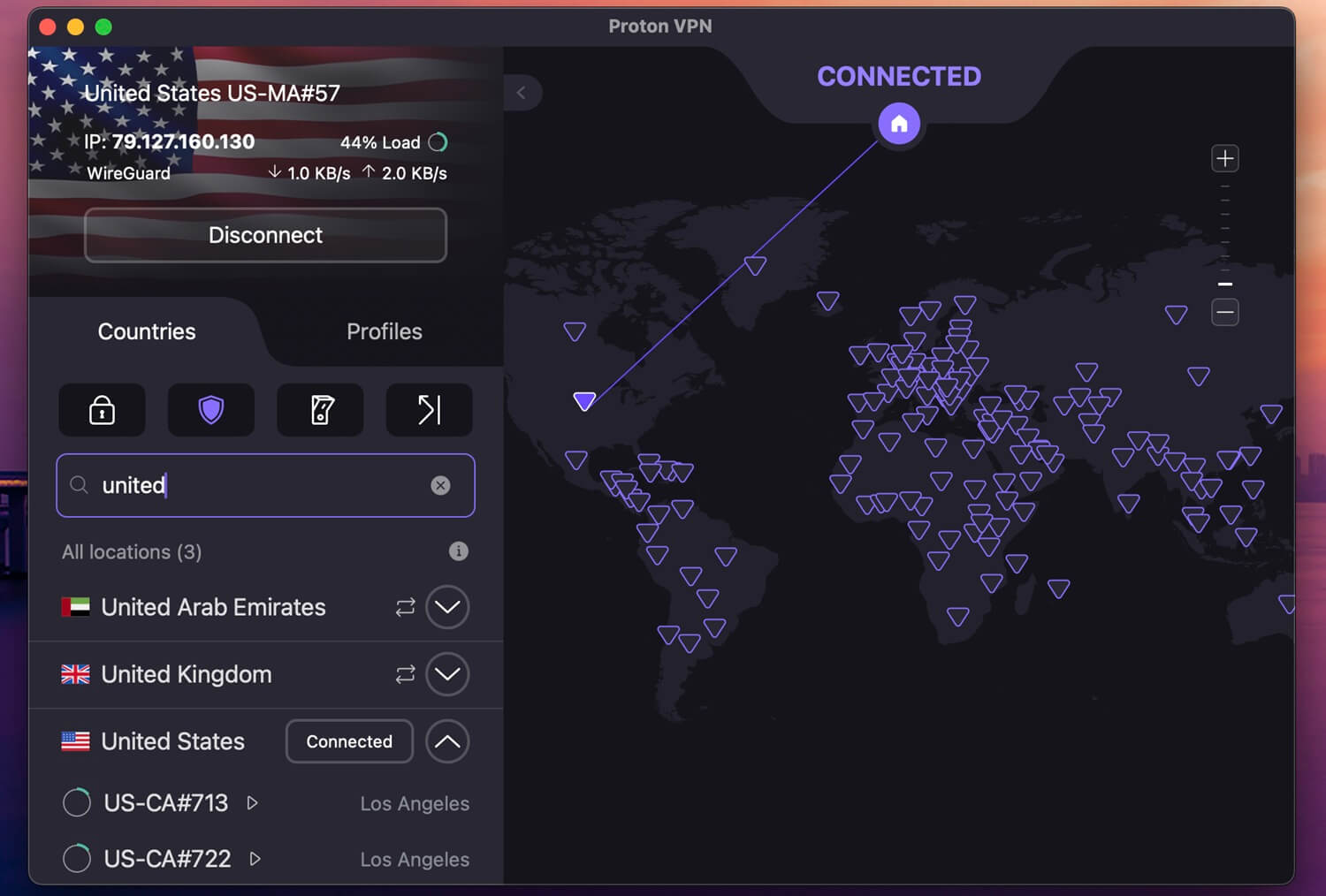
Proton VPN unblocks CapCut worldwide with a network spanning 20,000+ servers in over 148 countries. Its VPN Accelerator adds a speed boost for editing and downloading assets, and the Stealth protocol keeps it working in censored regions. NetShield blocks ads and trackers to keep ByteDance off your back. Privacy is the pitch: the apps are open source, and the no-log policy is independently audited.
Tor over VPN servers, add another layer if you want it, while P2P servers easily handle safe torrenting on the side. It also offers a free VPN for CapCut with unlimited data and bandwidth, more on that below. The paid plan is the better experience, and the 2-year deal runs $2.99 a month with our 70% Proton VPN discount. A 30-day money-back guarantee removes the financial risk.
3. ExpressVPN: Fast and Reliable Option

Pros
- Easy-to-use apps
- Works on all systems
- Blocks tracking
- Kill switch prevents data leaks
- One of the fastest VPNs
Cons
- Lacks MultiHop servers
- Poor customization
Finding the best VPN server for CapCut is easy with ExpressVPN’s fleet in 214 locations across 113 countries. It delivers fast speeds for editing and downloading the app, and it obfuscates traffic by default, so it works in India too. It’s one of the most trusted no-log VPNs, with RAM-only servers and an audited privacy policy, most recently reviewed by KPMG in mid-2025 and before.
It blocks ads and trackers as well. The highlight is Lightway, its proprietary protocol built for stable, fast connections. ExpressVPN supports all major devices and protects up to 14 of them depending on your tier. It also works in browsers and is the best-rated Chrome VPN that unblocks CapCut. Pricing starts at $2.49/mo for 2 years with 4 free months, and a 30-day guarantee covers all plans.
4. Private Internet Access: Best Cheap VPN for CapCut
Pros
- Unlimited devices
- Customizable security
- Solid obfuscation
- 30,000+ global servers
Cons
- Could be faster
- Not best for streaming
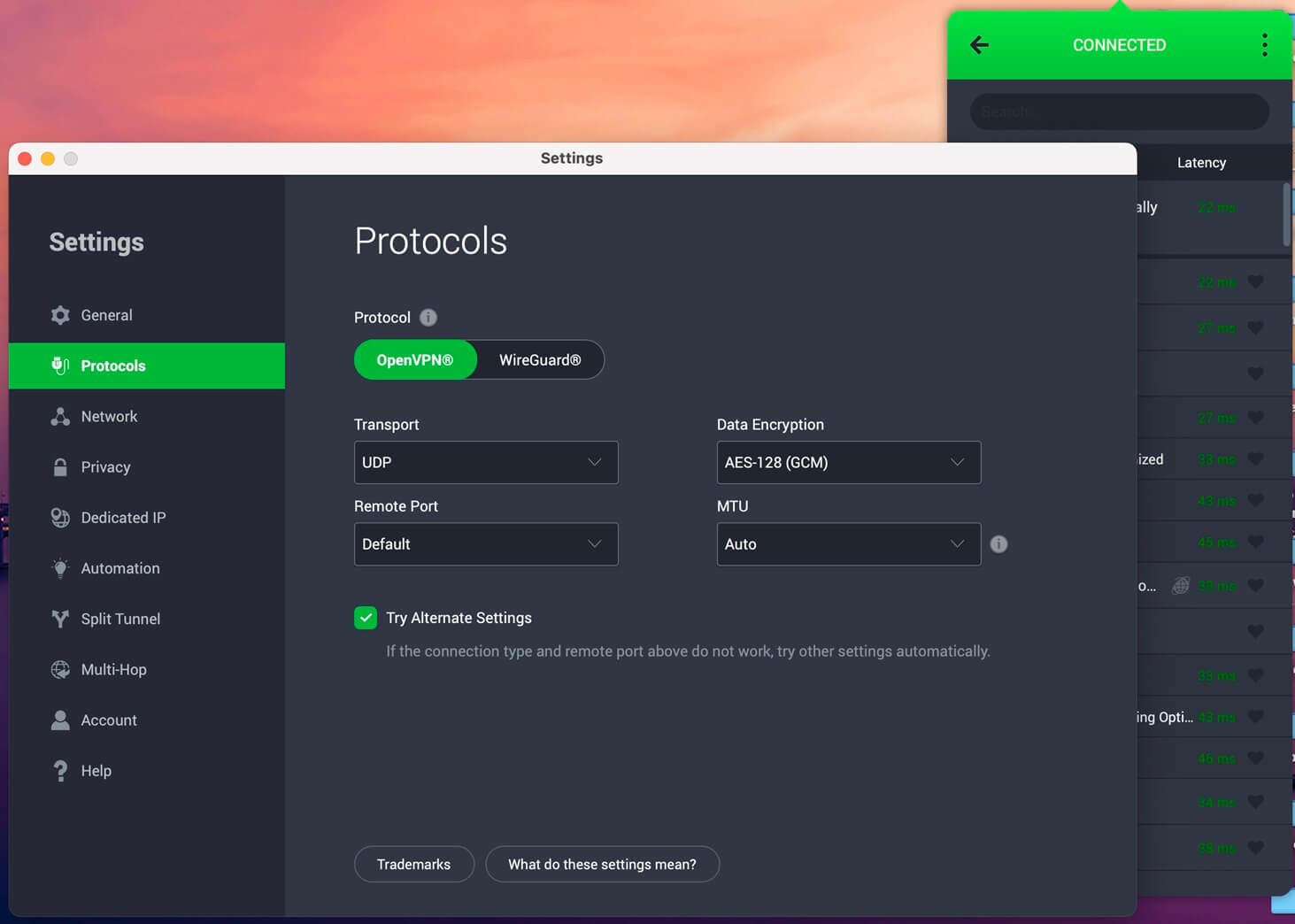
Private Internet Access is the budget CapCut VPN for India, Afghanistan, and other restricted regions. We tested PIA on multiple devices to see how it handles CapCut, and it performed reliably, with a slight speed dip compared to NordVPN or Proton VPN. Its network of 30,000+ servers in 90 countries gives you plenty of stable options wherever you are, and one subscription covers unlimited devices.
Security is where PIA lets you tinker: adjustable encryption levels, a choice of protocols, and malware protection, with an audited no-logs policy. The key feature is Shadowsocks, which obfuscates traffic to unblock CapCut in censored regions. At about $2 per month long-term with a 30-day money-back guarantee, it costs a fraction of the premium picks. For the price, PIA compares well to NordVPN, our #1.
5. Surfshark: Best Multi-Device VPN for CapCut
Pros
- Virus protection
- Unlimited devices
- Cheap CapCut VPN
- Good for streaming
Cons
- Confusing interface
- Higher price on renewal
Surfshark closes the CapCut Pro VPN list at $2.49 per month, and for that money you get unlimited simultaneous connections, Camouflage Mode to bypass censorship, and servers in 100 countries. It’s the pick for the whole household. Security also doesn’t suffer for the price. Surfshark shields against viruses, rotates your IP every few minutes, and runs on WireGuard and Dausos for fast connections.
CleanWeb blocks trackers and ads, and you can blacklist sites you don’t trust. Surfshark beats ExpressVPN on value for money, though it runs a bit slower. It keeps no logs (audited several times in recent years), imposes no data caps, and works on all major systems. Every plan is refundable for 30 days.
How to Unblock CapCut With a VPN?
Picks established, here’s how to put them to work. First, subscribe to a VPN. We chose NordVPN as our #1 CapCut VPN this year. Download and install the app on your device, then launch it and log in.
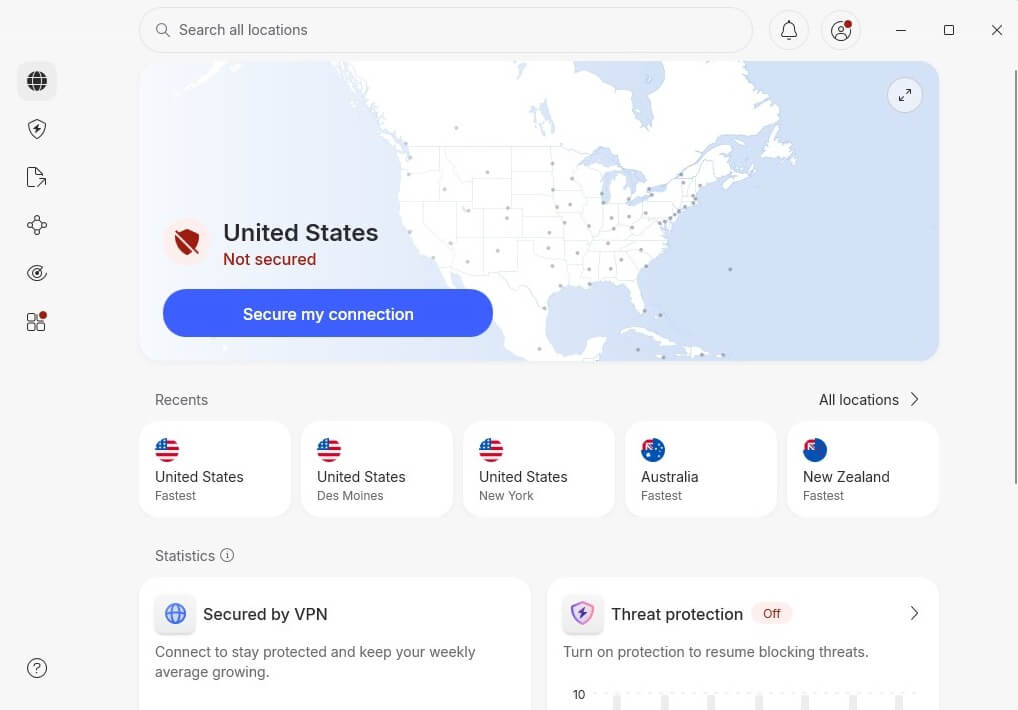
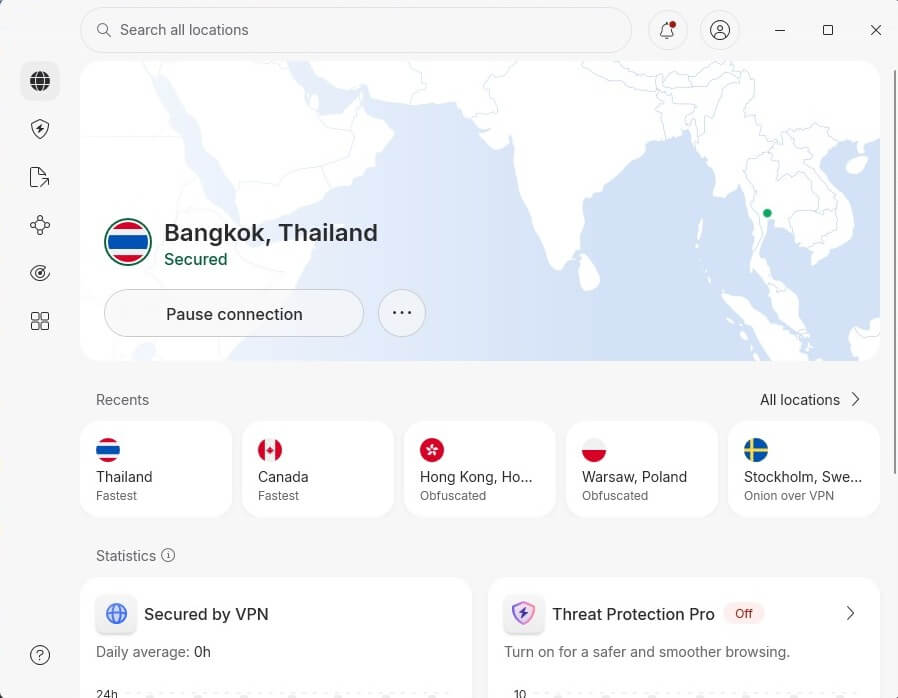
What’s the best VPN server for CapCut? The closest one that works. If you want to download CapCut in India, a server in Thailand is a good bet. Find it on the server list and click to connect; it takes a second.
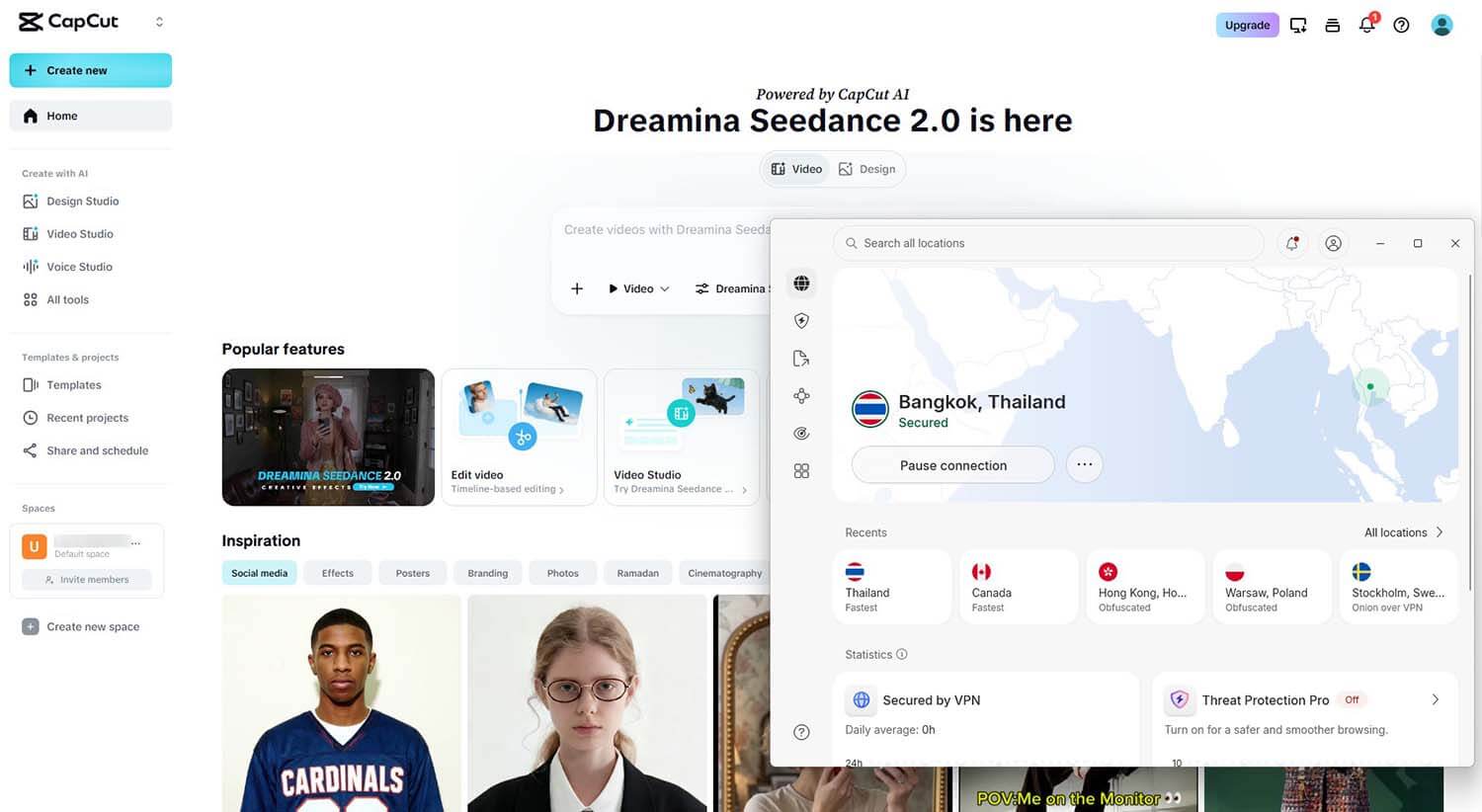
Now open CapCut in your browser or download it to your device. We went with the browser version for this guide, signed in, and everything loaded normally, tools and resources included.
Unblock CapCut Anywhere With NordVPN
Best Free VPN for CapCut in India: 2 Bonus Options
Free VPNs are rarely a good option, but a couple will unblock the video editor. They’re good, not great, and come with limits worth knowing.
🎁 Proton VPN (Free Version)
Pros
- No data cap
- Strong privacy
- Robust encryption
Cons
- No torrenting
- Can’t choose server
- One device limit
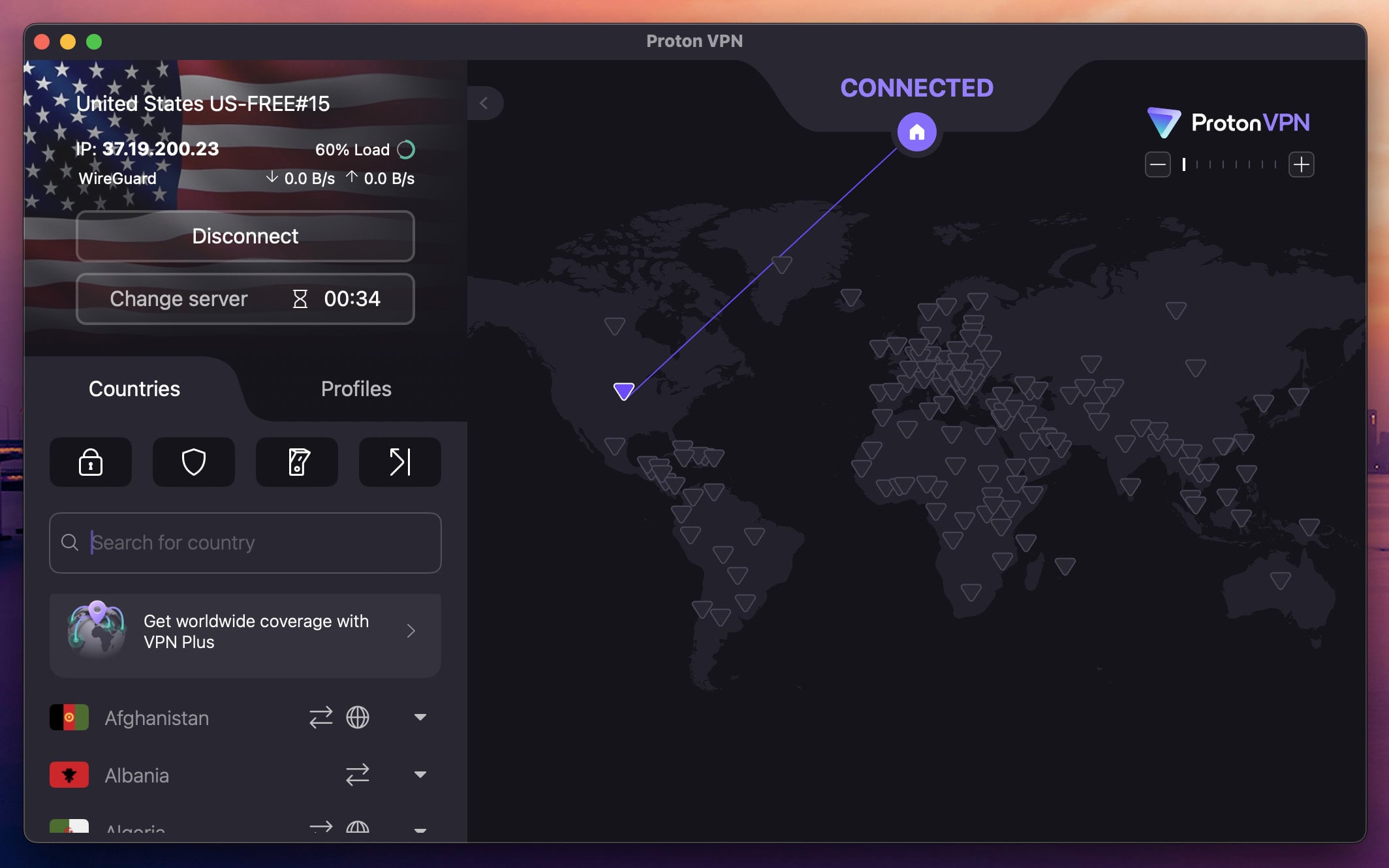
The free tier keeps most of Proton’s privacy strengths, and its unlimited data means you can edit and browse without interruptions. You still get apps for all devices and the same audited no-log policy. In our tests, it unblocked CapCut in India without trouble. The trade-offs: you can’t pick your server location, torrenting is blocked, speeds can dip, and there’s no ad-blocking available.
Streaming platforms stay locked too, so if you hoped to watch BBC iPlayer with a free VPN, forget it. It won’t match the premium experience, but for CapCut alone it does the job. Still our favorite free VPN overall in 2026.
🎁 Hide.me (Free Version)
Pros
- No data cap
- Bypasses censorship
- WireGuard (fast speeds)
Cons
- 8 server locations
- No simultaneous connections
- Bad for streaming
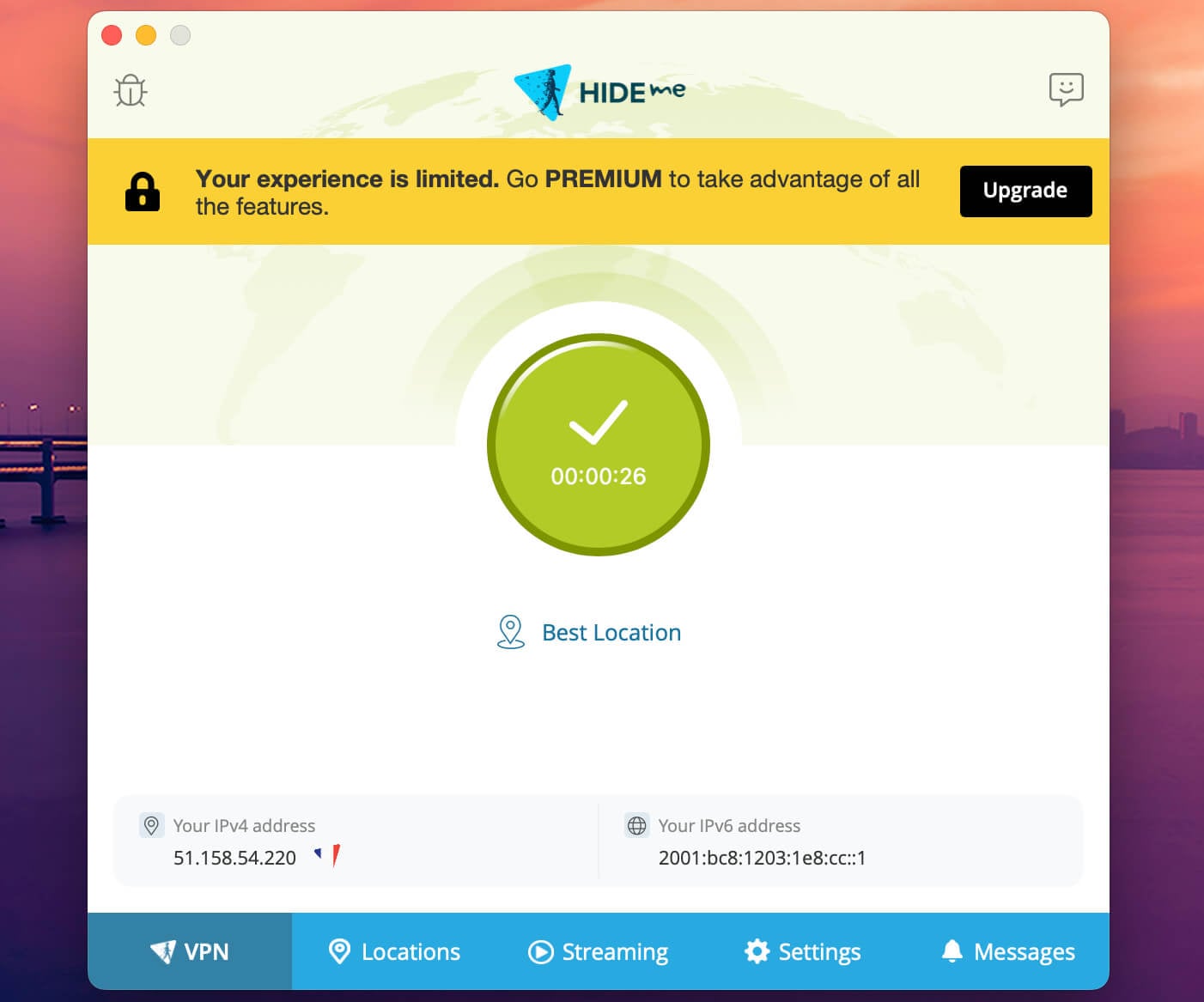
Hide.me works well in censored regions thanks to its SoftEther protocol, and the free tier includes WireGuard for decent speeds with no data restrictions. Its 8 server locations are minuscule, but at least you choose the one to use. Security holds up, with 256-bit encryption, RAM-based servers, and a no-logging policy.
Apps span all platforms, though the free plan allows no simultaneous connections, blocks torrenting, and won’t unblock Netflix or other streamers. It’s for browsing, light streaming, and a hint of online gaming, with higher latency at peak hours. Good for what it is (a free VPN, after all); not great.
Conclusion
If you’re in India, Afghanistan, or another restricted region, a VPN is the only practical way to download CapCut and use all its tools. Based on our tests, NordVPN is the safest first try. Proton VPN is the privacy pick, ExpressVPN has the simplest apps, and PIA and Surfshark cover tight budgets. The two free options work in a pinch, with limits. You have 30 days to test the paid picks without risk.
Frequently Asked Questions
🛡️ Can I use CapCut without VPN?
Yes, you can in the majority of countries. But in India, the CapCut ban is still active, so you must use a VPN to unblock it. In other countries, it will work, but the assets and tools you get will still depend on your location (changeable with a VPN).
🌎 In which country CapCut is available?
It's available globally, in nearly all countries, except for India, which has banned it. The right CapCut VPN fixes it by changing your IP address and making you appear elsewhere, in a country where the video editor works.
📥 How to download CapCut in India?
You must use a VPN to download CapCut in India. Since it's entirely blocked, the only way to access it is to swap your Indian IP with a new one. Nearby countries work well, like Thailand, and provide sufficient speed and stability.
🥇 What is the best VPN server for CapCut in India?
The best VPN server for CapCut is the closest one to you that lets you take advantage of all its features and tools. Recommended locations are the USA, Singapore, and Europe, but any server that unblocks it and works is good.
✅️ Can I download CapCut with VPN?
Yes, you can, and sometimes, it's the only way if it's unavailable in your country. Connect to a VPN for CapCut, then visit CapCut's website and download the app. You can also download its app from your mobile app store, like Google Play or The App Store. Whenever you want to use CapCut, you must keep your VPN ON. Otherwise, your old IP address will render it unavailable again.