Skip to content

Best VPNs for Comcast Xfinity: Speed Up & Stay Secure

By Florian Gray
Best Vpns For Comcast Xfinity
© Gizmodo.com

Ever feel like your Comcast Xfinity internet isn’t as fast as it should be? You’re not alone. Many Xfinity users experience inconsistent speeds, unexplained slowdowns, and even sudden data spikes—even when they’re not doing anything out of the ordinary. On top of that, there’s the issue of privacy—your internet activity isn’t exactly private. You never really know who’s tracking what you do online or how your data is being used. This is where a VPN (Virtual Private Network) can help. It encrypts your connection, keeps your browsing private, and may even help with certain slowdowns.

In this guide, we’ll break down why VPNs are useful for Comcast Xfinity, how they can affect your connection, and which ones work best. If buffering, lag, or privacy concerns sound familiar, keep reading—you’ll want to see how the right VPN can improve your experience.

5 best VPNs for Comcast Xfinity – our shortlist for 2026

NordVPN
Mac Windows Android iOS Linux Router

 8922 servers

 127 covered countries

 30 days money-back guarantee

 10 simultaneous connections

Mac Windows Android iOS Linux Router

9.4 /10

Monthly price
3,09 $
27 MONTHS
4,99 $
12 MONTHS
11,99 $
1 MONTH
Our opinion: The best overall VPN for reliability and security
Speed
Security
Features
Ease of use
Customer support
Value for money
SEE MORE
1
ExpressVPN
Mac Windows Android iOS Linux Router

 3000 servers

 105 covered countries

 30 days money-back guarantee

 10 simultaneous connections

Mac Windows Android iOS Linux Router

9.1 /10

Monthly price
2,44 $
28 MONTHS
2,99 $
15 MONTHS
9,99 $
1 MONTH
Our opinion: The fast and easy to use quality VPN
Speed
Security
Features
Ease of use
Customer support
Value for money
SEE MORE
2
Private Internet Access
Mac Windows Android iOS Linux

 27000 servers

 91 covered countries

 30 days money-back guarantee

 Unlimited connections

Mac Windows Android iOS Linux

9 /10

Monthly price
2,19 $
26 MONTHS
7,50 $
6 MONTHS
11,99 $
1 MONTH
Our opinion: The best VPN at affordable rates
Speed
Security
Features
Ease of use
Customer support
Value for money
SEE MORE
3
ProtonVPN
Mac Windows Android iOS Linux Router

 17500 servers

 127 covered countries

 30 days money-back guarantee

 10 simultaneous connections

Mac Windows Android iOS Linux Router

8.8 /10

Monthly price
2,99 $
24 MONTHS
3,99 $
12 MONTHS
9,99 $
1 MONTH
Our opinion: The secure Swiss VPN with unlimited free trial
Speed
Security
Features
Ease of use
Customer support
Value for money
SEE MORE
4
Surfshark
Mac Windows Android iOS Linux Router

 4500 servers

 100 covered countries

 30 days money-back guarantee

 Unlimited connections

Mac Windows Android iOS Linux Router

8.7 /10

Monthly price
2,30 $
24 MONTHS
3,99 $
12 MONTHS
12,95 $
1 MONTH
Our opinion: The best VPN for beginners
Speed
Security
Features
Ease of use
Customer support
Value for money
SEE MORE
5

Common issues with Comcast Xfinity

A quick look at Comcast’s Reddit community shows just how often similar issues come up and the countless discussions behind each. Here are some of the most common complaints:

  • Slow speeds despite paying for high-speed plans.
  • Streaming quality drops, buffering on Netflix and YouTube.
  • Sudden internet slowdowns, especially during peak hours.
  • Unexplained data usage spikes and overage charges.
  • High ping and packet loss affecting online gaming.
  • Frequent modem and router connectivity issues.
  • Outages and network disruptions with no clear resolution.
  • Limited customer support and long response times.

These problems vary from user to user, but they’re widespread enough to be a major frustration for many Xfinity customers. With different solutions for each issue, many people are looking for ways to improve their overall experience—and a top VPN for Comcast Xfinity is one of them.

Why Comcast Xfinity Users Need a VPN?

Issues with slow speeds, buffering, and connection inconsistencies are common with internet providers, and Comcast Xfinity is no exception. A Virtual Private Network can help by adding a layer of privacy to your connection and helping you work around certain network limitations.

While it’s not a one-size-fits-all solution, the right VPN can get over a few issues and help improve your experience on Comcast Xfinity.

Speed Drops and Streaming Buffering

You might have a fast internet plan, but certain activities, such as streaming, gaming, or downloading large files, suddenly slow down. Netflix buffers, YouTube videos drop in quality, or Twitch lags mid-stream.

A VPN encrypts your traffic, making it harder for Comcast Xfinity to detect and deprioritize specific services. By masking your usage, a VPN can help maintain smoother speeds. However, the impact depends on the VPN’s server quality and speed protocols.

Unexpected Data Usage and Privacy Concerns

Have you ever checked your data usage and wondered how you hit the limit so fast? Xfinity tracks online activity, and certain types of traffic may be counted inaccurately, leading to unexplained data spikes.

By using a VPN, you can prevent detailed tracking, giving you more privacy over what’s being logged. While it won’t reduce your actual data usage, it stops your ISP from analyzing individual apps and websites, allowing you to browse with more peace of mind.

High Ping and Lag in Online Gaming

Lag spikes and high ping can ruin your gaming experience, especially in fast-paced online matches. If your connection feels unstable, it might be due to inefficient routing, causing frustrating delays.

A VPN can sometimes help by providing a more direct path to gaming servers, reducing ping, and stabilizing gameplay. However, this depends on the VPN’s network and server selection—choosing the wrong one may increase latency instead. If this is an important aspect for you, know that the services presented below are all part of our ranking of the best VPNs for online gaming.

Best VPNs for Comcast Xfinity – detailed list

By now, you know that a VPN can help with speed inconsistencies, privacy concerns, and streaming issues on Comcast Xfinity. But not all VPNs work the same way. Some are too slow, some don’t have the right server locations, and others get detected easily, making them useless for bypassing restrictions.

To make things easier, we’ve selected the best VPNs for Comcast Xfinity in 2026—ones that offer strong security, optimized servers, and stable speeds. Let’s take a look at how their offerings help address Comcast Xfinity issues and improve the overall experience.

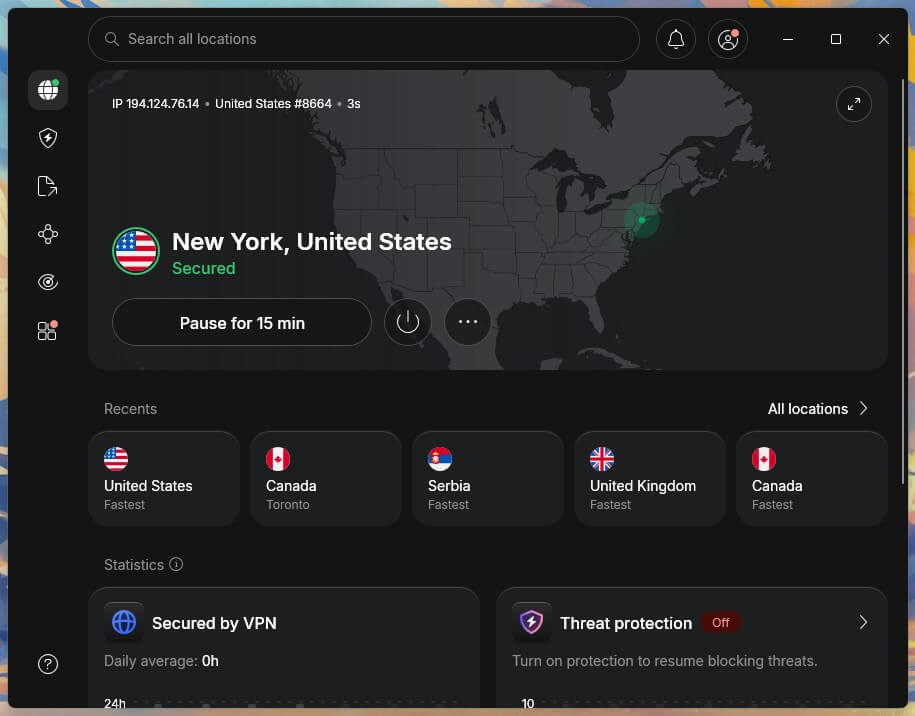
1. NordVPN

Nordvpn Best VPN Comcast Xfinity
© NordVPN

If Comcast Xfinity slows down your connection when streaming, gaming, or downloading large files, NordVPN can help. With 7,000+ servers in 118 countries, it offers a large, high-speed network that helps maintain stable connections and reduce slowdowns, even during peak hours.

NordLynx for Speed & Privacy

NordVPN’s NordLynx protocol, built on WireGuard technology, is designed to maximize speed without compromising security. Combined with AES-256 encryption, it makes sure that others can’t see or interfere with your online activities, helping to prevent targeted slowdowns and maintain consistent performance. Plus, its Double VPN feature enhances encryption by routing your traffic through two VPN servers.

SmartPlay & Obfuscated Servers

If you stream regularly, NordVPN’s SmartPlay technology blends VPN encryption with Smart DNS, making it easier to access region-specific content without triggering detection systems. This means smoother playback and a more consistent experience when using content platforms. It’s worth noting that NordVPN is the most reliable VPN to use with Prime Video.

If Comcast actively limits or interferes with VPN connections, NordVPN’s obfuscated servers disguise VPN traffic as regular internet usage. This allows you to bypass restrictions and maintain uninterrupted service.

Multi-Device Compatibility & Router Support

NordVPN offers 10 simultaneous device connections and is compatible with a wide range of devices, including smart TVs, gaming consoles, and mobile platforms. Many consider it to offer the best VPN app for Apple TV. It also supports routers, allowing you to protect your entire network with a VPN connection rather than setting it up on each device individually.

NordVPN Pricing

NordVPN offers affordable long-term plans starting at a bit more than $3 per month. With its 30-day money-back guarantee, you can test how it works with Comcast Xfinity and whether it can address its issues. If you’re using an Android or an iPhone, you can benefit from a 7-day free trial.

See price at NordVPN

Pros

  • Best speeds
  • Obfuscated servers
  • Works with most streaming services
  • Offers specialized servers
  • Full router support and wide compatibility
  • 7-day free trial on mobile
  • 7,000+ servers in 118 countries

Cons

  • Advanced features might overwhelm new users

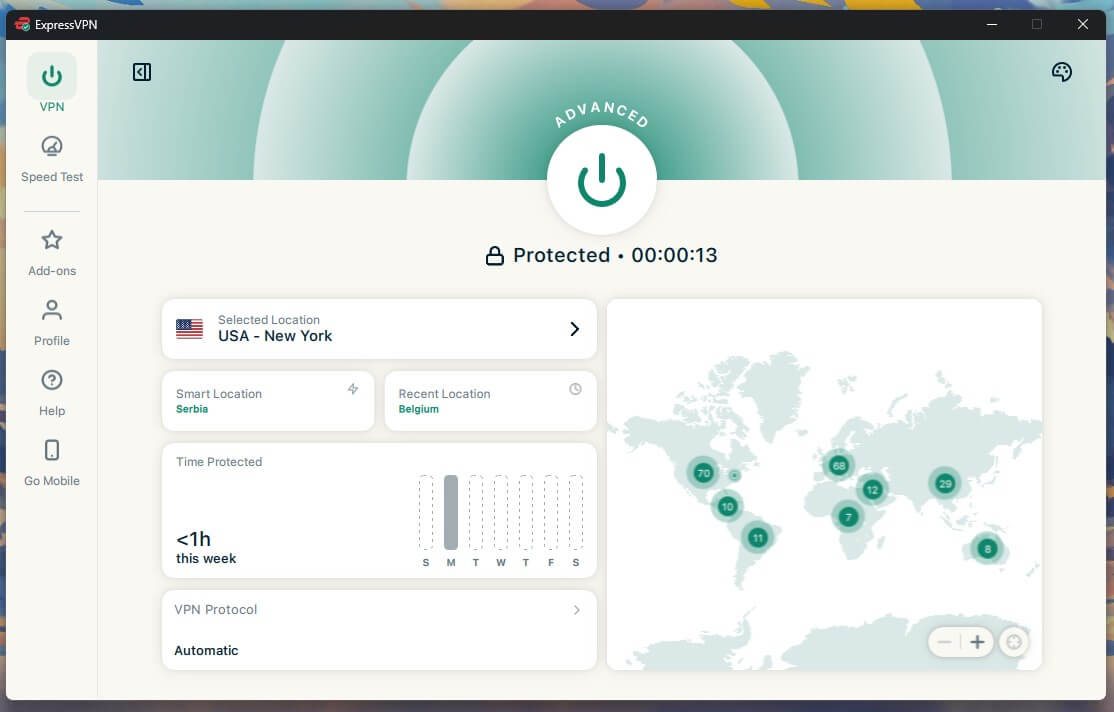
2. ExpressVPN

Expressvpn For Comcast Xfinity
© ExpressVPN

If privacy is your main concern with Comcast Xfinity, ExpressVPN’s Lightway protocol, based on AES-256 encryption, is the key. It makes sure that your online activities remain completely secure, and makes tracking much harder, all without sacrificing speed.

TrustedServer Technology

ExpressVPN sets itself apart with TrustedServer technology, which makes sure that no data is ever stored on a hard drive. Unlike traditional servers, which retain information until manually deleted, ExpressVPN’s RAM-only servers erase all data upon reboot, making it difficult for Comcast or any other entity to track your activity.

MediaStreamer for Streaming

ExpressVPN offers MediaStreamer, based on Smart DNS, which lets you stream on devices that don’t natively support VPN apps. If certain streaming channels are locked or throttled by Comcast Xfinity, be it on Smart TVs or streaming devices, it lets you bypass such restrictions while offering the best speeds.

With ExpressVPN by your side, you’ll have no trouble watching Sky Sports from the United States, or changing country on Netflix to access new content.

Optimized Server Network & Router Support

With servers in 105 countries, ExpressVPN provides consistent speeds while helping you avoid bandwidth restrictions. It also offers router compatibility, allowing you to protect all devices in your home through a single VPN connection. This ability limits Comcast’s tracking of the internet traffic of your connected devices.

ExpressVPN Pricing

ExpressVPN’s pricing starts at $5/month for long-term plans, making it expensive. It also offers only 8 simultaneous device connections. However, it includes a 30-day money-back guarantee, letting you test its privacy features risk-free. Like NordVPN, you also get a 7-day free trial for mobile devices.

See price at ExpressVPN

Pros

  • Easy-to-use apps
  • TrustedServer (RAM-only) stores no data
  • Reliable for streaming
  • Servers in 105 countries
  • Router support for full network protection
  • 7-day free trial on mobile

Cons

  • Expensive price tag
  • Falls short in terms of offerings

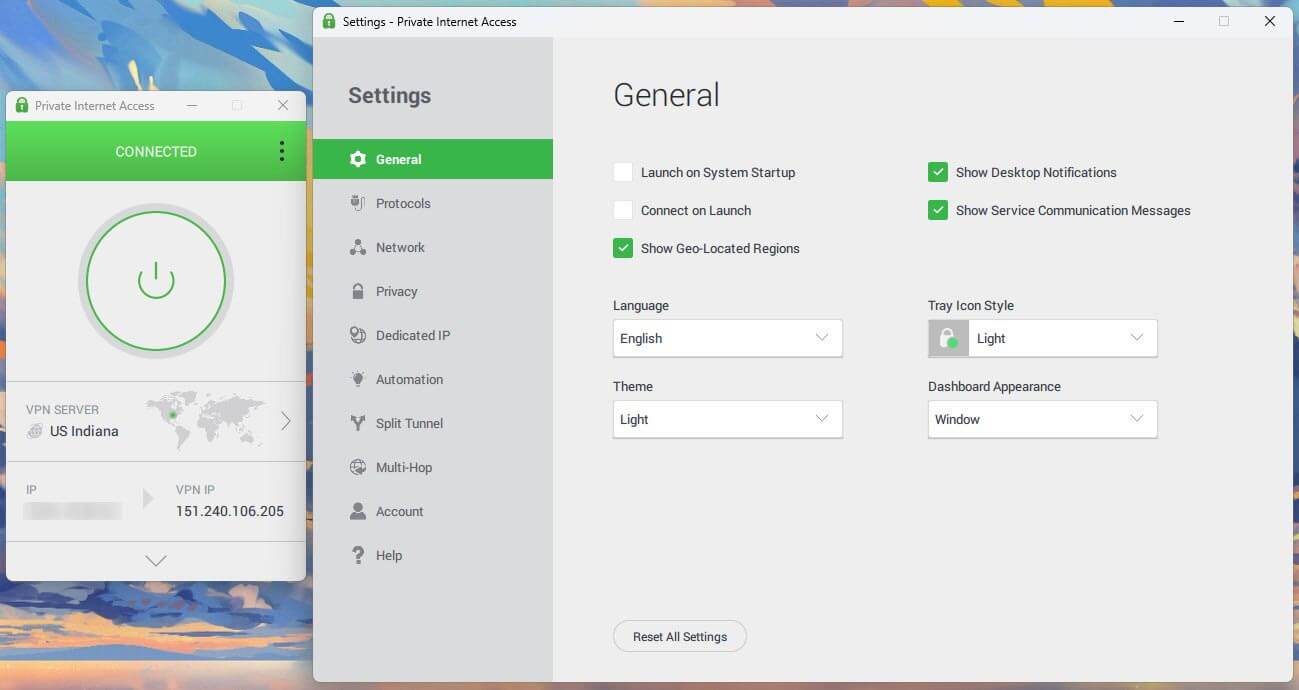
3. Private Internet Access

Pia Best Cheap VPN Comcast Xfinity
© Private Internet Access

Private Internet Access offers one of the most affordable VPN solutions without compromising on features. For Comcast Xfinity users looking to bypass throttling and maintain privacy without overspending, PIA provides a cost-effective way to stay protected.

Customizable Security & NextGen server network

Private Internet Access offers industry standard protocols such as WireGuard backed by AES-256 encryption. However, unlike other VPNs, you get different levels of encryption to choose from. Also, its NextGen server network is spread across 91 countries. These come together to keep you secure while reducing Comcast Xfinity tracking.

Connect Unlimited Devices

Unlike many VPNs that limit simultaneous connections, PIA allows unlimited devices on a single subscription. It is compatible with most prominent platforms, including those that don’t support VPNs through router support. This ability be very useful if you using multiple gadgets with Comcast Xfinity.

Multi-Hop and Open Source for Extra Security

PIA stands out with its multi-hop feature, which routes your traffic through two VPN servers instead of one, adding an extra layer of encryption. This is particularly useful for Comcast Xfinity users who want maximum anonymity and protection against tracking. Additionally, PIA is one of the few VPNs with fully open-source apps, everything is transparent.

PIA Pricing

PIA is one of the most budget-friendly premium VPNs for Comcast Xfinity, with long-term plans starting at $2 per month. Plus, it comes with a 30-day money-back guarantee, allowing you to test its capabilities risk-free.

See price at Private Internet Access

Pros

  • Servers in 91 countries
  • Customizable encryption levels
  • Unlimited device connections
  • Multi-hop for extra security
  • 100% open-source apps

Cons

  • Lacks unique features
  • Interface feels complex

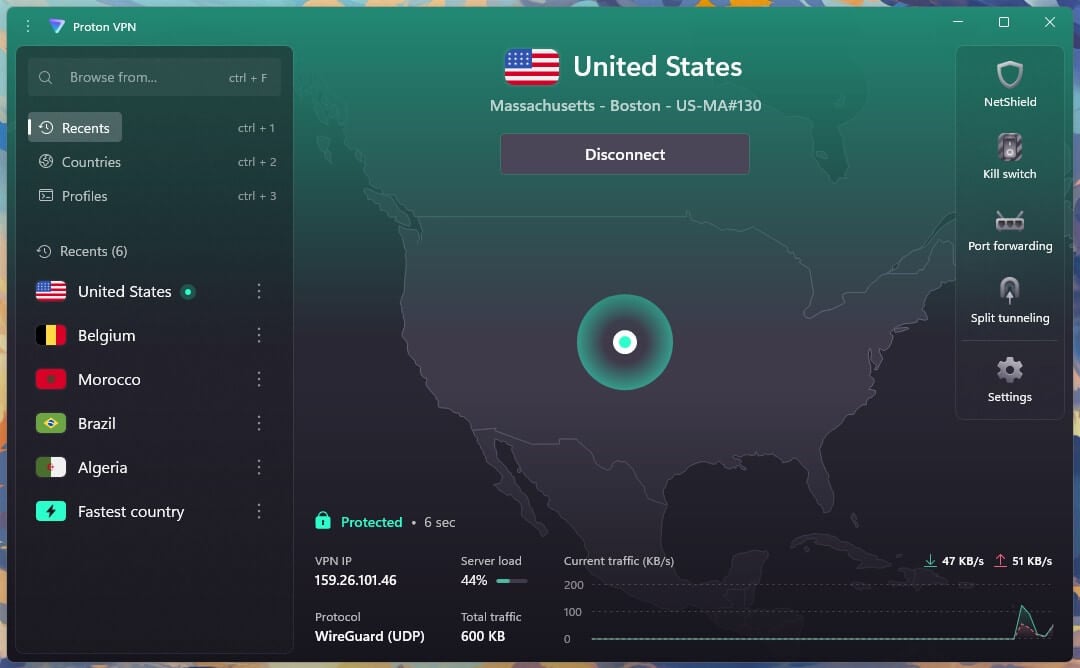
4. Proton VPN

Protonvpn Secure VPN Comcast Xfinity
© ProtonVPN

Free VPNs are usually not recommended due to limitations in speed, data, and security, Proton VPN is an exception. While Proton VPN Free lacks advanced features, it gets you started, making it a rare choice for Xfinity users who need privacy without spending money. That being said, its inclusion in this ranking of the best VPNs for Comcast Xfinity is due to its paid plan (which is less limited and more efficient).

Stealth Protocol & Censorship Bypass

If you’re facing network restrictions or VPN blocks, Proton VPN’s Stealth protocol helps evade deep packet inspection and bypass restrictions. Whether Comcast is limiting access to certain services or slowing down specific traffic, this protocol offers stable and unrestricted connections for streaming and other bandwidth-intensive tasks.

Secure Core Servers & Strong Privacy Protections

Proton VPN’s Secure Core, backed by Swiss privacy laws, makes sure your true IP remains hidden at all times. This extra layer of security is useful for Comcast users concerned about ISP tracking and data collection. Additionally, Proton VPN uses AES-256 encryption, preventing ISPs from monitoring activities. Plus, it is open source, meaning everything is transparent.

Global Server Network & VPN Accelerator

Proton VPN has 11,000+ servers, including 100+ Secure Core and 8700+ Plus servers, spread across 117 countries. A common issue with most VPNs when used with Comcast Xfinity is slow speeds due to server congestion, and Proton VPN mitigates this with its VPN Accelerator.

While it may not fully eliminate throttling, it provides faster and more stable connections.

Proton VPN Pricing

Proton VPN isn’t very expensive either, with the long-term plans starting at around $3 per month and has 30-day money-back guarantee. It offers 10 simultaneous device connections, is compatible with the most prominent platforms, and also offers router support.

See price at Proton VPN

Pros

  • Stealth protocol for bypassing blocks
  • Secure Core servers
  • 11,000+ servers in 117 countries
  • Fully open-source and offers a free plan
  • Comes with router support

Cons

  • Lacks customization
  • Server stability could be better

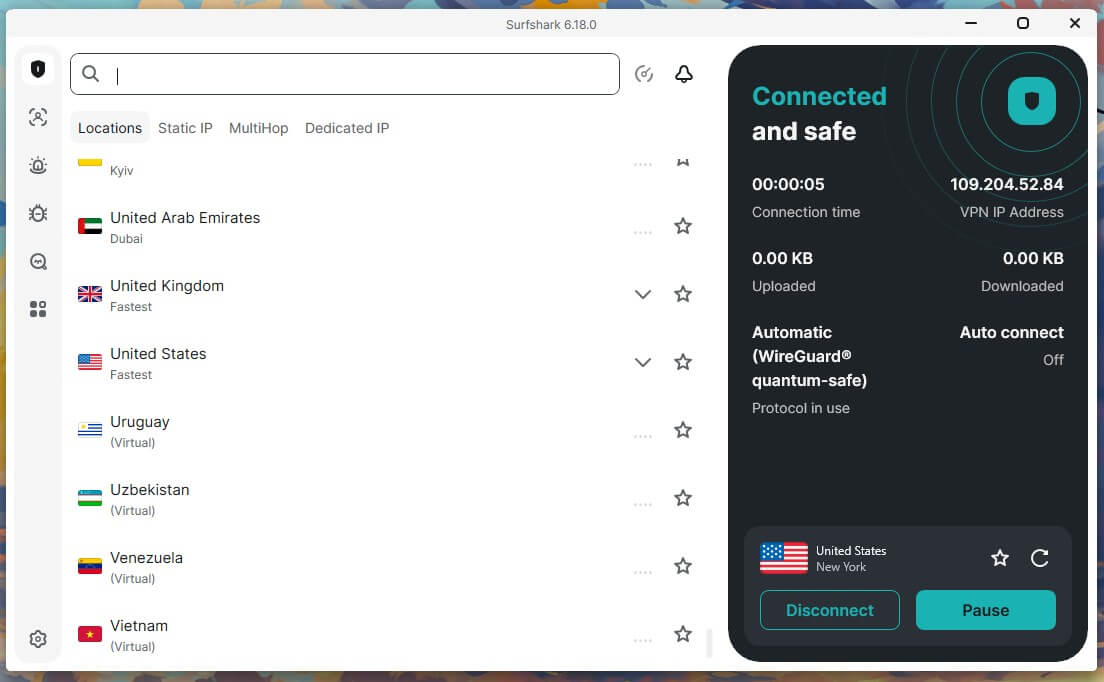
5. Surfshark

Surfshark Vpn For Comcast Xfinity
© Surfshark VPN

Just like NordVPN, Surfshark is packed with privacy, security, and speed-focused features that make it a solid option for Comcast Xfinity users. It is known for its suite of unique tools offered on its Surfshark One. Regardless, its starter plan brings in all the core and advanced features to address Comcast Xfinity issues.

Bypassing ISP Throttling & Network Restrictions

Comcast is known for slowing down certain types of traffic. Surfshark’s NoBorders mode detects restricted networks and automatically optimizes your connection to bypass throttling. Plus, Camouflage Mode (obfuscation) makes sure the ISP won’t detect that you’re using a VPN.

Unlimited Device Support & Compatibility

One of Surfshark’s biggest advantages is its unlimited simultaneous connections, allowing every device in your household to stay protected under a single subscription. Whether you’re using a Windows PC, Mac, Android, iPhone, or even a router, Surfshark provides complete coverage without extra costs.

Wide Server Network & Multi-Hop

Surfshark has a vast network of 3,200+ RAM-only servers spread across 100 countries with high-speed 10Gbps servers that help achieve stable connections with Comcast Xfinity. For an extra layer of privacy, MultiHop (Double VPN) routes your traffic through two VPN servers instead of one, making it even harder for Comcast or third parties to track your online activity.

Surfshark Pricing

Surfshark pricing remains affordable, just like PIA, with long-term plans starting at $2 per month. You can try all the features risk-free with a 30-day money-back guarantee. The 7-day trial is even better for Android or iOS.

Feel free to check out the Surfshark vs NordVPN duel if you’re unsure which is the best VPN to choose for Comcast Xfinity.

See price at Surfshark VPN

Pros

  • Camouflage Mode for obfuscation
  • Unlimited device connections
  • MultiHop servers
  • Affordable pricing and a 7-day mobile free trial

Cons

  • Starter plan falls short in features
  • Expensive short-term plans

How to Use a VPN for Comcast Xfinity

Don’t worry—setting up a VPN with Comcast Xfinity is quick and hassle-free. Since Comcast Xfinity is a standard ISP service, using a VPN with it doesn’t require any extra configurations. Just follow these simple steps, and you’ll be up and running in no time.

1. Choose the Right VPN

Not all VPNs work well with Comcast Xfinity. Go for a reliable option that offers strong encryption, obfuscated servers to bypass detection, and a wide server network for stable speeds. VPNs like NordVPN, ExpressVPN, and Private Internet Access check all the right boxes.

2. Download and Install the VPN

Once you’ve picked your VPN, download the app on your preferred device and sign in. Most premium VPNs support Windows, macOS, Android, iOS, and even routers, so you can protect multiple devices at once.

Nordvpn Account
© NordVPN

3. Connect to a Server

Open the VPN app, log in, and choose a server in a different region. If you’re facing slow speeds or restrictions, switching to another server will assign you a fresh IP address and help bypass ISP throttling.

Nordvpn Connected To New Zealand Server
© Gizmodo.com

And that’s it! Once connected, you can browse, stream, or game with better privacy and fewer restrictions on Comcast Xfinity.

What to Look for in the Best VPN for Comcast Xfinity?

The best VPNs for Comcast Xfinity that we looked at are arguably the best choices. If you want to know why these were selected, or if you’re trying to find a VPN yourself—here’s what truly matters.

  • Strong Encryption & Security: A VPN must use industry-standard AES-256 encryption and strong protocols to keep your browsing private without sacrificing speed. NordVPN, for instance, offers the NordLayer protocol for this, along with Double VPN for added encryption.
  • Reliable Server Network: The VPN should have a vast server network to help bypass restrictions. A larger network reduces congestion and gives you more options to switch if speeds drop.
  • Obfuscation Technology: Some VPNs offer obfuscation to hide VPN usage from Comcast. This can help avoid potential slowdowns due to ISP throttling. NordVPN’s obfuscated servers are a great example.
  • Special Servers: A VPN with specialized servers can help maintain smooth streaming, reliable torrenting, and reduced latency for gaming.VPNs like NordVPN, offer dedicated servers curated for different purposes, that keep you all covered.
  • Core Security Features: Features like a kill switch, leak protection, etc, keep you private and secure at all times. Always, look for VPNs that offer multiple security and privacy features, so you’re all prepared for online dangers.
  • Router Support: A VPN with router support allows you to protect all your devices at once, preventing Comcast Xfinity restrictions from interfering with your home network.
  • Trustworthy No-Logs Policy: A strict no-logs policy makes sure that your data isn’t stored or shared. NordVPN’s independently audited no-logs policy is a good benchmark.

If a VPN doesn’t meet these essentials, it won’t help much with Comcast Xfinity issues. Choose wisely.

Final Verdict

A VPN can solve many Comcast Xfinity issues—bypassing ISP throttling, improving privacy, and maintaining stable access to services. But it’s not a complete fix. If your internet plan is slow or your router is outdated, no VPN will magically boost performance.

Alongside using a VPN, simple steps like using a wired connection, reducing network congestion, restarting your router, and adjusting DNS settings can help improve overall internet quality.

Not all VPNs can handle Comcast Xfinity’s restrictions. VPNs like NordVPN stand out with features built to tackle ISP-related issues. With NordLynx, obfuscated servers, a vast global network, SmartPlay, router support, and a strict no-logs policy, it’s the solid choice to get over Comcast Xfinity issues.

Try NordVPN for yourself


FAQ

Does Comcast Xfinity block VPNs?

Comcast Xfinity doesn’t actively block VPNs, but it may throttle encrypted traffic or interfere with certain connections. A VPN with obfuscation features can help bypass detection and maintain a stable connection.

Why is my internet slower when using a VPN on Comcast Xfinity?

A VPN encrypts your traffic, which can slightly reduce speeds due to encryption overhead and the distance to the VPN server. Choosing a nearby server, switching protocols (like WireGuard), or using a high-speed VPN can help minimize speed loss.

Can I use a VPN with my Comcast Xfinity router?

Yes, Comcast supports VPN usage, but if you’re using your own router, bridge mode must be enabled on the Xfinity gateway. While Comcast doesn’t provide VPN support, you can configure settings like firewall rules or port forwarding based on your VPN provider’s recommendations.

Can a VPN help avoid Comcast Xfinity data caps?

A VPN can make it harder for Xfinity to track specific usage, but it won’t bypass data caps entirely. If Xfinity enforces a hard limit on total bandwidth, a VPN won’t prevent overall data consumption from counting toward your limit.