Relying on a safe and fast F1 TV Pro VPN lets you access the streaming service anywhere. We all hate geo-restrictions. And when that happens, as you’re about to enjoy the GP, it’s even more infuriating. However, there aren’t many supported F1 TV Pro countries, so chances are that it also won’t work in yours.
Luckily, a reliable VPN provides seamless F1 TV Pro access. This guide lists the best VPN for F1 TV Pro and explains how to access the streaming service abroad. Before we delve into more details, here’s a shortlist of our top-rated picks for 2026.
Best F1 TV Pro VPN: Top 3 Picks for 2026



 9200 servers
 128 covered countries
 30 days money-back guarantee
 10 simultaneous connections
9.4 /10

20396 servers
148 covered countries
30 days money-back guarantee
10 simultaneous connections
9.2 /10

3000 servers
105 covered countries
30 days money-back guarantee
10 simultaneous connections
9.1 /10
How a VPN Helps You Access F1 TV Pro Anywhere
F1 TV Pro is the perfect way to watch every race if you’re in the right country. It’s available in specific countries such as the United States, Canada, UAE, India, Ukraine, and Zimbabwe, giving fans full access to live races, all F1 onboard cameras, and live timing. If it’s unavailable in your region, you’ll see this:

That’s where a VPN comes in. It changes your virtual location by masking your IP address, making it appear as if you’re in a country where F1 TV Pro is available. Rather than being blocked, you can stream every race live. A VPN also protects your internet traffic, keeping your connection encrypted and private. This means no one, not even your ISP, can track your activity or throttle your connection.
You get smoother streaming, better security, and online freedom. With a VPN, you’ll get no more restrictions, no more missed races; only pure F1 action, whenever and wherever. Now, let’s explore the best F1 TV Pro VPN 2026.
Best F1 TV Pro VPN (Working in 2026): Full Comparison
NordVPN, Proton VPN, ExpressVPN, and Private Internet Access check all the right boxes for this scenario. We tested 20+ providers for F1TV access. Most were slow, insecure, or could not unblock it. To pick the best F1 TV VPN, we considered speed, unblocking prowess, and compatibility. However, we also thought about security, privacy, and ease of use. After our tests, we chose these four:
1. NordVPN: Best F1 TV Pro VPN Overall
Pros
- Servers in 149 countries
- Unrestricted data
- Top speeds for streaming
- SmartDNS technology
- Available on all platforms
Cons
- Complicated for newbies
- Higher renewal prices
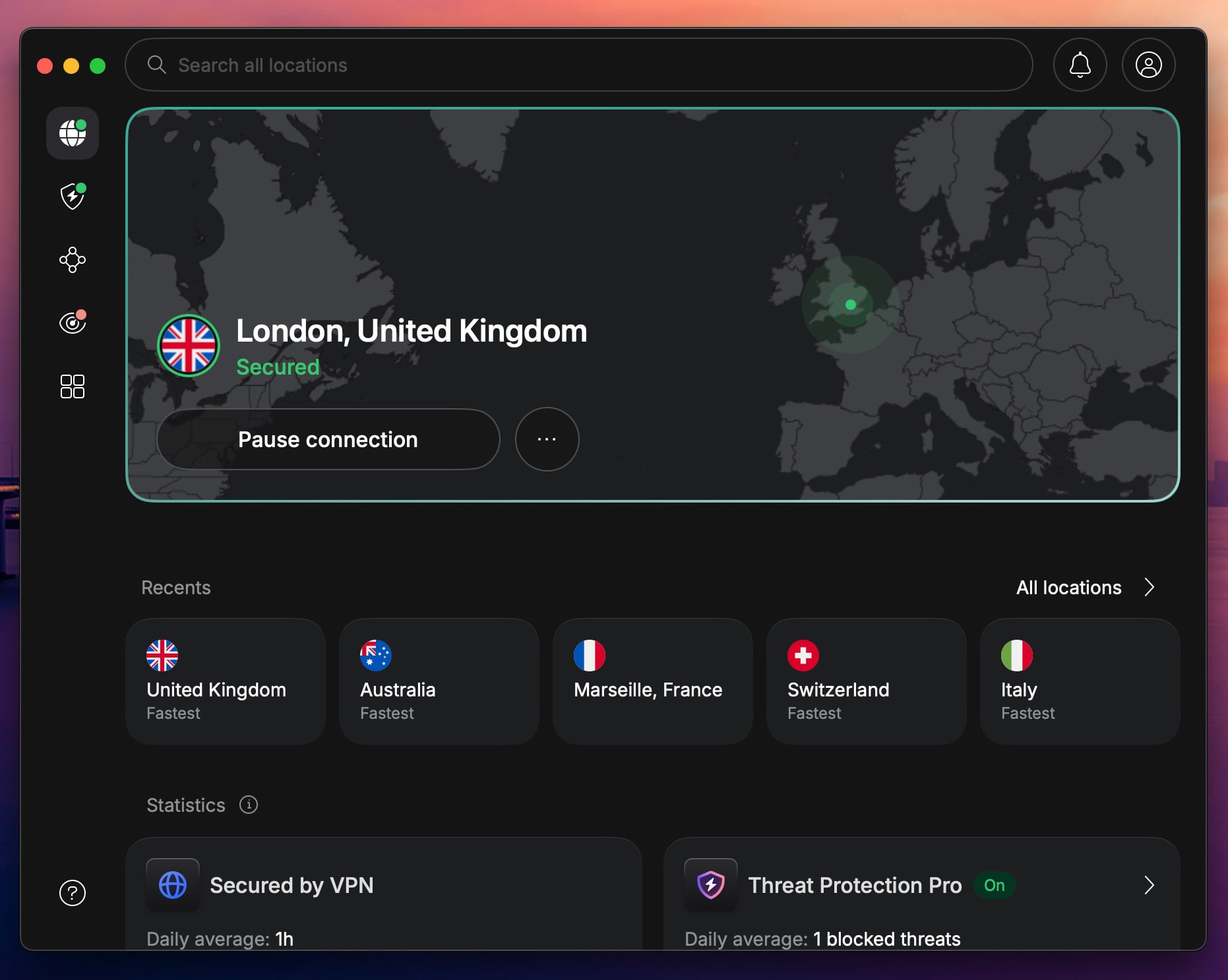
When it comes to watching F1 TV Pro without restrictions, NordVPN is arguably the best VPN you can get. It combines speed, stability, and security– everything you need to stream F1 races in HD or 4K without buffering or blocks. This VPN is also used to access the entire F1 season on global free channels. During our tests, NordVPN showed excellent unblocking prowess due to its SmartPlay technology.
It blends SmartDNS and a VPN. Another perk is the speed. NordVPN has no bandwidth caps, using 10 Gbps servers and its fastest NordLynx protocol. As a result, streaming is bufferless. NordVPN offers obfuscation to bypass censorship. You can also use NordWhisper protocol to avoid network filtering. The VPN works on all devices, so even Fire TV Stick and Apple TV are supported.
During tests, NordVPN has also proven to be the best VPN for Android TV. For more convenience, NordVPN includes a 30-day money-back guarantee (basically a NordVPN free trial). Plus, its 2-year plans are budget-friendly, starting at around $3.5 per month. If you want to watch F1 TV Pro abroad without buffering and with unlimited access, NordVPN is the creme de la creme.
2: Proton VPN: Privacy-First VPN for F1 TV Pro Streaming
Pros
- Fast speeds for FHD streaming
- VPN Accelerator tool
- Servers in 148 countries
- Stealth bypasses censorship
- Blocks trackers and ads
Cons
- No SmartDNS function
- Higher renewal prices
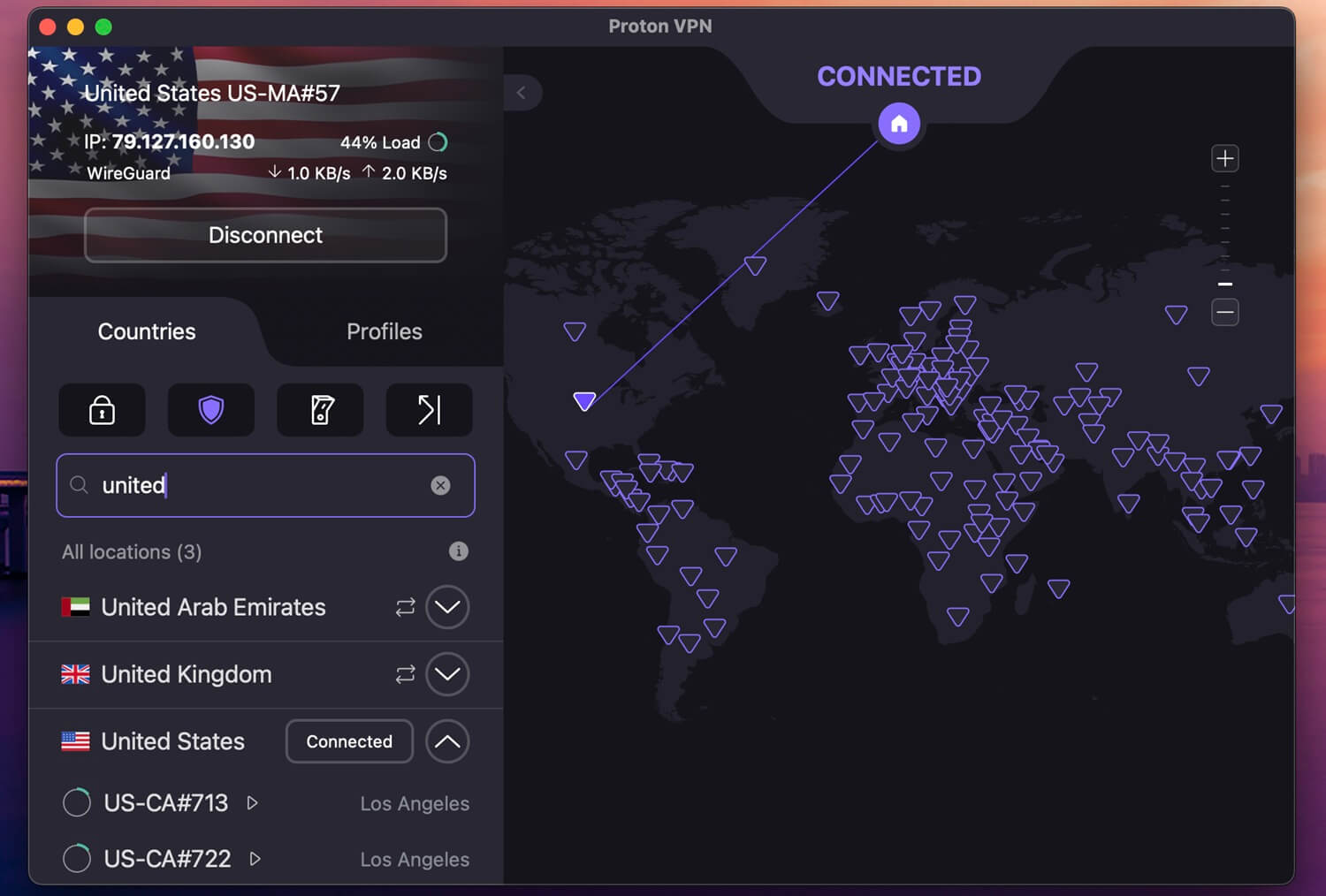
Proton VPN approaches the F1 TV Pro VPN question from the privacy-first angle, and it works better than you’d expect from a Swiss provider known mostly for security. Every app is open source and independently audited, so you know exactly what’s running while you watch qualifying from a country where F1 TV Pro isn’t available. Speed is where Proton VPN surprised us during testing.
Its VPN Accelerator technology smooths out long-distance connections, and paired with 10 Gbps servers and WireGuard support, race streams in HD stayed stable throughout our tests. There are no bandwidth caps either, so a full Grand Prix weekend, practice sessions included, won’t hit any limits. Unblocking held up on every device, with dedicated apps for Fire TV Stick, Android TV, and Apple TV.
If you’re streaming from a network that blocks VPNs, the Stealth protocol disguises your connection to slip through filtering. Just note that the famous free tier won’t unblock F1 TV Pro. Proton VPN’s 2-year plan is $3 per month, and a 30-day money-back guarantee lets you test it risk-free. It may not be the flashiest name, but for watching F1 TV Pro abroad with privacy intact, it earns its podium spot.
3. ExpressVPN: Best F1 TV VPN for Bufferless Streaming

Pros
- Sleek interface
- Ad blocker is included
- Fast VPN for streaming
- Servers in 105 countries
Cons
- Light on features
- Short 3-day free trial
ExpressVPN is the top choice for streamers who value intuitive apps and reliable speeds. Its servers in 105 countries offer swift access to F1 TV Pro abroad. But it’s not all about that. It has excellent unblocking prowess, offering access to foreign TV channels, streaming services, and geo-blocked online bookies. With ExpressVPN, you can get a US IP address and watch F1 TV on Apple TV.
You can enjoy unlimited speeds due to 10 Gbps servers and its speed-first Lightway protocol. We tested ExpressVPN on a congested network with solid results. ExpressVPN also blocks trackers and ads. At the same time, it offers SmartDNS that bypasses geo-blocks without setting up the VPN. ExpressVPN offers native apps for all systems, and it protects up to 14 devices at a time.
All in all, ExpressVPN is a balance between the VPN price, privacy, speed, and performance. It used to be expensive, but in 2026, that’s no longer the case. ExpressVPN now costs only $2.49 per month for the biennial Basic plan. With 4 free months and a 30-day money-back guarantee, you have virtually nothing to lose. In fact, you can only gain by unblocking F1 TV abroad and watching Formula 1 races.
4. Private Internet Access: Cheapest F1 TV VPN
Pros
- Unlimited device connections
- Servers in 90 countries
- Audited no-logs policy
- Cheapest F1 TV Pro VPN
- Streaming servers
Cons
- Convoluted UI
- No Fire TV Stick app
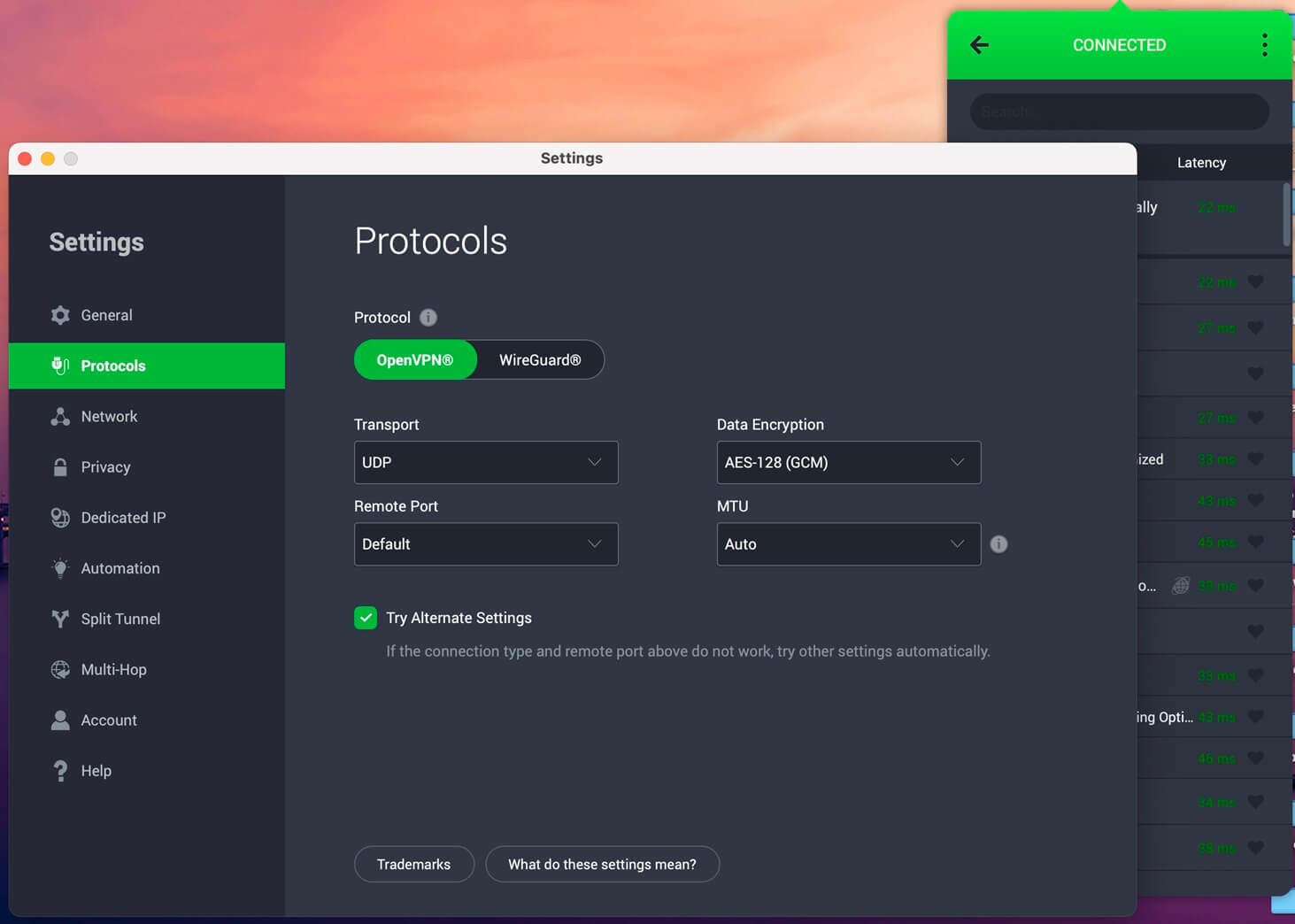
Private Internet Access is affordable and reliable, but doesn’t skimp on features. Users enjoy unlimited simultaneous connections, with native support for almost all systems. During tests, PIA was pretty fast, using WireGuard and 10 Gbps servers for maximum performance. Plus, we could customize our encryption. 128-bit and 256-bit options let you prioritize either security or privacy.
On top of that, PIA has the most robust server fleet to sidestep geo-blocks. With 30,000+ servers globally, there’s zero chance you won’t find the one you need. PIA also includes a handful of streaming servers that work with Netflix and F1 TV abroad. Private Internet Access is mostly about privacy, so expect a no-log policy, private Multi-hop connections, and VPN traffic obfuscation.
Its no-log policy has also been proven in court on a few occasions, making it a trusty F1 TV Pro VPN. PIA VPN supports pretty much all devices. Private Internet Access is the overall best VPN at this price. It starts at $2 per month for two years, with a handy 7-day free trial (NordVPN and ExpressVPN offer 3 days). Rest assured, you get a 30-day money-back guarantee to test it risk-free.
Try Private Internet Access Now
How to Watch F1 TV Pro Abroad With a VPN?
Using a VPN to unblock F1 TV Pro is simple, even if you’ve never used one. With a VPN, once connected to a server in an F1 TV Pro-supported country, you get access as if you were in that region. It isn’t limited to F1 TV Pro; the same goes for other streaming platforms with geo-restrictions, offering unrestricted access. Here’s how you can use a VPN and start streaming F1 races in minutes:
1. Choose the Best VPN for F1TV Access
Not all VPNs work reliably with F1 TV Pro. Some get detected and blocked, while others are too slow for live streaming. Use NordVPN, ExpressVPN, or Private Internet Access with fast speeds, reliable servers, and strong anti-detection features.
2. Download and Install the VPN App
Once you’ve subscribed, download the VPN to your device. The VPNs we recommend support all major platforms, including Windows, macOS, Android, iOS, Smart TVs, Fire TV Stick, Apple TV, Chromecast, and more.
⭐ Pro Tip: If your device doesn’t support VPN apps, you can either set up the VPN on your router or use the recommended VPNs’ Smart DNS capabilities to unblock F1 TV Pro without connecting to a VPN.
3. Connect to a Server in an F1 TV Pro-Supported Country
Open the VPN app, log in, and select a server in a country where F1 TV Pro is available (such as the US, Canada, UAE, India, etc). This changes your IP address, making it appear as if you’re browsing from that country.
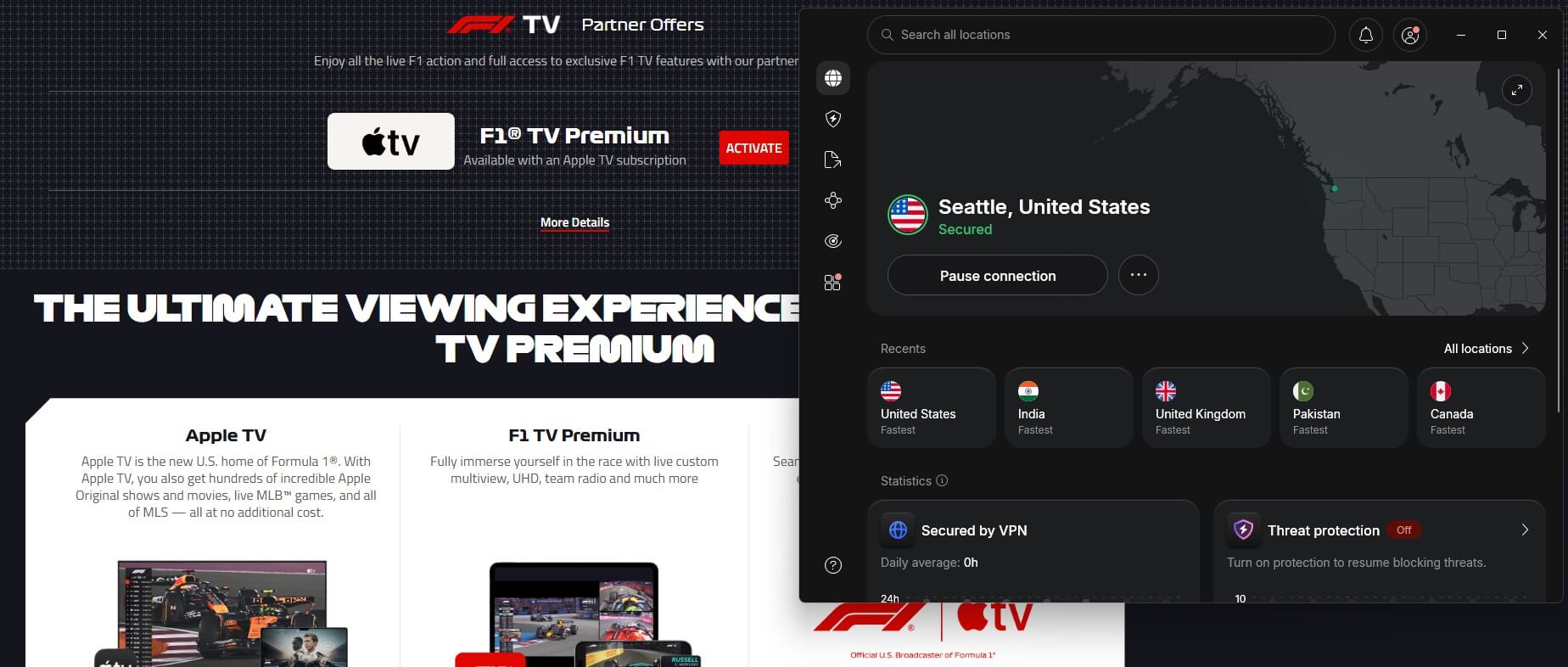
⭐ Pro Tip: If your connection is slow, switch to a different server in the same country. You can benefit from NordVPN’s vast server fleet to unblock geo-restrictions and enjoy buffer-free live streams.
4. Stream F1 TV Pro Without Restrictions
With the VPN connected, go to the F1 TV website, create an account, and buy a subscription or log in to F1 TV Pro. You should now have full access to live races, replays, and exclusive content, just as if you were watching from an eligible region.
2026 Formula 1 Calendar
The FIA and Formula 1 have unveiled the 2026 calendar, featuring another thrilling 24-race season as the sport celebrates its 75th anniversary. Here it is:
| Date | Country | Venue |
|---|---|---|
| March 6-8 | Australia | Melbourne |
| March 13-15 | China | Shanghai |
| March 27-29 | Japan | Suzuka |
| May 1-3 | Miami | Miami |
| May 22-24 | Canada | Montreal |
| June 5-7 | Monaco | Monaco |
| June 12-14 | Barcelona | Catalunya |
| June 26-28 | Austria | Spielberg |
| July 3-5 | UK | Silverstone |
| July 17-19 | Belgium | Spa |
| July 24-26 | Hungary | Budapest |
| August 21-23 | Netherlands | Zandvoort |
| September 4-6 | Italy | Monza |
| September 11-13 | Spain | Madring |
| September 24-26 | Azerbaijan | Baku |
| October 9-11 | Singapore | Singapore |
| October 23-25 | USA | Austin |
| October 3-November 1 | Mexico | Mexico City |
| November 6-8 | Brazil | São Paulo |
| November 19-21 | USA | Las Vegas |
| November 27-29 | Qatar | Lusail |
| December 4-6 | Abu Dhabi | Yas Marina |
Save Money on Your F1 TV Pro Subscription with a VPN
If you’ve checked out F1 TV Pro pricing, you might have noticed that it doesn’t cost the same everywhere. Depending on where you sign up, the subscription price can be significantly different. F1 TV Pro adjusts its pricing based on local currency values and regional licensing agreements. By connecting to a VPN in a region where F1 TV Pro is priced lower, you can access the same subscription for less.
For instance, in India, F1 TV Pro is $29.99 a year, while the highest Premium plan is $39.99 a year. In the USA, you can only get F1 TV Premium, the highest tier, through Apple TV. But the Apple TV subscription is $12.99 per month or $99.99 a year. While you get all the Apple TV content here, the price difference is massive. Plus, Apple TV movies and series may not matter much for true F1 fans.
Note: Connect to a VPN and verify the subscription cost of different countries before purchasing the F1 TV Pro subscription in India. If you’re far from India, you might experience speed drops, which can affect F1 live race streaming.
F1 TV Pro VPN Troubleshooting
Running into issues while pairing a VPN with F1 TV Pro is common, so don’t panic over blackouts, buffering, or blocks. Work through this list, and you’ll be back before the formation lap ends:
- Change Servers: F1 TV Pro may have blacklisted your IP. Switch to another server in the same country, and stick to regular ones; specialty servers tend to trip up streaming.
- Clear Cookies and Cache: Stored browser data can betray your real location. Wipe the cookies and restart the browser; this solves more cases than any other steps.
- Use a Different VPN Protocol: Switch between WireGuard and OpenVPN in your VPN settings, then restart the app so the change takes hold.
- Turn Off GPS (For Mobile Users): Streaming apps compare your IP against GPS data, and a mismatch gets you blocked. Disable location services or watch through the browser, where GPS checks don’t apply.
- Connect to a Nearby Server: Closer servers mean faster connections, which matters most for FHD and 4K streams.
- Try a Different Device or Network: Hop onto mobile data or another Wi-Fi network to rule out a network-level block. Restarting your router while you’re at it costs nothing.
Conclusion: What is the Best F1TV VPN?
NordVPN is the best F1 TV Pro VPN in 2026, and at the end of the day, that’s the answer most readers came for. Whether you’re traveling, living in a region F1 TV Pro skips, or hunting for a friendlier price on your subscription, a VPN gives you the flexibility to stream every session anywhere.
Between bypassing geo-blocks, steadying your streaming speeds, and trimming the cost of your plan, it’s an easy tool to justify for any F1 fan who refuses to miss a lap. NordVPN combines all with the fewest compromises, though Proton VPN, ExpressVPN, and PIA VPN remain dependable, affordable alternatives.
If motorsport isn’t your only weakness, we recommend our guides on how to watch MotoGP online for free and the trick to watch Wimbledon live on a free channel. NordVPN handles both of those jobs, too.
Frequently Asked Questions
🌎 What are the best F1 TV Pro countries?
The best F1 TV Pro countries are India, Belgium, the Netherlands, and Switzerland. They offer a full array of plans (Access, Pro, and Premium). In comparison, the US version offers only the Access tier without F1 live streams.
📍 Does F1 TV work in Singapore?
No, it doesn't work in Singapore. The website still works, but when you try to subscribe, you get a famous error message. To bypass this geo-block, you need a VPN with servers in F1 TV-friendly countries. NordVPN offers 149 countries, so you can easily find the one where the platform works.
🏷️ How much is F1 TV?
The price of F1 TV varies per country. However, the cheapest Access plan typically starts at $19.99 (India) and goes up to $29.99 per year. The most expensive, Premium plan, can cost you $39.99 in India, but its price in Europe (specifically the Netherlands) may go up to $100 or even a lot more.
✅ Does F1TV Pro work with VPN?
Yes, it does, but it also heavily depends on the VPN. Low-quality VPNs are often detected, but if you use a good one, like NordVPN, which refreshes its IP addresses and uses modern obfuscation, you'll have no issues. A VPN with F1 TV Pro helps to unblock content and even save on a subscription.