
ExpressVPN ranks third on our list of the best VPN services, behind NordVPN. It’s a strong product, but it isn’t the right fit for everyone. Some want a lower price. Others want more devices on one account, a specific feature, or servers in a country ExpressVPN doesn’t reach. Below are the five ExpressVPN alternatives we’d switch to, each for a different reason. They match ExpressVPN on security and speed, and several beat it on price or coverage.
Best Alternatives to ExpressVPN At a Glance (2026 Update)
- NordVPN: Best ExpressVPN alternative overall
- Proton VPN: Best for privacy and free use
- Private Internet Access: Best for security features
- Surfshark: Best for unlimited devices
- CyberGhost: Best for streaming and torrenting
Best ExpressVPN Alternatives Compared
Every provider below beats ExpressVPN on at least one line of this table.
| Our Rank | Network | Best Price | Devices | Refund | Stands Out For | |
| ExpressVPN (Benchmark) | #3 | 214 locations, 113 countries | $3.49/mo | 10-14 | 30 days | Ease of Use |
| NordVPN | #1 | 9,500+, 149 countries | $3.49/mo | 10 | 30 days | Speed and country reach |
| Proton VPN | #2 | 20,000+, 148 countries | $2.99/mo | 10 | 30 days | Swiss privacy, free plan |
| PIA VPN | #4 | 26,000+, 91 countries | $2.19/mo | Unlimited | 30 days | Extensive US coverage |
| Surfshark | #5 | 4,500+, 100 countries | $2.49/mo | Unlimited | 30 days | Antivirus bundle |
| CyberGhost | #6 | 12,000+, 100 countries | $2.19/mo | 7 | 45 days | Purpose-built servers |
5 Best ExpressVPN Alternatives Reviewed
Each of these five beats ExpressVPN somewhere. None beats it everywhere. The section on each one says what it does better and what you’d give up.
1. NordVPN: Best ExpressVPN Alternative Overall
Pros
- Post-quantum encryption
- Servers in 149 countries
- Six Deloitte audits (no logs)
- Blocks malware and ads
- Fastest ExpressVPN alternative
Cons
- High renewal price
- Complex app UI
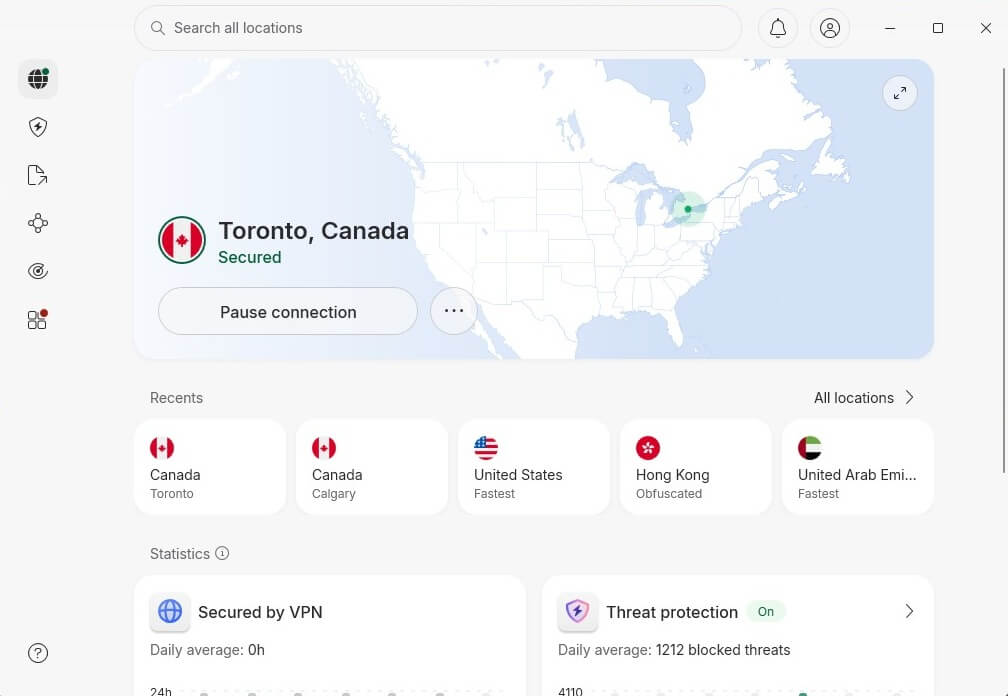
NordVPN tops our rankings, and the gap between it and ExpressVPN is small. Its network covers 9,500+ servers in 149 countries, 36 more countries than ExpressVPN. Speed is the clearest reason to move. ExpressVPN is quick, but NordVPN was quicker in every round of testing we’ve done this year. NordLynx, its WireGuard variant, holds most of your speed on the long hops to Asia.
It also opens Netflix US along with Hulu, Prime Video, and BBC iPlayer. P2P works across the whole network now that P2P is no longer confined to a separate category. Security goes deep. You get AES-256, an automatic kill switch, obfuscated servers, DNS leak protection, and a post-quantum toggle on NordLynx. Onion over VPN reaches the dark web without a second browser.
Double VPN chains two servers together, which helps in heavily filtered countries. Its no-logs policy isn’t a marketing line. Deloitte has audited it 6 times, most recently in February 2026. Apps cover Windows, macOS, Linux (with a GUI), iOS, Android, and routers. You get 10 simultaneous connections, matching ExpressVPN’s Basic tier, and 30 days to ask for your money back.
2. Proton VPN: Best Privacy-First Option With Free Tier
Pros
- 20,000+ global servers
- Open-source apps
- Port forwarding
- Works with Netflix
- Free + paid tiers
Cons
- Slow support responses
- Free tier blocks P2P
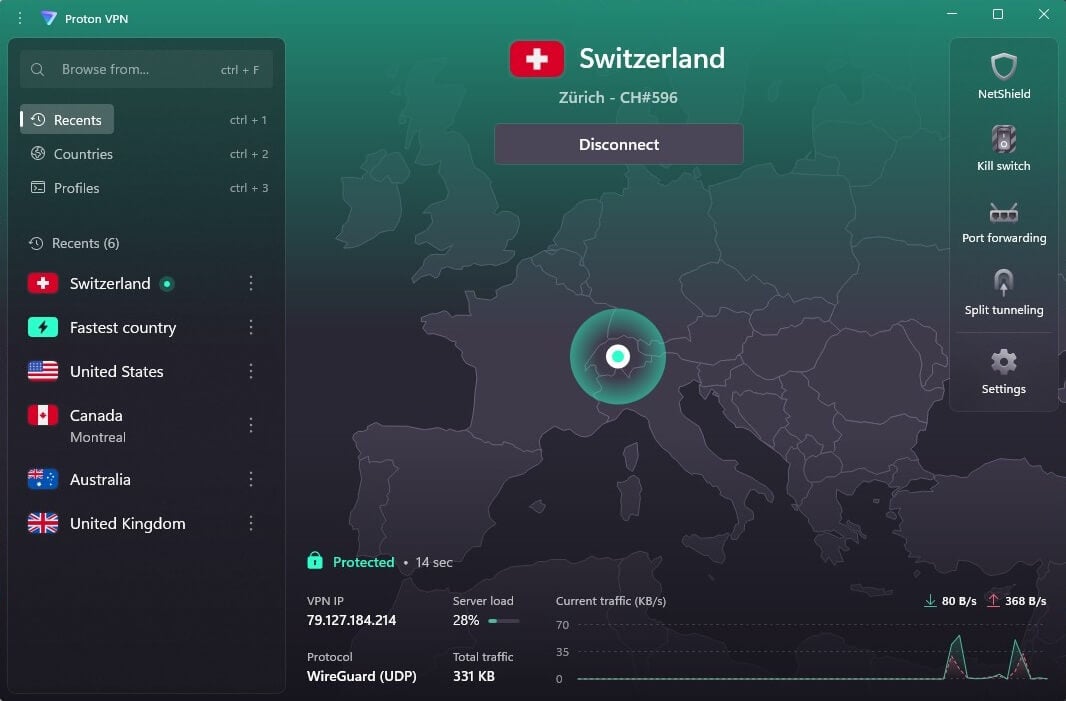
Proton VPN is the other provider we rate above ExpressVPN, and the one to take if you’re leaving over privacy. Its network now spans 20,000+ servers in 148 countries, more than any other provider on this list and 35 more countries than ExpressVPN. Switzerland is the reason to look here. Swiss law falls outside the 14 Eyes arrangement and treats foreign data requests.
Its apps are open source on every platform. Secure Core routes your traffic through hardware Proton VPN owns in Sweden, Iceland, or Switzerland before it reaches the exit server. No single machine sees both ends of the connection. There’s built-in Tor over VPN, a NetShield ad blocker, a kill switch, and port forwarding for P2P. Speeds are good without matching NordVPN.
Streaming holds up well, and Proton VPN gets past Netflix, HBO Max, BBC iPlayer, and YouTube TV. Then there’s the free plan, the best in the category. No data cap, no throttling, and the same privacy terms. It covers 10 countries and one device, and the app picks the server for you. Proton VPN’s apps are on every platform, with 10 simultaneous connections and a 30-day guarantee. Paid plans undercut ExpressVPN at $2.99/mo on the 2-year term.
3. Private Internet Access: Cheap and Secure ExpressVPN Alternative
Pros
- Unlimited devices
- MultiHop + Shadowsocks
- No logs, court-proven
- Heavily customizable VPN
- P2P is allowed
Cons
- Dated interface
- Slower than ExpressVPN
Private Internet Access gives you 26,000+ servers across 91 countries, the densest network here. Fewer countries than ExpressVPN, but far more endpoints inside them, which keeps congestion down at peak hours. US coverage is where it separates itself. PIA has servers in all 50 states, so getting an American IP address for a regional broadcast or watching US TV abroad is straightforward in a way it isn’t elsewhere.
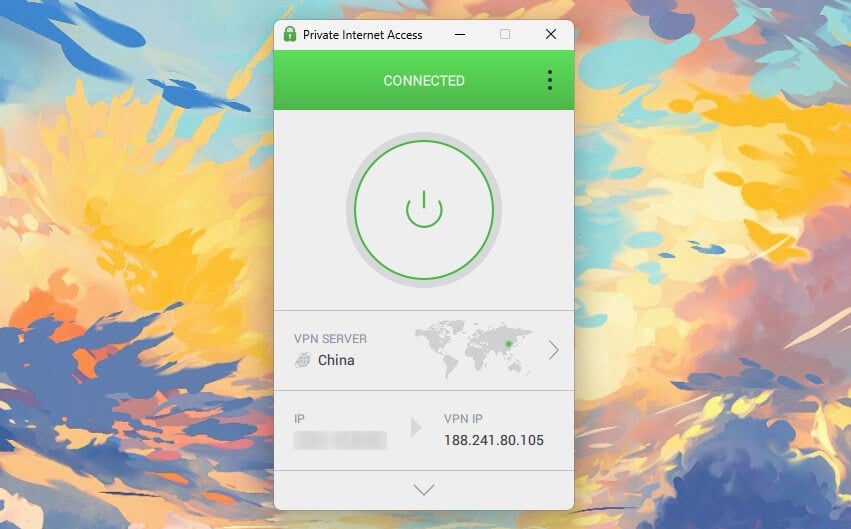
Speeds are quick on 10 Gbps hardware but fairly less consistent than ExpressVPN. The apps label every location with its current latency, so you can steer around a slow one before connecting. Streaming has improved. Netflix US, BBC iPlayer, and Prime Video all opened for us, alongside Hulu and Crunchyroll. PIA uses RAM-only servers that empty on every reboot.
Independent auditors have checked what it stores, and a court has too, where the company had nothing to produce. You also get AES-256, a customizable kill switch, IP and DNS leak protection, obfuscation, and multi-hop. Connections are unlimited, plans are among the cheapest anywhere at $2.19/mo long term (2 years), and the refund window is 30 days, the standard.
4. Surfshark: Best for Unlimited Devices
Pros
- Unlimited devices
- Virus protection
- Cheap ExpressVPN substitute
- Best VPN for Netflix
Cons
- Long connection times
- Slower than ExpressVPN
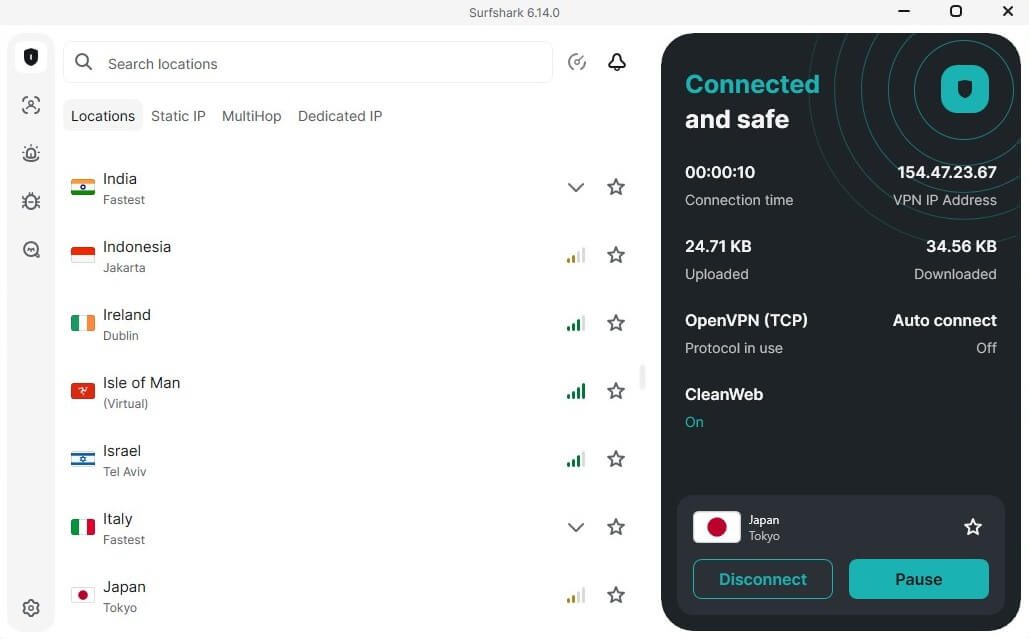
Surfshark covers 4,500+ servers in 100 countries, the smallest network here, though it’s grown and quality has kept pace. Unlimited devices is the headline. One subscription covers every phone, laptop, tablet, and TV in the house, with no second plan needed. ExpressVPN caps you at 10 on Basic. Performance has improved enough to put it near NordVPN and ExpressVPN.
It’s an excellent choice for streaming, handling Netflix, Hulu, Prime Video, and BBC iPlayer without much fuss. Dausos is its own protocol, currently macOS-only. Each user gets a separate tunnel instead of a shared one; encryption is AEGIS-256X2 and is post-quantum resilient. Cure53 audited it independently. The extras are unusual for the price. Alternative ID generates a substitute name and email on every tier.
The One plan adds antivirus, dark web alerts, and a private search engine. Scam text protection flags smishing attempts on iOS and Android. Surfshark is based in the Netherlands, a 9 Eyes member, though it logs nothing and its servers are RAM-only. Long-term plans start at $2.49/mo; the monthly plan is dear, and every tier opens with a 7-day free trial before the 30-day guarantee applies.
5. CyberGhost: Best for P2P and Streaming
Pros
- Streaming, gaming, P2P servers
- Audited no-log policy
- SmartDNS support
- Cheap, at $2.19/mo
Cons
- 7 simultaneous connections
- Not working in China
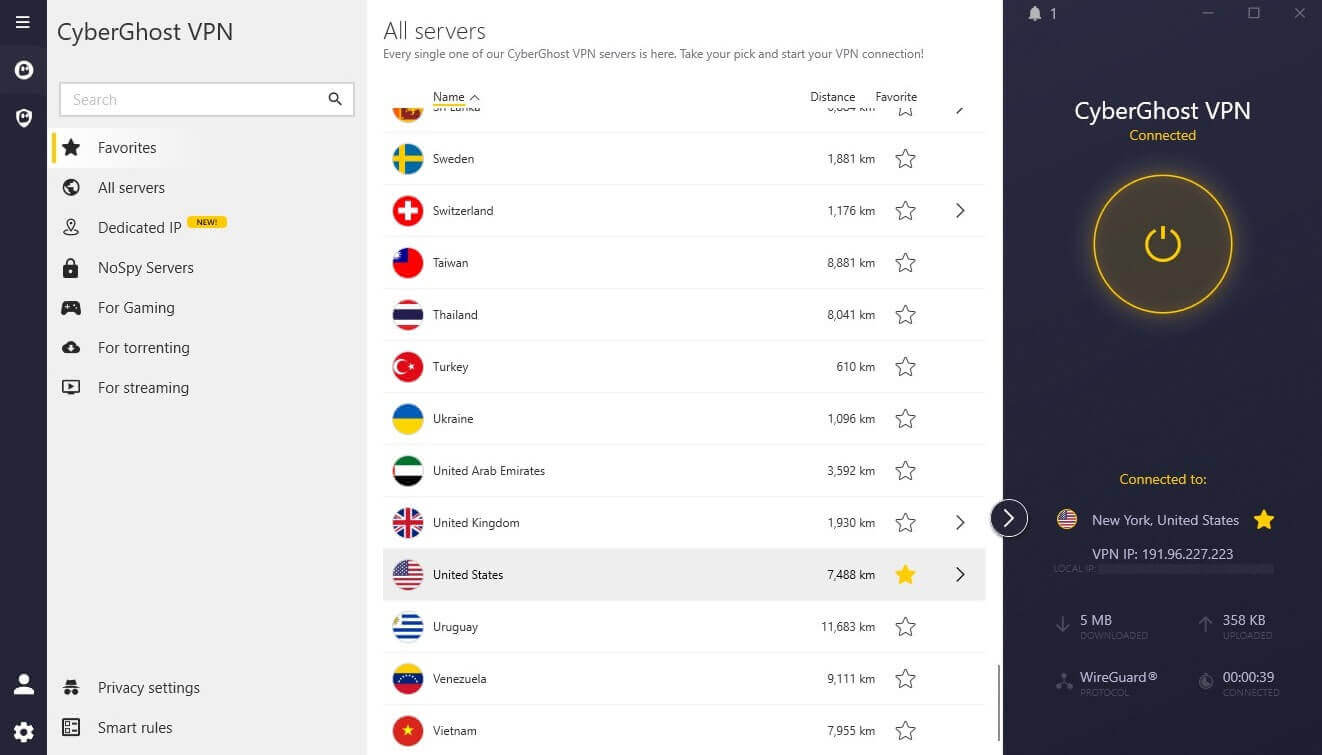
CyberGhost offers 12,000+ servers in 100 countries, and its strength is what it does with them. Purpose-built servers are the draw. Separate categories for streaming, torrenting, and gaming, with individual platforms named on the streaming list, so you pick a server labelled for Netflix US instead of guessing. P2P works the same way. Speeds don’t reach ExpressVPN or NordVPN.
Nearby servers held up fine for us on 10 Gbps hardware, and distant ones streamed with minimal buffering, but the drop is larger than on the two providers above. Privacy is handled properly: AES-256, a kill switch, and DNS and IP leak protection as standard. NoSpy servers are housed in Romania in a facility CyberGhost owns, which puts them beyond a third-party host’s reach.
The company stores no personally identifiable logs. 7 simultaneous connections are the weak spot, three fewer than ExpressVPN’s Basic tier, though device support is wide and includes smart TVs and consoles. Long-term pricing is the lowest at $2.19/mo, and the 45-day money-back guarantee is the longest in the industry.
What ExpressVPN Alternatives Do Better
Four areas where ExpressVPN gets beaten:
- Price. Every provider here costs less on a long-term plan. CyberGhost and PIA charge $2.19/mo, Surfshark $2.49, Proton VPN $2.99.
- Network size. ExpressVPN covers 113 countries across 214 locations. NordVPN reaches 149, and Proton VPN 148, while PIA offers more raw server capacity than any of them.
- Devices. ExpressVPN’s Basic tier allows 10 connections. PIA and Surfshark remove the cap entirely.
- Speed. Only one provider here is measurably faster, and that’s NordVPN.
Can You Use a Free VPN Instead of ExpressVPN?
Only one, and it’s on this list. Proton VPN’s free plan has no data cap, no throttling, and the same no-logs policy as its paid tiers. It’s still a long way short of what ExpressVPN gives you for money. The free tier reaches 10 countries vs ExpressVPN’s 113, protects one device instead of 10, picks the server for you, and locks out streaming and P2P.
Treat it as proof that Proton VPN is worth paying for, not as a replacement for a paid VPN. Most other free VPNs are a poor trade. Small networks = congestion and slow connections. Data caps cut you off mid-session. Plenty sell user data or serve ads, which defeats the point of connecting at all. If the budget is the problem, PIA at $2.19/mo costs less than a coffee.
Conclusion: Best ExpressVPN Alternatives Summary
ExpressVPN is a strong VPN that doesn’t suit every requirement. If yours is a lower price, a bigger network, more devices, or a stricter privacy jurisdiction, one of the five above will serve you better. Our pick is NordVPN, the fastest VPN we test and the one we rank first overall. Proton VPN is very close and would be our go-to if NordVPN doesn’t check all the boxes you want.