
Type “free VPN” into the app store from New Zealand, and you’ll find dozens of apps promising a free Kiwi server. Few of them explain how they pay for it. Servers cost money, so a free VPN either earns it back through a paid version you might buy one day or through data it collects from you.
The idea behind a VPN is simple: it encrypts your connection on café and airport Wi-Fi and swaps your IP address for one in another country, so websites treat you as a visitor from there. The honest free VPNs do that well.
Their servers, however, are thousands of kilometers from New Zealand, and none of them offers a local IP address for when you’re overseas. There’s still a cheap way around that, and the free VPNs worth installing are just below.
Our Free New Zealand VPN Shortlist for 2026
- NordVPN: Best for New Zealand servers, free for 30 days through its refund
- Proton VPN: Best budget paid plan, backed by an uncapped free tier
- Windscribe: Best free plan for several devices at once
- PrivadoVPN: Best free plan for overseas streaming catalogs
- Hide.me: Best free plan for privacy settings
Free New Zealand VPNs Compared
A trustworthy free plan with New Zealand servers doesn’t exist right now. Only NordVPN and Proton VPN offer a New Zealand IP address, and only on their paid plans.
| Free option | New Zealand servers | Free data | Speed loss in our tests | Streaming services unblocked | |
| NordVPN | 30-day refund, 3-day Android trial | Yes, 20+ in Auckland | No cap | 7.8% | 14 of 14 |
| Proton VPN | Free plan, or 30-day refund on VPN Plus | Paid plan only, 83 in Auckland | No cap | 10.2% paid, 19.3% free | 10 of 14 (paid only) |
| Windscribe | Free plan | Paid plan only | 10 GB with email, 2 GB without | 10.0% | 8 of 14 |
| PrivadoVPN | Free plan | Not on the free plan | 10 GB, then 1 Mbps | 9.5% | 8 of 14 |
| Hide.me | Free plan | Not on the free plan | No cap | 30.5% | None |
Five Free VPNs Worth Installing in New Zealand
1. NordVPN: Best for New Zealand Servers (Free for 30 Days)
Pros
- Servers in Auckland
- Unblocked TVNZ+ and ThreeNow
- Dedicated IP available in Auckland
- Next-gen antivirus from the Complete plan
- Independently audited no-logs policy
Cons
- Free only within the refund window
- Higher price after the first term
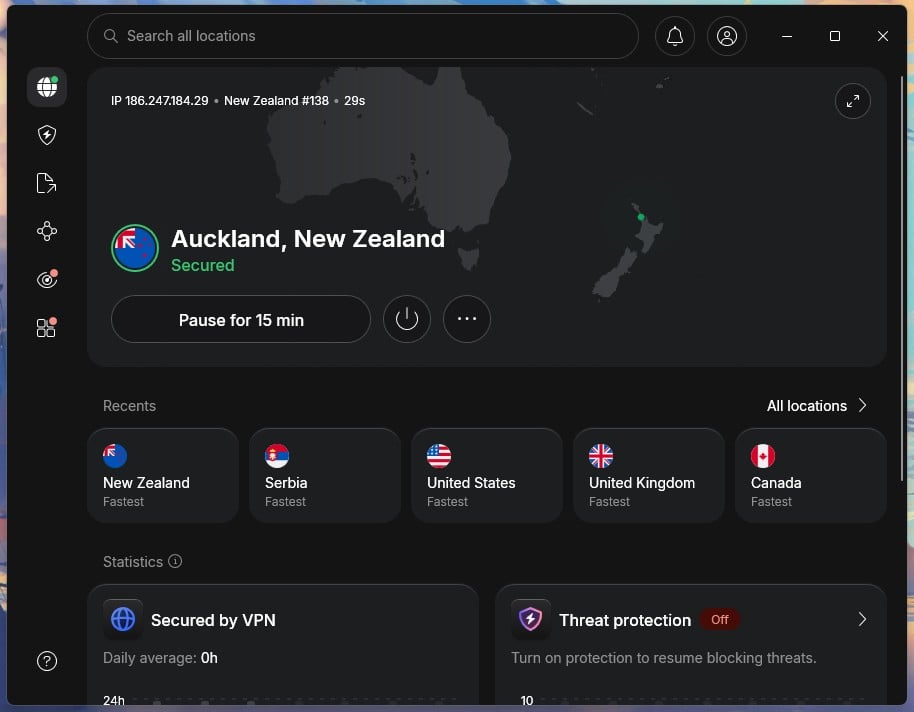
NordVPN isn’t free forever, but it’s the strongest option when you need New Zealand servers without paying in the end, as long as you cancel within 30 days. It has more than 20 servers in Auckland, and in our tests, TVNZ+, ThreeNow, and Māori+ worked on them. That makes it our top pick for watching TVNZ+ from overseas.
Speed isn’t a concern either. Across our standard tests, it lost 7.8% of its speed on average, which you won’t notice on a video call or a 4K stream. It’s based in Panama, outside the Five Eyes alliance New Zealand belongs to, runs on RAM-only servers that wipe data at every reboot, and its no-logs policy has been independently audited.
From the Complete plan up, next-gen antivirus blocks malicious sites, trackers, and ads, handy on hotel and airport Wi-Fi. It’s also our best VPN for New Zealand overall. If you’re covering a holiday, start the subscription the day you fly out so the refund window matches the trip.
If you keep it, the Basic plan costs under $3.50 a month on a two-year term, and our NordVPN coupon page lists the current discount.
2. Proton VPN: Best Budget Paid Plan, With a Free Tier Behind It
Pros
- Auckland servers on VPN Plus
- Uncapped free plan with no ads
- Stealth protocol on free and paid plans
- Open-source apps
- Full refund within 30 days
Cons
- Free plan picks your server
- No streaming on the free plan
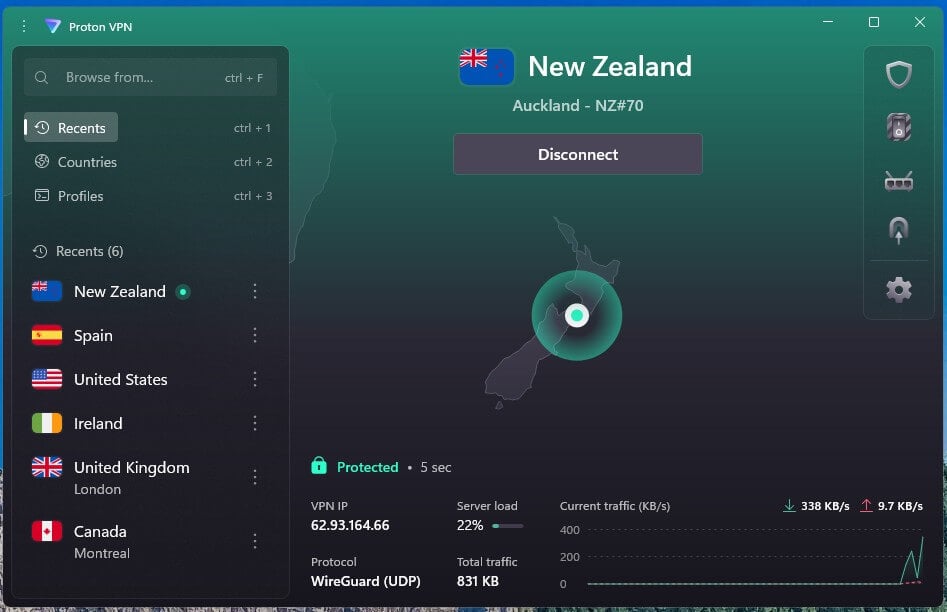
Proton VPN’s paid plan, VPN Plus, is the cheaper way to a New Zealand IP address. It has 83 servers in Auckland, which unblocked the same New Zealand channels as NordVPN in our tests. VPN Plus costs under $3 a month on a two-year term, covers ten devices, and Proton refunds the full amount within 30 days.
If paying isn’t an option, Proton VPN’s free tier is the one we’d install first. There’s no data cap and no ads, and free users receive the same no-logs policy and encryption as paying ones. The app assigns a server from about ten countries, and Japan and Singapore are the closest of them to New Zealand.
Stealth, Proton’s obfuscation protocol, is on the free plan too. It disguises VPN traffic as ordinary web traffic, which helps on campus or hotel networks that block VPNs. The free plan won’t unblock streaming services, and in our tests it lost 19.3% of its speed, partly because you can’t choose a nearby server.
After a few server changes, the app also makes you wait before switching again, so keep the first server unless it’s clearly slow. Deciding between the two paid plans instead? Proton VPN and NordVPN go head to head in our comparison.
3. Windscribe: Most Flexible Free VPN for New Zealand
Pros
- Unlimited devices on the free plan
- Free Hong Kong server
- R.O.B.E.R.T. ad and malware blocking
- Unblocked Netflix US, Canada, and Japan
Cons
- 10 GB monthly data limit
- Busy settings for beginners
- No free New Zealand servers
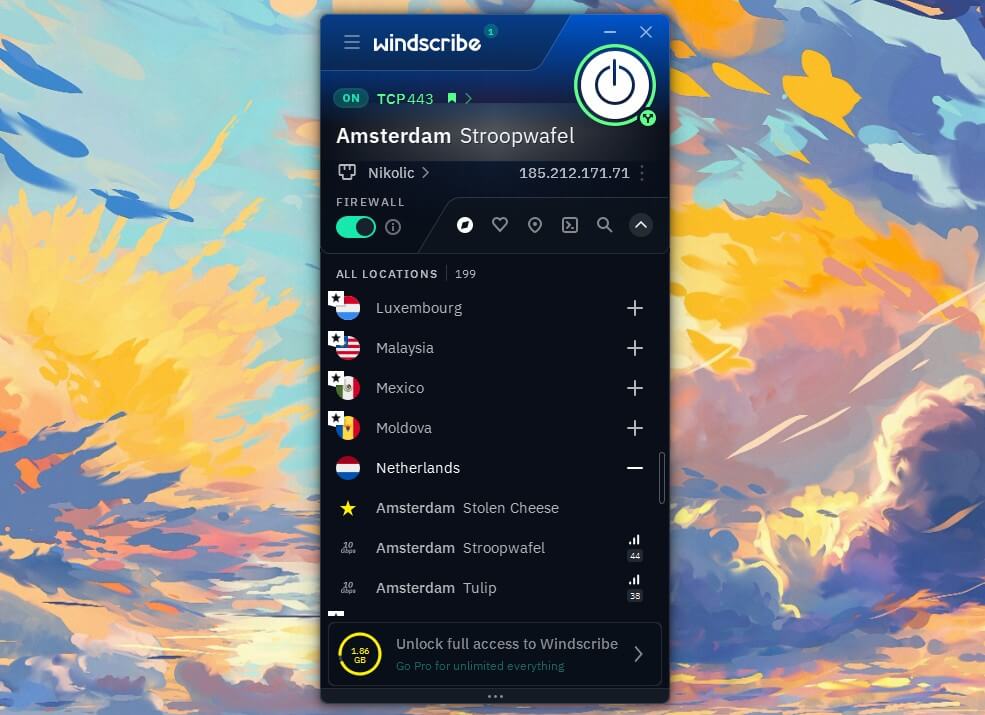
Windscribe’s free plan includes 10 GB a month once you confirm an email address, or 2 GB without one, and it puts no limit on how many devices connect at once. A phone, a laptop, and a tablet can share one free account, while most free VPNs allow a single device. Its free servers lost 10.0% of our speed, close to paid VPNs.
They unblocked 8 of the 14 streaming services we tested, including Netflix in the US, Canada, and Japan. About ten countries are on the free list. Hong Kong is the nearest to New Zealand, while the US servers are the free way to watch American TV in New Zealand.
R.O.B.E.R.T., Windscribe’s blocker, filters ads, trackers, and malware domains for every device on the account. Windscribe is based in Canada, but its apps and servers have been independently audited, and a court case showed it had no user logs to hand over.
The 10 GB limit is the main constraint: by our count, it covers about five hours of HD video. Save it for the evenings you stream, and use Proton VPN’s uncapped free plan for everyday browsing.
4. PrivadoVPN: Best Free Plan for Streaming
Pros
- Fastest free plan we tested
- Unblocked BBC iPlayer and Netflix US
- Slow emergency servers after the limit
- Kill switch and split tunneling
Cons
- 10 GB data cap
- No free Asia-Pacific servers
- Allowance must be renewed by hand
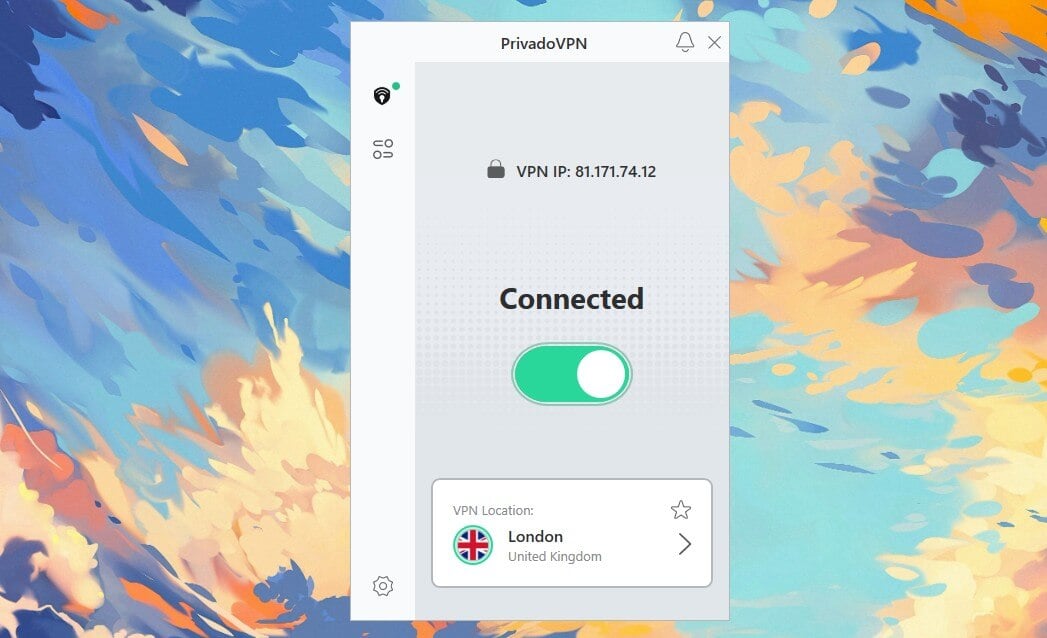
PrivadoVPN’s free plan was the quickest free tier we tested, with a 9.5% speed loss, so streams started fast and barely stuttered. It unblocked Netflix US and Netflix Japan, along with BBC iPlayer from New Zealand and Channel 4, which makes it the free pick for British and American catalogs.
Once the 10 GB is gone, the app moves you to emergency servers at about 1 Mbps instead of cutting you off. That’s enough for messages and email, but not for video. Its free servers cover North America, South America, and Europe, so nothing is close to New Zealand, and its Australian servers are for paying users.
It won’t help you get a New Zealand IP address either. The allowance also doesn’t renew on its own. You have to claim it again in the app each month, which is easy to forget, so make it a monthly habit.
PrivadoVPN is based in Iceland, keeps no browsing logs, and shows no ads; our PrivadoVPN review has the paid side.
5. Hide.me: Best Free Plan for Privacy Settings
Pros
- No data cap
- Split tunneling and custom DNS
- Kill switch included
- No ads
Cons
- Didn’t unblock streaming services
- Torrenting blocked on the free plan
- Slow on distant free servers
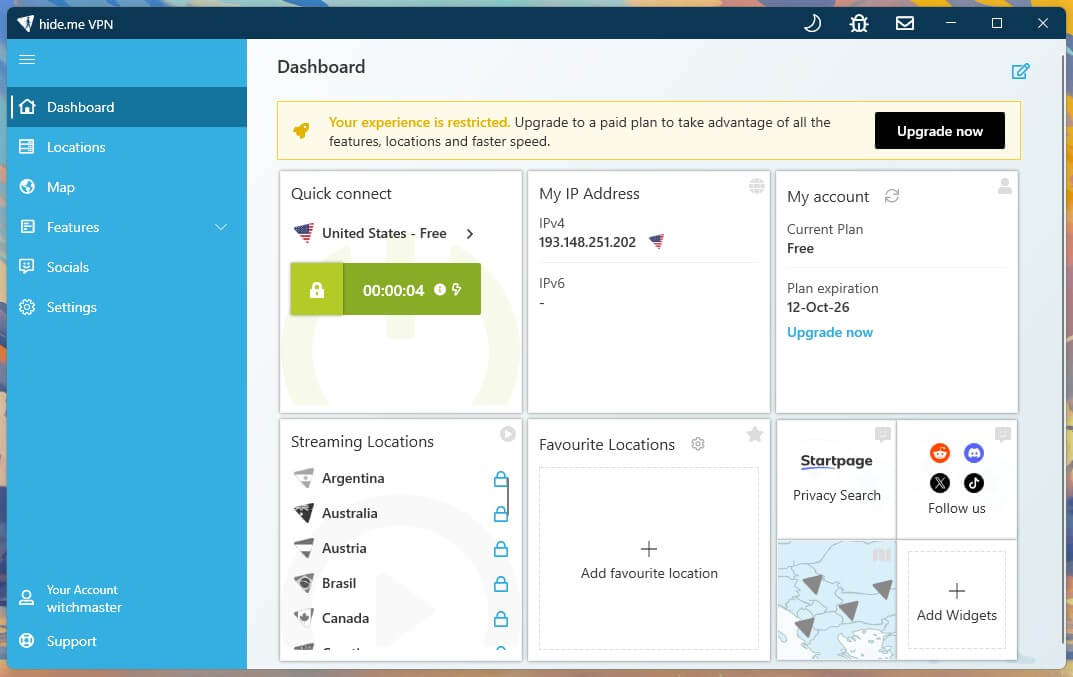
Hide.me’s free plan has no data cap and unlocks settings most free VPNs keep for paying users. Split tunneling lets you choose which apps skip the VPN, so your banking app can use your normal connection while the browser stays protected.
A kill switch cuts the internet if the VPN drops, and custom DNS is there for those who want it. Speed is where it falls behind. It lost 30.5% of our speed, the most of any free tier we tested, and every free location is in Europe or North America.
That’s fine for browsing, email, and online banking, but too slow for comfortable video from New Zealand. It didn’t unblock any of the streaming services we tested, and free accounts can’t torrent. Treat it as a privacy layer for public Wi-Fi, and pair it with Windscribe or PrivadoVPN when you want to stream.
The full picture of its paid plans is in our Hide.me review.
Why We Left Out Hola and Urban VPN
Hola and Urban VPN both list New Zealand locations on their free versions. Neither charges a subscription, but both make you pay in other ways.
- Hola’s free app turns your device into part of the network. When we installed it on Windows, connecting required us to allow Bright Data to use the device’s spare resources and IP address, and the setting stays on for as long as you use the free version. Our US connection also leaked the actual IPv6 address of the test PC.
- Urban VPN’s browser extension was caught capturing full conversations with AI chatbots such as ChatGPT and Claude, and passing them to an affiliated data broker, according to security researchers at Koi. A VPN meant to protect your privacy shouldn’t be the thing collecting your data.
Neither appears in our best free VPN rankings. The same goes for little-known apps called “New Zealand VPN” with no company, audit, or privacy policy you can check.
The Cheapest Way to Get a New Zealand IP Address
If you’re overseas and want TVNZ+, ThreeNow, or a bank that flags foreign logins, a New Zealand IP address is the goal. These options cost little or nothing:
- NordVPN’s refund window. A trip of up to a month on its Auckland servers costs nothing in the end.
- NordVPN’s Android trial. A three-day free trial on Android works for a quick check before paying.
- Proton VPN Plus. The cheapest of the two paid plans with Auckland servers, with a full refund within 30 days.
- Windscribe’s Build-a-Plan. Add individual locations, Auckland included, for about $1 each a month on top of everything in the free plan.
- A dedicated IP address. NordVPN sells one in Auckland. Banks see the same New Zealand IP address every time, which cuts down on security checks abroad.
Final Thoughts
A free VPN covers the everyday reasons Kiwis want one: safer public Wi-Fi and some overseas catalogs. None we’d trust offers a New Zealand IP address, so the choice depends on which of those two jobs you need done. And honestly, for most Kiwis who want a VPN that’s really free, we’d recommend Proton VPN’s free plan.
It has no data cap, no ads, and the same privacy rules as the paid version. Windscribe and PrivadoVPN are the better free picks for streaming, within their 10 GB limits. For TVNZ+ from abroad or home banking on a trip, NordVPN’s Auckland servers are the answer. Our free vs. paid VPN comparison covers the trade-offs in more detail.
A tip that saves the most data: run Proton VPN’s free plan for everyday browsing, and switch to Windscribe or PrivadoVPN only for the evenings you stream.
Frequently Asked Questions
Is there a free VPN with New Zealand servers?
Not from a trustworthy company. Hola and Urban VPN list New Zealand for free but have serious privacy problems, while NordVPN and Proton VPN offer Auckland servers on paid plans.
Is using a VPN legal in New Zealand?
Yes. VPNs are legal in New Zealand for privacy and security. Activities that are illegal without a VPN, such as pirating copyrighted content, remain illegal with one.
Can a free VPN unblock TVNZ+ from overseas?
No. TVNZ+ requires a New Zealand IP address, and no trustworthy free plan offers New Zealand servers. NordVPN and Proton VPN unblock it on their paid Auckland servers.
Is Proton VPN's free plan safe to use in New Zealand?
Yes. Proton VPN's free plan follows the same no-logs policy and encryption as its paid plans, shows no ads, and has no data cap, though it covers one device.
Does a free VPN slow down internet in New Zealand?
Yes, usually more than a paid one. Free servers are often far from New Zealand and shared by more users, so distance and crowding lower speeds and increase ping.
Which free VPN works on more than one device?
Windscribe's free plan allows unlimited simultaneous devices. Proton VPN, PrivadoVPN, and Hide.me limit free accounts to a single device at a time.