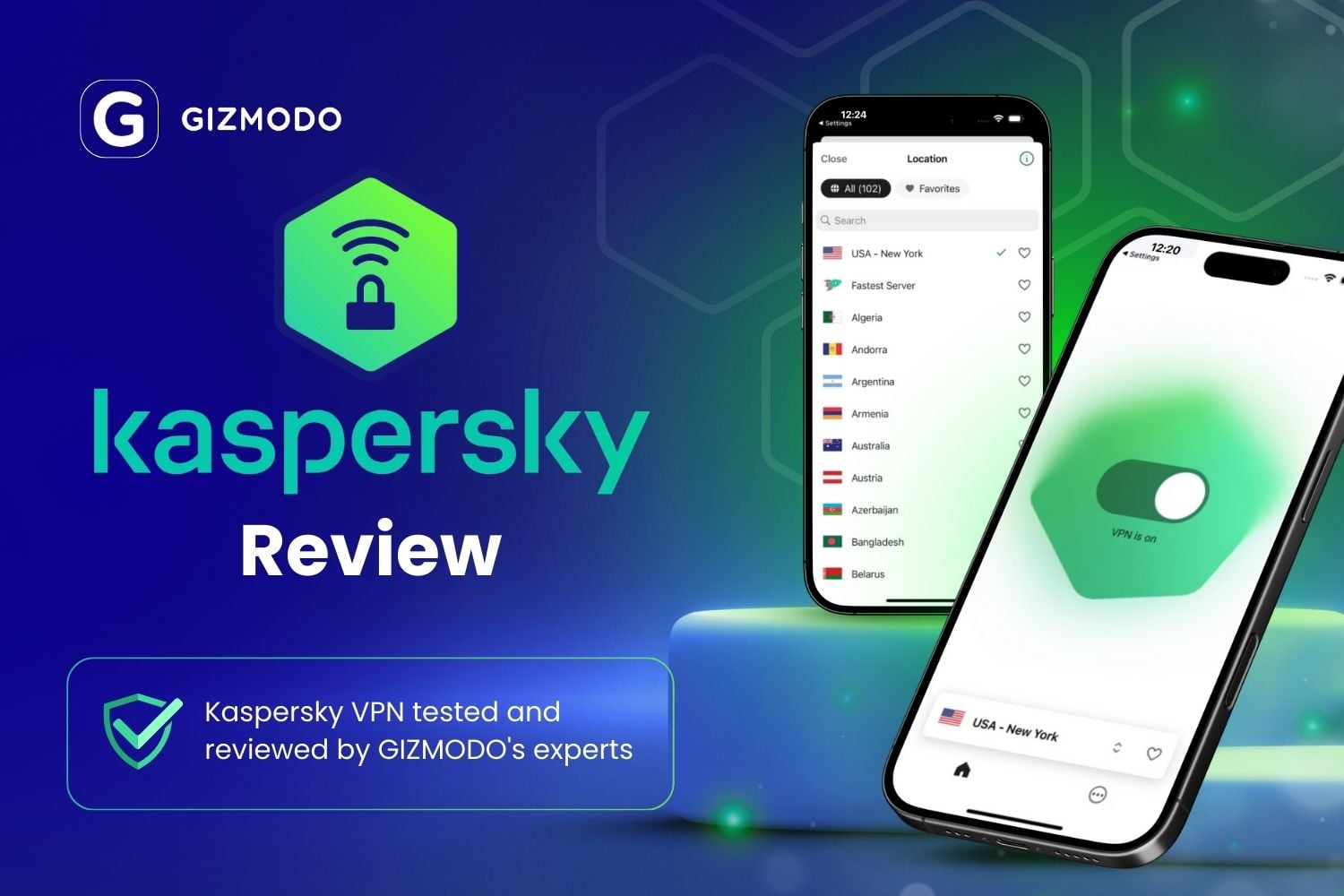
In September 2024, many Kaspersky customers in the US found a different antivirus on their computers. Kaspersky had been banned from selling its software in the US, and an automatic update replaced it with an app from another company. The ban covers Kaspersky VPN Secure Connection too: it’s no longer sold to US customers, and its apps are gone from American app stores.
Outside the US, Kaspersky still sells the VPN on its own and in its security plans, and many people still wonder whether it’s a good buy. The VPN itself has changed a lot in the past year, and not every change works in your favor. Here’s my verdict, and then all the details if you’re willing to spend a few more minutes.
Kaspersky VPN Secure Connection
Kaspersky VPN is simple to use and comes with Kaspersky's security plans, but it's no longer sold in the US. Its switch to new servers removed Double VPN and protocol selection, and with no independent audit and Russian headquarters, it's hard to recommend for privacy.
Pros
- Simple app for beginners
- Kill switch and split tunneling
- Modern WireGuard protocol
- Router setup files available
- Free trial with every feature
- Comes with Kaspersky security plans
Cons
- Not sold in the US
- No independent no-logs audit
- Russian headquarters
- Double VPN and protocol selection removed
- Free version discontinued in most countries
- Not on Google Play
Kaspersky VPN at a Glance
| Sold in the US | No, banned since 2024 |
| Developer | Kaspersky, based in Moscow, Russia |
| Servers | PureVPN’s network since November 2025 |
| Countries | 93, according to Kaspersky |
| Protocol | WireGuard only in the app |
| Devices | Up to 10, depending on the plan |
| Free version | Discontinued in most countries |
| Free trial | 7 days |
| Money-back guarantee | 30 days |
| Kill switch and split tunneling | Yes, on paid plans |
| Independent no-logs audit | None |
Can You Buy Kaspersky VPN in the US?
No. In June 2024, the US Commerce Department banned Kaspersky from selling its software to US customers. New sales stopped on July 20, 2024, and updates ended on September 29, 2024. Kaspersky’s US support page confirms that buying, renewing, and downloading its products are suspended, and its mobile apps are gone from Google Play and the App Store.
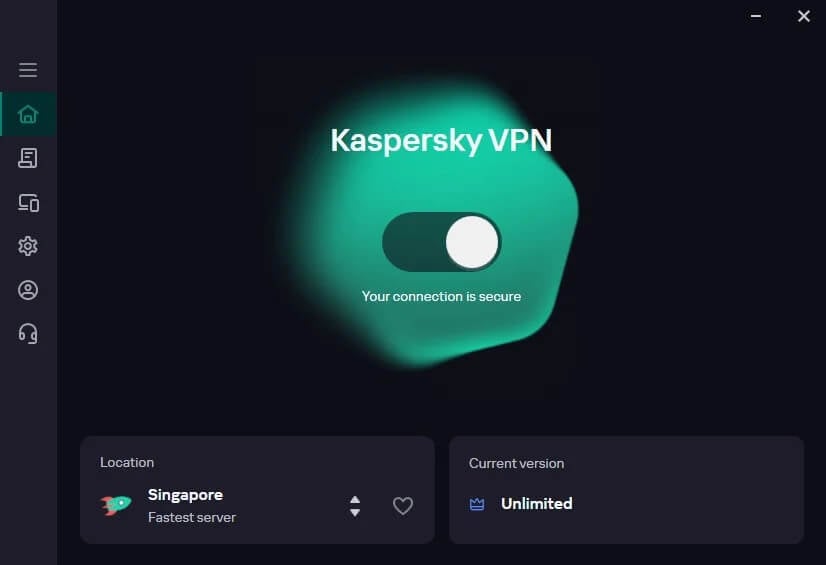
Before leaving, Kaspersky moved its US customers to UltraAV, an antivirus from Pango, through an automatic update. Licenses bought before the ban kept working until they expired, but Kaspersky has offered no US-based support since then. If Kaspersky VPN is still installed on a US device, it no longer receives security fixes, and I’d uninstall it and switch to a VPN that does.
Availability Outside the US
Outside the US, availability is patchy too. Google removed Kaspersky’s apps from Google Play worldwide in late 2024. Android users now install the VPN from the Samsung Galaxy Store, Huawei AppGallery, or an installer file (APK) from Kaspersky’s website. Kaspersky’s store doesn’t list every country either. Check that yours is there before you count on the VPN.
What Changed When Kaspersky Switched Servers
Until late 2025, Kaspersky VPN used servers from Pango, the company behind Hotspot Shield VPN. In November 2025, Kaspersky moved every user to servers from PureVPN, another VPN company, and the app lost several features in the process:
- Protocol selection: the app now connects over WireGuard only. Catapult Hydra, the Hotspot Shield protocol it used to offer, is gone.
- Double VPN: the setting that sent your traffic through two VPN servers was removed, and Kaspersky hasn’t brought it back.
- Router setup: it was removed at first, then OpenVPN configuration files for routers returned in 2026.
- Locations: Kaspersky’s support staff said the switch would cut its server locations from about 105 to about 85. Kaspersky’s website now claims 120+ locations in 93 countries.
Speed and streaming results from before the switch describe a service that no longer exists in that form.
Kaspersky VPN Plans, Free Trial, and Free Version
Kaspersky sells the VPN as a standalone subscription and as part of its Standard, Plus, and Premium security plans. Its own pages disagree on which of those plans include unlimited VPN data. Compare the plan cards in your country before you pay. Prices also vary by country. If cost comes first for you, weigh it against the cheap VPNs I’ve tested.
Kaspersky used to offer a free version with a daily data cap. In April 2026, Kaspersky’s forum moderators said the free VPN had been discontinued in almost all countries. Its VPN pages now offer a 7-day free trial instead, with every feature on up to 10 devices, and a 30-day money-back guarantee covers paid plans.
With Kaspersky’s free version gone, I’d try Proton VPN’s free plan, which has no data cap, or another free VPN with a clean privacy record.
Is Kaspersky VPN Safe? Privacy and Trust
Kaspersky is headquartered in Moscow, and that’s the main reason governments treat its software with caution. Its privacy policy says the VPN relies on third-party services with their own privacy practices. It also says data from users in the EU is processed in the EU and in Russia. The policy doesn’t list what the VPN itself logs. No outside firm has audited Kaspersky VPN’s no-logs claim.
Kaspersky has company-wide certifications, such as SOC 2 and ISO 27001, and operates Transparency Centers where partners can review its code. Those cover the company’s data practices in general. They say nothing about your traffic on PureVPN’s servers. AV-TEST also tested the VPN several times at Kaspersky’s request, with strong speed results, but every one of those tests came before the server switch.
Several governments have restricted Kaspersky software over the past few years:
- US: sales to every US customer banned since 2024.
- Germany: the BSI, the federal cybersecurity agency, advised replacing Kaspersky antivirus in 2022.
- Canada: banned on government-issued mobile devices since 2023.
- Australia: removed from government systems in 2025.
- UK: the NCSC advised public-sector bodies against Russian antivirus software, though consumers can keep using it.
None of this proves that Kaspersky VPN logs your activity. Still, with no audit and Russian headquarters, I wouldn’t use it for sensitive work.
Kaspersky VPN Features and Apps
Like any VPN, Kaspersky VPN encrypts your traffic and changes your IP address. Since the switch, the feature list is short, and it covers two basics:
- Kill switch: blocks your internet if the VPN connection drops, which keeps your IP address hidden. Check that it’s enabled in the settings before you rely on it.
- Split tunneling: lets you choose apps that skip the VPN, such as a banking app that flags VPN connections or a cloud storage app syncing large files.
One subscription covers up to 10 devices at once, depending on the plan, while some VPNs for multiple devices set no limit. Apps are available for Windows, macOS, iOS, and Android, with no Linux app and no smart TV app.
Streaming, Torrenting, and Gaming
Kaspersky VPN can change the country streaming services see. Platforms such as Netflix block VPN IP addresses often, though, and results change from month to month. For streaming, torrenting, or gaming, I’d use these instead:
- Streaming: ExpressVPN is the one I’d use. Our guides to accessing Netflix’s Japan library and how to watch Formula 1 online for free show how a VPN works with regional streaming services.
- Torrenting: Proton VPN offers port forwarding on paid plans, which can speed up torrent downloads.
- Gaming: a VPN for gaming rarely lowers ping, and distant servers add delay.
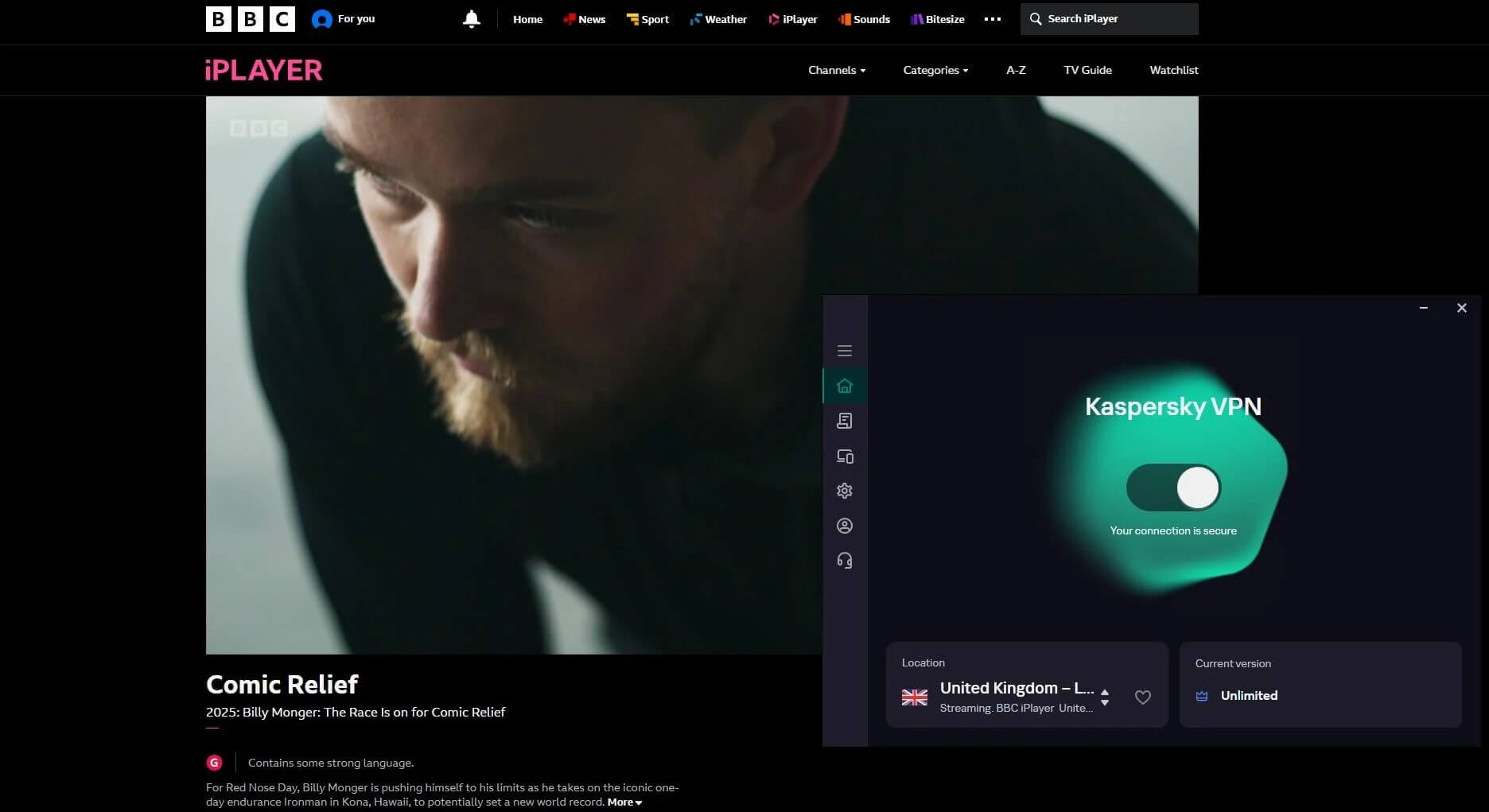
Better Alternatives to Kaspersky VPN
If you’d prefer a VPN with a privacy record checked by outside auditors, I’d start with these two:
- Proton VPN: a Swiss VPN whose no-logs policy has passed an independent audit every year since 2022. It lost 10.2% of my speed on average and unblocked Netflix US, Netflix Japan, and BBC iPlayer, though it couldn’t unblock Hulu, ITVX, or Pluto TV. Its advanced kill switch kept my traffic blocked through a PC restart.
- ExpressVPN: it lost 7.8% of my speed, unblocked every streaming service I tried, and connects in a second or two. It also has a router app, which covers smart TVs and consoles that can’t install a VPN.
Our comparison of ExpressVPN and its closest rival goes deeper on ExpressVPN, and our best VPN ranking covers more VPNs I’ve tested. If you’d like to stay with an antivirus brand, our review of Bitdefender VPN covers that one.
My Verdict on Kaspersky VPN
For US users, the decision is already made. Kaspersky VPN isn’t sold there, and a VPN that no longer receives security updates isn’t one to keep. Outside the US, I wouldn’t buy it today. The switch to PureVPN’s servers cost it Double VPN, protocol selection, and a number of locations, and the free version is gone in most countries.
Its privacy record also rests on Kaspersky’s word alone, with no audit of the VPN. Add Russian headquarters and restrictions from several governments, and that’s a lot to accept for a VPN you can’t even buy in every country.
If you already pay for a Kaspersky plan that includes the VPN, it should be enough to protect a laptop on café or hotel Wi-Fi. For privacy, streaming, or a VPN you can buy in the US, I’d go with Proton VPN or ExpressVPN instead.
Frequently Asked Questions
Is Kaspersky VPN banned in the US?
Yes. US rules don’t allow Kaspersky to sell its software, including the VPN, to US customers. The apps are gone from US app stores, and existing installs no longer receive updates.
Is Kaspersky VPN safe?
Yes, for basic use such as public Wi-Fi outside the US. Its no-logs claim has never been independently audited, though, and several governments restrict Kaspersky software because of its Russian headquarters.
Is Kaspersky VPN free?
No. Kaspersky discontinued the free version in most countries and now offers a short free trial with every feature. Proton VPN is a trusted alternative with a free plan and no data cap.
Does Kaspersky VPN keep logs?
No, according to Kaspersky, which says it doesn’t log traffic passing through the VPN. Its privacy policy has no VPN-specific log list, though, and no independent audit has checked the claim.
Does Kaspersky VPN still use Hotspot Shield’s servers?
No. Kaspersky VPN now uses PureVPN’s servers instead of those from Hotspot Shield’s parent company, Pango. The switch also ended Double VPN and the Catapult Hydra protocol.
Does Kaspersky VPN work on Android?
Yes, though Google Play no longer lists Kaspersky’s apps. The Android version comes from alternative app stores, such as Samsung’s and Huawei’s, or directly from Kaspersky’s website.