The best VPN for OnlyFans makes so much sense if you can’t access the platform in your country. But there’s another aspect: Age verification in specific countries, like the UK or the USA, as of recently. With an OnlyFans VPN installed, you can comfortably avoid age checks as a fan and use the site without submitting your ID. We tested 20 VPNs on OnlyFans to see which one truly unblocks it and offers privacy and fast speeds for steamy videos.
In a hurry? Our top picks comprise NordVPN, ExpressVPN, and Private Internet Access. These 5 excel at everything that genuinely matters for OnlyFans, and much more than that. A detailed list is below.
Best OnlyFans VPN: Top 5 VPNs to Unblock OnlyFans in October 2026
- NordVPN: Best OnlyFans VPN overall
- ExpressVPN: Fastest VPN for OnlyFans
- Private Internet Access: Cheapest VPN for OnlyFans
- Proton VPN: Most secure VPN for OnlyFans
- Surfshark: Best Multi-Device VPN for OnlyFans
How to Unblock OnlyFans With VPN
You can access OnlyFans without age verification and unblock it in restricted regions like Turkey, China, Russia, and the UAE with a VPN. To start, pick the best one. We recommend NordVPN at 73% off, thanks to 3 free months. Subscribe to it and then install its app on your device (phone, laptop, PC, or tablet).
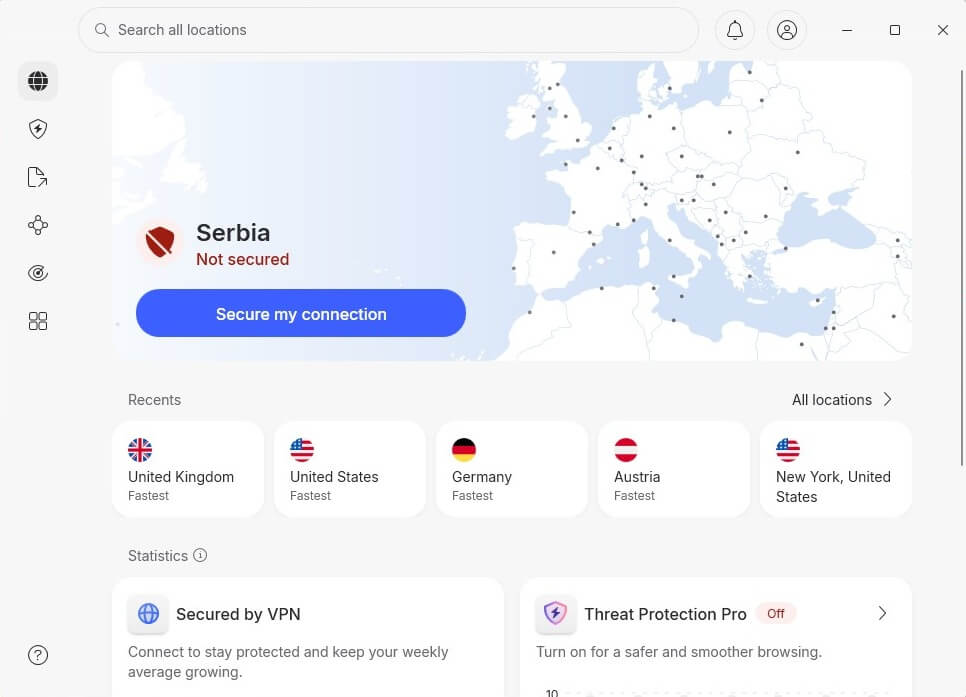
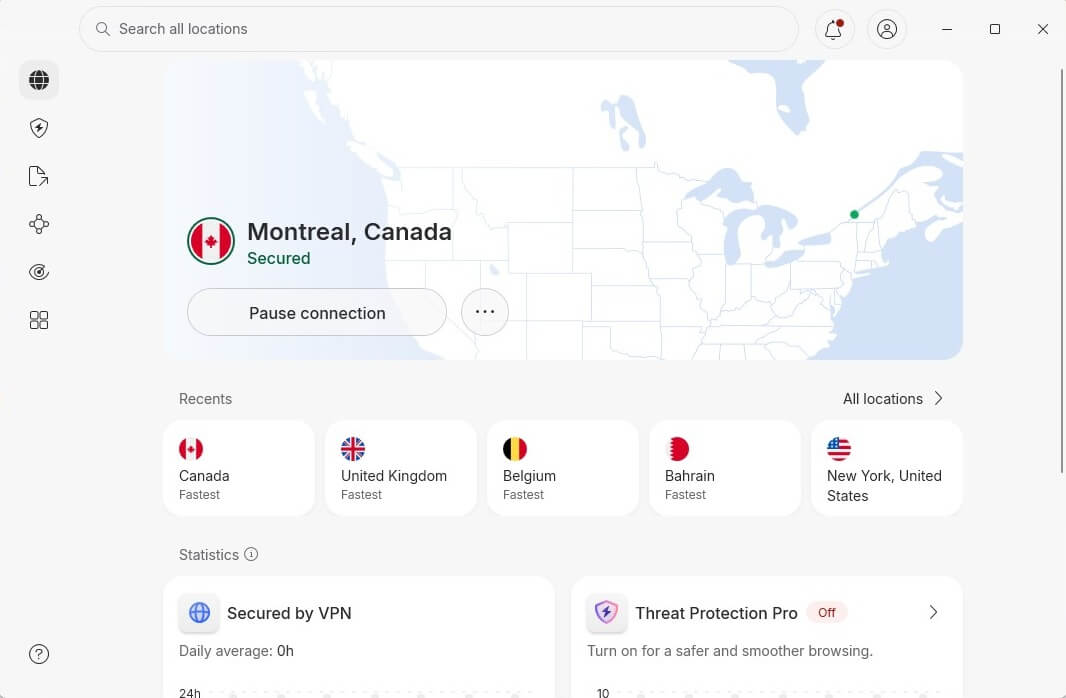
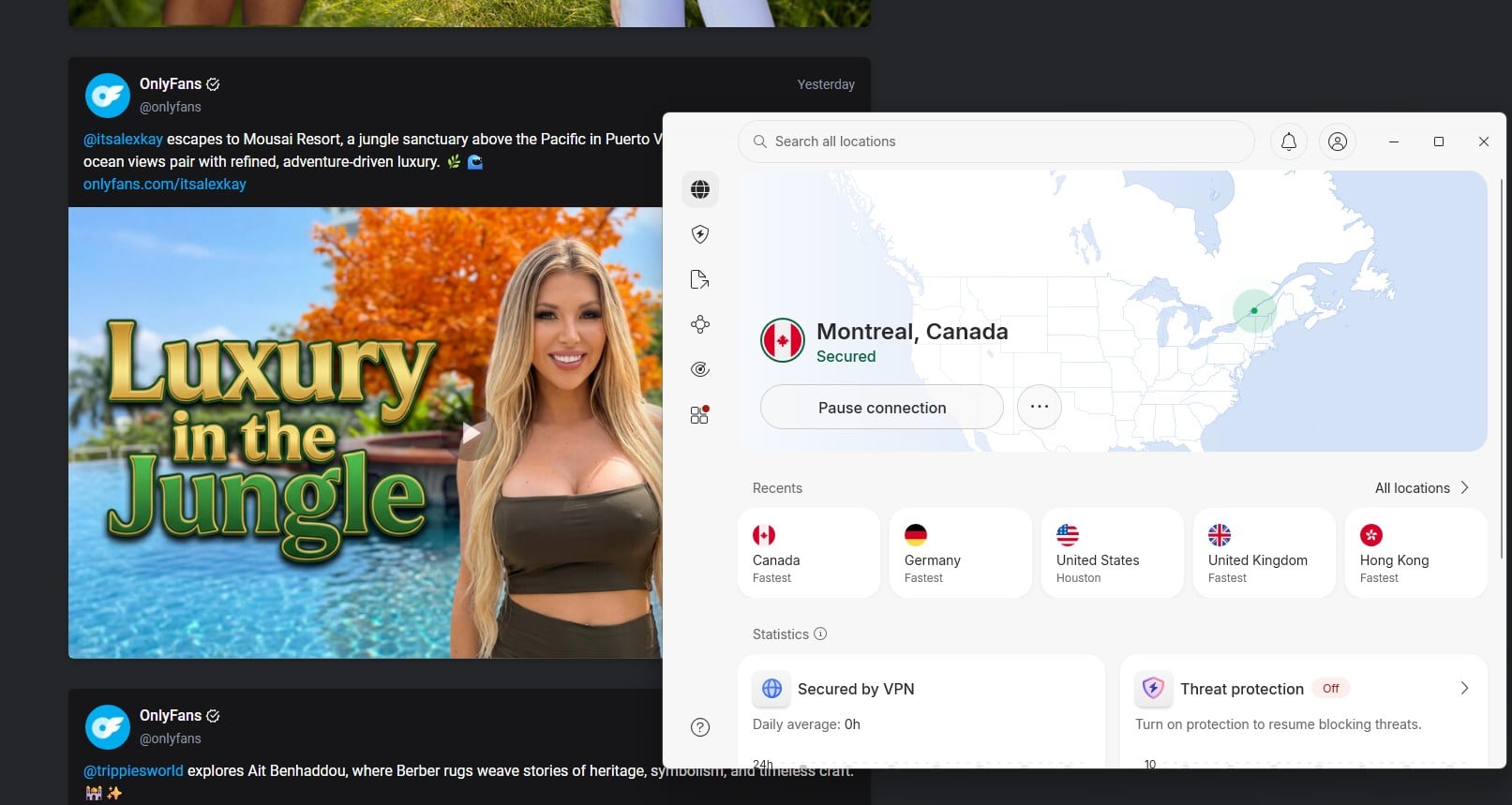
From there, connect to a VPN location where OnlyFans works without restrictions. Avoid any location with age verification laws. For me, Canada worked well, so I clicked All Locations and then selected Canada to connect.
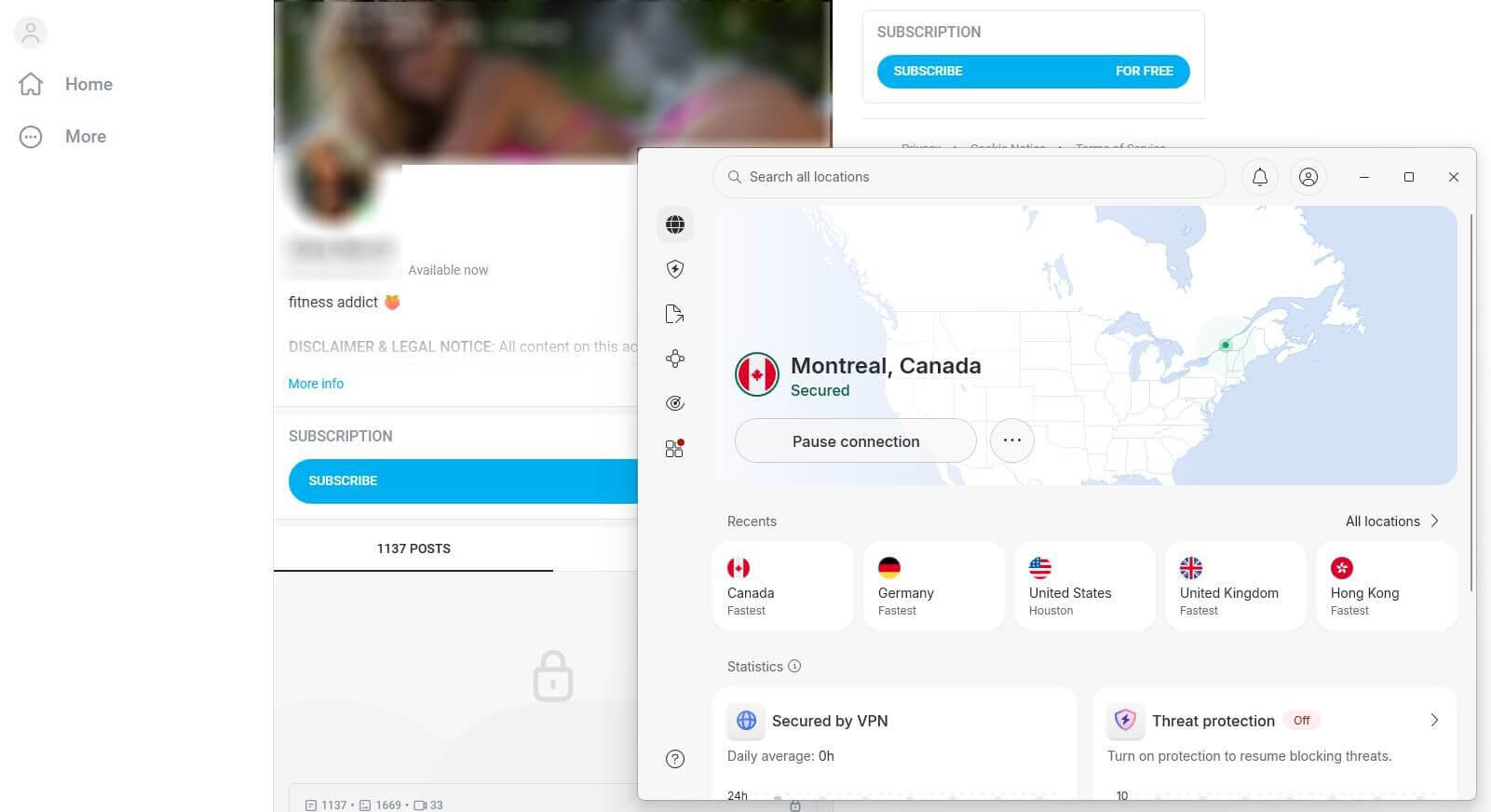
With a Canadian IP address, we went to OnlyFans, and it worked flawlessly. We subscribed to a few models for free, just to test the site, but we could also use our payment method to buy a premium subscription. It all worked.
Best VPN for OnlyFans Compared
After testing 20+ VPNs on OnlyFans, we realized what’s most important: Unblocking, speed, privacy, and availability on all devices. These truly have what it takes, and here’s how well they performed in our tests.
| NordVPN | ExpressVPN | PIA VPN | Proton VPN | Surfshark | |
| Speeds | Fastest | Very fast | Fast | Good | Fast |
| Obfuscation | Obfuscated servers | Automatic | Shadowsocks | Stealth | NoBorders |
| Servers | 9,400+ | 3,000+ | 30,000+ | 20,000+ | 4,500+ |
| Devices | 10 | 10-14 | Unlimited | 10 | Unlimited |
| No Logging | Audited | Audited, court-proven | Audited, court-proven | Audited | Audited |
| Start Price | $3.09/mo | $2.49/mo | $2.19/mo | $2.99/mo | $1.99/mo |
| Refunds | 30 days | 30 days | 30 days | 30 days | 30 days |
| Free plan | No | No | No | Yes | No |
1. NordVPN: Best VPN for OnlyFans Overall
Pros
- Fast speeds
- Unlimited data
- Wide server network
- Tracker protection
- Audited no-log policy
- Apps for all devices
Cons
- Complex interface
- Higher renewal price
NordVPN is the best VPN for accessing porn on OnlyFans or other sites like Pornhub. It has a massive collection of servers, more than 9,400 across 137 countries, so you have plenty of options in porn-friendly countries. Its unblocking capabilities are excellent, so you can trust the VPN to bypass content filters in most countries using its NordWhisper protocol. It also circumvents geo-restrictions, allowing you to access exclusive libraries in other regions with obfuscated servers.
For instance, with NordVPN, you can watch US TV even when outside the United States. On the security front, NordVPN uses Threat Protection Pro, blocking ads and trackers. When you access OnlyFans with this VPN, you’ll also enjoy fast speeds with NordLynx, which lets you watch your favorite models’ videos without buffering. Plus, NordVPN really doesn’t keep any logs, and it’s been proven in multiple audits, especially by Deloitte in February 2026.
Because it supports a wide range of platforms and supports 10 simultaneous connections, it’s perfect for people with multiple devices who want uninterrupted OnlyFans access. It costs very little despite the obvious qualities, and the 2-year plan at $3.09 per month is the best value for money. You get a capable OnlyFans VPN that unblocks the site and keeps you safe and private. Best of all, it’s fully refundable for 30 days if you find it unsuitable for any reason.
2. ExpressVPN: Best OnlyFans VPN for Speed

Pros
- Works in censored regions
- Audited by KPMG
- Fast and stable speed
- Compatible with all devices
- 30-day refund policy
Cons
- Light on features
- Longer connection times
ExpressVPN is an OnlyFans VPN built for beginners. One click connects you to a server and unblocks the site anywhere. It’s the best VPN for streaming and content consumption, mainly for its speed and the lack of data restrictions. It offers over 3,000 servers in 105 countries, so it’s very easy to access adult content globally. Obfuscation is automatically applied, so if you’re in a restricted country, say Turkey or China, ExpressVPN works without issues.
In tests, we used ExpressVPN’s Threat Manager regularly to block ads and trackers, while its kill switch helped us dodge potential data leaks if the server broke. The VPN enforces a strict no-logging policy, and it’s not just on paper. It actually proved it in court and has been audited by KPMG in 2025. ExpressVPN is also engineered for speed, with Lightway Turbo, a proprietary protocol for streaming, downloading, and lag-free gaming that so many love.
ExpressVPN supports all devices and works on 10 to 14 of them at a time, depending on the plan. We suggest the Basic plan at $2.49 per month with 4 free months. Higher plans throw in ExpressAI or ExpressPass, but you don’t need them in an OnlyFans VPN. The Basic plan offers all you need to get OnlyFans unblocked in any country. Read more about it and other plans in our ExpressVPN review, or test it now, risk-free.
3. Private Internet Access: Affordable OnlyFans VPN
Pros
- Shadowsocks obfuscation
- No connection logs
- Customizable encryption
- No logs proven in court
Cons
- Inconsistent speed
- Too technical UI
Private Internet Access is the best budget VPN for OnlyFans, but there’s more to it than affordable pricing. It’s also our favorite VPN for unblocking Pornhub in the US because of its extensive pool of servers. PIA has the largest server fleet in the industry, featuring upward of 30,000 servers across 91 countries. It is based in the US and has servers in every state. You’re spoiled for choice if you prefer to use a US IP address for OnlyFans.
PIA might not be the best at unblocking content or bypassing geo-blocks, but it still does so well and even includes dedicated streaming servers if you need content outside of OnlyFans. With PIA’s Android app, you can set up your own Shadowsocks server to obfuscate your traffic or connect to the VPN’s. PIA is a privacy-focused VPN despite its US jurisdiction. It has proven multiple times (including in court) that it doesn’t store activity or connection logs on its servers.
What’s more, it allows you to take control of your privacy by choosing between AES 128-bit and AES 256-bit encryption standards. The former comes out of the box and is the better choice in terms of performance. Private Internet Access costs about $2 per month but often less than that, and protects an unlimited number of devices, making it a preferred VPN for OnlyFans for users seeking maximum value. Rest assured, it’s refundable for 30 days.
Can I Use a Free VPN for OnlyFans?
Yes, you can, and a free VPN can unblock OnlyFans if you’re not in a very censored region. For instance, most free VPNs rarely work in China, so if you’re there, that’s a problem. While OnlyFans itself doesn’t block VPNs, the country you’re in heavily dictates whether your VPN for OnlyFans will work. For this reason, we emphasized premium VPNs, all with some type of obfuscation technology; stealth, obfuscated servers, or any other. Free VPNs lack this.
They offer basic features, often limit your monthly data, and don’t block trackers and ads, which I personally dislike for platforms like OnlyFans. Another thing I often discuss is the lack of privacy. Free VPNs like Hola VPN, Urban VPN, or even Hotspot Shield store logs and track online activities, with Hotspot Shield even using in-app ads. All in all, a free OnlyFans VPN may work, but the experience won’t be optimal, and you’ll compromise on many things.
Where is OnlyFans Blocked or Restricted
OnlyFans is generally accessible worldwide, and if you use a VPN, in most cases, it’ll be to bypass age verification or simply browse the site privately, without revealing your sensitive data. But these countries block or restrict OnlyFans for different reasons:
- China. Blocked by the Great Firewall.
- Belarus and Russia. Nation-wide censorship and economic sanctions.
- Turkey. Nation-wide censorship and campaigns against adult content
- Bangladesh, North Korea, Iran, and Pakistan: Severe censorship and religious restrictions that heavily impact access to all adult sites.
- UAE. Blocks all porn/adult sites due to religion and censorship.
- India. OnlyFans works, but only for fans. Content creators from India can no longer use it because of the government’s efforts against adult content hosting and payment processing.
Conclusion
OnlyFans is very popular, and while not necessarily a full-fledged porn site, it does contain bits of sexually explicit content and outright pornography. This puts it in the sensitive group of sites often blocked or restricted in some countries due to age verification. A trusted VPN for OnlyFans unblocks it and helps avoid all forms of restrictions. That way, you easily access OnlyFans and keep following your favorite models. Our #1, NordVPN, has all you really need.
However, we’d also explore other top VPNs, like ExpressVPN, Private Internet Access VPN, Proton VPN, and Surfshark, all built for speed, privacy, and unblocking in censored regions. All five have a 30-day money-back guarantee, so if one doesn’t scratch the itch, you can get a refund and try another one. By the way, these are currently the best overall VPNs on the market.
Best OnlyFans VPN FAQ
⬇️ Is OnlyFans down?
No, it's not down, but it's blocked in certain countries, like Turkey, China, North Korea, and generally, the Middle East. If OnlyFans is down where you are, chances are your country is actively blocking it. Using a VPN for OnlyFans should fix the issue and help you regain full access.
⚠️ Is using a VPN for OnlyFans legal?
It's legal if you're an adult, although it might go against the platform's terms of service, for which you won't be prosecuted. If you're in a country where porn is illegal, like Indonesia or the UAE, you may want to think about using a VPN for OnlyFans. Inform yourself about the local porn law and respect it. It's highly discouraged to watch porn and use adult sites as a minor.
⭐ How to unblock OnlyFans in China?
With a VPN that offers obfuscation that can bypass the Great Firewall. NordVPN offers many obfuscated servers, so get it, connect to one, and OnlyFans should work in China normally. Other top VPNs, like ExpressVPN and PIA, also use obfuscation, so they're handy in nearly all censored regions.