
Ever noticed your internet slowing down at the worst times—right when you’re streaming, gaming, or downloading a big file? If you’ve ever wondered, “Is Verizon Fios limiting my speed?” you’re not alone. Many have reported buffering on streaming platforms, lag in online games, or downloads that take much longer than expected.
And it’s not just about speed. Some websites might feel harder to access, and privacy concerns are always in the background. With internet providers collecting more data than ever, it’s hard to tell who’s tracking what. If any of this sounds familiar, don’t worry—you’re not stuck with it.
In this guide, we’ll help you understand what’s happening behind the scenes and which VPN services are best to use with Verizon Fios to experience zero throttling.
Why Do You Need a VPN for Verizon Fios?
If you’ve tried different ways to improve your Verizon Fios connection, you might have had temporary relief with some solutions. However, they arguably come back, disrupting your internet experience. Let’s find out how using a VPN can be one way to avoid throttling with Verizon Fios.
- Streaming Slows Down Unexpectedly: Ever noticed that Netflix, YouTube, or other streaming services suddenly buffer, even when your internet plan promises high speeds? This can happen when certain types of traffic are deprioritized, making it difficult to stream smoothly.
- Online Games Feel Laggy or Unresponsive: If your ping spikes during gaming sessions or connections drop unexpectedly, it can completely ruin the experience. This could be due to how traffic is routed, but a VPN can help stabilize your connection.
- Websites Load Slowly or Feel Restricted: Some pages might take longer to load, while others seem to be blocked or unavailable. A VPN helps you browse freely by masking your traffic, preventing unnecessary slowdowns.
- Your Browsing Activity Feels Less Private: Your internet provider can see the sites you visit and collect data about your online habits. If you’d rather keep your browsing private, a VPN adds an extra layer of security by encrypting your connection.
Best VPNs for Verizon Fios in 2026: Our Full List
By now, you know a VPN can help with slow speeds, access restrictions, and privacy concerns on Verizon Fios. But with so many options out there, choosing the right one isn’t always easy. Some VPNs slow down your connection even more, while others struggle to bypass network restrictions.
To make things simpler, we’ve tested and narrowed it down to the best VPNs that actually work well with Verizon Fios. Here’s a breakdown of why they stand out.



 9200 servers
 128 covered countries
 30 days money-back guarantee
 10 simultaneous connections
9.4 /10

20396 servers
148 covered countries
30 days money-back guarantee
10 simultaneous connections
9.2 /10

3000 servers
105 covered countries
30 days money-back guarantee
10 simultaneous connections
9.1 /10
1. NordVPN
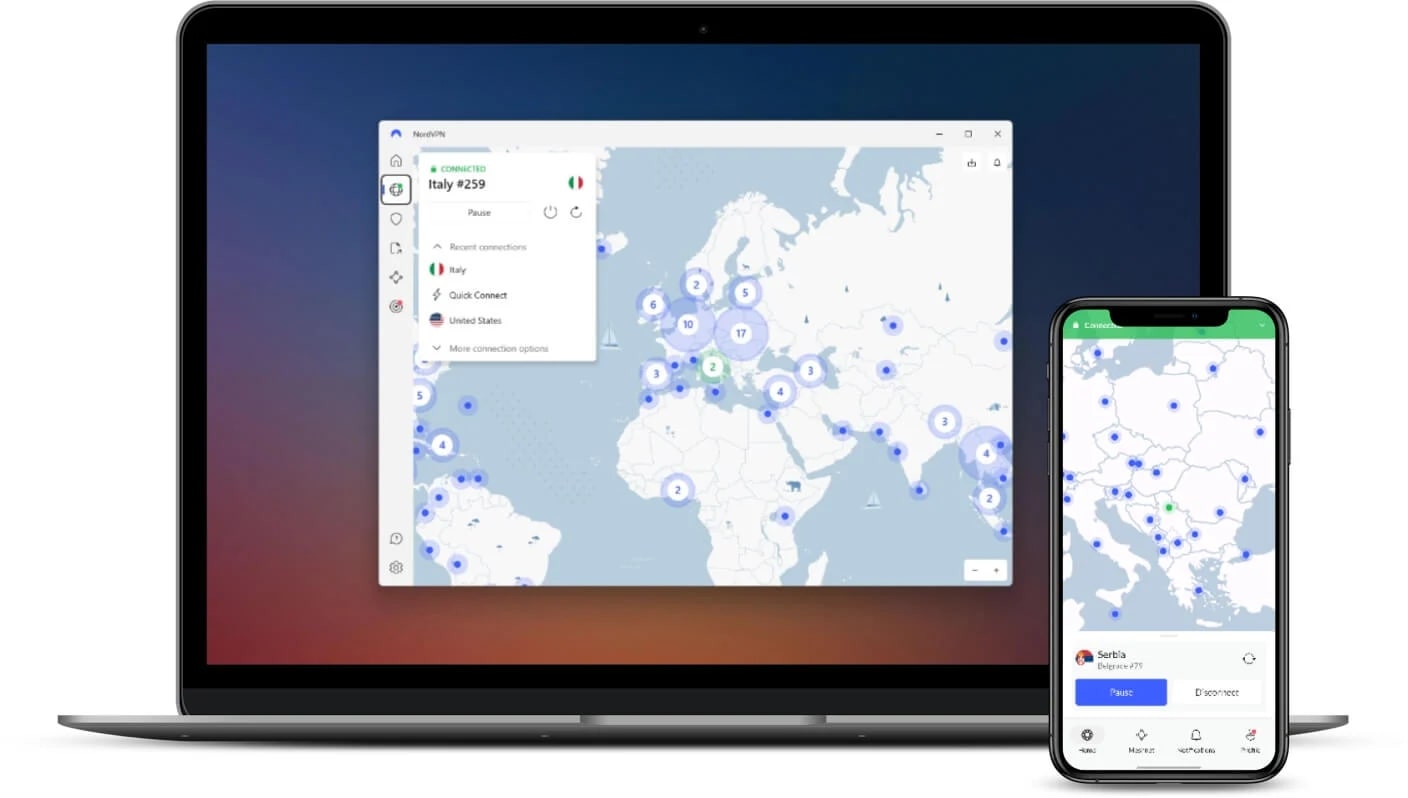
NordVPN stands out as the most well-rounded VPN for Verizon Fios, offering a balance of speed, security, and reliable access. If you’ve experienced slow speeds or buffering, NordVPN’s NordLynx protocol, built on WireGuard, optimizes performance without compromising encryption. According to the numerous tests we conducted, it is the quickest VPN.
Beyond speed, NordVPN makes sure your online activity remains private. As ISPs are often known for tracking browsing data, NordVPN’s AES-256 encryption comes in and helps keep your information secure. Plus, its dedicated obfuscated servers further help by disguising VPN traffic, making it harder for ISPs to detect and limit your connection.
It has 7,000+ servers across 118 countries, including 1,900+ US servers, all backed by a strict no-logs policy (making it an excellent VPN with a no-logs policy). With these, you’re fully covered—you have plenty of options to switch locations and the flexibility to choose from different specialized servers based on your needs.
NordVPN also comes with SmartPlay, making it easy to stream geo-restricted content without sacrificing security. Plus, all servers are streaming optimized, so whether you’re accessing local or international platforms, you’re free of interruptions while maintaining high speeds. It is worth mentioning that it is the best VPN for enjoying YouTube internationally.
If you’re using multiple devices, NordVPN allows 10 simultaneous connections, protecting all your gadgets under one subscription. It even supports router installation, encrypting your entire home network.
With affordable plans starting at just over $3 per month on long-term plans and a 30-day money-back guarantee, NordVPN is the most reliable and effective VPN for Verizon Fios. Those using NordVPN on their smartphones can also benefit from the 7-day free trial.
Pros
- 7,000+ servers across 118 countries
- Offers specialized servers for different tasks
- NordLynx boosts speed and reduces lag
- Obfuscated servers
- It works with all the popular streaming services
- Wide compatibility and router support
Cons
- Feature-rich—may overwhelm new users
2. ExpressVPN
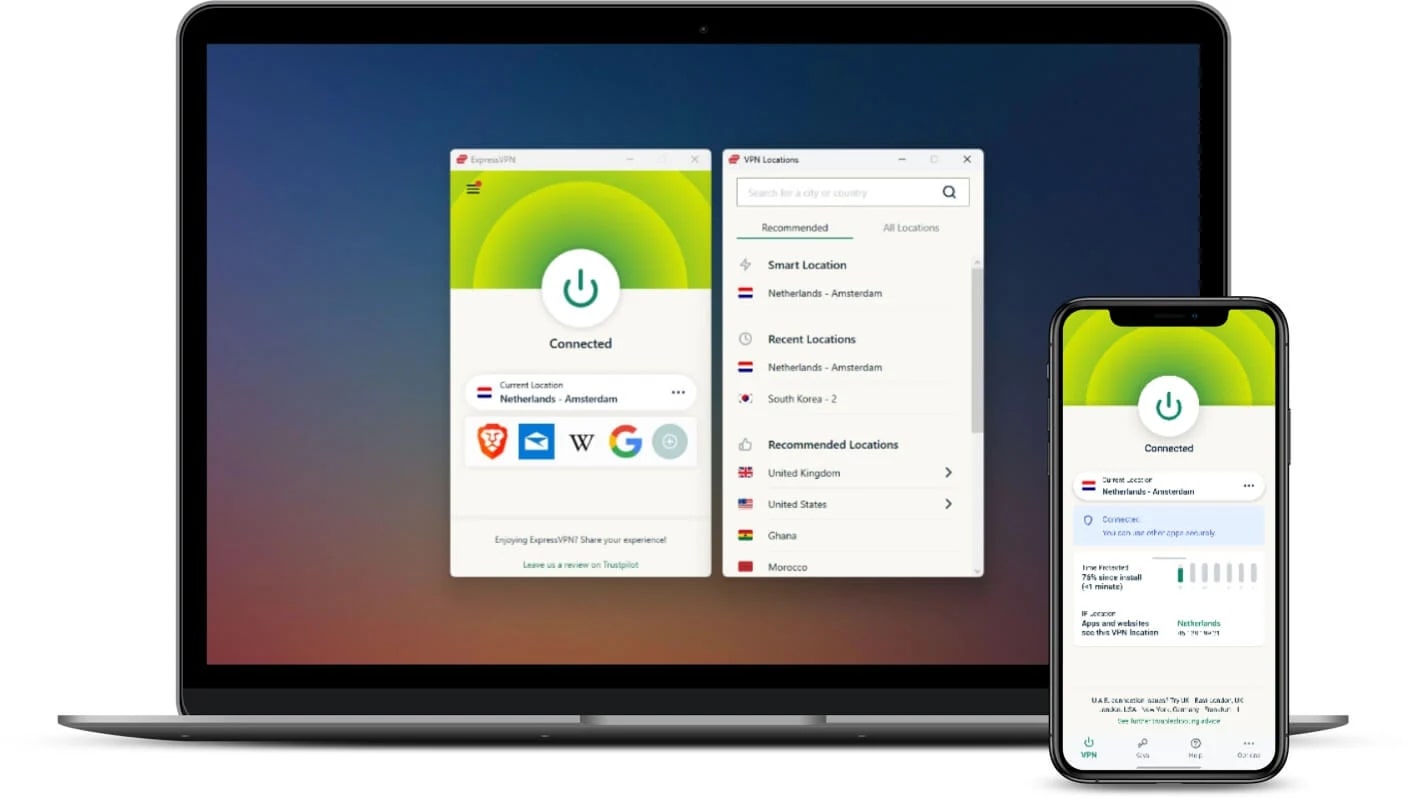
If you’re looking for a simple yet powerful VPN for Verizon Fios, ExpressVPN is the way to go. Almost everything is preconfigured for optimal performance, so regardless of the task you’re using it for—whether it’s changing regions on Netflix or simply staying anonymous online—it’s ready for action.
For privacy-conscious users, ExpressVPN TrustedServer technology makes sure that no data is stored. Also, your traffic is protected from ISP interference, meaning you get unrestricted speeds no matter what you’re doing online.
With global servers in 105 countries, including a massive server network in the US, ExpressVPN makes it easy to address Verizon Fios issues. Thanks to its Lightway protocol, your connection remains fast and stable, even when performing data-heavy tasks.
Plus, its streaming-optimized servers allow seamless access to geo-restricted content, so you can watch international shows without buffering. While the MediaStreamer lacks encryption, you can benefit from its SmartDNS capabilities, allowing you to access most blocked websites or other platforms.
ExpressVPN supports eight simultaneous device connections and is compatible with almost all prominent platforms. Through router support, you can also benefit from an instant VPN connection without the need for app installation on all devices you use.
It is backed by a 30-day money-back guarantee and a 7-day free VPN trial for Android and iOS users. However, the only downside is that its price starts at just over $5 per month, making it one of the more expensive VPNs in its category.
Pros
- Strong US coverage
- Simple interface, easy for beginners
- Fast speeds
- Router support and wide compatibility
- Offers 7-day free trial
Cons
- Expensive plans
- Low on unique features
3. Private Internet Access

If you need a budget-friendly VPN for Verizon Fios that starts at $2 per month on long terms, Private Internet Access (PIA) is a top choice. It offers unlimited device connections, meaning you can protect every device in your household with a single subscription.
PIA’s extensive server network spans 91 countries, including all major US states. It’s no coincidence that it is one of the favorite VPNs of Americans. It uses the WireGuard protocol, which offers a smooth and secure experience, even with Verizon Fios. The network also includes dedicated, streaming-optimized servers, which you can use to access restricted content without buffering issues.
PIA offers flexibility with customizable encryption settings, allowing you to choose between speed and security. Based on your needs, you can choose between AES-128 and AES-256. Additionally, its stealth technology helps reduce ISP detection, making it a strong option for those facing throttling issues.
With a strict no-logs policy, you can be sure your online activity isn’t being tracked. PIA remains one of the few VPNs with fully open-source apps, it a relief for those with privacy concerns.
Unfortunately, Private Internet Access doesn’t offer a free trial. However, it comes with a 30-day money-back guarantee and wide compatibility, including router support, allowing you to test it with Verizon Fios risk-free.
Try Private Internet Access Now
Pros
- 91 countries coverage, including US servers
- Unlimited device connections
- Customizable encryption for speed or security
- Stealth capabilities hide VPN usage from ISPs
- Open-source apps for transparency
- Affordable long-term plans
Cons
- Doesn’t offer a free trial
- Interface could be better
- Offers only core features
Setting Up a VPN for Verizon Fios (Step-by-Step Guide)
Using a VPN with Verizon Fios is a simple and effective way to avoid throttling, enhance privacy, and bypass geo-restrictions. Whether you’re trying to maintain a fast and unrestricted internet connection or access content that’s unavailable in your region, follow these steps to get started.
1. Choose a Reliable VPN
Not all VPNs work well with Verizon Fios, so it’s important to pick a provider that offers fast speeds, strong security, and the ability to bypass ISP restrictions.
NordVPN is the best choice for this as it comes with in-house NordLynx protocol, and dedicated obfuscated and streaming-optimized servers, perfect for Verizon Fios.
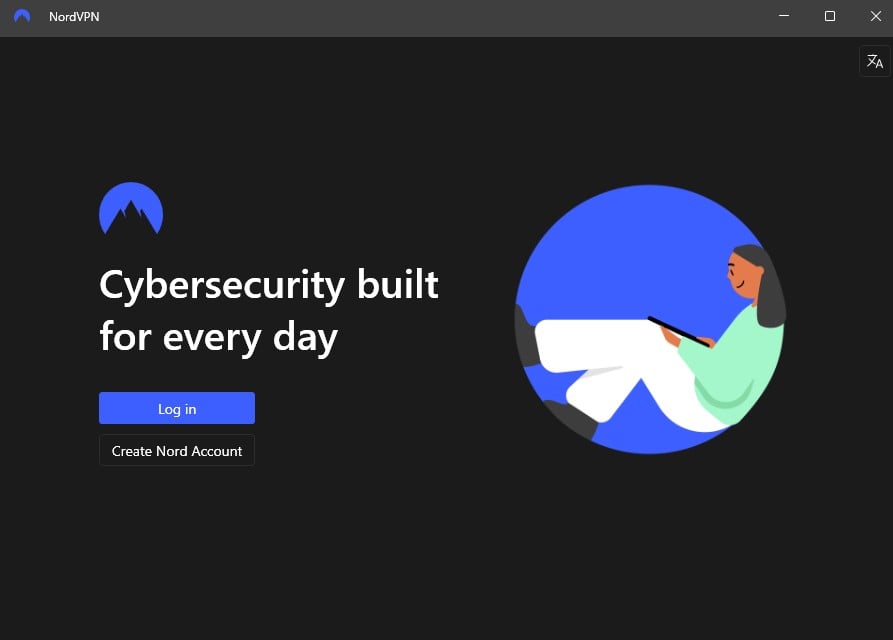
2. Download and Install the VPN App
Once you’ve subscribed to a VPN, install the app on the device with Verizon Fios. All suggested VPNs support all prominent platforms, allowing you to secure your entire home network or individual devices.
3. Use Verizon Fios Without Restrictions
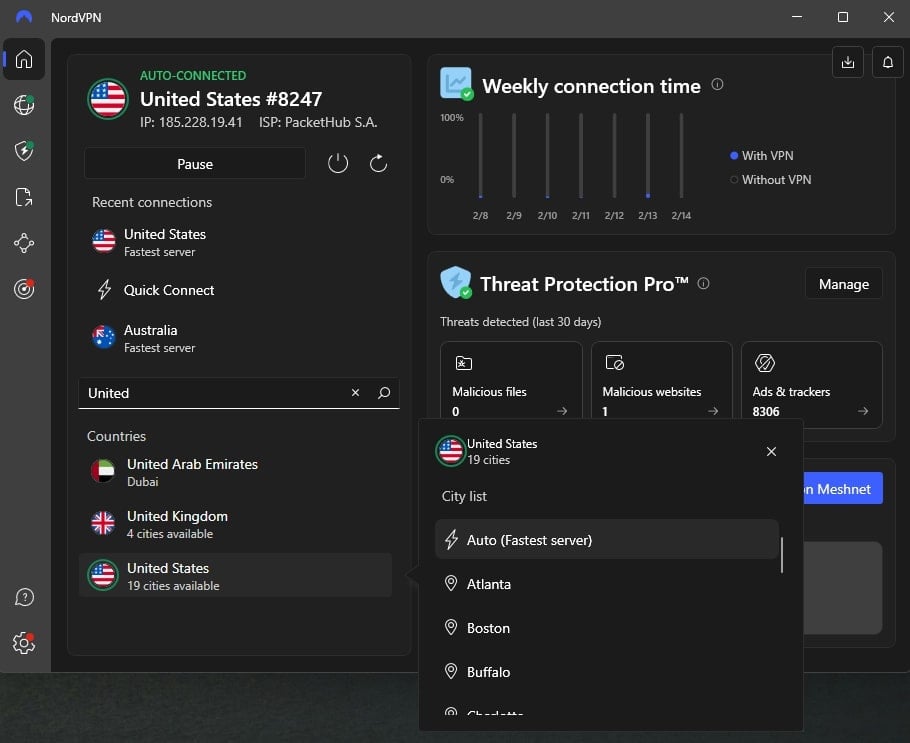
Next, connect to a VPN server based on your needs. If your goal is to stop Verizon Fios from throttling your speed, connect to a nearby US server to get the best performance while keeping your traffic hidden.
If you’re trying to access geo-restricted content, selecting a server in a different country where the content is available will allow you to bypass location-based blocks. For example, this can let you watch F1 TV Pro from any country.
What to Look for in a VPN for Verizon Fios?
Many turn to free VPNs for a quick fix, but they often come with slow speeds, limited servers, and privacy risks. While they work for basic browsing, they aren’t ideal for tackling Verizon Fios throttling, geo-restrictions, or data tracking.
The right VPN isn’t just about reputation—it needs to prevent throttling, protect privacy, bypass restrictions, and more. If you’re choosing a VPN for Verizon Fios, use the checklist below.
- Speed & Performance: You need a VPN that prevents Verizon’s speed throttling, not adds to it. We choose VPNs with high-speed servers, unlimited bandwidth, and optimized protocols to ensure smooth browsing and streaming.
- US-Based Servers and Global Coverage: With Verizon Fios operating in the US, we look for VPNs with multiple server locations across the country for better performance. If bypassing geo-restrictions is the goal, having global options is equally important. Hence, we choose VPNs with wide server networks.
- Obfuscation for ISP Throttling: Since Verizon can detect and throttle VPN traffic, we prioritize VPNs that use obfuscation to disguise it as regular browsing.
- Privacy & No-Logs Policy: Protecting data is a must. We choose VPNs with strict no-logs policies, backed by third-party audits to ensure privacy.
- Streaming & Geo-Unblocking: Access to restricted content without buffering matters. We choose VPNs with streaming-optimized servers to bypass Verizon’s content blocks and general geo-restrictions. For example, if you’re a sports fan, you can rely on them to watch Formula 1 online for free or enjoy the US Open tennis on a free foreign channel.
- Security Features: We focus on strong encryption and leak protection. Also, make sure the VPN you select has a kill switch to keep data safe even if the connection drops.
- Compatibility & Ease of Use: A VPN should work seamlessly across multiple devices and also offer router support, so you can secure an entire network with minimal setup.
- Price & Value: Free VPNs come with limitations. While we are not against them, they always tend to lack in crucial scenarios like performance, security, privacy, and support. Hence, we recommend recommend premium services that offer better at a reasonable cost.
Final Words
Slow speeds, blocked websites, and privacy concerns with Verizon Fios can be frustrating, but they’re not something you have to just accept. While ISP limitations might seem unavoidable, using the right VPNs can make a huge difference in getting back the internet experience you signed up for.
If buffering, lag, or content blocks have been an issue, NordVPN is the fix that actually works. With secure servers that are streaming optimized, built-in obfuscation, specialized servers and strong privacy features, it keeps your connection smooth, secure, and unrestricted for all tasks.
FAQs
Does Verizon Fios block VPN connections?
Some users have reported VPN connectivity issues with Verizon Fios, but this usually depends on the VPN provider. Choosing a reliable VPN with strong encryption, multiple protocols, and obfuscation features helps avoid detection, ensuring a smooth and uninterrupted connection.
Why does Verizon throttle bandwidth in the first place?
ISPs like Verizon throttle speeds to manage network congestion and enforce fair usage policies. This is especially common during peak hours or when users stream, game, or torrent heavily. A VPN prevents targeted throttling by masking your online activity.
Can a VPN prevent Verizon from throttling my internet speeds?
Yes, a VPN can help bypass throttling by encrypting your traffic, preventing Verizon from seeing what you’re doing online. Without this visibility, they can’t selectively slow down activities like streaming or gaming. However, you’ll need a VPN with strong encryption and obfuscated servers.
Does Verizon offer its own VPN service?
Verizon does provide VPN services for both business and personal use. You can use their NetMotion, but it is better off with third-party VPNs as they are feature-loaded, prioritize privacy, and have better unblocking capabilities.
Do VPNs work with a Fios router?
Unfortunately, most ISP-provided routers, including those from Verizon Fios, don’t natively support VPN configurations. To use a VPN at the router level, you’ll need a third-party router that allows VPN installation. Alternatively, you can run the VPN on individual devices for the same protection.
Will a VPN stop Verizon from tracking my online activity?
A VPN encrypts your data, preventing Verizon from seeing what websites you visit or what services you use. While they can still see that you’re connected to a VPN, they won’t be able to monitor your browsing habits or throttle specific types of traffic.