
WhatsApp is the world’s most used messaging app, yet what you can do on it depends on the network you’re connected to. In Dubai and Doha, messages go through while voice and video calls fail.
In China and Iran, the whole app is blocked, and some school and office networks block WhatsApp Web. A VPN works around these limits by connecting your phone to a server in a country where WhatsApp has no restrictions. For calls, a server close to you keeps ping low, so voices don’t lag or talk over each other.
On networks that detect VPN traffic, the VPN also has to disguise its connection as ordinary browsing, a feature called obfuscation. The five VPNs below do both.
Top 5 VPNs for WhatsApp in 2026
- NordVPN: Best overall for WhatsApp. It kept the most speed on phones in our tests.
- Proton VPN: Best for privacy. A Swiss VPN with Stealth obfuscation on every server.
- ExpressVPN: Best for battery life. It used the least battery in our phone tests.
- Private Internet Access: Best budget VPN for WhatsApp. One low-cost plan covers unlimited devices.
- Surfshark: Best for restrictive networks. It adapts by itself when a hotel or office network limits VPNs.
WhatsApp VPNs Compared
Speed loss is the average across UK, US, and Japanese servers. Battery use is the charge a 20-minute video took on our Android phone with each VPN connected, compared with 3% with no VPN.
| VPN | Desktop speed loss | iPhone speed loss | Battery used (Android) | Obfuscation | Price |
| NordVPN | 7.8% | 13.6% | 5% | Obfuscated servers | About $3.50/mo |
| Proton VPN | 10.2% | 17.5% | 4% | Stealth | About $3/mo |
| ExpressVPN | 7.8% | 16.2% | 3% | Automatic | About $3/mo |
| PIA | 12.7% | 24.2% | 5% | Shadowsocks (OpenVPN only) | About $2/mo |
| Surfshark | 9.6% | 21.4% | 5% | NoBorders, Camouflage Mode | About $2.50/mo |
Best VPNs for WhatsApp in 2026
1. NordVPN: Best Overall for WhatsApp Calls and Chats
Pros
- Small speed loss on iPhone and Android
- Obfuscated servers for networks that block VPNs
- App-level kill switch for WhatsApp
- Next-gen antivirus on higher plans
- Independently audited no-logs policy
Cons
- Obfuscated servers lag during heavy downloads
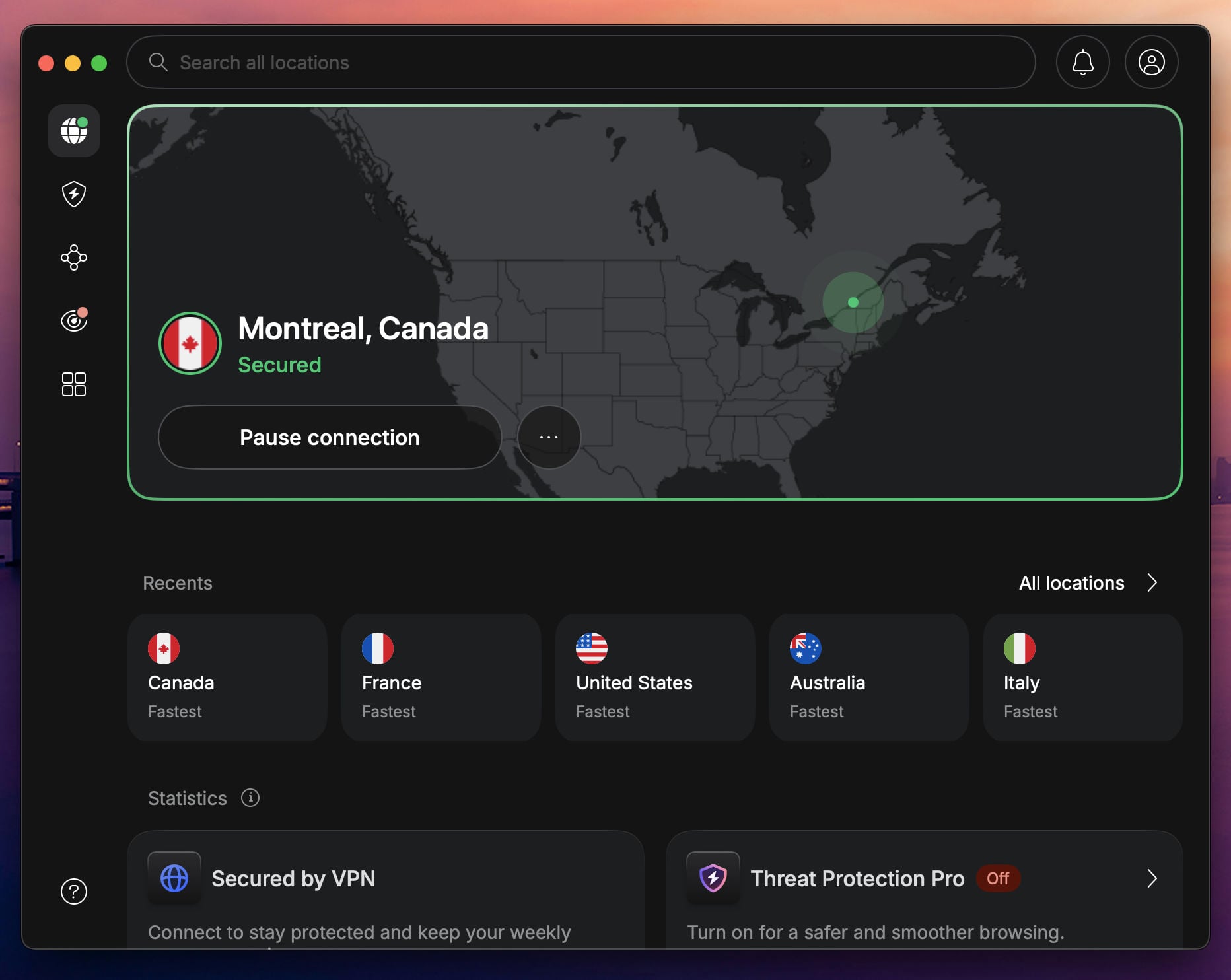
NordVPN takes first place because it keeps calls fast where most of them happen: on a phone. On our iPhone, it had a 13.6% speed loss across three server locations, smaller than any other VPN we tested there. A WhatsApp video call uses only a small part of what remains.
Where WhatsApp is filtered, its Obfuscated Servers disguise the connection, and since they use NordWhisper, you just open that category and connect. I made WhatsApp voice and video calls through NordVPN’s Hong Kong servers, and they connected on the first ring.
The occasional stutter came from the distance, and the calls never dropped. The trade-off shows when your connection is busy. On obfuscated servers, ping climbed sharply during large downloads, so postpone updates until the call ends.
Beyond WhatsApp, NordVPN tops our list of the best VPN services. The Basic plan costs about $3.50 a month on a two-year term and covers 10 devices.
2. Proton VPN: Best for Private Messaging and Calls
Pros
- Disguised connections with Stealth
- Based in privacy-friendly Switzerland
- Independently audited no-logs policy
- Secure Core sends traffic through two countries
- Light on phone battery
Cons
- Bigger speed loss on Android
- Lacks post-quantum encryption
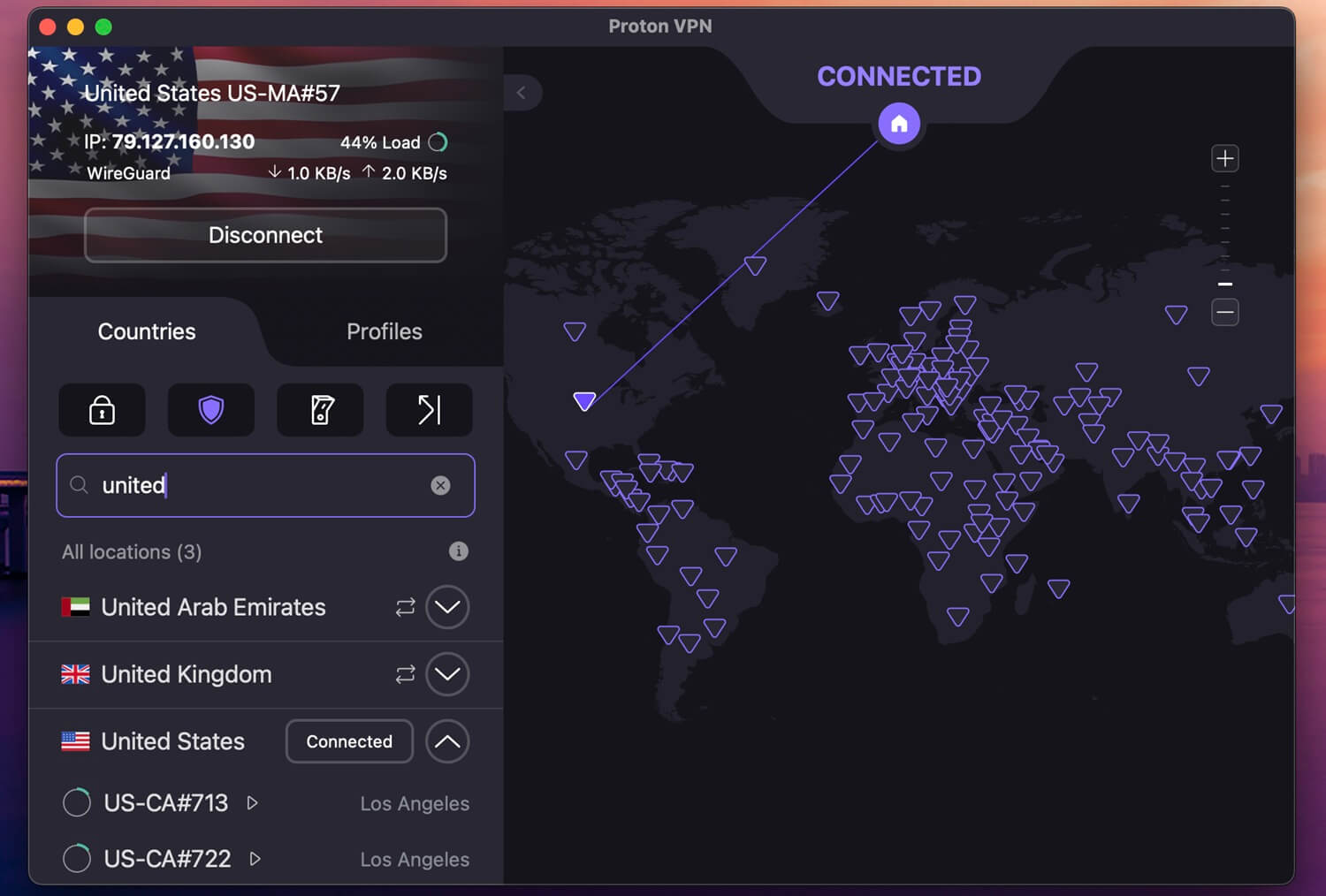
Proton VPN is our choice for privacy. WhatsApp already encrypts message content end to end, but your ISP can still see when you use it and how much data each call takes. With Proton VPN on, the ISP sees only a connection to a Proton VPN server.
The Swiss company’s independently audited no-logs policy also makes it one of the most secure VPNs we’ve tested. Its Stealth protocol works on every server, which helps on filtered networks in countries such as China and Iran.
Our calls over its Hong Kong servers went smoothly, apart from a single video call that froze for a moment and then carried on by itself. On Android, however, it had a 27% speed loss, more than NordVPN or ExpressVPN. On a weak mobile signal, connect to the nearest server to keep calls smooth.
Post-quantum encryption is also missing for now, which is strange, considering Proton VPN’s strict privacy. The VPN Plus plan costs about $3 a month on a two-year term.
3. ExpressVPN: Best for Battery Life on Phones
Pros
- Lightest battery use in our phone tests
- Nothing to configure on filtered networks
- Very quick to connect
- Quantum-safe encryption
- Up to 14 devices on the top plan
Cons
- Few settings for advanced users
- Price rises after the first term
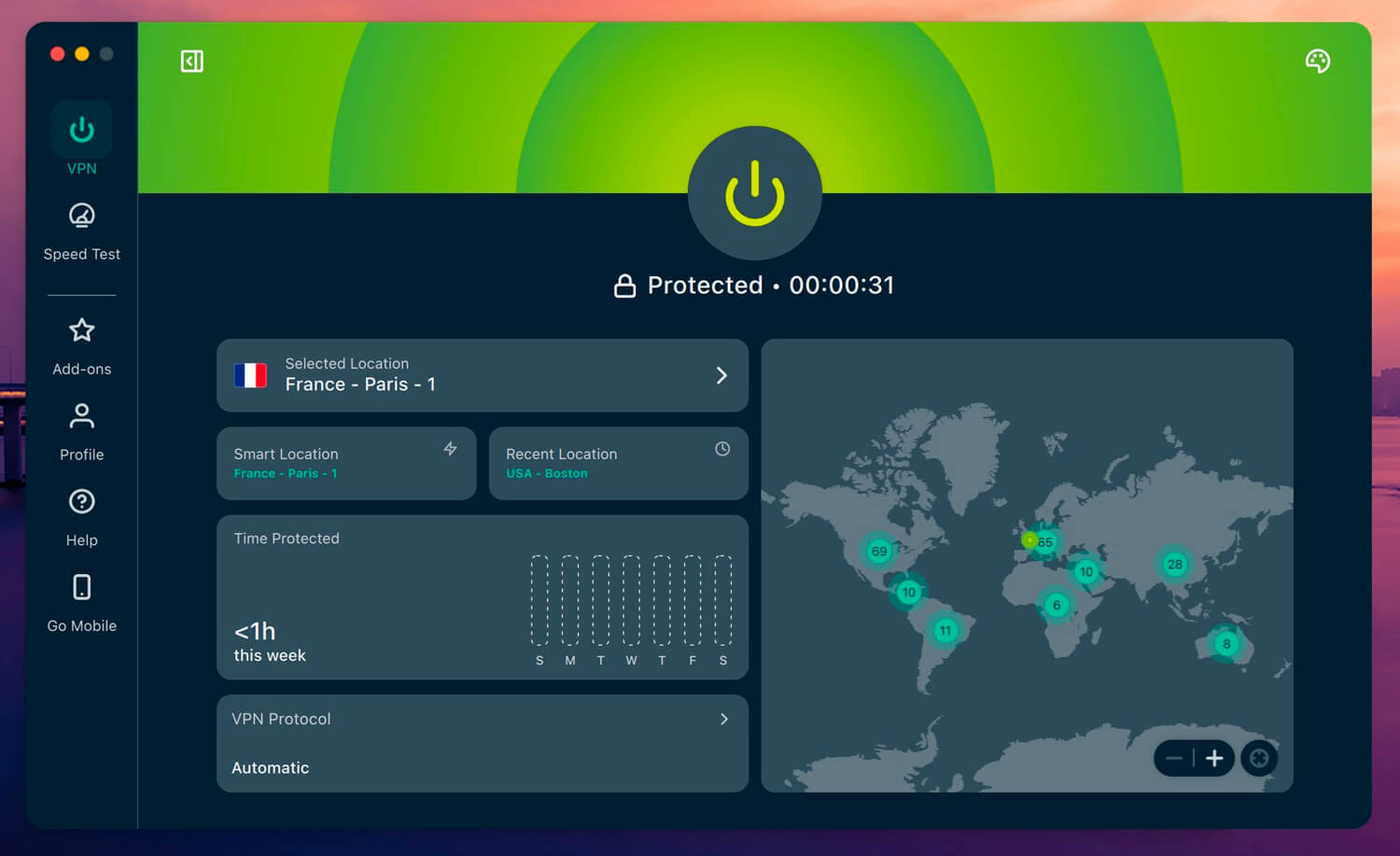
If WhatsApp calls fill much of your day, ExpressVPN is the easiest VPN on your battery. In our 20-minute video test on Android, the phone used 3% of its charge with ExpressVPN connected, the same as with no VPN. The other four used 4% or 5%.
It also disguises its traffic by itself on every server, so there’s nothing to enable on a network that blocks VPNs. Travelers who use ExpressVPN in China rely on the same automatic obfuscation. Our WhatsApp calls through its Hong Kong servers started instantly, and the app connected in two seconds whenever we switched servers.
Its weak point is the renewal. The Basic plan costs about $3 a month on a two-year term. After that, the price increases sharply, so compare renewal prices before committing to a long plan. If you only need it for one trip, the 30-day money-back guarantee covers a short trip.
4. Private Internet Access: Best Budget VPN for WhatsApp
Pros
- Unlimited devices on one plan
- Low long-term price
- Blocks ads and trackers
- Advanced kill switch prevents leaks on restart
- Highly configurable settings
Cons
- Obfuscation works only on OpenVPN
- Cluttered desktop app
PIA is the cheap VPN to choose for a household where everyone calls on WhatsApp. It costs about $2 a month on its long plan and allows unlimited devices, so every phone, tablet, and laptop can connect on one subscription.
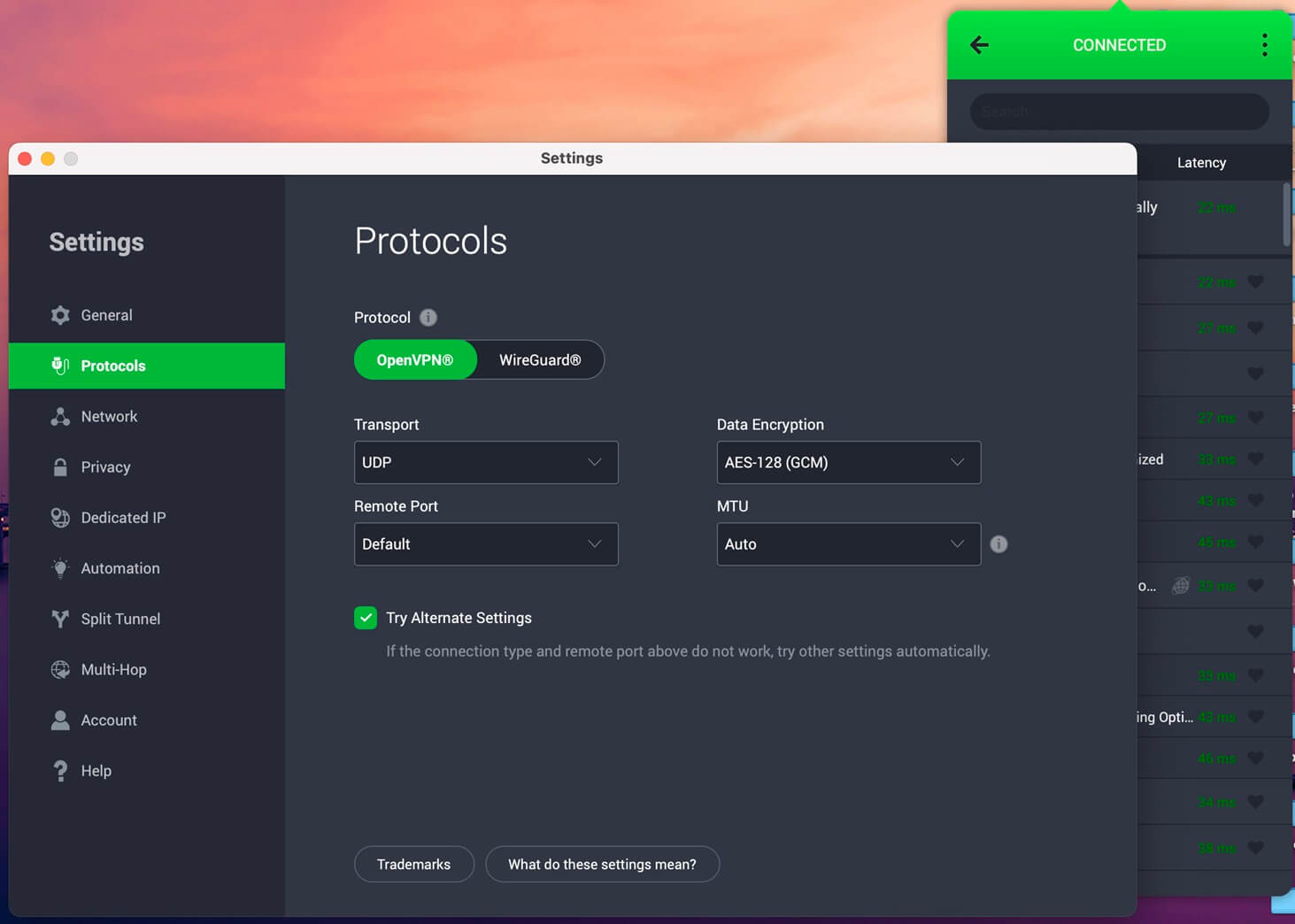
For filtered networks, its desktop apps disguise traffic through a Shadowsocks proxy, a tool designed for censored countries. It works only on the OpenVPN protocol, however, so switch from WireGuard before you enable it in the Multi-Hop settings. Speed is its weaker side.
Across our three server locations on desktop, it lost more speed than the other four, and the difference was larger on the iPhone. For calls, connect to the closest country to keep ping low. The Windows and Mac apps also look cluttered and dated, so settings take longer to find.
5. Surfshark: Best for Restrictive Networks
Pros
- Adapts automatically to restrictive networks
- Unlimited devices
- Blocks ads and trackers
- Quantum-safe WireGuard connections
- Fast on nearby servers
Cons
- Occasionally slow to connect
- Higher price on renewal
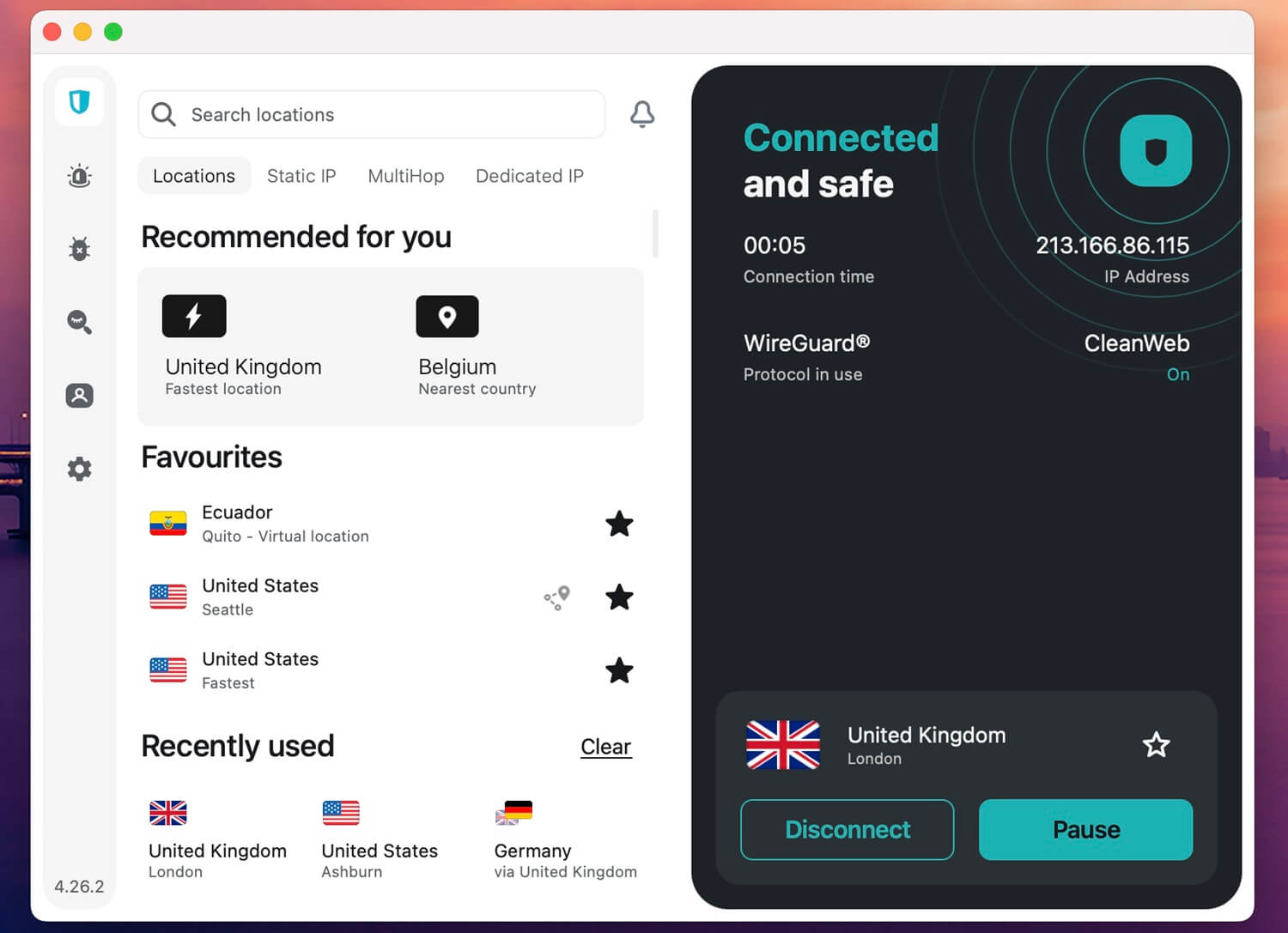
Surfshark is built for networks that try to limit VPNs. Its NoBorders mode switches on by itself on a restrictive hotel, office, or national network and points you to servers that connect there. Camouflage Mode, meanwhile, makes OpenVPN connections look like regular traffic. Nearby, it’s also quick.
On our UK server, Surfshark had a 1.8% speed loss, the best result of the five on that server. Calls to neighboring countries have speed to spare as a result. If you’re deciding between it and ExpressVPN, our ExpressVPN vs Surfshark comparison sets out the differences.
Connecting sometimes took longer than usual in our tests, so connect a minute before a scheduled call. The Starter plan costs about $2.50 a month in the long term and covers unlimited devices. Beyond calls, Surfshark’s full feature set includes ad and tracker blocking on every plan.
Where WhatsApp Is Blocked or Restricted
In the Gulf, the app works and calls don’t. Elsewhere, WhatsApp is cut off completely. Each country has its own setup:
- UAE: messages work, but voice and video calls fail on DU and e&. Here’s how to unblock WhatsApp calls in Dubai.
- Qatar: WhatsApp calls in Qatar fail on Ooredoo and Vodafone Qatar, while chats go through.
- Saudi Arabia: WhatsApp calls in Saudi Arabia connect on some days and fail on others.
- China: the whole app is blocked, so using WhatsApp in China requires an obfuscated VPN set up before you arrive.
- Iran: WhatsApp is blocked on home and mobile networks, and long shutdowns cut the country off at times, so unblocking WhatsApp in Iran takes extra preparation.
- Schools and workplaces: many networks block WhatsApp Web, which a VPN for school or office unblocks on the computer.
Even without a block, an ISP can deprioritize video traffic on a congested network. With a VPN on, it can’t single out WhatsApp calls, which makes a VPN one way to stop ISP throttling of calls at busy times.
How to Set Up a VPN for WhatsApp Calls
- Install the VPN before you travel. Where WhatsApp is blocked, VPN sign-up pages tend to be blocked as well, so set up NordVPN or another VPN for travel before you leave home.
- Connect to a nearby country where WhatsApp works. Calls remain in sync best on a close server, so from the Gulf, choose Cyprus, Greece, or Turkey over the US.
- Enable obfuscation on filtered networks. Use NordVPN’s Obfuscated Servers, Proton VPN’s Stealth protocol, Surfshark’s NoBorders mode, or PIA’s Shadowsocks proxy on OpenVPN. ExpressVPN does it automatically.
- Keep the VPN connected during the call. If the VPN disconnects on a blocked network, the call drops until it reconnects.
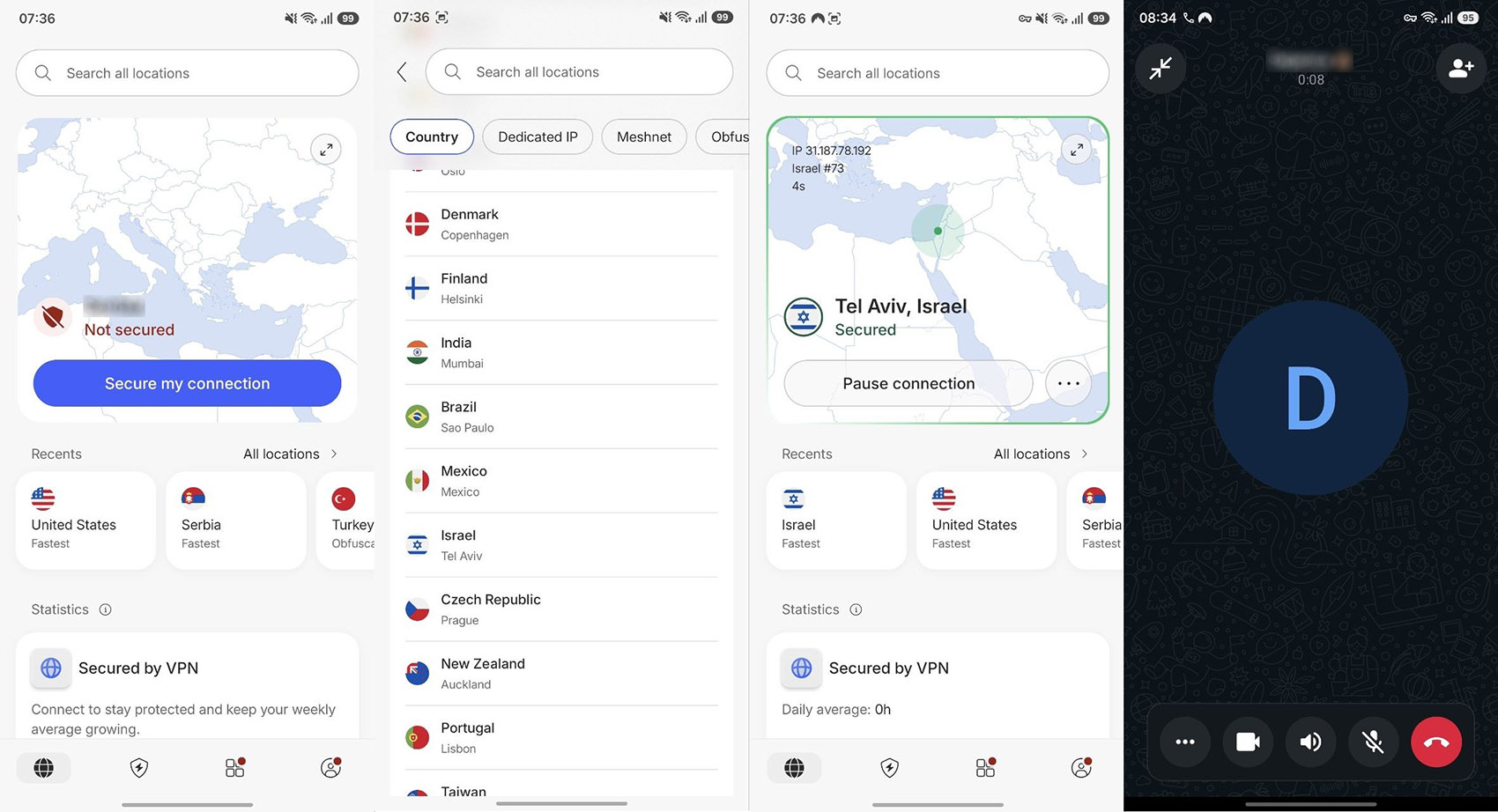
The same steps cover WhatsApp Web and the desktop app: connect the VPN on the computer, then link the session by scanning the QR code with your phone.
If calls still fail with the VPN on, switch to another server in the same country, then try a different country. Force-closing WhatsApp and reopening it after you connect also helps, because the app can keep an old connection open.
Does WhatsApp’s Built-In Proxy Replace a VPN?
WhatsApp added proxy support in January 2023, mainly for users in Iran. You enter a proxy server’s details under Settings, then Storage and data, then Proxy, and WhatsApp connects through it.
Messages remain end-to-end encrypted, but the proxy’s operator can see your IP address, and proxy details circulate mostly on social media, where many have already stopped working. A VPN does more. It protects every app on the phone and comes from a company with an audited no-logs policy.
It also offers servers in dozens of countries, while a single proxy can be blocked as soon as a filter finds it. Even so, the proxy setting is a free backup for times when your VPN won’t connect.
Can You Use a Free VPN for WhatsApp?
Yes, for messages and occasional calls. Free plans that disguise their traffic, such as Proton VPN’s free plan with Stealth or Windscribe’s free plan, can unblock WhatsApp. Still, data limits and fewer servers make long video calls harder. For calling from the Gulf, we compared five options for free WhatsApp calls in the UAE.
Avoid free VPNs with no clear owner or no-logs policy. Some make money by selling user data, which defeats the purpose of a private call. Our ranking of the best free VPNs includes only VPNs with a clean privacy record.
If you’d rather test a paid VPN at no cost, NordVPN’s free trial on Android lasts three days, and every VPN here has a 30-day money-back guarantee.
Verdict
If you’re traveling to a country that limits WhatsApp, a VPN helps only if it’s ready before you arrive. Install it at home and set it to disguise its traffic. NordVPN is the safest start for that, with Proton VPN close behind for those who also want a stricter privacy record.
At home, where WhatsApp works normally, a VPN is less about unblocking and more about keeping your network from seeing when and how often you call.
Frequently Asked Questions
Can I use a VPN for WhatsApp?
Yes. WhatsApp works normally over a VPN on Android, iPhone, and computers. A VPN connected to a country without restrictions unblocks WhatsApp messages and calls where local networks filter them.
Can WhatsApp see your location with a VPN?
Not from the IP address. With a VPN connected, WhatsApp sees the server's country, but the phone number keeps its own country code, and shared live locations come from GPS.
Is it legal to use a VPN for WhatsApp calls?
In most countries, yes. Where calling apps require a license, as in the UAE, or VPNs require a permit, as in Iran, using one involves legal risk, even if enforcement is rare.
Does a VPN make WhatsApp more secure?
Partly. WhatsApp encrypts message content end to end, so a VPN protects what surrounds it: the network can no longer see when WhatsApp is used or link calls to the user's IP address.
Does WhatsApp Web work with a VPN?
Yes. With a VPN connected on the computer, WhatsApp Web and the desktop app work on networks that block them, such as school or office networks, once linked to a phone.