Every VPN download page makes the same three promises: fast speeds, strict privacy, and access to the shows you can’t get at home. The prices look alike too, so the sales pitch rarely tells you which subscription is worth keeping.
The differences appear once the VPN is handling your connection. Some send your traffic to their server and back with almost no slowdown, while others turn a 4K stream into a buffering wheel. Some can prove, through an audit or a court case, that they kept no record of where you went, and others only say so.
And a VPN that hides your IP address well can still be detected by the one streaming app you bought it for. That’s why picking the best VPN service takes more than a feature list. Ten VPNs earned a place in our ranking, and the first three are closer than you might expect.
Top 10 VPN Services We Recommend in 2026
- NordVPN: Best overall, fast on every server and strong on streaming
- Proton VPN: Most secure option, with Swiss law and open-source apps
- ExpressVPN: Best for simplicity, with obfuscation that works automatically
- Private Internet Access: Best budget VPN, with a no-logs record tested in court
- Surfshark: Best value for streaming, with CleanWeb ad blocking included
- CyberGhost: Best for smart TVs and consoles, through Smart DNS
- Hide.me: Good for two-server connections on a smaller network
- Windscribe: Good for streaming on Pro, with a capable free plan to start on
- IPVanish: Good for covering many devices, weaker on streaming
- Mullvad: Best for anonymous sign-up, with no email required
Each step of our VPN testing method is documented separately.
VPN Comparison: The Top 10 Side by Side
Most people choose a VPN on two sets of questions: how well it performs, and how far its privacy claims hold up. The two tables answer each set for all ten.
Performance and Price
Speed loss is the average across UK, US, and Japanese servers, and the streaming column counts how many of our 9 test services each VPN unblocked.
| VPN | Long-term price | Speed loss | Streaming | Devices |
|---|---|---|---|---|
| NordVPN | About $3.50/mo | 7.8% (NordLynx) | 9 of 9 | 10 |
| Proton VPN | About $3/mo | 10.2% (WireGuard) | 7 of 9 | 10 |
| ExpressVPN | About $3/mo | 7.8% (Lightway) | 9 of 9 | 10-14 |
| PIA | About $2/mo | 12.7% (WireGuard) | 6 of 9 | Unlimited |
| Surfshark | About $2.50/mo | 9.6% (WireGuard) | 8 of 9 | Unlimited |
| CyberGhost | About $2/mo | 13.3% | 8 of 9 | 7 |
| Hide.me | About $2.70/mo | 15.9% | 7 of 9 | 10 |
| Windscribe | About $5.75/mo | 9.6% | 7 of 9 | Unlimited |
| IPVanish | About $2.50/mo | 21.7% | 5 of 9 | Unlimited |
| Mullvad | About $5.60/mo | 32.9% | 4 of 9 | 5 |
Privacy and Security
Jurisdiction decides which country’s laws apply to the company, and RAM-only servers wipe their data on every restart. Post-quantum encryption protects today’s traffic against future code-breaking computers.
| VPN | Jurisdiction | Audited no-logs | RAM-only servers | Obfuscation | Post-quantum |
|---|---|---|---|---|---|
| NordVPN | Panama | Yes | Yes | NordWhisper | Yes |
| Proton VPN | Switzerland | Yes | No (encrypted disks) | Stealth | No |
| ExpressVPN | British Virgin Islands | Yes | Yes | Automatic | Yes |
| PIA | US | Yes | Yes | Shadowsocks (OpenVPN only) | No |
| Surfshark | Netherlands | Yes | Yes | Camouflage Mode (OpenVPN only) | Yes |
| CyberGhost | Romania | Yes | Yes | No | No |
| Hide.me | Malaysia | Yes | Exit servers only | SoftEther, TLS-Crypt | No |
| Windscribe | Canada | Yes | Yes | Stealth, WStunnel | Yes (WireGuard) |
| IPVanish | US | Yes | Some locations | Scramble (OpenVPN only) | No |
| Mullvad | Sweden | Yes | Yes | Four methods (WireGuard) | Yes |
The Best VPN Services Reviewed
1. NordVPN: Best VPN Service Overall
Pros
- Panama jurisdiction
- Independently audited no-logs policy
- Double VPN servers
- Post-quantum NordLynx
- Meshnet for reaching your home devices
- NordWhisper obfuscation
- App-level kill switch
Cons
- Renewal price climbs steeply
- Interface takes time for beginners
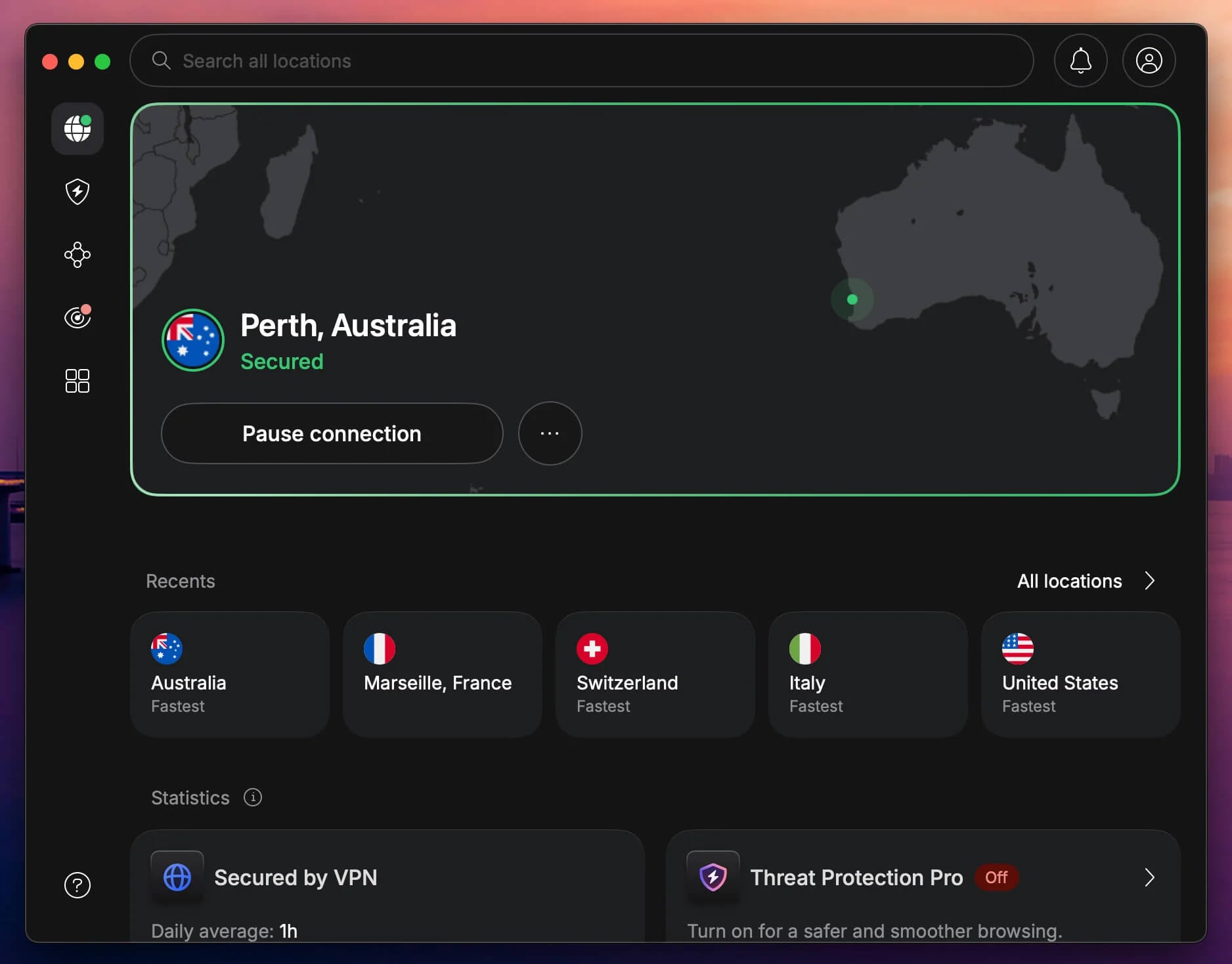
NordVPN’s average speed loss was 7.8%, too little to notice while streaming in 4K, and it tied ExpressVPN for the best result in our tests. It unblocked every streaming service we tested, on the same apps that cover phones, computers, and an Apple TV.
Pluto TV and Prime Video detected it now and then, so if a stream won’t start, connect to another server in the same country. On privacy, Panama doesn’t require VPN companies to keep user records, and independent auditors have verified the no-logs policy several times.
NordWhisper disguises your connection on hotel or office networks that block VPNs, and Double VPN servers encrypt your traffic twice, across two countries, for sensitive work on public Wi-Fi. The NordLynx protocol also adds post-quantum encryption, built to resist future code-breaking computers.
Every standard server allows P2P, so torrenting doesn’t require a special location. Meshnet links your own devices, so while traveling, you can reach sites that expect your home connection by browsing through your own PC.
The app’s many server categories can overwhelm a first-time user, so start with Quick Connect and explore the rest later. The Basic plan costs about $3.50 a month on a two-year plan, and the Complete plan adds next-gen antivirus, a password manager, and cloud storage.
2. Proton VPN: Most Secure VPN for Privacy
Pros
- Swiss jurisdiction
- Open-source apps
- Secure Core routing
- Stealth on every plan, free included
- Tor over VPN
- Port forwarding
Cons
- No Smart DNS for smart TVs
- No post-quantum option yet
- Couldn’t unblock ITV or Pluto TV
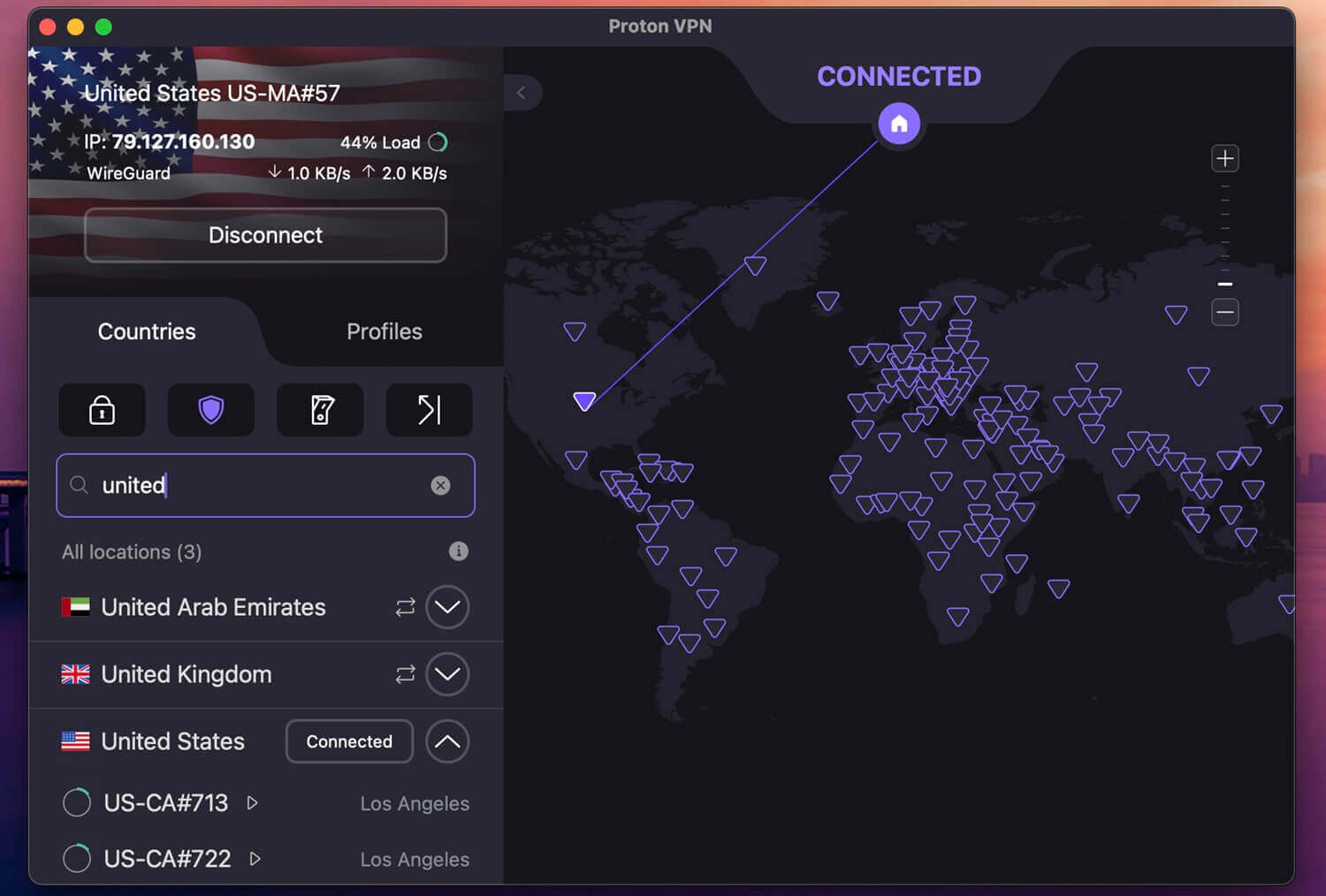
Proton VPN had the lowest US ping we recorded, 109 ms. Ping is the delay you feel in calls and games, so a low figure keeps video calls with people in the US responsive. With VPN Accelerator enabled, its download speed remained close to the leaders, and it unblocked most streaming services we tested.
It failed on ITV and Pluto TV, so for ITV’s catalog, choose NordVPN. Privacy is where Proton VPN leads. The company is Swiss, outside the 5, 9, and 14 Eyes intelligence-sharing groups, and its apps are open source, so security researchers can compare the code with Proton VPN’s claims.
Secure Core first connects you to Proton VPN servers in countries with strong privacy laws, which helps journalists and travelers in surveillance-heavy countries. Stealth hides VPN use from network filters, and there’s Tor over VPN for onion sites. NetShield filters ads, trackers, and known malware domains.
The servers use full-disk encryption instead of RAM-only storage, but independent audits have confirmed the no-logs policy year after year. There’s no Smart DNS, a setting that changes a TV’s streaming region without a VPN app, so on Samsung and LG smart TVs, the VPN has to go on your router.
The VPN Plus plan is just under $3 a month when you commit to two years, and the uncapped free plan remains available if you cancel.
3. ExpressVPN: Most Consistent Speeds Worldwide
Pros
- Automatic obfuscation
- RAM-only TrustedServer network
- Audited no-logs claim
- One-click apps
- Post-quantum Lightway
- Split tunneling on every app
Cons
- No multi-hop feature
- Limited customization
- Expensive renewal
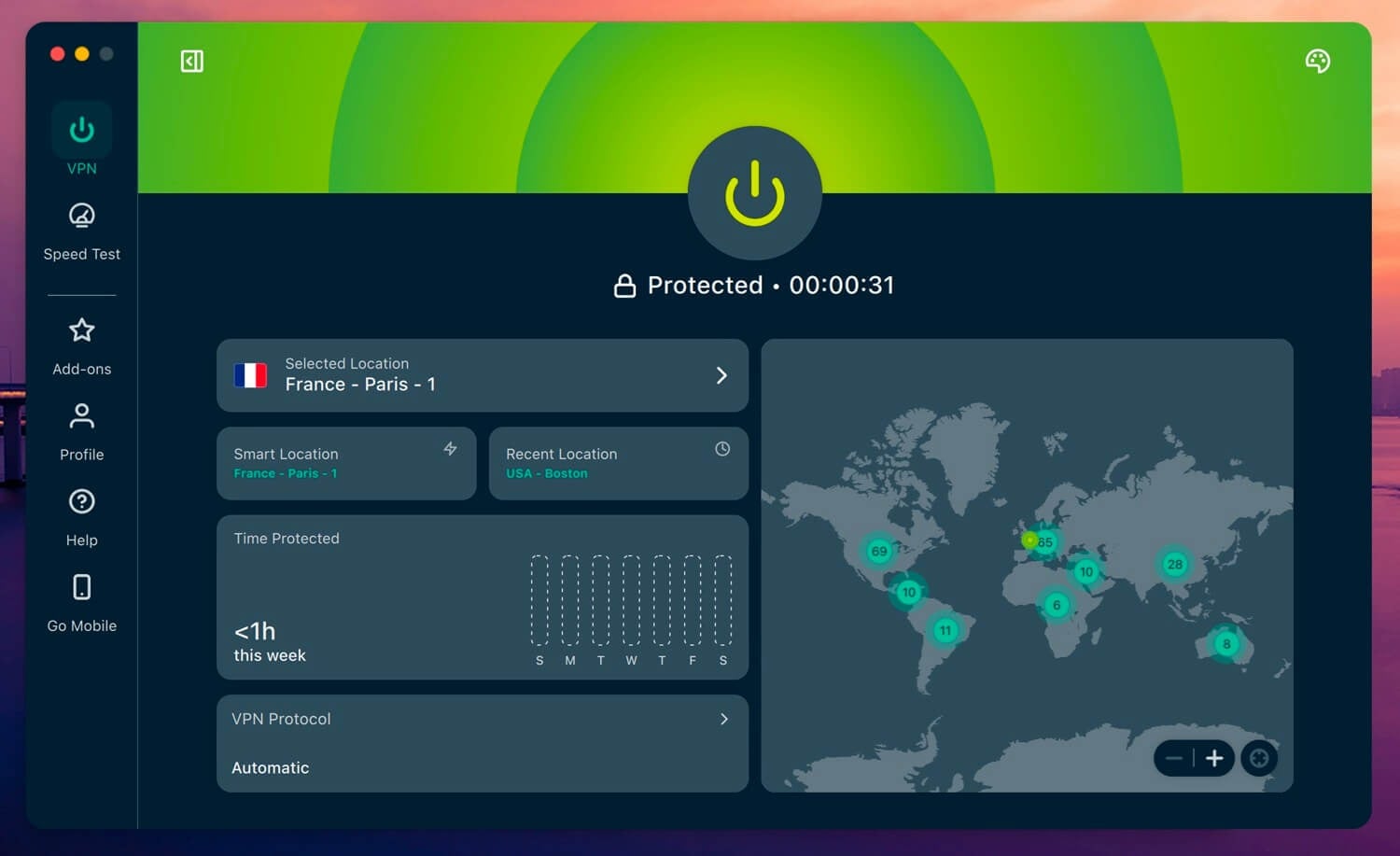
ExpressVPN matched NordVPN’s 7.8% average speed loss, and no VPN was faster on our Japanese servers, so distant locations remain quick. It unblocked our whole streaming set, with ITV and Prime Video detecting it on a few attempts.
Obfuscation, which makes VPN traffic look like a normal website visit, applies to every connection automatically, so a school network that blocks VPNs requires no extra setting. Its servers are RAM-only, which leaves no stored data to seize, and an independent audit has verified the no-logs policy.
The company is based in the British Virgin Islands, which doesn’t require it to store user data, and Lightway includes post-quantum protection. Every app has split tunneling, which lets a game or a banking app skip the VPN, and a kill switch that stops all traffic until the VPN reconnects.
The settings are simple, which suits beginners but leaves less to adjust than NordVPN, and multi-hop connections are still missing. If you want that, Proton VPN’s Secure Core fills the need. On a phone, a three-day ExpressVPN free trial lets you test the app before paying, though it requires a card.
Two years of the Basic plan come to just under $3 a month, but it renews at a much higher rate, so look at ExpressVPN’s current discounts before you subscribe.
4. Private Internet Access: Best Cheap VPN Software
Pros
- No device limit
- Court-tested no-logs record
- Every US state covered
- MACE ad blocking
- Open-source apps
- Shadowsocks obfuscation
Cons
- Standard kill switch leaks on restart
- US jurisdiction
- Couldn’t unblock Prime Video or HBO Max
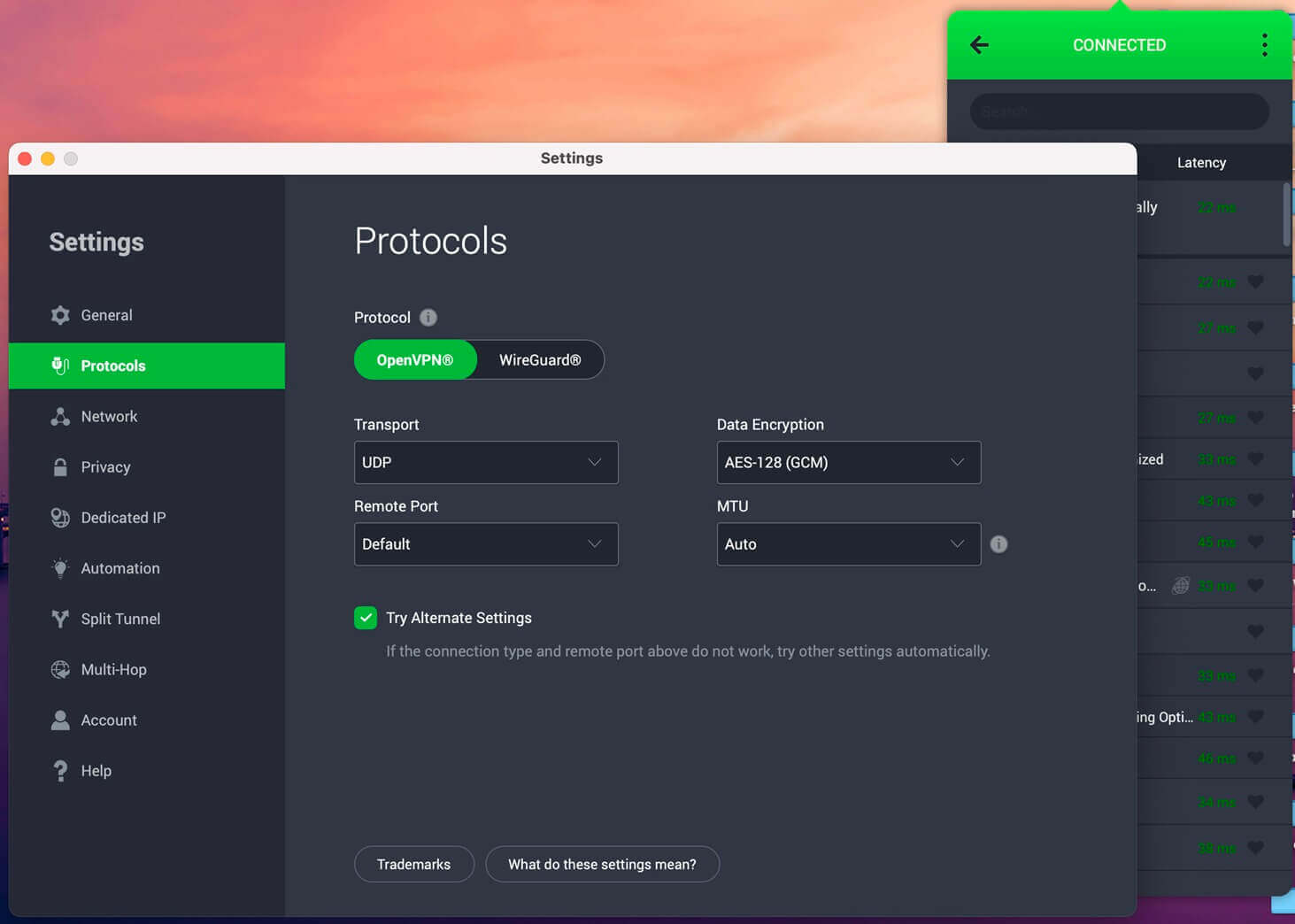
Private Internet Access had a 12.7% average speed loss, more than NordVPN, ExpressVPN, Surfshark, and Proton VPN, but still enough for 4K streaming. Its Japanese servers were the slowest, so choose a server near you where you can. It unblocked Netflix US and BBC iPlayer, but it couldn’t unblock Netflix Japan, Prime Video, or HBO Max.
Its no-logs claim has faced subpoenas in US courts, and PIA produced nothing because it stores nothing. That record offsets its US base, which places it in the 5 Eyes. The apps are open source, the servers are RAM-only, and every US state has a location, so local news and sports from home remain within reach on a trip.
MACE blocks ads and malicious domains, Shadowsocks disguises VPN traffic on OpenVPN, and a SOCKS5 proxy changes the IP address of a single app, such as a torrent client. Its kill switch let traffic out when we restarted the PC, which we didn’t expect from a VPN built around privacy.
Our advice is to wait for the app to connect after a restart before opening a browser. The longest plan costs around $2 a month with no device limit, which is why PIA also features among the best cheap VPNs.
5. Surfshark: Most Features for the Price
Pros
- Streaming without a browser extension
- CleanWeb and Web Content Blocker
- Static IP address on every plan
- Alternative ID masked email
- Post-quantum WireGuard
- RAM-only servers
Cons
- Slow connection times
- Netherlands jurisdiction
- No Smart DNS
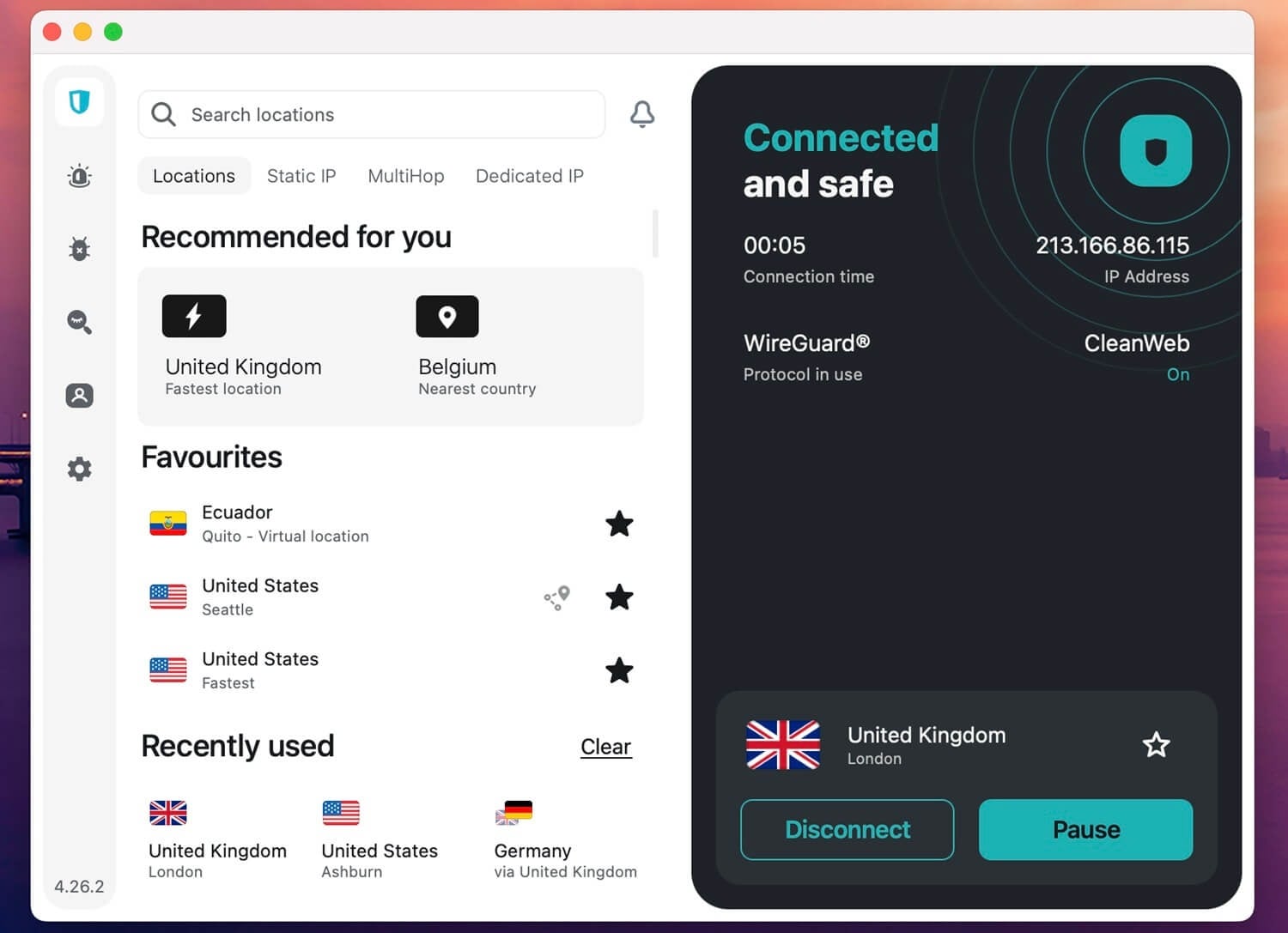
Surfshark’s UK server lost just 1.8% of our speed, the best single result in our tests, and it was the positive surprise of our testing. Streaming is its strong point: the desktop app unblocked every service we tested except ITV, with no browser extension required.
For streaming on a budget, it’s the VPN we’d choose. CleanWeb removes ads and trackers and stops known malicious sites, and Web Content Blocker filters whole categories, such as gambling sites on a child’s tablet. Every plan includes a static IP address, so your bank sees the same IP address at each login.
Alternative ID creates a masked email address for sign-ups you’d rather keep apart from your inbox. WireGuard connections have post-quantum protection, and every server stores data in memory only, so a reboot wipes it. Camouflage Mode hides VPN use on restrictive networks, and it requires OpenVPN.
Connection times were its one weak spot in our tests, so expect a short wait when you change servers. Smart DNS is no longer part of Surfshark, so a smart TV requires installing it on your router. The Starter plan is about $2.50 monthly over two years and has no device limit.
6. CyberGhost: Best VPN for TV and Console Setup
Pros
- Smart DNS included
- Servers labeled by streaming service
- NoSpy server network
- Quarterly transparency reports
- Romanian jurisdiction
- Long refund window
Cons
- Couldn’t unblock Netflix Japan
- Tight device limit
- No obfuscated servers
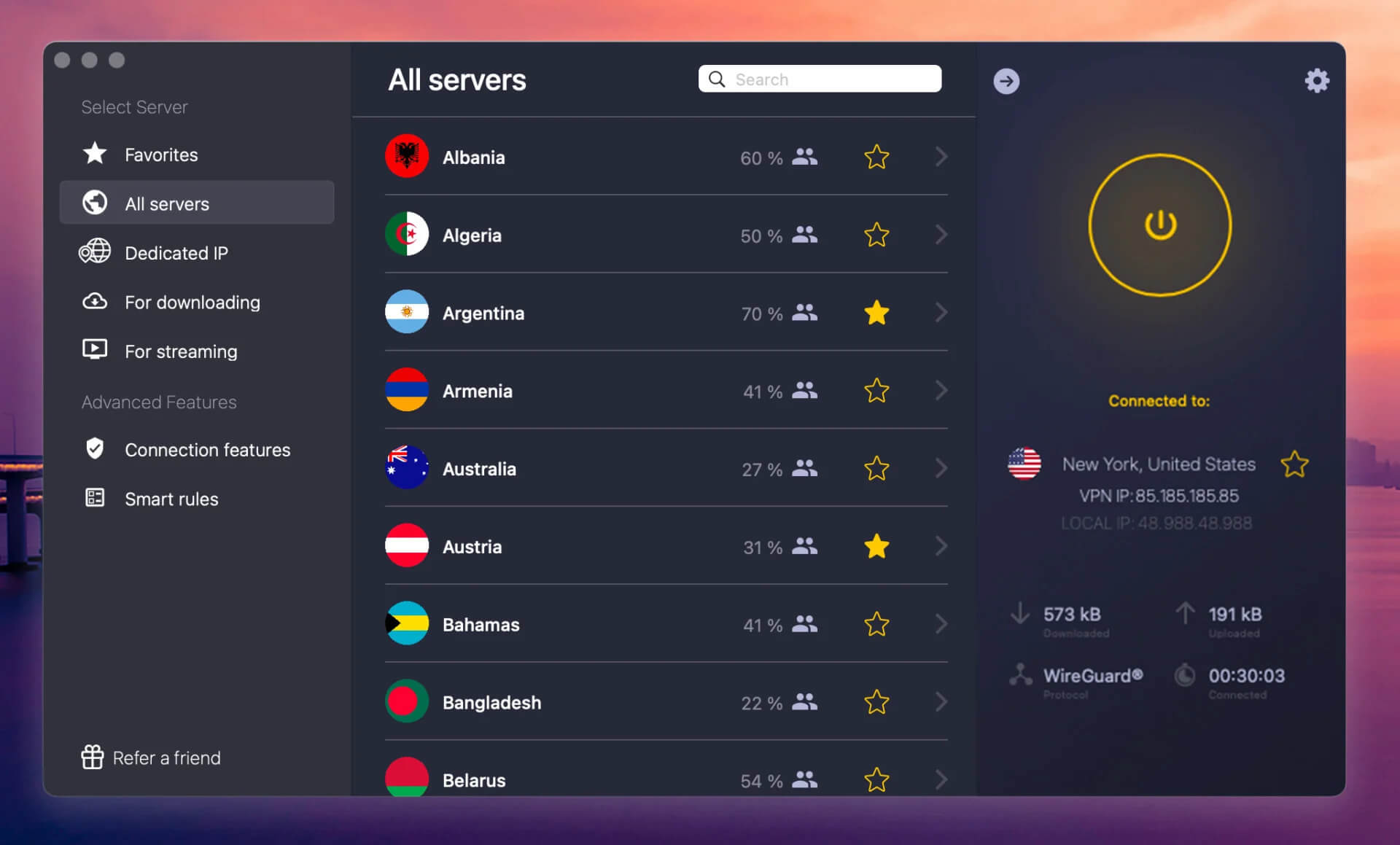
CyberGhost is the easiest VPN to set up on a TV or console. Its Smart DNS covers Samsung and LG smart TVs and a PlayStation with no VPN app installed, and its server list names the service each server is meant for, so you don’t have to guess.
Netflix Japan was the only streaming service it couldn’t unblock, even on the server labeled for that library. No VPN in our tests beat CyberGhost’s 39 ms ping on the UK server, so games and calls on nearby servers remain responsive.
Romania keeps it outside EU data-retention rules, CyberGhost publishes quarterly transparency reports listing the data requests it receives, and its NoSpy servers in Romania belong to the company itself. There’s no obfuscation, so on heavily filtered networks, ExpressVPN or Proton VPN is the better choice.
The seven-device limit is tight, but it still covers a phone, a laptop, and a TV. Its two-year plan comes to around $2 a month, and its 45-day money-back guarantee gives you two extra weeks to decide.
7. Hide.me: A Solid Second-Tier Pick for MultiHop
Pros
- Malaysian jurisdiction
- MultiHop connections
- Dynamic port forwarding
- SoftEther support
- Uncapped free plan
Cons
- Small country list
- Free plan blocks P2P
- Weak long-distance speed
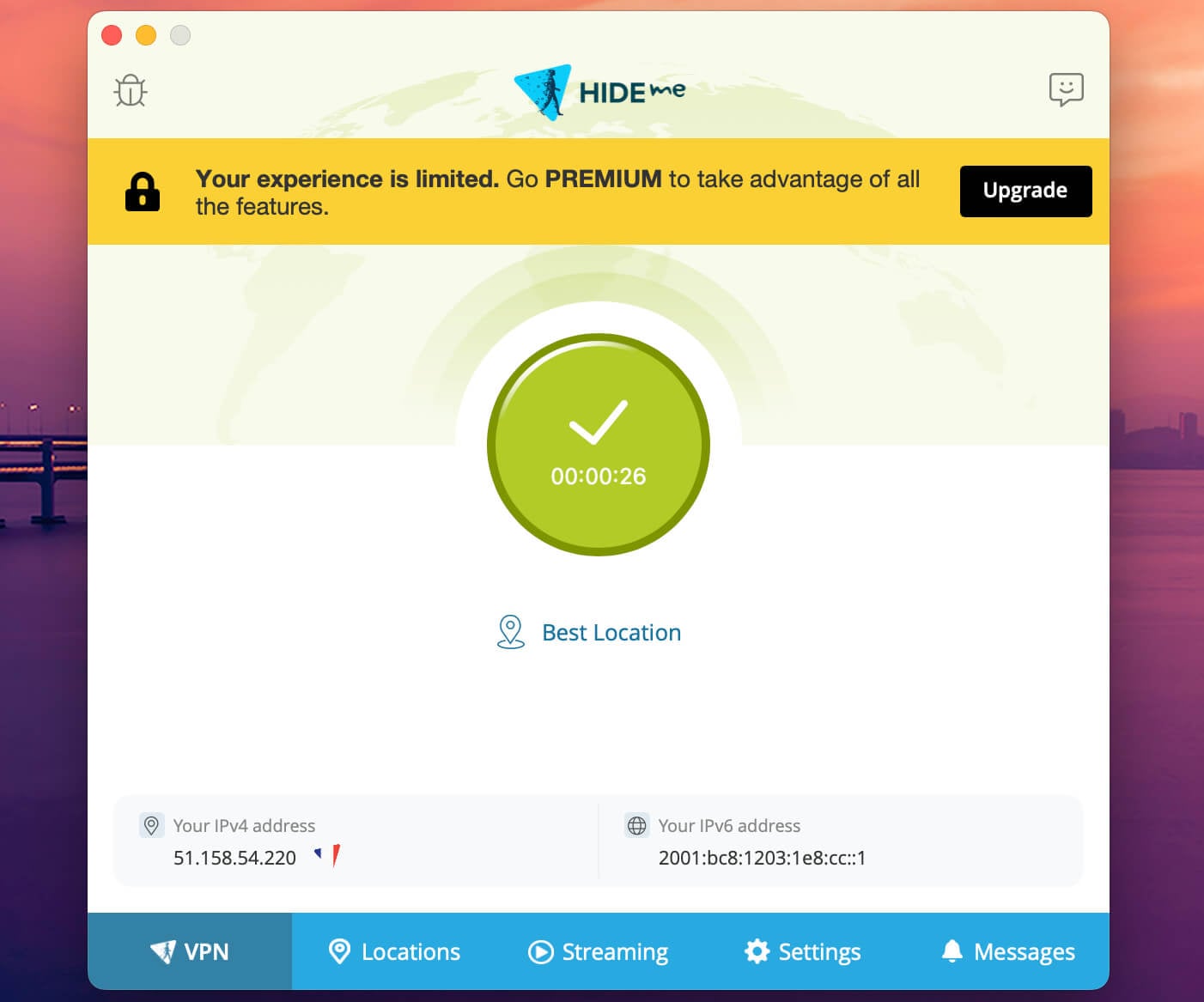
Hide.me is quick on nearby servers and slower on distant ones, with a 15.9% average speed loss, so choose a server close to you. It failed on Prime Video and ITV, but it unblocked the rest of our streaming services.
MultiHop sends your connection through two servers, SoftEther gets through VPN filters, and Malaysia, its home country, is outside the intelligence-sharing alliances. The network is small, so check that your country is on the list before you subscribe.
The free plan has no data cap but blocks torrenting and streaming, while a Hide.me subscription costs around $2.70 a month on the longest term.
8. Windscribe: Fast Paid Plan With a Capable Free Tier
Pros
- Pro speeds close to the leaders
- ITV unblocked on Pro
- Capable free plan
- Unlimited devices, free accounts included
- Stealth and WStunnel obfuscation
- Post-quantum WireGuard
- RAM-only servers
Cons
- Crowded menus
- Strict refund conditions
- Canadian jurisdiction
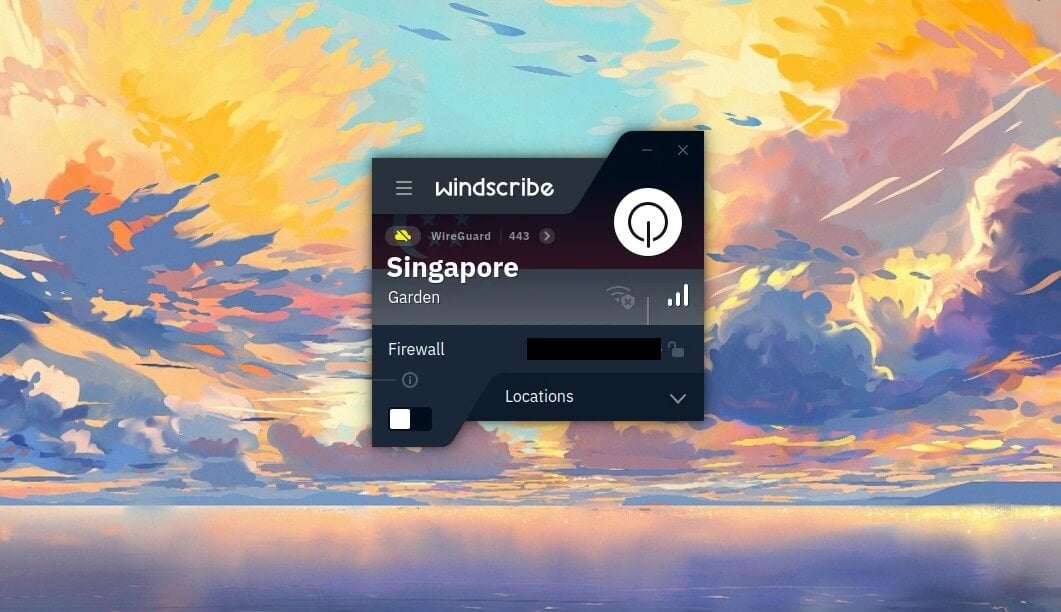
Windscribe Pro had a 9.6% average speed loss, the same as Surfshark, and it unblocked ITV and every other streaming service we tested except Prime Video and Pluto TV. There’s no device limit, and Windscribe also has a capable free plan that uses the same apps on fewer locations, with a monthly data allowance once you confirm your email.
Every plan includes Stealth and WStunnel, which disguise VPN traffic on blocked networks, and WireGuard connections now use post-quantum encryption. Its servers are RAM-only, an independent audit has examined the server setup, and a Greek court case showed it had no user logs to hand over.
The company is Canadian, so it falls under the 5 Eyes, and that court record offsets it. The app packs many settings into crowded menus, and some remained hard to find after regular use, so set your protocol and auto-connect once and leave them.
Windscribe Pro costs about $5.75 a month on the yearly plan, and refunds require a request within seven days and less than 10 GB of use, so start on the free plan before paying. Our Windscribe review covers the Pro plan in detail.
9. IPVanish: An Option for Covering Every Device
Pros
- Every device covered
- Audited no-logs policy
- Double Hop servers
- SOCKS5 proxy
- Wide country coverage
Cons
- Poor Netflix access
- No monthly refund
- Partial RAM-only network
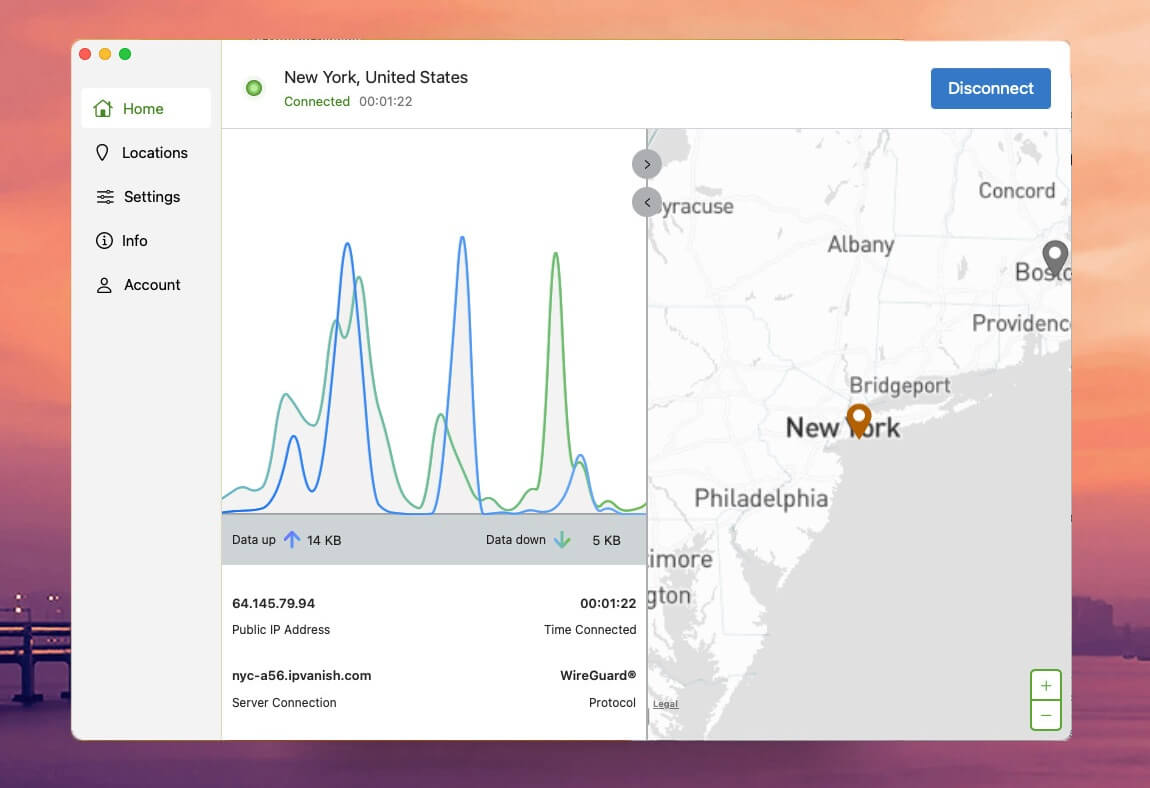
IPVanish was fast on its London server and slowed sharply with distance, for a 21.7% average speed loss that’s still workable for browsing and HD video. Streaming was weak: it couldn’t unblock Netflix US, Netflix Canada, ITV, or Prime Video, so choose NordVPN or ExpressVPN for streaming.
It has no device limit, wide country coverage, and a Double Hop option that sends traffic through two servers. Only some locations use RAM-only servers, and the monthly plan has no refund, so trying it means committing to a year.
The Essential plan costs about $2.50 a month across two years, and the IPVanish Advanced plan adds a secure browser and cloud backup.
10. Mullvad: Best for Anonymous Sign-Up
Pros
- No email at sign-up
- Cash payment accepted
- Post-quantum tunnels by default
- Four obfuscation methods
- RAM-only servers
Cons
- Weak streaming results
- Slow on distant servers
- Five-device limit
- No port forwarding
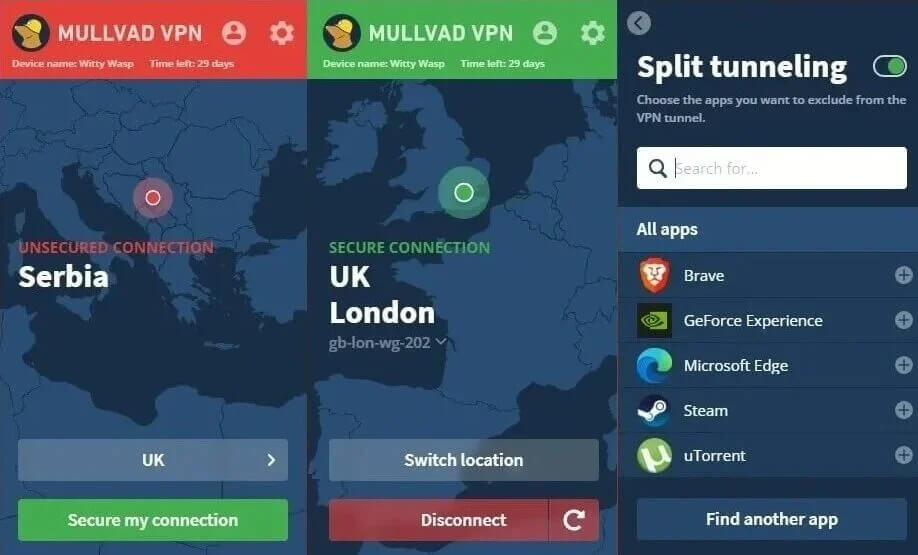
Mullvad requires no email at sign-up. You get an account number instead, and you can pay in cash by post, so the company never learns who you are. Its servers are RAM-only, audits have examined its infrastructure, and a Swedish police search found no user data to take.
Post-quantum protection is on by default on desktop, and four obfuscation methods disguise WireGuard on networks that block VPNs. Speed fell away with distance in our tests. The UK server lost only 5.8% of our speed, but US and Japanese servers were much slower, so choose a location near you.
Streaming was its weakest area: it unblocked Netflix US and Canada, BBC iPlayer, and Channel 4, but it failed on Netflix Japan, ITV, Pluto TV, Prime Video, and HBO Max, so choose NordVPN for streaming.
Mullvad charges about $5.60 a month whether you pay for one month or a year, with no long-term discount, and an account covers five devices. P2P works on every server, but port forwarding is gone, which makes seeding on private trackers harder.
Our Mullvad review goes deeper into its privacy design.
VPNs That Didn’t Make Our List
We’ve tested more than 40 VPNs, and several well-known names fell short on speed, streaming, or privacy:
- TunnelBear: a friendly app with yearly audits, but it was among the slowest paid VPNs in our tests and unblocked only Netflix US and Channel 4, so the TunnelBear alternatives we recommend are faster and better for streaming.
- Hotspot Shield: its privacy notice says it records the domains users visit and a device ID for marketing. On Linux, it offers only a command-line client that requires Premium, unlike the best VPNs for Linux.
- VyprVPN: it owns all of its servers, but it lost about a fifth of our speed and unblocked fewer than half of our streaming services.
- McAfee VPN: its kill switch let traffic out when we restarted the PC, and a McAfee VPN subscription offers no city-level servers or protocol choice.
- Hola VPN: free Hola VPN users share their connections with other users, so a stranger’s activity can appear under your IP address.
- Urban VPN: the free Urban VPN collects browsing data and shares it with third parties, which defeats the point of a VPN.
- Kaspersky VPN: Kaspersky products can no longer be sold in the US, so Kaspersky VPN isn’t an option for American subscribers.
How We Tested These VPNs
Each VPN went through speed tests on UK, US, and Japanese servers, repeated three times a day for three days, and the same streaming checks in October 2026.
| What we tested | How |
|---|---|
| Speed | Speedtest, 3 runs per server, compared with no VPN |
| Server locations | UK, US, and Japan |
| Protocol | Fastest one each app offers |
| Streaming services | Netflix US, Canada, and Japan, BBC iPlayer, Channel 4, ITV, Pluto TV, Prime Video, HBO Max |
| Browser state | Cookies and cache emptied before each session |
| Leak checks | IP and DNS leaks on every connection |
ITV and Prime Video were the toughest streaming services, detecting most of the VPNs at least some of the time. Netflix US and BBC iPlayer were the easiest, so the US Netflix library is no longer the hard test it once was.
None of the VPNs leaked an IP or DNS request, which kept leaks out of the final order. Prices, server counts, and plan details change often, so we verify them against each company’s own pages before every update.
For server-by-server results, see the fastest VPNs we tested.
What Is a VPN, and Do You Need One?
A VPN, or virtual private network, is an app that sends your device’s traffic through an encrypted connection to a server run by the VPN company. Your ISP and anyone on the same Wi-Fi see only that encrypted connection.
Websites see the server’s IP address instead of yours, so they place you in the server’s country. Our guide to what a VPN is explains the technology in more depth. Whether you need one depends on how you use the internet.
A VPN earns its price if you often connect to public Wi-Fi, travel and want your usual streaming catalogs or bank logins to work, live where your ISP or government monitors traffic, or download torrents.
At home, on your own network, the benefit is smaller, since most websites already encrypt the page itself. A VPN also has limits. It doesn’t remove malware, keep you anonymous once you sign in to an account, or make a slow internet plan faster, so pair it with antivirus and sensible account habits.
How to Choose a VPN Service
The ranking reflects our tests, but your own use decides which VPN fits. Before subscribing, compare these points:
- Proof of no logs: an independent audit, or a court case where the company had nothing to hand over, proves what a privacy policy only promises. NordVPN, Proton VPN, ExpressVPN, PIA, and Surfshark have audits behind their claims.
- Speed on your servers: an average hides distance. Every VPN in our tests slowed most on Japanese servers, so look at the locations you’ll actually use.
- Streaming: if one service is the reason you’re subscribing, check that the VPN unblocked it in our tests, since results vary by library, and VPNs for streaming differ most on ITV and Prime Video.
- Obfuscation: school, office, and hotel networks sometimes block VPNs. NordWhisper, Stealth, and ExpressVPN’s automatic obfuscation get past most of those blocks, which is why they also lead our picks for using a VPN at school.
- Devices: count every phone, laptop, and TV in the house. PIA, Surfshark, IPVanish, and Windscribe set no limit, and a VPN router covers devices that can’t install an app.
- Renewal price: the advertised monthly rate covers the first term only, and renewals cost two to three times as much at most VPNs.
- Ownership: Kape Technologies owns ExpressVPN, PIA, and CyberGhost, and Nord Security owns NordVPN and Surfshark. Each brand commissions its own independent audits.
Best VPN for Your Device or Use
Our main ranking is built on desktop tests, and we also tested the top VPNs on other devices:
- iPhone: NordVPN kept the most speed on our iPhone, which makes it our first choice among VPNs for iPhone.
- Android: NordVPN was fastest on our Android phone too, while ExpressVPN used the least battery among the Android VPNs we tested.
- Fire TV Stick: NordVPN was the quickest VPN for Firestick on every server location we tested.
- Netflix: NordVPN and ExpressVPN unblocked the US, Canadian, and Japanese libraries, which puts both at the top of our VPNs for Netflix.
- Gaming: CyberGhost had the lowest ping on nearby servers and NordVPN the lowest to Japan, two results that shape our gaming VPN picks.
- Ubuntu: NordVPN, Proton VPN, and ExpressVPN offer full desktop apps, and we tested each one as a VPN for Ubuntu.
Browser Extensions Beat the Apps on Streaming
One result surprised us enough to test it again. When a streaming service detected a VPN’s desktop app, the same VPN’s browser extension often still worked. With location spoofing enabled, which matches the browser’s location to the server, the NordVPN, Surfshark, and ExpressVPN extensions unblocked our full streaming set.
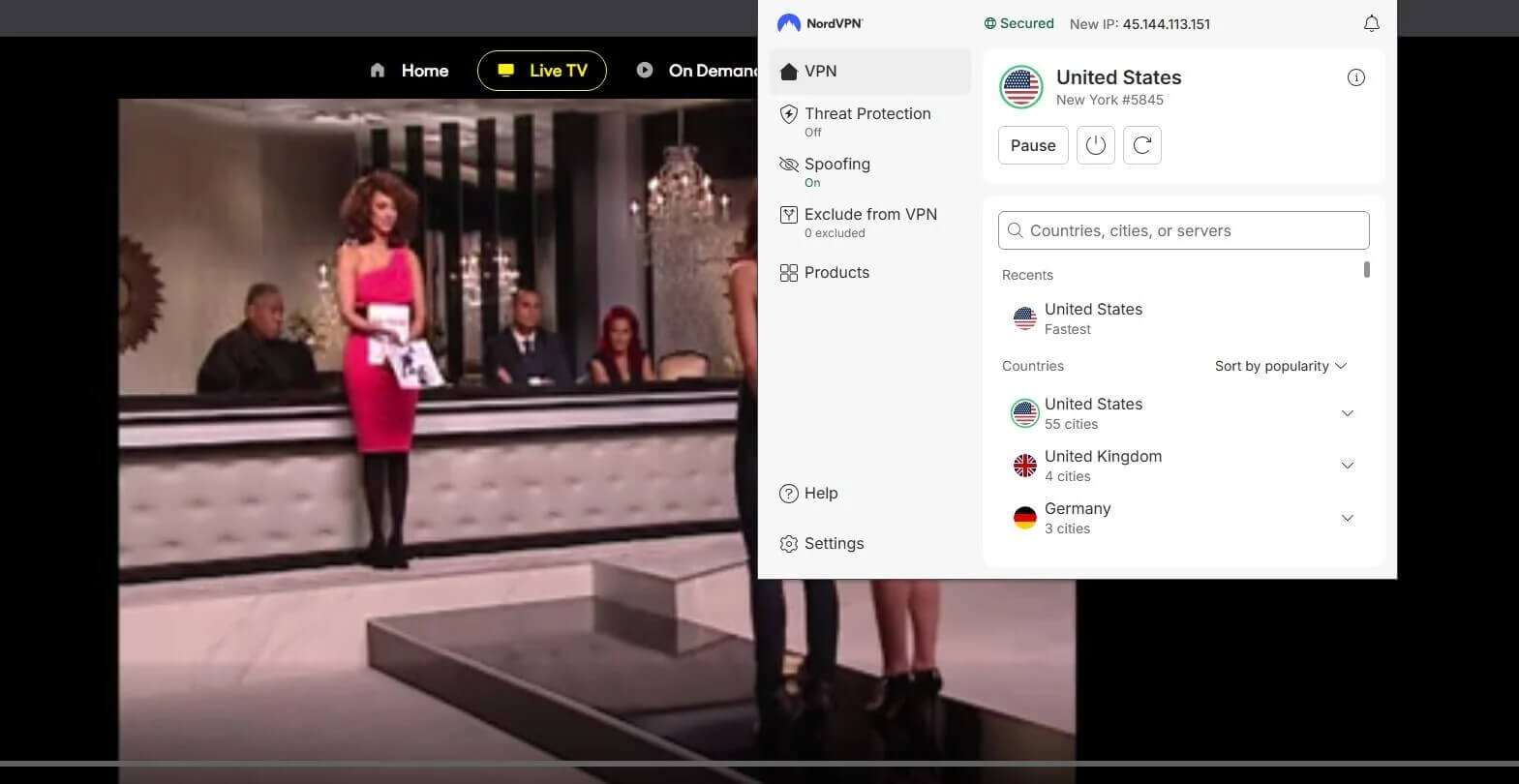
If a show won’t load through the app, open the extension in your browser before you switch VPNs. Extensions also help with unblocking a blocked site when the block comes from the network itself.
Why We Avoid Most Free VPNs
Most free VPNs limit your data, slow your connection, and leave out features. Some also log your traffic or sell it, which defeats the point of a VPN. Proton VPN’s free plan is the main exception: there’s no data cap, and its no-logs policy applies to free accounts too, which puts it among the few free VPNs with unlimited data we trust.
It chooses the server for you, though, so it can’t pick a country for streaming. Windscribe, eighth in our ranking, and PrivadoVPN are the better free choices for streaming within their monthly data allowance, and both appear among the best free VPNs we’ve tested.
Conclusion
Ten VPNs made the ranking, but most people can narrow the choice to the first three, and NordVPN comes out ahead of the other two. It kept nearly the full speed of our connection, no streaming service in our tests blocked it, and it backs its no-logs promise with repeated independent audits.
The app takes a little learning, and that’s the main thing to get past. It isn’t the answer for everyone. If your TV has no VPN app, CyberGhost’s Smart DNS is the simpler option, and if paying isn’t an option, Proton VPN’s free tier is the one we’d trust.
If you’re torn between the top two, our ExpressVPN vs NordVPN comparison goes through them feature by feature. Once you subscribe, connect to the server you’ll use most and run a speed test, and stream the same evening, so you know right away whether it suits your connection.
Frequently Asked Questions
What is the best VPN service?
The best VPN service for most people is NordVPN, which combines fast speeds, reliable streaming access, and an independently audited no-logs policy. Proton VPN is the strongest privacy-focused alternative.
Are VPNs legal in the US?
Yes. Using a VPN is legal in the US and in most other countries. Anything illegal without a VPN, such as piracy or fraud, remains illegal with one connected.
Can you be traced while using a VPN?
Yes, in some ways. A VPN hides the IP address and encrypts traffic, but signed-in accounts, browser cookies, and payment details can still identify the person behind the connection.
What can’t a VPN do?
A VPN can’t remove malware, keep accounts private after a user signs in, or make a connection faster than the internet plan allows. It protects traffic between the device and the server.
Is a free VPN as good as a paid one?
No, not usually. Free VPNs limit data, servers, or speed, and some sell user data. Proton VPN’s free plan is a safe exception, but it can’t choose server locations.
Which VPNs use post-quantum encryption?
NordVPN, ExpressVPN, and Surfshark offer post-quantum encryption on their main protocols, designed to resist future quantum computers. Proton VPN is developing it but doesn’t offer it to users yet.
Are VPNs safe to use?
Yes, if a reputable company runs the VPN. Audited no-logs policies, servers that don’t store data on disk, and open-source apps are signs of trust, while unknown free apps often log activity.
Does a VPN slow down your internet?
Yes, slightly. Traffic travels to the VPN server before reaching a website, so distant servers add delay, but leading VPNs leave enough speed for 4K streaming on nearby servers.
Senior Writer, VPN & Security
Cybersecurity journalist covering VPNs full-time. He has hands-on tested every major provider on the market, and audits their privacy claims against the published audit reports rather than the marketing pages. Tests every provider in this ranking himself, on the same connection.